






What is Windows 10 PIN How to Set PIN for Windows 10 Devices Machines
What is Windows 10 PIN? How to Set PIN for Windows 10 Devices? Windows 10 came with the Windows PIN option to log in to a machine. We can use a PIN rather than regular passwords.
I suggest checking the functionality and advantages of using Windows PIN on your Windows 10 machine. Besides Windows PIN, I would like to cover exciting news about Windows 10 Mobile phones in this post.
For the last few months, I’ve been playing around with different versions of Windows 10. The improvements I can see in each new build of Windows 10 mobile are fantastic. In this post, we will go through some new features of Windows 10 mobile phones and how to set up and reset a PIN for Windows 10.
In Windows 10, you’ll get two login options: one using the PIN and the other using a regular password. So, what is so special about the PIN?

| Index |
|---|
| What is Windows 10 PIN? How to Set PIN for Windows 10 Devices Machines? |
| How to Set PIN for Windows 10 Devices Machines |
- Fix: Windows 10 PIN Issue | Something happened, and your PIN isn’t available. Click to set up your PIN again
- How to Reset Windows PIN of a Windows 10 Windows 11 | Forget PIN | How to Fix Guide
- Windows 10 Version Numbers Build Numbers Major Minor Build Rev
What is Windows 10 PIN How to Set PIN for Windows 10 Devices Machines?
Once the device is enrolled, it acts as one of two factors required for authentication. The second factor will be a PIN. Using a PIN is faster and more secure than a password. Also, PIN only works with respective Windows 1o devices.
How To Reset Windows PIN Of A Windows 10 Machine HTMD Blog (anoopcnair.com)
What is PIN option in Windows 10? Does PIN replace Passwords? Does PIN enrollment provide two factor Authentication?
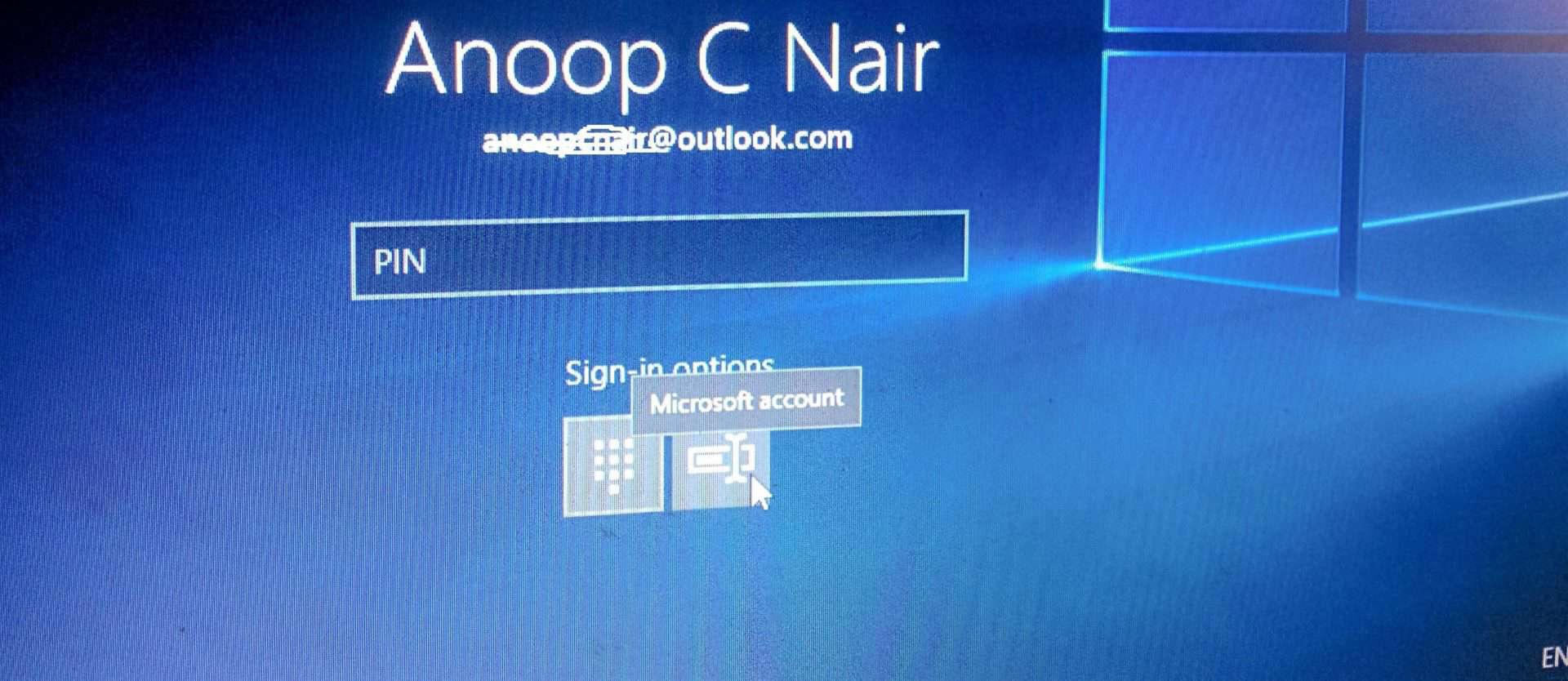
Unlike passwords that might be used to access all sorts of accounts, your PIN is unique to this PC. The PIN is unless to distant hackers. As you can see in the picture, we can log in to a Windows 10 machine with a PIN or Password. Passwords are so yesterday 😀.
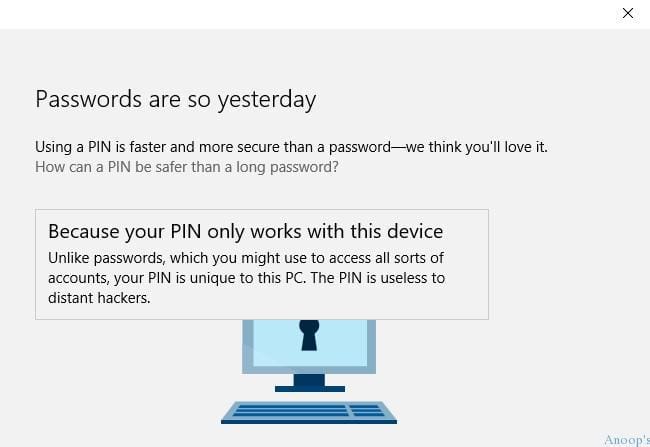
To set up Windows PIN for Windows 10, go to Settings –> Accounts –> Sign-in Options. What is the advantage of a PIN over a password?
| Accounts Options |
|---|
| Your Account |
| Sign in Options |
| Work Access |
| Sync your Settings |
| Kid’s Corner |
| Apps Corner |
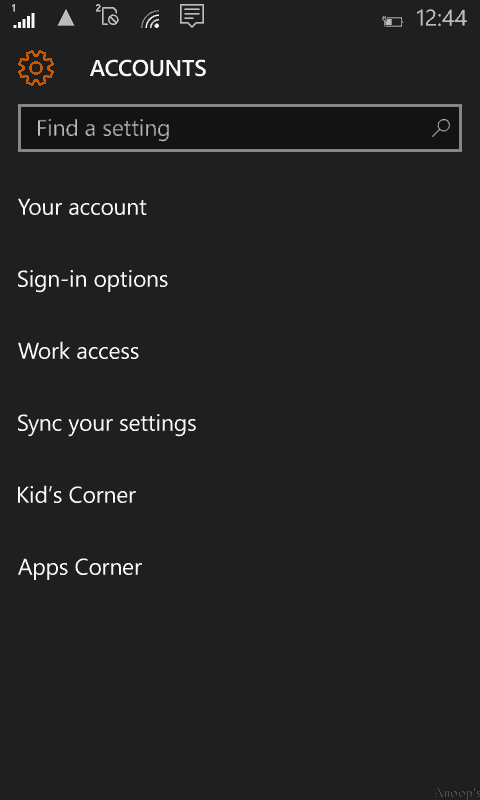
How to Set PIN for Windows 10 Devices Machines
Tap the Sign-in Option to access the PIN setup page. Create a PIN to replace passwords. A PIN makes signing into your phone, apps, and services easier. Tap Add to set up a PIN for Windows 10.
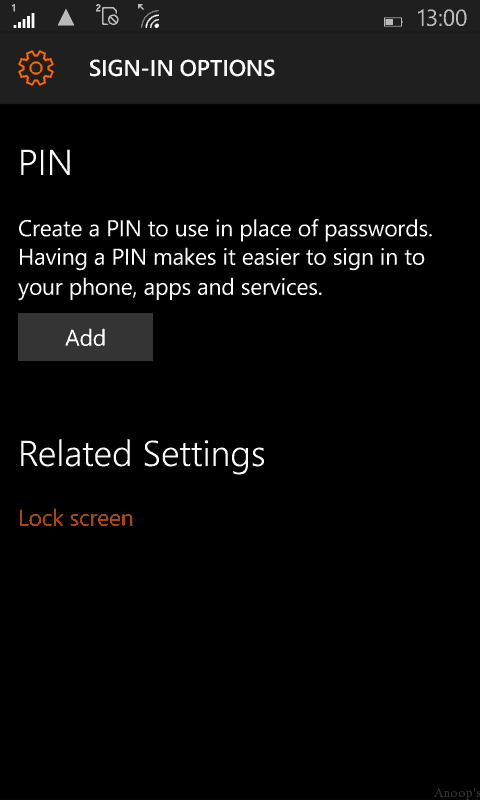
Set up a PIN to log in to your Windows 10 mobile phone. This is very useful; you don’t need to press enter or the OK button after putting in your PIN. Once Windows Hello is available, it would be awesome. A PIN makes signing into your device, apps, and services easier.
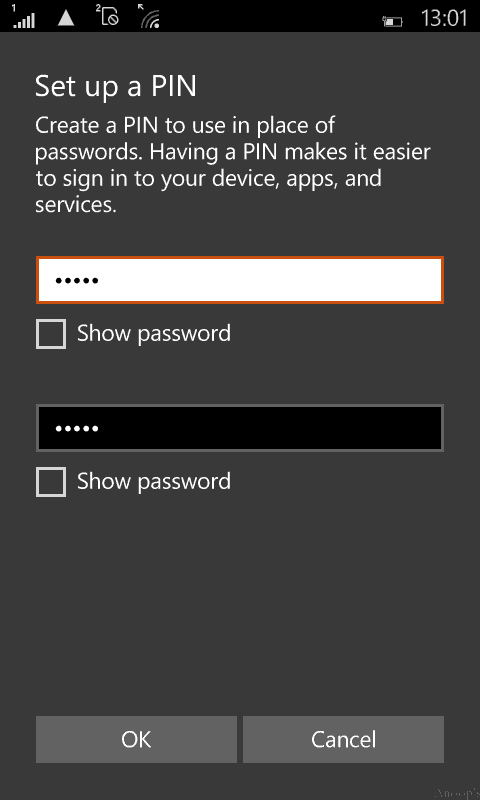
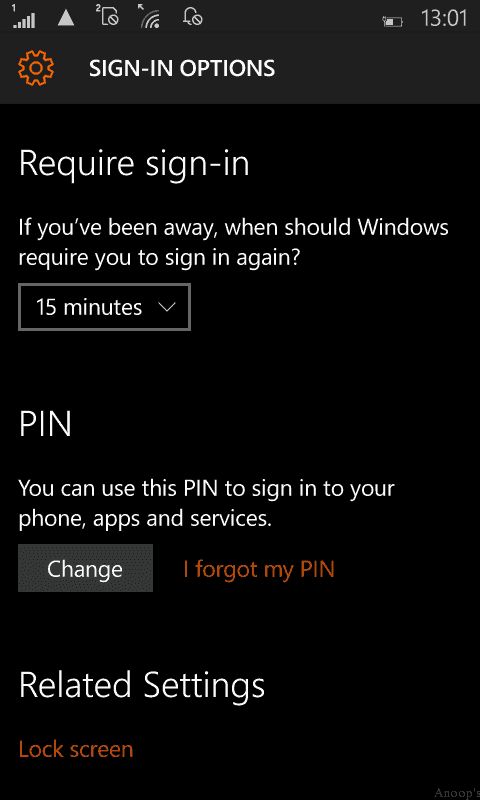
Questions like how to change or reset the Windows 10 PIN are answered here. Require Sign-in—If you’ve been away, when should Windows require you to sign in again? The default time to get automatically locked is 15 minutes.
- There is an option to change to “CHANGE your Windows 10 Phone PIN, and there is an option to reset the PIN by tapping I forgot my PIN.
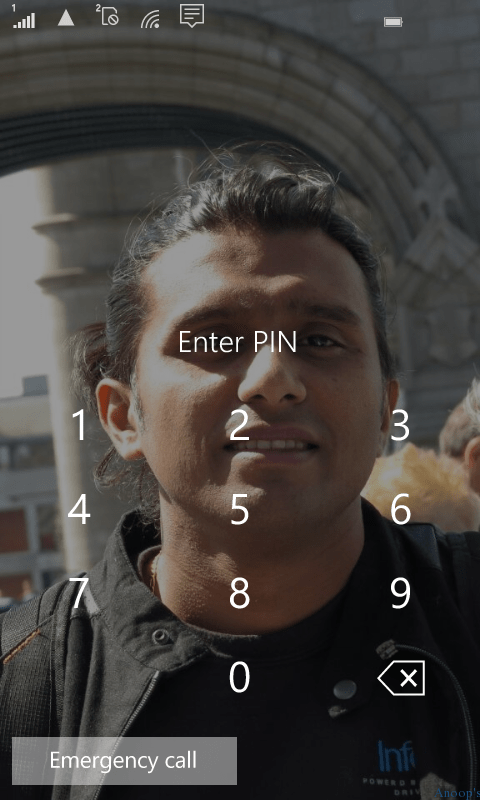
Type in the PIN on the lock screen:- and no need to press OK or enter.
We are on WhatsApp now. To get the latest step-by-step guides, news, and updates, Join our Channel. Click here. HTMD WhatsApp.
Author
Anoop C Nair is Microsoft MVP! He is a Device Management Admin with more than 20 years of experience (calculation done in 2021) in IT. He is a Blogger, Speaker, and Local User Group HTMD Community leader. His main focus is on Device Management technologies like SCCM 2012, Current Branch, and Intune. He writes about ConfigMgr, Windows 11, Windows 10, Azure AD, Microsoft Intune, Windows 365, AVD, etc.



thanks a lot
Thanx. It was helpful
I have created pin but when i locked my phone and then unlock it was Not ask me for pin or password plz reply first
This doesn’t even work,I ment how do you change the of the pin user and mine keeps on showing a different email this website Sucks and never gives me the right ansers.
StaffWhich version of Windows 10? The latest version of Windows 10 1703 may have some differences in GUI but it should work. The point to remember is you need to select the correct email id from the browser history. If you select the wrong email then, it won’t work
What about lumia 540 its not working
does pin interact with login with username/password? or no interaction whatsoever?