






MS Paint Cocreator Feature Now Rolling Out
MS Paint Cocreator Feature Now Rolling Out. Great news for Windows Insiders in the Canary and Dev Channels! Microsoft is launching an exciting update for the Paint app, starting with version 11.2309.20.0 or higher.
Get ready to explore new features and enhancements designed to improve your creative experience. Paint Cocreator is a fantastic new feature powered by DALL-E’s AI magic. Now, you can effortlessly bring your artistic visions to life.
Microsoft provides continuous innovation in MS Paint. It brings users a host of exciting updates. The latest addition, the Background Removal feature, allows users to automatically remove the background from an image with a single click. Additionally, introducing Dark Mode offers users an elegant and comfortable interface, reducing eye strain during extended creative sessions.
MS Paint is a powerful and user-friendly tool, a simple program allowing users to create basic graphic art on a computer. The Paint Cocreator is a functionality that uses an online Azure service to craft images from your provided text and chosen style.

- Enable Dark Mode for Microsoft Paint
- Snipping Tool in Windows 11 Latest Features | Settings | Uninstall
- Enable Dark Mode for Web Content in Microsoft Edge | Windows 11
What is the MS Paint Cocreator Feature?
The MS Paint Cocreator is an innovative addition to MS Paint that leverages AI technology, specifically DALL-E, to assist users in generating artwork based on their descriptions.
How Does the Cocreator Feature Work?
You can easily use this feature by describing what you want to create in a few words, and the Cocreator uses advanced AI algorithms to generate corresponding artwork.
Is the Cocreator Feature Available for All versions of MS Paint?
The Cocreator feature is available in the latest versions of MS Paint. Users are advised to update to version 11.2309.20.0 or higher to access this feature.
MS Paint Cocreator Feature Now Rolling Out
Microsoft announced that Paint Cocreator is launching in preview! It’s available for English users in the US, the UK, France, Italy, Germany, Australia, and Canada. If you’re an Insider in the Dev and Canary channels, you must watch your email for an invite to get early access to this exciting feature.
- Start Menu > MS Paint
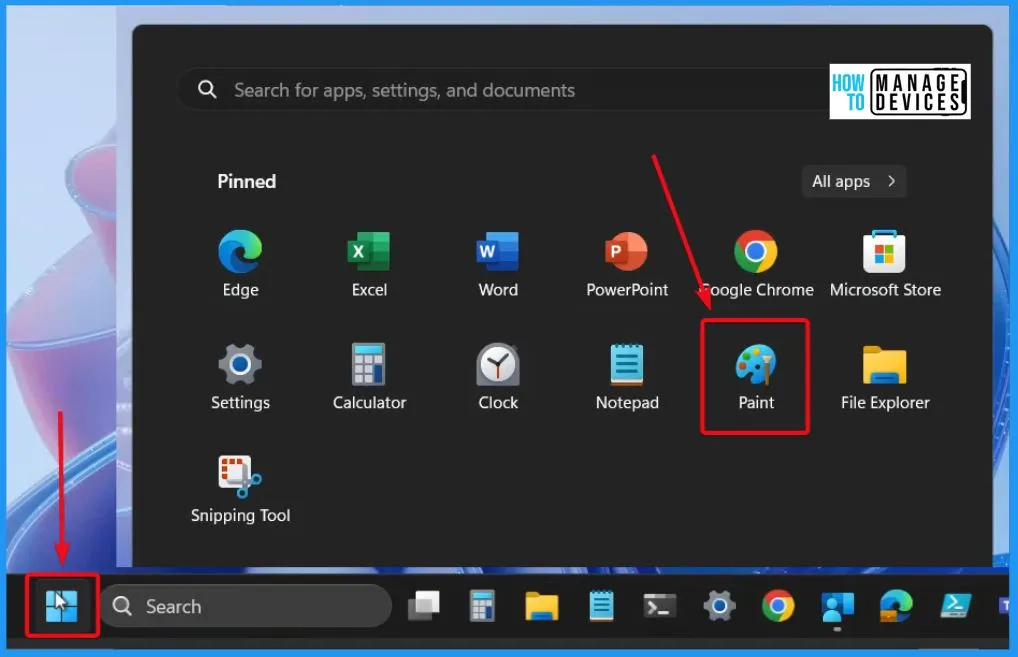
Paint Cocreator AI-Powered Experience
You have the option to pick an art style. Upon clicking the Create button, Paint Cocreator will generate 3 unique artwork options. You can then choose any of these options to place on your canvas and begin your creative process.
- When the update arrives, the first step is to sign in with your Microsoft account.
- Click the newly added Cocreator button in the toolbar to join the waitlist.
- You will receive an email once you are in the preview.
- Receive 50 credits to start your creative journey.
- Each credit allows you to generate a new set of images.
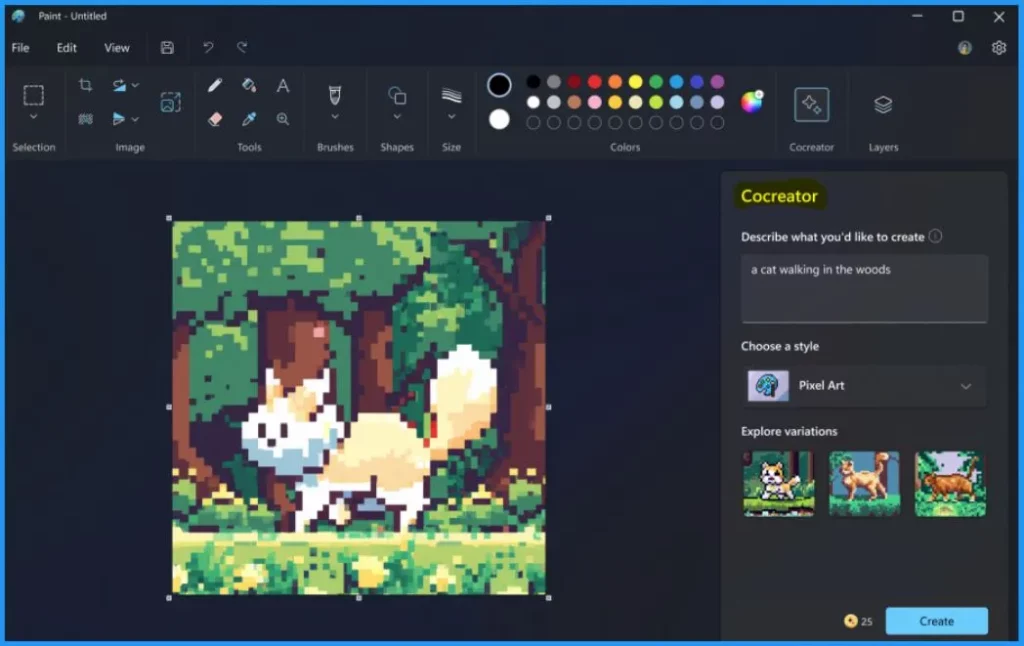
Microsoft Paint Cocreator is a new feature that brings the AI-powered experience powered by DALL-E. With this feature, you can transform plain text descriptions into a rich array of realistic images.
Note! – Using Cocreator requires signing in with your Microsoft account. This is essential as Cocreator utilizes a cloud-based service, necessitating authentication and authorization. Additionally, signing in allows you to access your credits, essential for generating images with DALL-E.
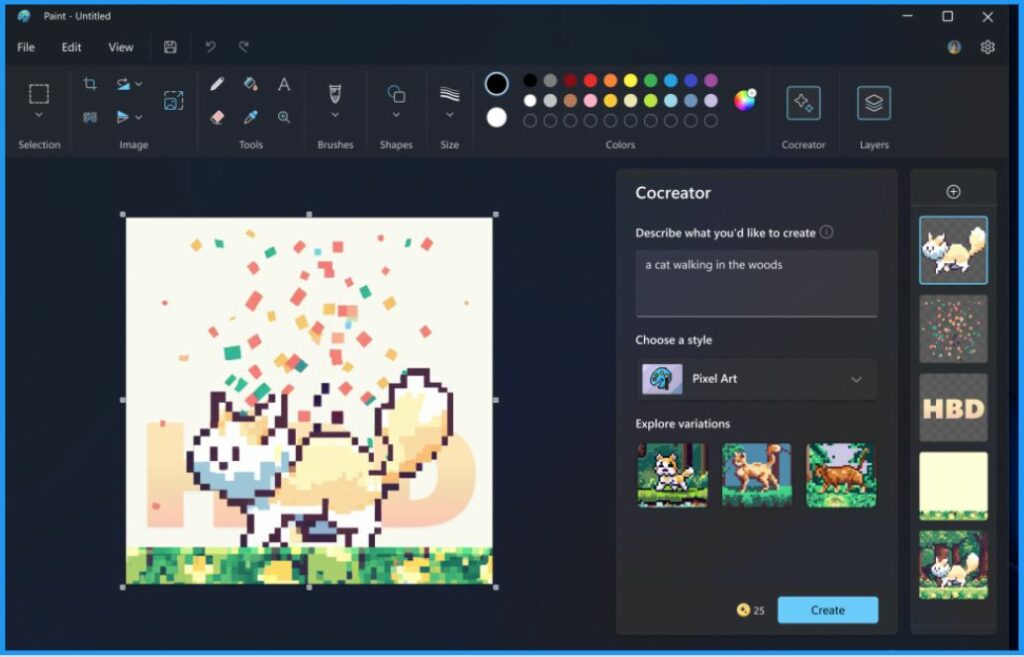
How to Use Paint Cocreator
Using Cocreator is a simple process. First, open Microsoft Paint and select the Cocreator icon on the toolbar to see the Cocreator side panel. In the cocreator text box, enter a description of the image you want to create. For example, you can type “a cat walking in the woods“.
- After you enter the text, the next step is to choose a style you want to create your image and then select the Create button.
- Cocreator helps you to generate 3 different variants of the image you requested. Click on any variants to apply that image to Paint Canvas and start creating.
Note! – If you don’t have Microsoft Paint already installed on your computer, you can easily obtain it by downloading it from the Microsoft Store.
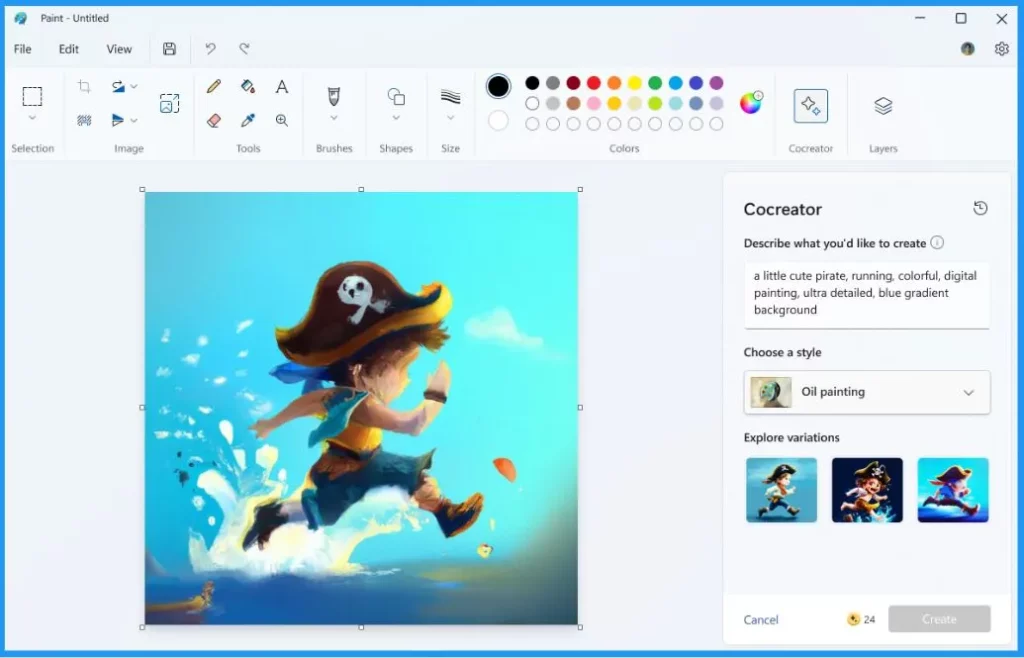
Cocreator Credits Information
Cocreator credits serve as the currency used to create images with Cocreator. You can easily keep track of your remaining credits by checking the bottom right corner of the Cocreator pane. Upon joining Cocreator, you will receive an initial allocation of 50 credits. It allows you to dive into the creative process with ample resources.
Content Filtering in Cocreator
Content filtering helps you to prevent the generation of images that may be harmful, offensive, or inappropriate. It is based on criteria that reflect our values and standards, such as human dignity, diversity, and inclusion.
Limitations of Cocreator Feature
Let’s discuss the limitations of the Cocreator Feature in MS Paints. The table below helps you show some current limitations of the Cocreator feature.
| Limitations | Details |
|---|---|
| Waitlist Availability | To try this feature, simply join the waitlist via the Cocreator side panel. After that, you will be notified via email once your access to Cocreator is approved. |
| Available Regions | This feature is available in the United States, France, the UK, Australia, Canada, Italy and Germany. |
| Supported Language | Only the English language is supported |
Feedback
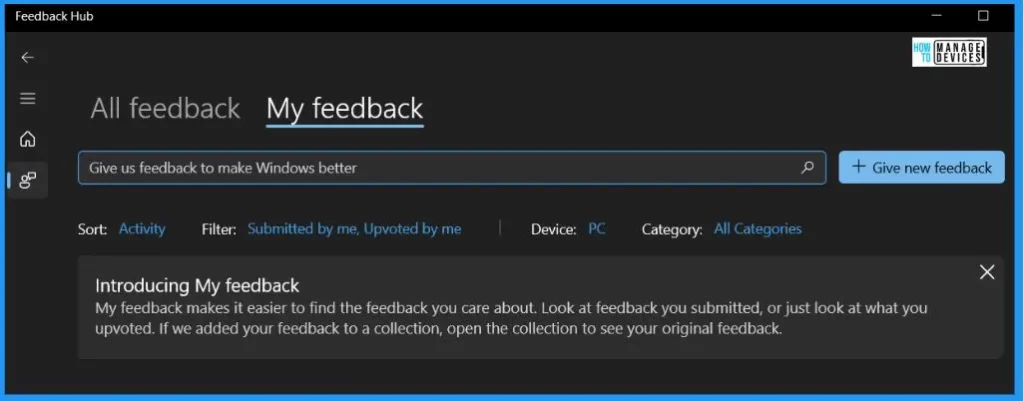
You can easily submit your thoughts; kindly navigate to the Feedback Hub by pressing WIN + F, then go to Apps and select Paint. This ensures that your input is directed to the right channel for consideration.
Use Paint Cocreator to generate AI art – Microsoft Support
Author
About the Author – Vidya is a computer enthusiast. She is here to share quick tips and tricks with Windows 11 or Windows 10 users. She loves writing on Windows 11 and related technologies. She is also keen to find solutions and write about day-to-day tech problems.




Discussion