






Good news! You can now use Microsoft Copilot with any App on Android and iOS Devices. It is a companion of every user and takes a place in the digital world.
Microsoft Copilot is a virtual assistant that can help with various tasks, such as answering questions, giving commands, or requesting content. Now, the copilot will provide information to users of any app on Android and iOS devices.
Microsoft Copilot is a promising tool that brings the power of AI to your fingertips. It is based on the GPT technology developed by OpenAI and can be understood and communicated in various languages. Integrating Copilot with the iOS and Android apps can bring a new level of functionality.
You can directly interact with Copilot with your favourite apps to generate content and information. This new feature will help the user save time and effort by allowing them to use voice or text input to interact with Copilot.

- Microsoft Claims Copilot Trains Employees to Think like a Manager
- Microsoft Integrates Notepad with Copilot on Windows 11
Use Microsoft Copilot with any App on Android and iOS Devices
Microsoft Copilot is now available for Android and iOS devices, and the best part is that it is available in any app on those devices. This will be a user-friendly tool. Copilot is now available on the Google Play or Apple App Store. You can quickly sign in with your Microsoft account.
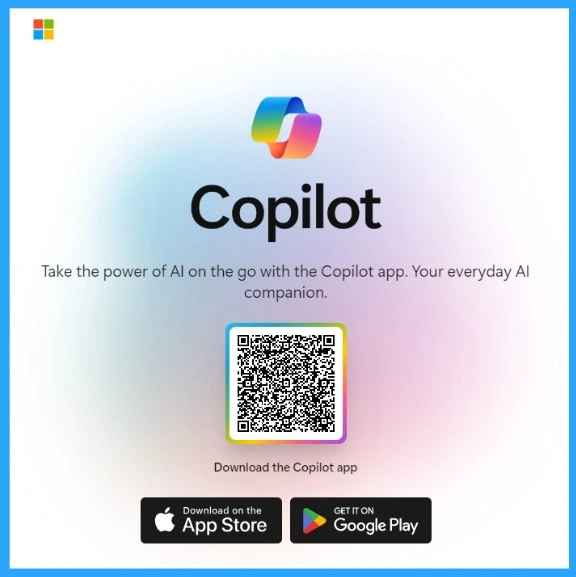
Integrating Microsoft Copilot into any Android or iOS app can significantly enhance the user experience by offering intelligent in-app assistance. You can use Copilot to write emails, create content, and create data visualizations.
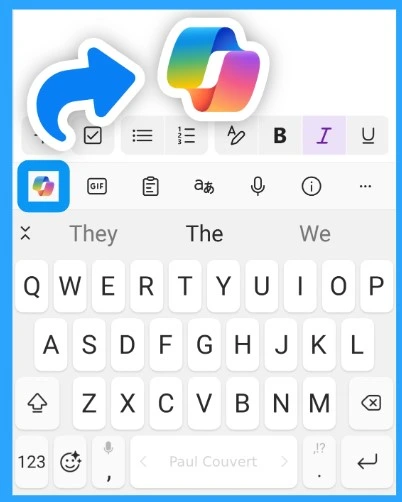
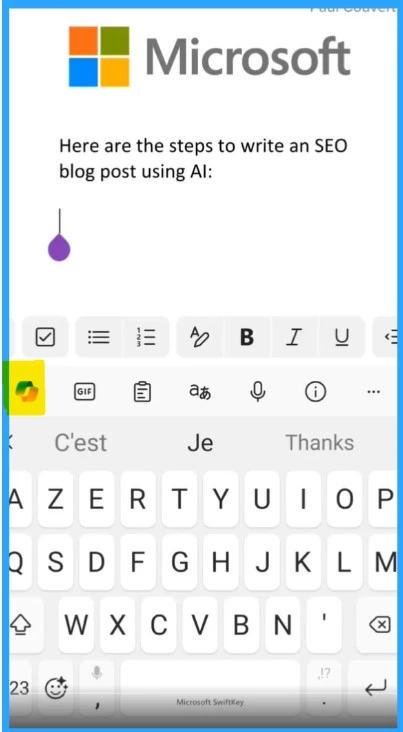
An icon of Copilot has been added to the keywords so you can easily access this feature in every app. To use Copilot in any app, tap the Copilot icon at the top left of the keyboard.
- Copilot Vs Copilot Pro Vs Copilot for Microsoft 365 Comparison
- Copilot in Excel AI Integration to Automate Excel Tasks Coming Soon
| Uses of Copilot in ios and Android Apps |
|---|
| It can used for Web browsing |
| It acts as a Writing Assistant |
| You can write Emails |
| It helps in Voice Recognition |
| You can use this for image editing |
A Copilot icon has been added to the keyboards so you can easily access this feature in every app. To use Copilot in any app, tap on the Copilot icon on the left side of the keyboard. Then, you can type your prompt as usual.
- You can easily copy the answer from Copilot and paste it into your app of choice.
We are on WhatsApp now. To get the latest step-by-step guides, news, and updates, Join our Channel. Click here. HTMD WhatsApp.
Author
Krishna. R is a computer enthusiast. She loves writing about Windows 11 and Intune-related technologies and sharing her knowledge, quick tips, and tricks about Windows 11 or 10 with the community.


Discussion