






Issues with February 2024 Security Update Installation
Let’s discuss the Issues with the February 2024 Security Update Installation. When you try to install the February 2024 security update on your device, it might not work as expected. This might mean your device does not correctly receive the necessary fixes and enhancements to keep it secure.
If you experience issues during installation, it’s essential to troubleshoot and seek assistance to protect your device against potential threats. This could happen for different reasons, like problems with your internet connection, insufficient space on your device or other technical issues.
It’s essential to figure out and solve the cause, so your device stays safe from potential security risks. This post will discuss people’s problems installing the February 2024 security update. Some people find it hard to install this update on their devices.
For those using Windows 10, Microsoft has launched a special update called KB5034763. This update is highlighted in the February 2024 Patch Tuesday post, where it’s explained in detail.


- Top Windows Update Issues and Fixes Revealed by Microsoft
- How to View Update History in Windows 11
- Enable Disable Auto-restart Notifications for Windows Update in Windows 11
- Windows 11 KB5034765 KB5034766 February 2024 Patches and 2 Zero-Day Vulnerabilities
How can the Device be Protected against Potential Threats if the Installation Fails?
While resolving installation issues, ensuring your device remains protected against potential security threats is essential. It is important to implement additional security measures, such as antivirus software.
Avoiding risky online behaviour, such as clicking on suspicious links or downloading files from unknown sources.
Issues with February 2024 Security Update Installation
If you are using a Windows 11 device and trying to install the February 2024 security update (KB5034765), you might run into some problems. Some users have reported that the installation fails, and the system gets stuck at 96%.
- When this happens, you might see a message saying, “Something didn’t go as planned. No need to worry – undoing changes. Please keep your computer on.”
- This issue can also appear in the Windows Event Viewer with the error code ‘0x800F0922‘.
- The table below helps you to show the affected platforms of the installation issue
| Platform | Affected Versions |
|---|---|
| Client | Windows 11, version 23H2; Windows 11, version 22H2 |
| Server | None |
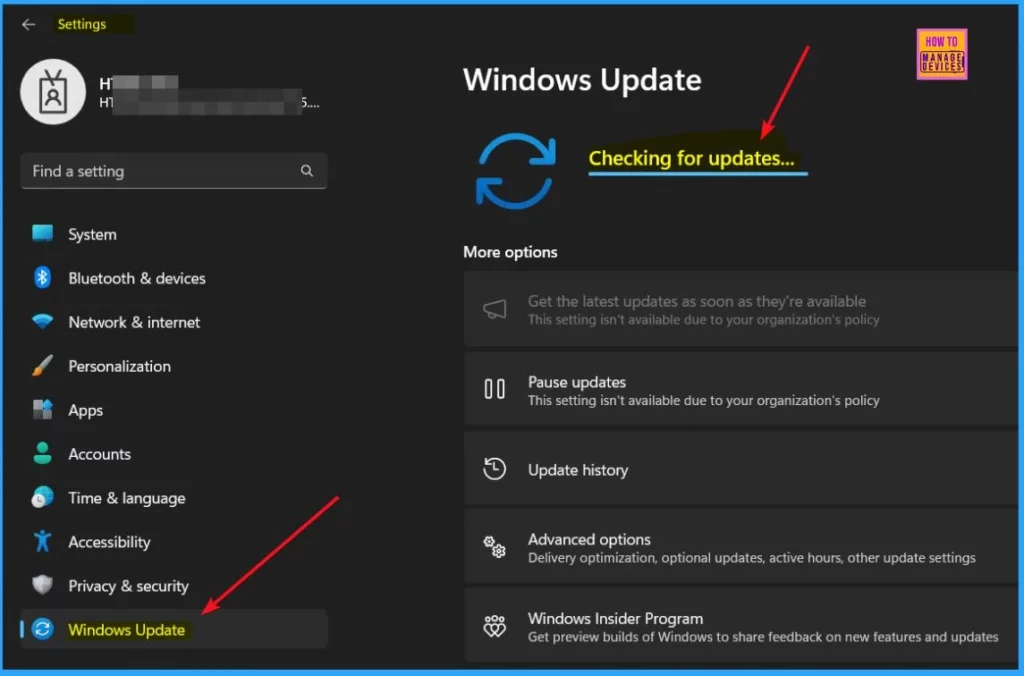
2024-02 Cumulative Update for Windows 11 Version 22H2 for x64-based Systems (KB5034765)
In my personal experience, I did not encounter any issues with the February 2024 Security Update installation. I installed the 2024-02 Cumulative Update for Windows 11 Version 22H2 for x64-based Systems (KB5034765) without problems. After the update, I noticed that my system performance and security improved.
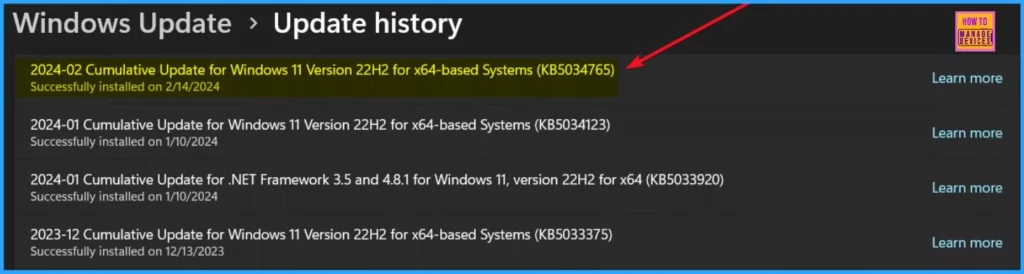
Workaround for February 2024 Security Update Installation Issue
You can try the following workaround to prevent the installation issue encountered with the February 2024 security update. By following these steps, you should be able to resolve the installation issue and successfully install the February 2024 security update on your Windows 11 device.
- Delete the Hidden Folder – Go to the hidden folder at C:$WinREAgent and delete it from your system.
- Restart Your Device – After deleting the folder, restart your device. This step might be necessary to ensure that the changes take effect.
Resolution in Progress
Microsoft is resolving the installation issue encountered with the February 2024 security update. Microsoft understands the importance of addressing this issue promptly to ensure your device’s smooth functioning and security.
Microsoft committed to providing an update in an upcoming release as soon as the resolution is finalized. You can contact the Microsoft support team for assistance if you have further questions or concerns.

Windows 11 KB5034765 KB5034766 February 2024 Patches
Windows 11 regularly gets updates to make it work better and be safer. Each update has its unique version number and build number. The list below helps you show the version and build number Windows 11 KB5034765 KB5034766 February 2024 Patches.
Read More – Windows 11 KB5034765 KB5034766 February 2024 Patches and 2 Zero-Day Vulnerabilities
- Windows 11 Version Details – Windows 11 23H2 KB5034765 (OS Builds 22621.3155 and 22631.3155)
- Version Details – Windows 11 21H2 KB5034766 (OS Build 22000.2777)
- More Details on Windows 11 version Numbers: Windows 11 Version Numbers Build Numbers Major Minor Build Rev
Direct Download Links of Windows 11 KB5034765 and KB5034766
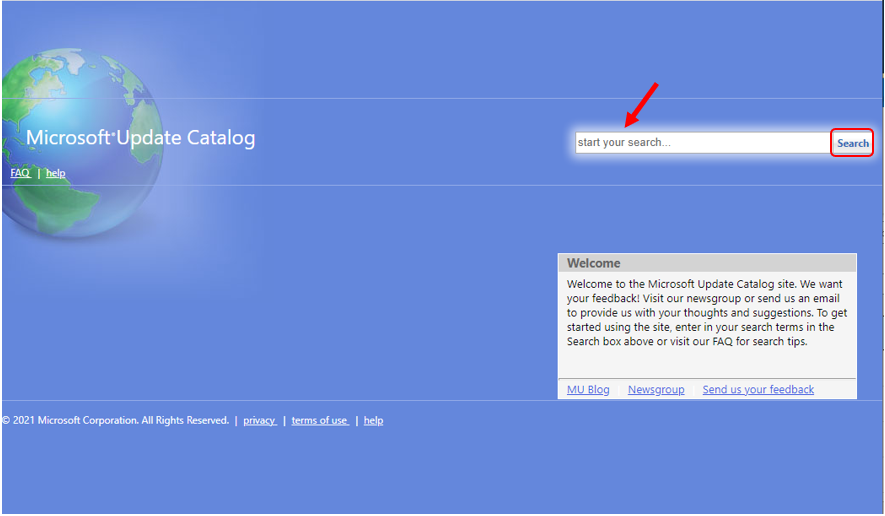
If you are having trouble installing the February 2024 Security Update, You can download the update manually without any issue. To do this, you can visit the Microsoft Update Catalog website. You will find direct download links for the February 2024 Cumulative Update for Windows 11 (KB5034765 or KB5034766).
Click on the provided links to download the update directly to your device.
| Cumulative Update for Windows 11 | Products | Size | Direct Download |
|---|---|---|---|
| 2024-02 Cumulative Update for Windows 11 for x64-based Systems (KB5034765 ) | Windows 11 23H2 | 648.4 MB | Download |
| 2024-02 Cumulative Update for Windows 11 Version 22H2 for x64-based Systems (KB5034766) | Windows 11 21H2 | 356.5 MB | Download |
Resources
Windows 11, version 22H2 known issues and notifications | Microsoft Learn
We are on WhatsApp now. To get the latest step-by-step guides, news, and updates, Join our Channel. Click here. HTMD WhatsApp.
Author
About the Author – Vidya is a computer enthusiast. She is here to share quick tips and tricks with Windows 11 or Windows 10 users. She loves writing on Windows 11 and related technologies. She is also keen to find solutions and write about day-to-day tech problems.




Discussion