






Time to Move to the New Intune Microsoft Device Management Portal
Let us learn about Time to Move to the New Intune Microsoft Device Management Portal. In Ignite 2018, Microsoft showed us a new Device management portal for Intune-based device management and much other stuff.
NOTE! – If you want to know more about the Intune device management portal, you can refer to the Latest Intune Admin Portal Walkthrough Guide | Microsoft Intune Admin Center HTMD Blog (anoopcnair.com).
I have some exciting news to share! A brand new portal is being developed to streamline and optimize device management workloads. This portal will make device management much more efficient and effective.
Intune device management is one of the many workloads available in the new Microsoft device management portal. This post will walk you through the New Intune Microsoft Device Management portal.

| Index |
|---|
| Another Migration to New Intune Microsoft Device Management Portal |
| Overview of Intune Microsoft Device Management Portal |
| Advantages of New Intune Microsoft Device Management Portal |
Latest Intune Admin Portal Walkthrough Guide | MEM Admin Center -> Latest Intune Admin Portal Walkthrough Guide | MEM Admin Center HTMD Blog (anoopcnair.com)
NOTE! – This post is prepared before The new Microsoft 365 admin center availability announcement.
- New Microsoft 365 (Looks similar to Office 365 portal) – https://admin.microsoft.com
- New Intune Portal (New Device Management Portal) https://devicemanagement.microsoft.com/
Another Migration to New Intune Microsoft Device Management Portal
Do you need to go through another migration similar to the Intune Silverlight console to the Azure portal? No, don’t worry. You don’t need to worry about migration headaches, and you don’t even need to think about any Intune migration.
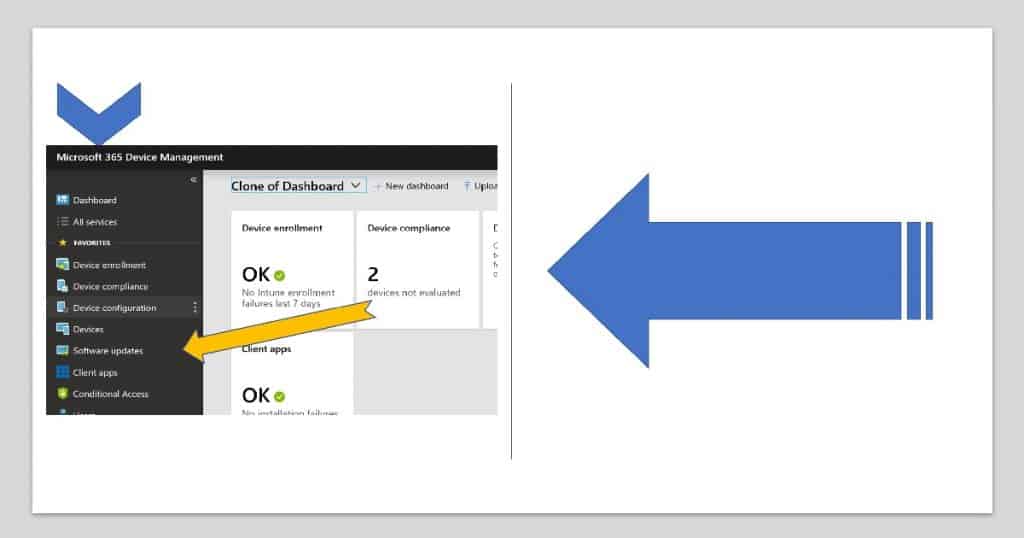
All Intune objects are already there in the new Intune Microsoft Device Management Portal (I love to say Intune console repeatedly).
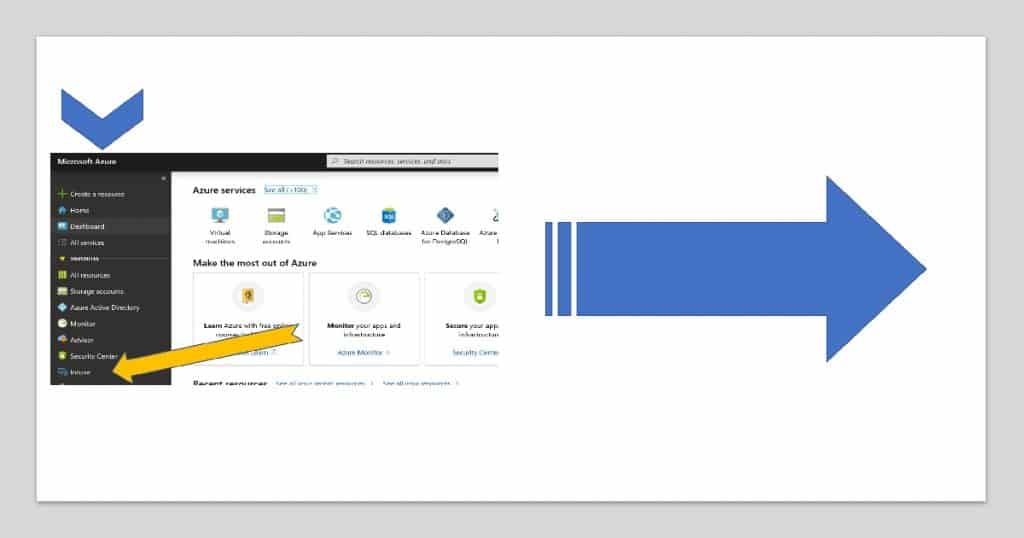
Unlike Silverlight portal migration, you don’t have to go through any of the migration processes. You can start using it straight away from the following link.
https://devicemanagement.microsoft.com/
Overview of Intune Microsoft Device Management Portal
I have given a video experience of the Microsoft device management portal in the following video tutorial.
Advantages of New Intune Microsoft Device Management Portal
You don’t have to mess around with all Azure services in the portal.azure.com portal to find device management-related workloads.
I have blogged about how to arrange blade favorites in the Azure portal. The blog post provides more details about the mess for a new Intune admin in the Azure console.
I think this new Microsoft device management portal will host all Microsoft 365-related workloads. Microsoft 365 workload includes:
- Office 365
- Windows 10
- Enterprise Mobility + Security
Resources
- Microsoft 365 Solution Guide – https://www.microsoft.com/en-us/microsoft-365
- Security and compliance updates across Microsoft 365 – a demo tour | Best of Microsoft Ignite 2018
We are on WhatsApp. To get the latest step-by-step guides and news updates, Join our Channel. Click here –HTMD WhatsApp.
Author
Anoop C Nair is Microsoft MVP! He is a Device Management Admin with more than 20 years of experience (calculation done in 2021) in IT. He is a Blogger, Speaker, and Local User Group HTMD Community leader. His main focus is on Device Management technologies like SCCM 2012, Current Branch, and Intune. He writes about ConfigMgr, Windows 11, Windows 10, Azure AD, Microsoft Intune, Windows 365, AVD, etc.


Hi Anoop, I appreciate your analysis on Intune Microsoft development software and shared the information with all the readers. I think this is going to be a new era of change that Microsoft is working on. Hope we can have some new technology ahead.
Which is the best intunes certification to pursue, if I have to deploy and implement Intune with Azure.
StaffI would recommend reading https://www.anoopcnair.com/microsoft-365-certification-exam-learning-path/