






MAC Device Management with SCCM Vs Intune
Hi, I’d like to discuss about MAC Device Management with SCCM Vs Intune. Specifically, I’m interested in learning more about the differences between the two tools. This post will provide a real-world example of MAC device management with SCCM.
I don’t think Microsoft will kill SCCM and it will be supported for many years. There is much value added to SCCM investments for an organization. I don’t know whether you remember the previous post about SCCM Mac Management’s decision-making.
Mac Management in SCCM involves deploying and maintaining the Configuration Manager client on Macs. This blog post explains more about SCCM Mac Management.
I have explained the details of SCCM out-of-box Mac management and Full Mac device management with Parallels SCCM add-on.

- Lite – Mac Management
- Full – Mac Management
More details – https://www.anoopcnair.com/sccm-mac-management-take-decision-in-10-mins/
Why Mac Device Management with SCCM?
Why perform Mac device management with SCCM? Most enterprise customers have already invested heavily in SCCM for device management. Does this make sense?
You might be interested in looking into a real-world SCCM Mac Device management scenario.
Integration with SCCM
Integration with SCCM is very straightforward for all third-party products like Parallels for Mac Management. The integration experience of other third-party patch management products is also very straightforward.
SCCM ROI
SCCM is a mature product with more than 25 years of device management history.
What is the value-added of a customer to change the device management solution without any specific ROI (return on investment)? Or why do you want an additional tool for Mac Management?
I don’t see much logic in investing in a new Mac device management tool.

SCCM Skill Set
You might have around 95% of Windows devices in the organization. In most organizations, SCCM skills are easily found to manage entire Windows devices.
The ideal decision should be not to invest in a new device management tool for Mac devices. So, SCCM admins can easily manage 5% of Mac Devices without investing heavily in Mac Device management skillset people.
Additional Infrastructure Requirements
There is no additional server infra-investment requirement for Mac device Management. Mac device management with Parallels Mac Management for Microsoft SCCM.
A PKI certificate or HTTPS site system is not required for Mac Management with SCCM when using Parallels.
Missing Mac Management Capabilities?
All the Mac Device management capabilities are available with the SCCM add-on.
Why Mac Device Management with Microsoft Intune?
Microsoft Intune has basic Mac Device management capabilities. Comparing Intune and SCCM for Mac Management is not worth it.
Because Microsoft recently started Mac Management capabilities in Intune, it might take years to get the full Mac Management capabilities into Intune.
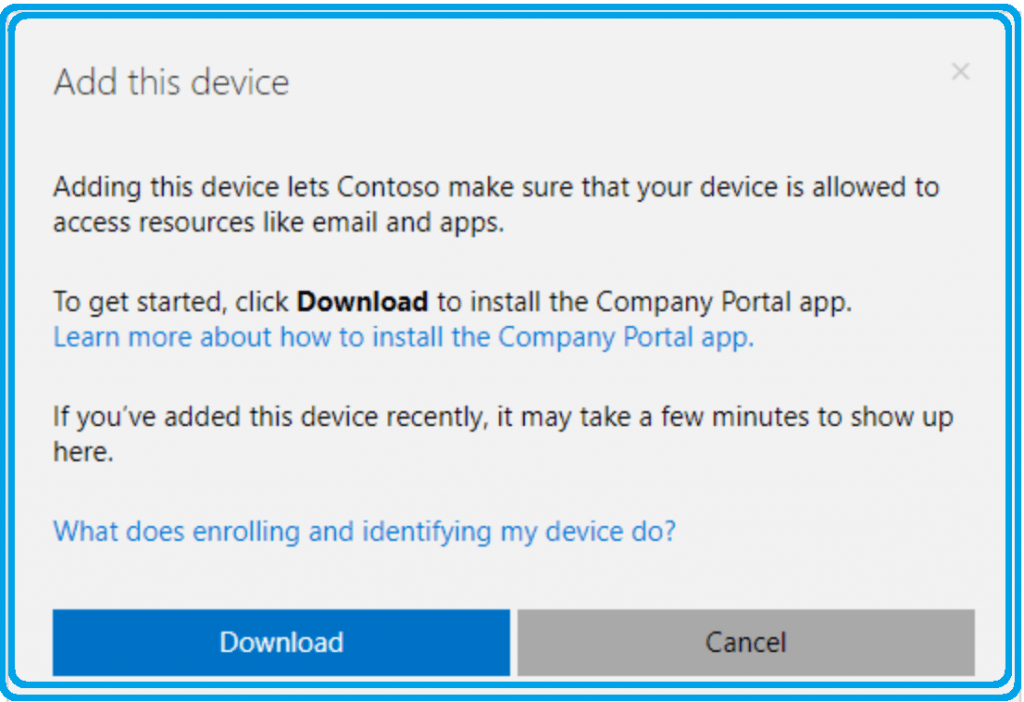
Integration with Intune
You can use Intune and Jamf for Mac management (full-featured Mac Management). We can compare Mac management with Jamf, Intune, and Azure AD.
Also, at the moment, Jamf is the only vendor Microsoft works with for Intune Mac management. I’m sure in the future, we will see more vendors (like Parallels) come up with Intune integration for Mac management.
In my last post, I received some negative feedback about Mac Management with SCCM. So, I thought I would present my feelings about Intune Mac Device management.
Intune ROI
When are you already migrating to Intune from SCCM because of your business requirement? If so, it’s worth trying out Intune and Mac Device Management options.
Currently, only one vendor provides the Intune integration for Mac Management. So, you don’t have competitive advantages and only have one choice for full-featured Mac management.

Skill Set
You might need to hire new technical resources to manage Mac Devices via Intune. Otherwise, as I mentioned in the Future of SCCM admin post, you can upskill your existing device management resources.
Infra Requirements
When you plan to integrate Microsoft Intune and Jamf solutions for managing Mac devices, you might need to build some Jamf servers to deploy WiFi and Certificates to your devices.
Missing Mac Management Capabilities?
Is this worth a comparison at this point? Why? SCCM devise management capabilities are very rich, and none of the products can compete with SCCM management capabilities.
But, when you want to migrate to Intune because of your business requirements (are there any?), you might need to start the journey with existing Intune solution capabilities and workarounds.
Resources
We are on WhatsApp. To get the latest step-by-step guides and news updates, Join our Channel. Click here –HTMD WhatsApp.
Author
Anoop C Nair is Microsoft MVP! He is a Device Management Admin with more than 20 years of experience (calculation done in 2021) in IT. He is a Blogger, Speaker, and Local User Group HTMD Community leader. His main focus is on Device Management technologies like SCCM 2012, Current Branch, and Intune. He writes about ConfigMgr, Windows 11, Windows 10, Azure AD, Microsoft Intune, Windows 365, AVD, etc




Discussion