





AI Workflows for Intune Admins for Smarter App Deployments and Reinvented Update Management
Key Takeaways:
- AI Workflows for Intune Admins for Smarter App Deployments and Reinvented Update Management
- Update management gets smarter AI helps detect anomalies
- Troubleshooting becomes proactive By correlating signals across devices
- AI identifies conflicts before deployment
Let’s discuss AI Workflows for Intune Admins for Smarter App Deployments and Reinvented Update Management. With Microsoft’s huge research identified that AI plays a biggest impact on endpoint management and reduce Admins efforts.
Table of Contents
Table of Contents
AI Workflows for Intune Admins for Smarter App Deployments and Reinvented Update Management
There are 5 AI trends that makes biggest impact on Endpoint Management. Each trend is designed to reduce admin toil, improve reliability, and keep humans in control. The following table shows the 5 AI trends.
| 5 AI Trends |
|---|
| Preventive Update Management |
| Proactive Troubleshooting |
| Policy Conflict Detection |
| Smarter App Deployment |
| Agentic Automation |
- Simplifying Windows Update Management Integration of Intune and Autopatch
- 3 Categories of Enterprise Windows Update Management Capabilities | Autopatch Reports WUfB and Tenant Mgmt
- Copilot Enhances Troubleshooting using Intune and Device Query to Resolve Missing Patches
Update Management
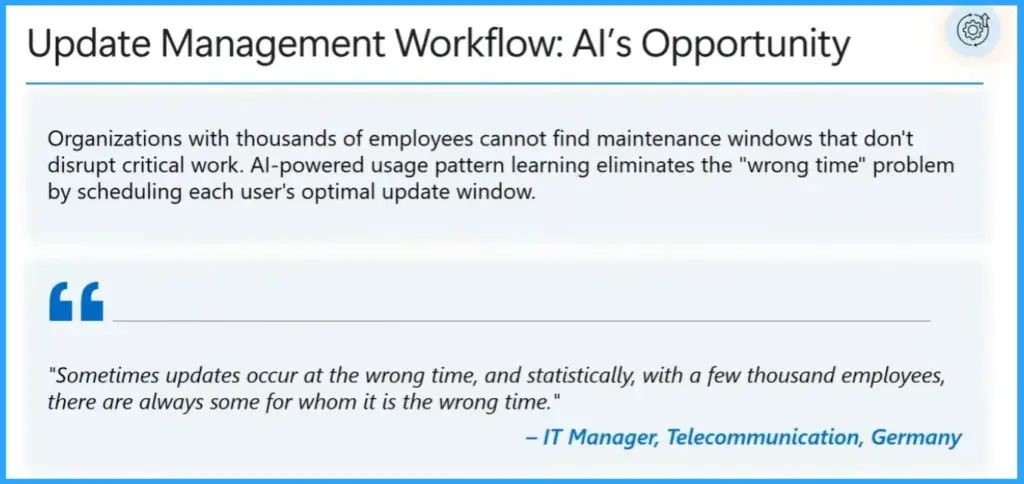
Update management where IT pros see the biggest opportunity for AI. For updates, admins want AI to prevent problems, not just react to them. That means spotting anomalies early and having fast rollback or remediation when something goes wrong, especially around driver issues and post update instability. The goal is fewer surprises during patch cycles.
Troubleshooting
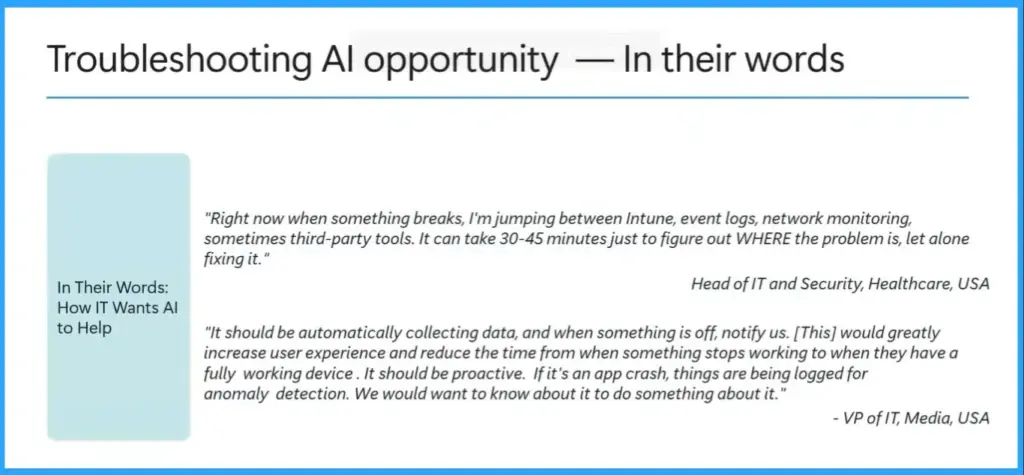
Troubleshooting means jumping between tools to figure out what changed and why something broke. Admins envision a world where AI correlates signals across device, policies, apps and updates to speed up root cause analysis. For them, it’s proactive detection that matters. They se AI as being able to catch issues before users start opening tickets.

Policy Conflict Detection
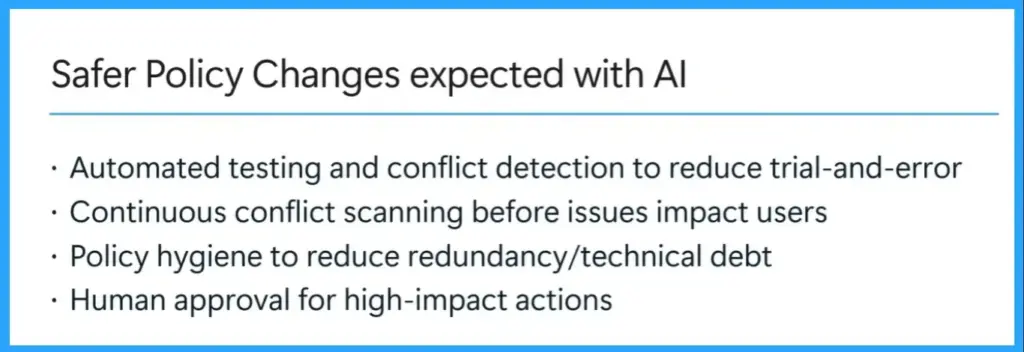
The AI workflows helps to Prevent Policy Conflict Detection. It prevent compliance drift and misconfigurations. AI helps to Identifies overlapping or conflicting policies before deployment, simulates outcomes, and recommends fixes. By impact, Stronger compliance posture, fewer surprises, and safer policy changes.
- Automated testing and conflict detection to reduce trial-and-error
- Continuous conflict scanning before issues impact users
- Policy hygiene to reduce redundancy/technical debt
- Human approval for high-impact actions
Smarter App Deployment
App deployment is smarter with AI workflows in Intune. It purpose is to Improve reliability of app packaging and rollouts. For this, Ai Automates packaging checks, learns from pilot feedback, and predicts deployment success. As a result, Reduced app failures, faster delivery, and better end-user experience.
Agentic Automation
Agentic Automation’s purpose is to Move from “alert fatigue” to autonomous action. Ai helps to Executes remediation tasks automatically (with oversight), handles repetitive admin work, and provides audit trails.
Need Further Assistance or Have Technical Questions?
Join the LinkedIn Page and Telegram group to get the latest step-by-step guides and news updates. Join our Meetup Page to participate in User group meetings. Also, join the WhatsApp Community and the Whatsapp channel to get the latest news on Microsoft Technologies. We are there on Reddit as well.
Author
Anoop C Nair is a Workplace Technology solution architect with 25+ years of experience. Microsoft Certified Trainer. Microsoft MVP from 2015 onwards for consecutive 11+ years! He is a blogger, Speaker, and Founder of HTMD Community and HTMD Conference. His main focus is on Device Management technologies like Intune, Windows, and Cloud PC. He writes about technologies like Intune, SCCM, Windows, Cloud PC, Entra, and Microsoft Security.


Discussion