






FIX Co-management Enrollment Takes Longer Issue ConfigMgr | SCCM
Let’s fix Co-management Enrollment Taking Longer Issue for ConfigMgr HFRU. Yesterday, I reported an issue with HFRU for ConfigMgr 2006—Rollup Update Known Issue | Hold Off | ConfigMgr.
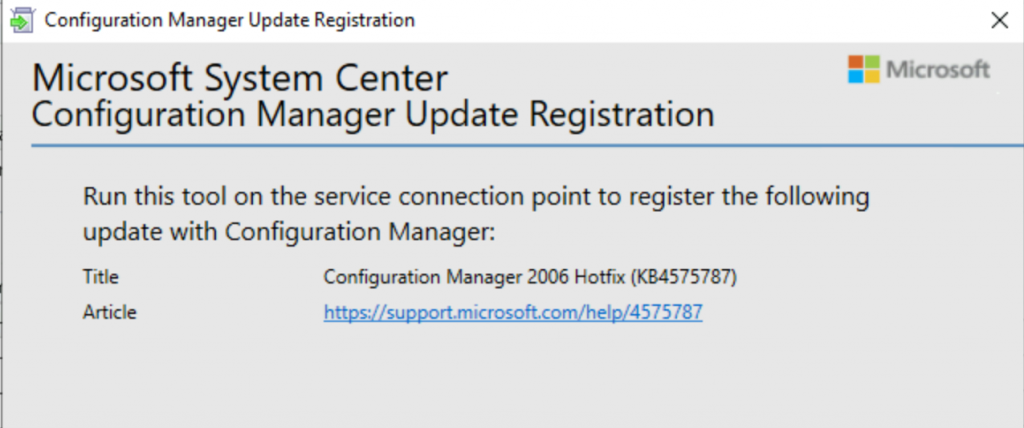
Microsoft released a hotfix to fix the issue mentioned above. This KB4575787 is a standalone update similar to any other out-of-band Hotfix.
In the previous post, I posted the known problems and Fixes of Configuration Manager 2006
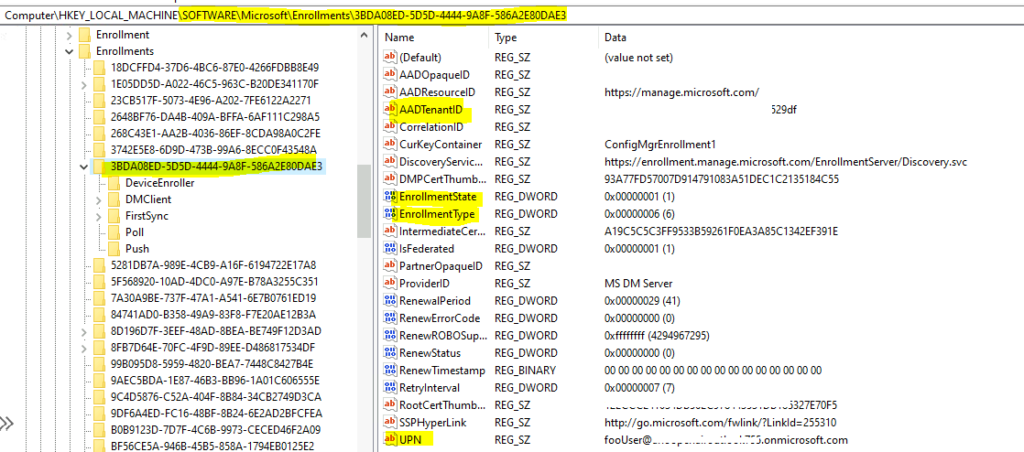
You can also look into the client-side registry to confirm Intune auto-enrollment using SCCM.

Table of Contents
NOTE! – DO NOT INSTALL this hotfix. It’s superseded by the latest one.
FIX Co-management Enrollment
Computer\HKEY_LOCAL_MACHINE\SOFTWARE\Microsoft\Enrollments\3BDA08ED-5D5D-4444-9A8F-586A2E80DAE3
- SCCM Tenant Attach Step-by-Step Guide Troubleshooting
- Overview Windows 10 Windows 11 Co-Management With Intune And SCCM
- How To Setup Co-Management – Part 1 Introduction – Prerequisites SCCM
Required?
This fix is required if the 2006 update rollup and clients have upgraded to version 5.00.9012.1052 before completing the co-management onboarding process.

Recommendation
If you have not updated the clients to 5.00.9012.1052 from the 2006 HFRU version, disabling automatic client upgrade on the Client Upgrade tab of Hierarchy Settings is recommended.
This helps remove the need to upgrade clients twice in a row: once from the update rollup and once from this standalone update.
The client.msp file shipping in this update contains all prior changes shipped with update rollup KB 4578605.
Upgrade Path
If you plan to upgrade to the 2006 version of ConfigMgr, please follow the upgrade patch mentioned below.
- Upgrade to SCCM 2006
- Install HFRU Update with 22 Fixes (Don’t update Client Version)
- Install Hotfix KB4575787
- Start Client Upgrade Process
Installation
The installation process is similar to any other out-of-band hotfix. I have explained the same in the following blog post.
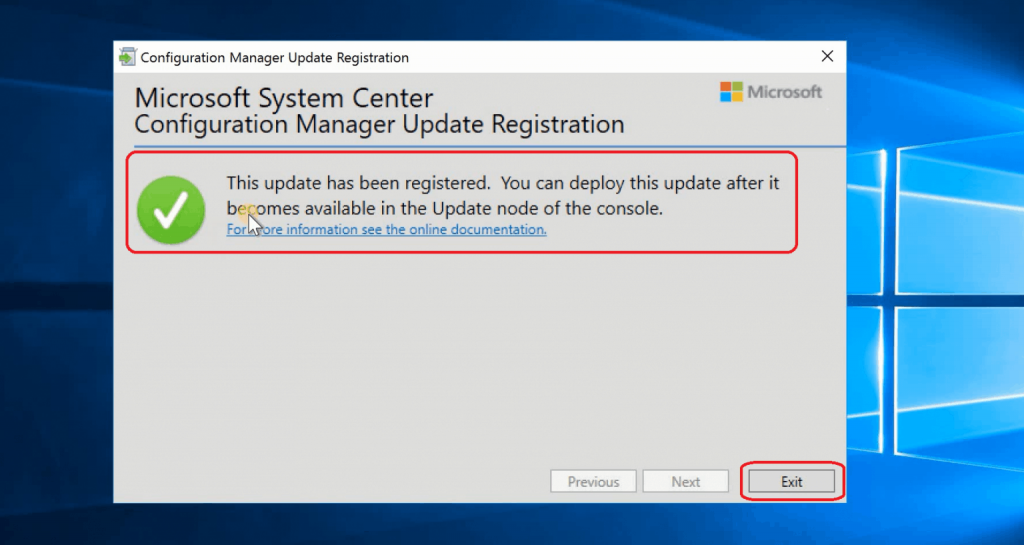
Let’s see how to Install band Update Package ConfigMgr 2006 Hotfix to fix the co-management issue. Download the hotfix from here.
Installation Guide ➡️ ConfigMgr Out of Band Hotfix
Resources
We are on WhatsApp. To get the latest step-by-step guides and news updates, Join our Channel. Click here –HTMD WhatsApp.
Author
Anoop C Nair is Microsoft MVP! He is a Device Management Admin with more than 20 years of experience (calculation done in 2021) in IT. He is a Blogger, Speaker, and Local User Group HTMD Community leader. His primary focus is Device Management technologies like SCCM 2012, Current Branch, and Intune. He writes about ConfigMgr, Windows 11, Windows 10, Azure AD, Microsoft Intune, Windows 365, AVD, etc.




Anoop. The hotfix link is invalid – This KB4575787
StaffThank you much. Fixed it now.
Hey, Seems like web page for KB4575787 is not available (“Sorry, page not found”). Any idea if this fix was removed because of some reason?
StaffI don’t have any more information about this. But I have the same experience as you
Hey Anoop,
Do you think it’s safe to install KB4575787 then?
Regards,
Bart
StaffI’ll wait for the details from Microsoft.