






40+ New SCCM Predefined Site Maintenance Tasks
40+ New SCCM Predefined Site Maintenance Tasks. SCCM ConfigMgr 2012 R2 has 36 predefined SCCM site maintenance tasks for the primary server and 14 predefined maintenance tasks for the CAS server.
In SCCM 2007, we had only 21 predefined maintenance tasks. A new Maintenance Task, “Delete Aged Distribution Point Usage Stats,” is only for SCCM 2012 R2.
I’ve created a PDF file that helps list the predefined SCCM ConfigMgr Site maintenance tasks available with SCCM 2007 and ConfigMgr 2012 R2. Download the file from here. Unlike SCCM 2007, CAS and Primary have different maintenance tasks.
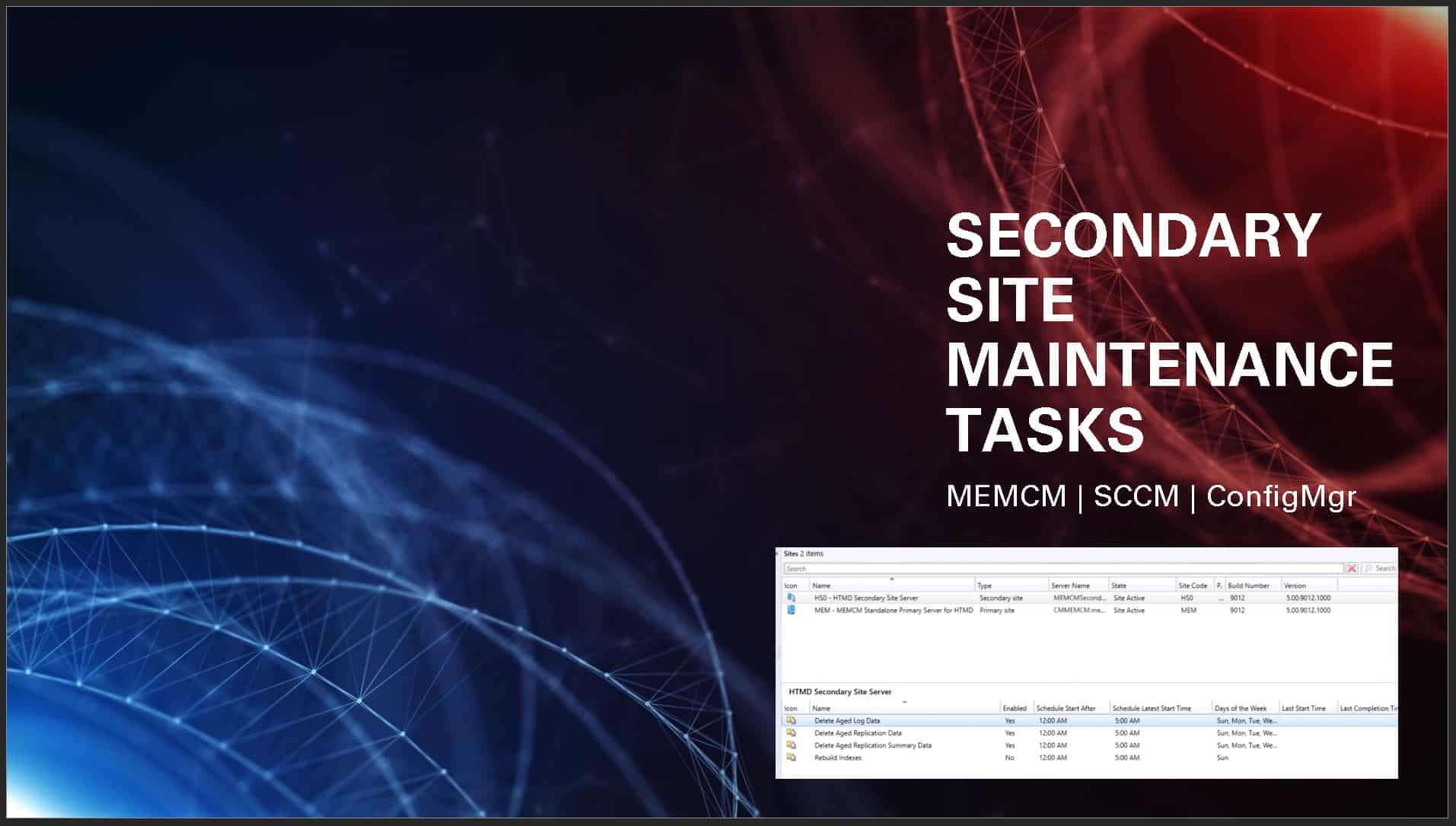
Latest Post – Check SCCM Predefined Maintenance Tasks Status (anoopcnair.com) & SCCM Secondary Site Maintenance Tasks | List | ConfigMgr | SQL Query HTMD Blog.

Table of Contents
40+ New SCCM Predefined Site Maintenance Tasks with ConfigMgr
Some of the Maintenance tasks available in CAS won’t be there in the primary server. The same applies to Maintenance tasks on the primary site. Most of the tasks related to client management won’t be available in the CM 2012 CAS server.
Create a custom report to get the status of SCCM ConfigMgr 2007 and 2012 maintenance tasks. Read the post and download the RDL file from Custom Report to check the Status of Predefined Maintenance Tasks.

- https://www.anoopcnair.com/sccm-secondary-site-maintenance-tasks-configmgr/
- Create SCCM Maintenance Windows for Clients Reports
- Enable SCCM Maintenance Mode For Distribution Point
- Check SCCM Predefined Maintenance Tasks Status
SCCM 2012 Primary Server Maintenance Tasks
Let’s discuss the SCCM 2012 Primary Server Maintenance Tasks. The list below provides more details.
- Backup SMS Site Server
- Clear Undiscovered Clients
- Delete Aged Application Request Data
- Delete Aged Application Revisions
- Delete Aged Client Operations
- Delete Aged Collected Files
- Delete Aged Computer Association Data
- Delete Aged Delete Detection Data
- Delete Aged Device Wipe Record
- Delete Aged Discovery Data
- Delete Aged Distribution Point Usage Stats
- Delete Aged Enrolled Devices
- Delete Aged EP Health Status History Data
- Delete Aged Exchange Partnership
- Delete Aged Inventory History
- Delete Aged Log Data
- Delete Aged Metering Data
- Delete Aged Metering Summary Data
- Delete Aged Notification Server History
- Delete Aged Notification Task History
- Delete Aged Replication Data
- Delete Aged Replication Summary Data
- Delete Aged Status Messages
- Delete Aged Threat Data
- Delete Aged Unknown Computers
- Delete Aged User Device Affinity Data
- Delete Inactive Client Discovery Data
- Delete Obsolete Alerts
- Delete Obsolete Client Discovery Data
- Delete Obsolete Forest Discovery Sites And Subnets
- Evaluate Provisioned AMT Computer Certificates
- Monitor Keys
- Rebuild Indexes
- Summarize File Usage Metering Data
- Summarize Installed Software Data
- Summarize Monthly Usage Metering Data
SCCM 2012 CAS Predefined Maintenance Tasks
Let’s discuss the SCCM 2012 CAS Predefined Maintenance Tasks. The below table will help you provide more details.
| SCCM 2012 CAS Predefined Maintenance Tasks |
|---|
| Backup SMS Site Server |
| Check the Application Title with Inventory Information |
| Delete Aged Client Operations |
| SCCM 2012 CAS Predefined Maintenance Tasks Backup SMS Site Server Check the Application Title with Inventory Information Delete Aged Client Operations |
| Delete Aged Distribution Point Usage Stats |
| Delete Aged Log Data |
| Delete Aged Notification Server History |
| Delete Aged Replication Data |
| Delete Aged Replication Summary Data |
| Delete Aged Status Messages |
| Delete Obsolete Alerts |
| Delete Obsolete Forest Discovery Sites And Subnets |
| Monitor Keys |
| Rebuild Indexes |
SCCM 2007 Predefined Maintenance Tasks
Let’s discuss the SCCM 2007 Predefined Maintenance Tasks. The list below provides more details.
- Backup SMS Site Server
- Clear Undiscovered Clients
- Delete Aged Client Access License Data
- Delete Aged Collected Files
- Delete Aged Computer Association Data
- Delete Aged Configuration Management Data
- Delete Aged Delete Detection Data
- Delete Aged Discovery Data
- Delete Aged Inventory History
- Delete Aged Metering Data
- Delete Aged Metering Summary Data
- Delete Aged Status Messages
- Delete Inactive Client Discovery Data
- Delete Obsolete Client Discovery Data
- Evaluate Provisioned AMT Computer Certificates
- Monitor Keys
- Rebuild Indexes
- Reset AMT Computer Passwords
- Summarize Client Access License Weekly Usage Data
- Summarize File Usage Metering Data
- Summarize Monthly Usage Metering Data
New SCCM Predefined Site Maintenance Tasks.
Resources
Free SCCM Training Part 1 | 17 Hours Of Latest Technical Content | ConfigMgr Lab HTMD Blog
We are on WhatsApp now. To get the latest step-by-step guides, news, and updates, Join our Channel. Click here. HTMD WhatsApp.
Author
Anoop C Nair is Microsoft MVP from 2015 onwards for consecutive 10 years! He is a Workplace Solution Architect with more than 22+ years of experience in Workplace technologies. He is a Blogger, Speaker, and Local User Group Community leader. His main focus is on Device Management technologies like SCCM and Intune. He writes about technologies like Intune, SCCM, Windows, Cloud PC, Windows, Entra, Microsoft Security, Career etc…




Nice..very informative thanks Anoop 🙂
Hi Anoop, I want to Uninstall ccmsetup.exe with Command Prompt, kindly Help Me
StaffHi Paras ! – Try CCMSETUP.exe /? Also, https://www.anoopcnair.com/2012/06/11/configmgr-sccm-2012-uninstallremove-cm-2012-client-using-ccmclean-exe/
Regards
Anoop
Hi Anoop,
In my organisation we see lot of inactive clients. Could you please tell me how to get rid of those inactive clients Or is there process or activity we perform manually.
Thanks
Kishore