






Easy Steps to Download HP Driver Packs for SCCM
In this post, you will learn about the process of download HP Driver Packs for SCCM. This guide also helps you create HP drivers packages in SCCM. Device driver packs that can be used with ConfigMgr or Microsoft Deployment Toolkit.
HP, Dell, Microsoft Surface, and Lenovo have done a fantastic job of providing technicians with driver cabs for use during deployment. This is often much better than any recovery media the device might ship with and is faster than downloading device drivers individually from a model’s product page.
HP offers industry-leading Client Management Solutions to help commercial customers with more productivity. The process also helps to reduce the complexity. The HP Client Management Solutions portfolio is designed to meet a range of client management needs.
Another solution from HP Manageability Integration Kit will help speed up image creation and management of HP BIOS, security, hardware, software when managing devices through Configuration Manager.

Do you know what is drivers, and why do you need to install drivers? Refer to the following post What are Drivers, and Why do we need Drivers?
- Best Guide for Dell Driver Management Using SCCM
- Easily Download SCCM Driver Package for Lenovo
- SCCM Driver Management Guide Best Practices ConfigMgr
Download HP Driver Packs for SCCM
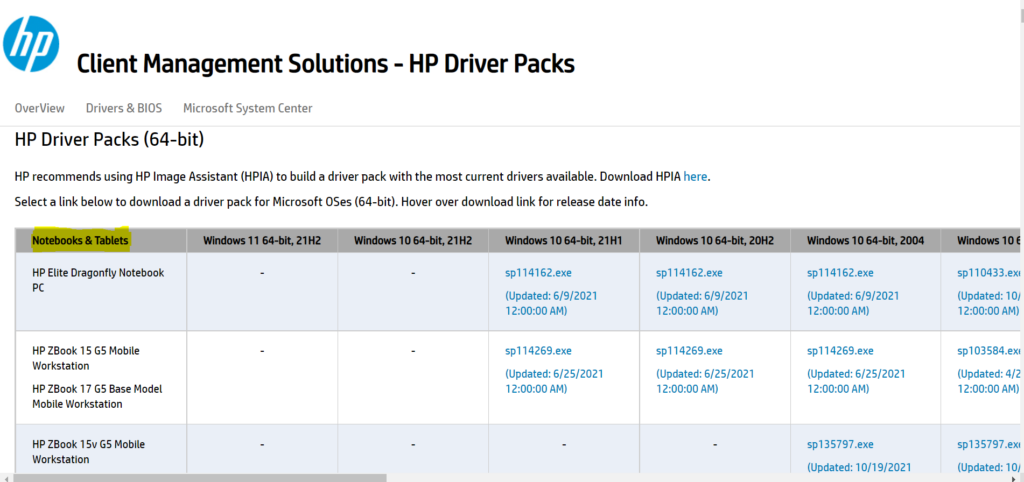
Browse to HP Portal Driver Packs http://ftp.hp.com/pub/caps-softpaq/cmit/HP_Driverpack_Matrix_x64.html
Here you can get references for all available device drivers in random order. Use the browser Find function (typically CTRL + F) to find specific driver packs.
Select your model with Windows Version from the list, click on the link. You’ll be redirected to the Download executable file for selected models.
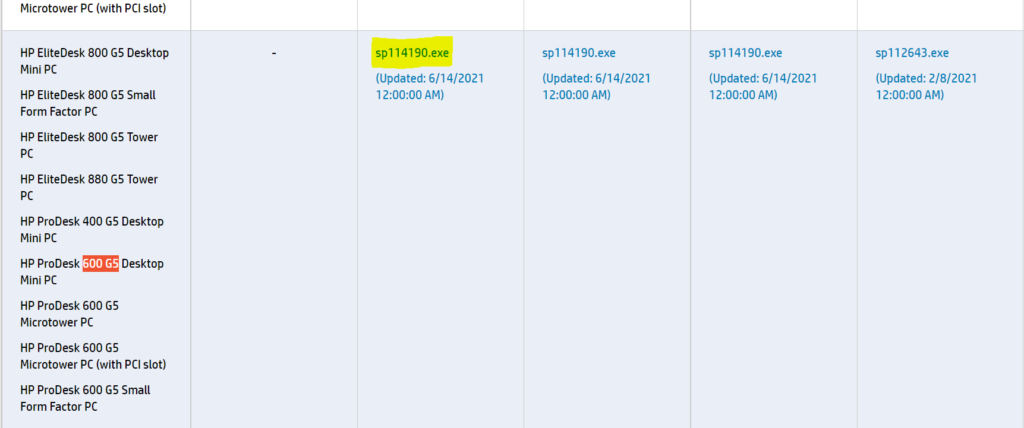
Click on the Driver Packs link under Windows Version as shown below (for example, HP ProDesk 600 G5). This model contains the drivers for the EliteDesk\ProDesk 400/600/800 G5 series. You can use the same package for all these listed models.
Extract Downloaded Driver Package
Extracting the driver files from the executable file will help you create a driver package for SCCM. Let’s follow the steps below –
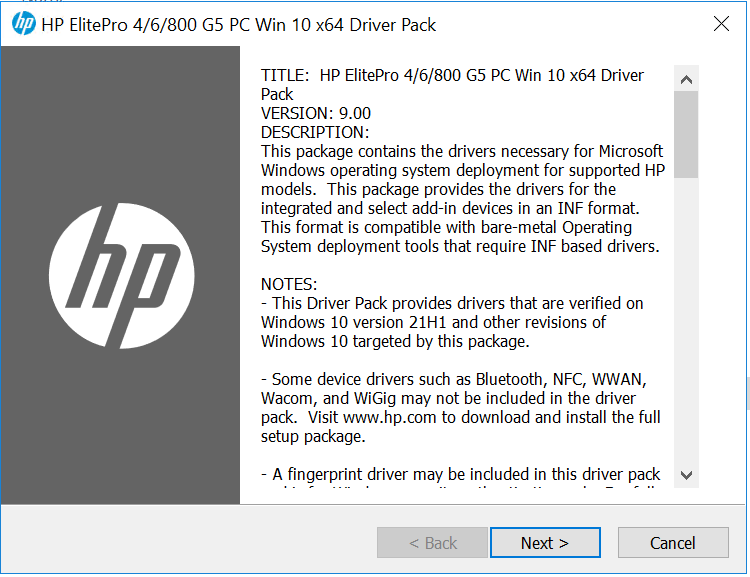
Right-Click on the downloaded file select Run as administrator to start the extraction process. A UAC prompt may appear to allow this app to make changes to your devices? Click on Yes. You will see the Driver Pack Wizard. Click on Next.
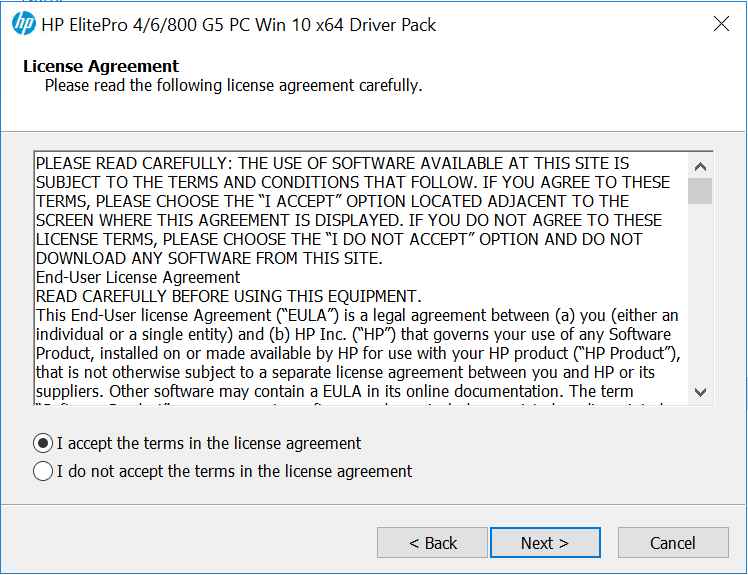
Here Accept End-User License Agreement (EULA), Click Next.
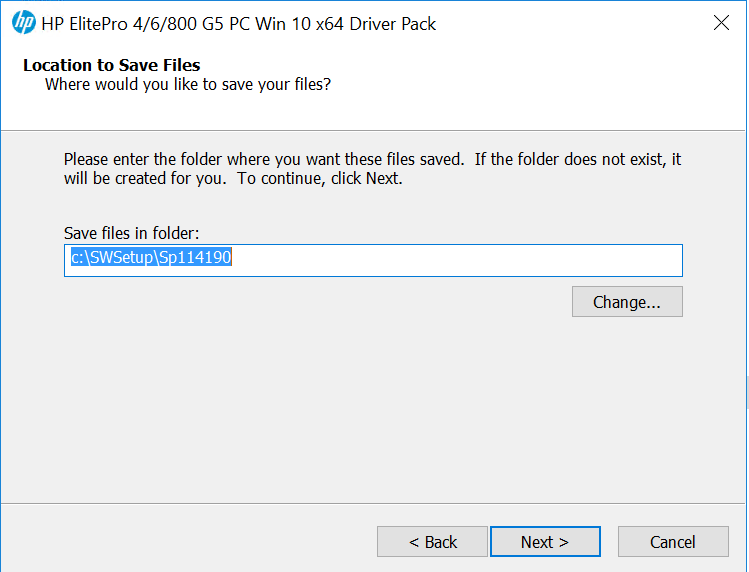
Here, you can select the destination location to extract the SCCM driver or leave it to default and click Next.
Note: If the folder does not exist, it will be created for you automatically.
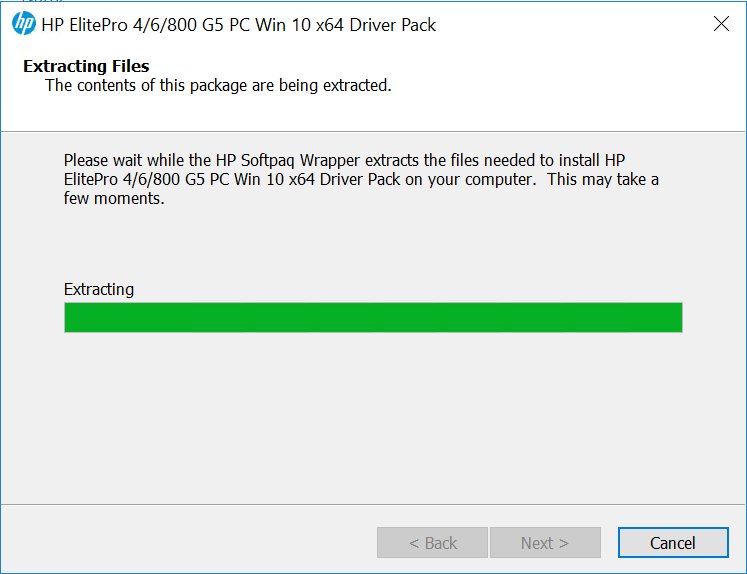
The Driver Pack started extracting files to the folder. Please wait while the package extracts the files. It will take a few minutes.
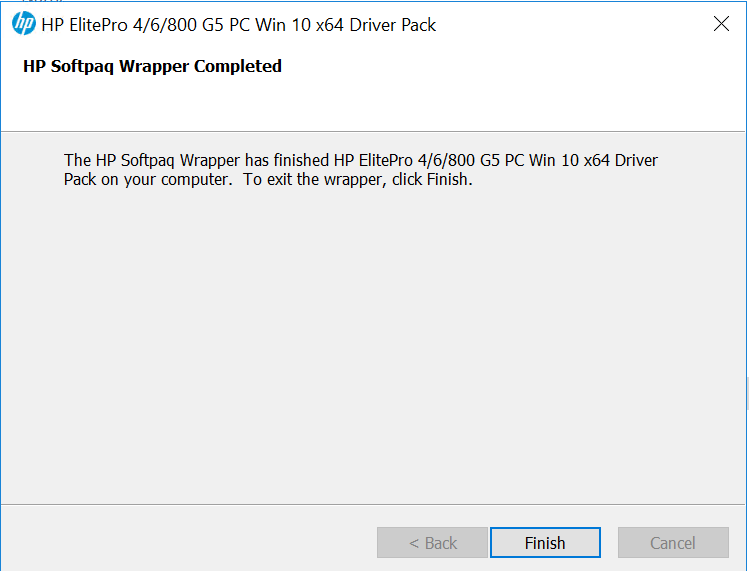
Once the extraction is completed, you will get a confirmation. Click Finish to exit the wizard.
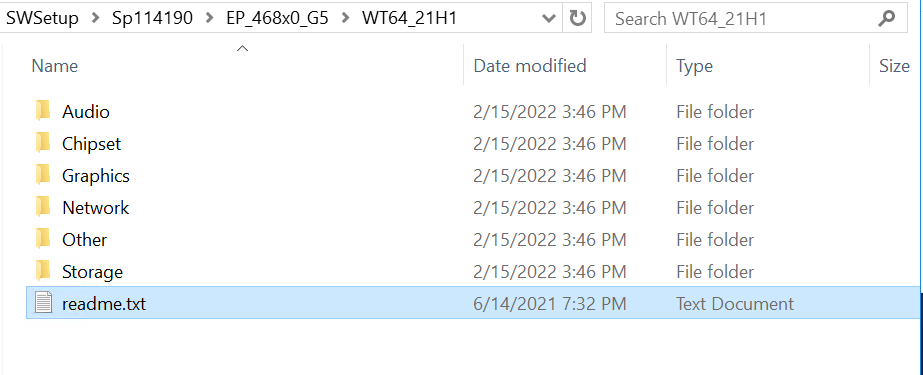
Once the files have been successfully extracted, you can find the driver in the destination folder (for example, C:\SWSetup\Sp114190\EP_468x0_G5\WT64_21H1)
Before proceeding with the Installation of Driver Packages, Please refer to the README file for the following details:
- Software name
- Support models/systems
- Operating System
- Version Information/Release Date
Import SCCM Driver Package for HP
The next step is to create a driver package in SCCM for the downloaded drivers. Before importing the driver into SCCM, let’s keep the downloaded drivers into the shared package network location from the vendor site.
⚠️Make sure you’re not using the long folder structure. When you download any drivers, you might have seen some of the driver paths were very long, which will create a problem at the time of import.
Let’s proceed to create a driver package in SCCM. If you want to start from scratch and explore more about the Driver Creation process using SCCM, Let’s explore SCCM Driver Import Driver Package Creation Process Guide.
Once you are done with the Driver Package creation process, The next step is to Integrate the Driver package into Task Sequence. Let’s check more about the Integration process and available useful options in Apply Drivers Package Step.




Hi Mr. Kumar
Thank you for the info.
As an alternative way, the same exe file can also be used in task sequence(s) as:
– cmd /c “xcopy 7z. %temp% /Y”
– cmd /c “%temp%\7z.exe x SP111451.exe -oc:\SWSETUP\SP111451
– DISM /Image:”C:” /windir:”WINDOWS” /Add-Driver:”c:\SWSETUP\SP111451″ /recurse /logpath:%temp%\dism_drv.log
P.S.:
7z.exe and 7z.dll are in a package.
SP111451.exe is in another package
Regards
Hi,
Please assist with Product Name: ‘HP EliteDesk 800 G5 TWR’.
I wanted to download Windows 11 x64 drivers pack, and on this web page https://ftp.hp.com/pub/caps-softpaq/cmit/HP_Driverpack_Matrix_x64.html, there is ‘-‘ sign in columns: ‘Windows 11 64-bit, 22H2’, ‘Windows 11 64-bit, 21H2’.
How should I process, if drivers pack is not there?
Thanks for sharing this helpful guide on downloading HP driver packs for SCCM HTMD! As an IT professional, I appreciate the ease and simplicity of your instructions. I will definitely use this resource to streamline my driver management process. Keep up the great work!