






Learn How to Download Samsung Driver Packs for SCCM
Let’s learn how to use Samsung driver packs with SCCM, and This guide helps you download Samsung Driver Package for OS deployment and create packages for drivers in SCCM.
Before you deliver the client PCs to your users, you can deploy a Windows operating system image to the PCs. You don’t need to manually install Windows and apps, and configure security and other settings.
To customize your Windows image for your Samsung client devices, you’ll need to download the appropriate driver packs.
HP, Dell, Microsoft Surface, and Lenovo have provided technicians with driver cabs for use during deployment. This is often much better than any recovery media the device might ship with and is faster than downloading device drivers individually from a model’s product page.

Driver management involves finding and downloading the appropriate drivers, Extracting the drivers, and creating the Driver Sources repository. The next step is to Import the drivers into SCCM, categorize them, create driver packages, and, most importantly, assign them to your task sequence.
- SCCM Driver Management Guide Best Practices ConfigMgr
- Add Apply Driver Package Step to SCCM Task Sequence
- Manage Drivers Using PnPUnattend Command line Utility
Download Samsung Driver Packs for SCCM
You can first choose to download Samsung drivers for Windows 10 or 11 manually from Samsung’s official website.
- Go to Samsung Download Center https://www.samsung.com/in/support/downloadcenter/
- Find the type of your Samsung device and click it to open.
- Refine the type, Choose your device.
- Match your device model from the drop-down menu. Then click Confirm to continue.
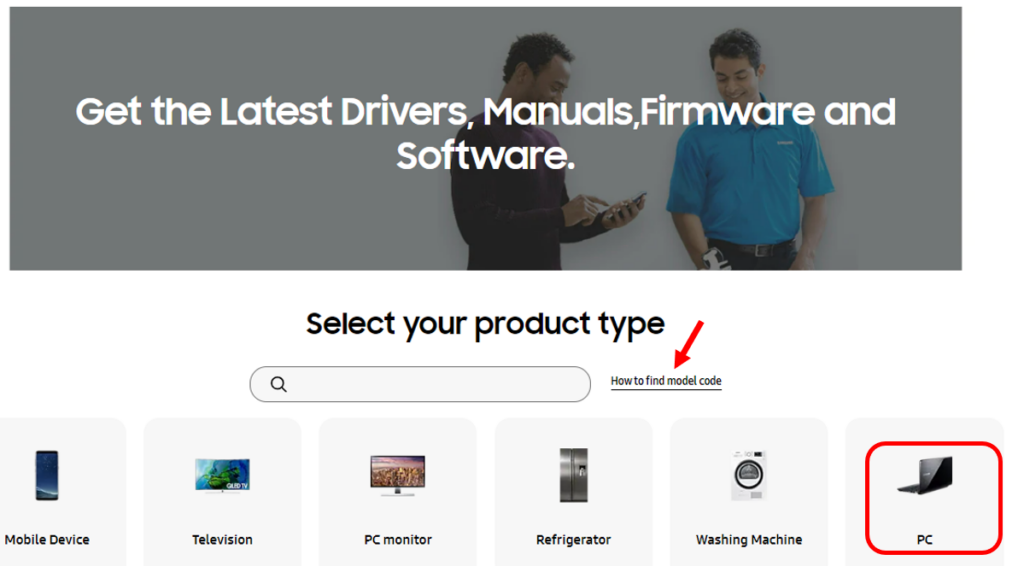
Here’s how to find the model code by selecting your product from the available lists.
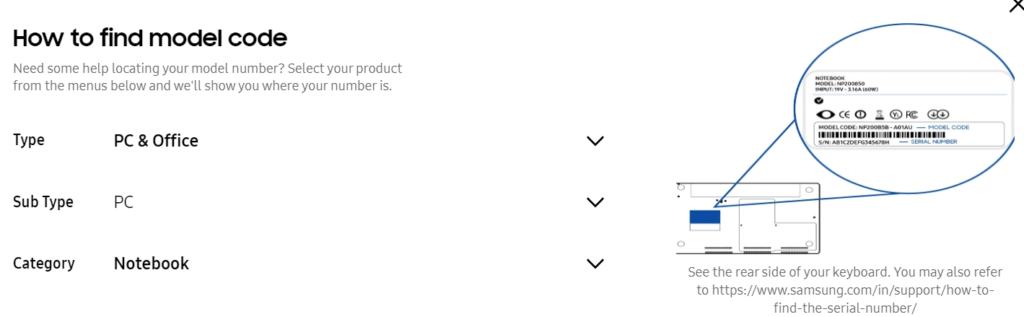
Use the search options to find the specific models from the category, Select the model to see the lists of drivers.
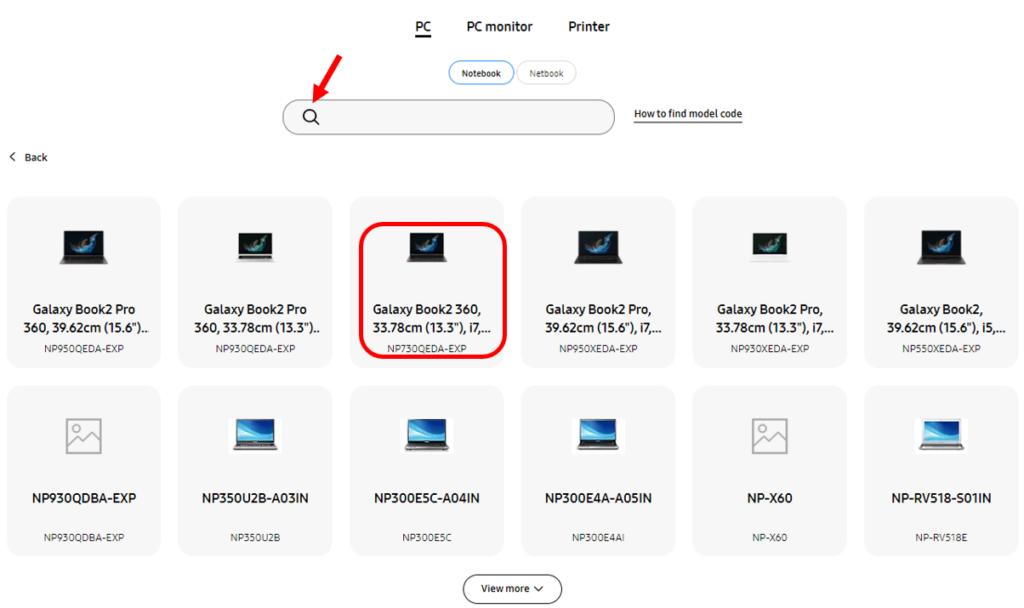
Select the model name or machine type and from the drop-down list, select the product and OS. Once you choose the device models, Click on Firmware/Software to filter and get drivers. The information will be automatically populated in all tabs.
Note – You may experience all the available models don’t offer the drivers. It’s best to explore the Samsung Enterprise management options added in the post below.
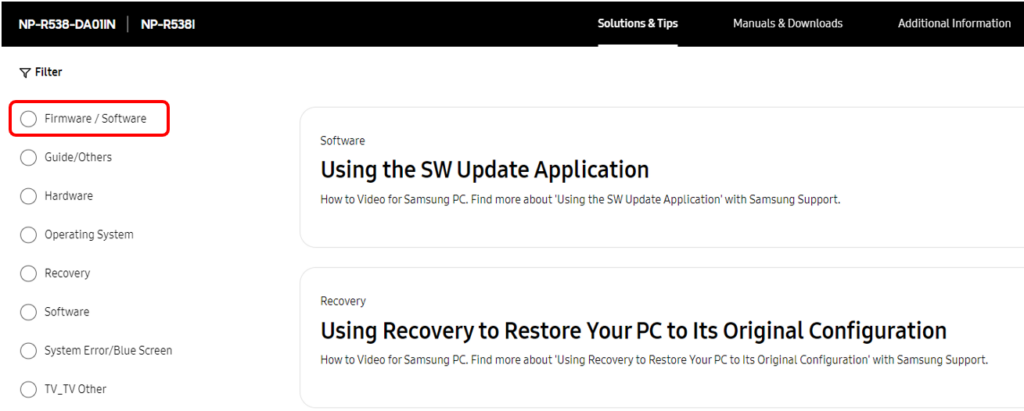
Select Drivers on the Product Home page and select the Download.
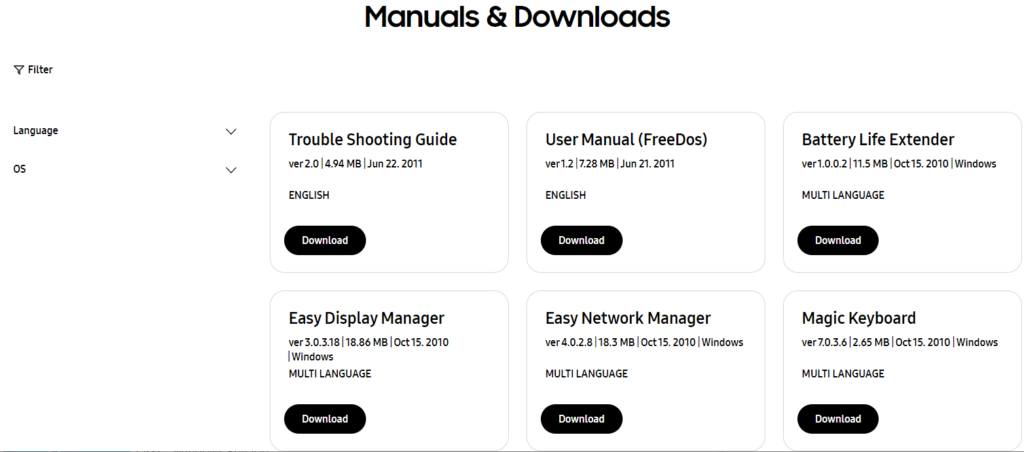
Download Samsung Driver Packs
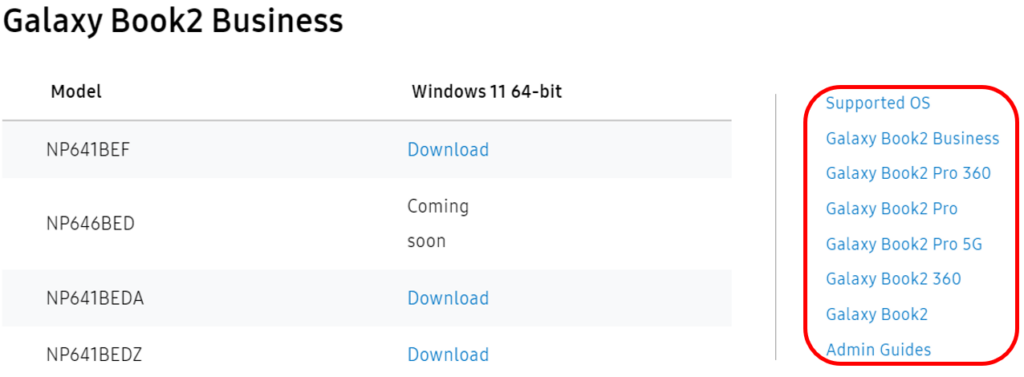
Samsung provides the latest Windows driver packs to be used with Microsoft Endpoint Configuration Manager (MECM) or Microsoft Deployment Toolkit (MDT), for operating system deployment.
You can find the drivers on the Samsung PC management site: https://pcmanagement.biz.samsung.com.
Here you can download the appropriate Windows and Windows PE driver packs for your specific Galaxy Book devices, and extract the drivers. Driver packs are typically zip files (.zip) that contain the drivers that Windows needs to run on specific hardware models.
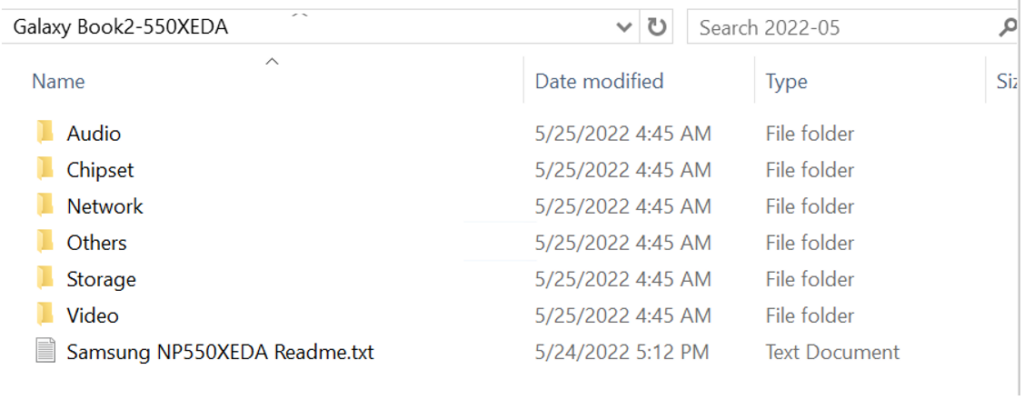
Extract Downloaded Driver Package
Extracting the compressed driver files will help you create a driver package for SCCM. Let’s follow the steps below –
Once the files have been successfully extracted, you can find the driver in the destination folder.
Import SCCM Driver Package for Samsung
Before importing the driver into SCCM, let’s keep the downloaded drivers from the vendor site in the shared package network location.
⚠️Make sure you’re not using the long folder structure. When you download any drivers, you might see some of the driver paths are very long, which will create a problem at the time of import
The next step is to create a driver package in SCCM. If you want to start from scratch and explore more about the Driver Creation process using SCCM, Let’s explore SCCM Driver Import Driver Package Creation Process Guide.
Once you are done with the Driver Package creation process, The next step is to Integrate the Driver package into Task Sequence. Here you can check more about the Integration process and available useful options in Apply Drivers Package Step.




Discussion