






Bangalore ITPro February Meeting SCCM Presentation PowerShell CMdLets
Bangalore ITPro February Meeting SCCM Presentation PowerShell CMdLets. It’s always fascinating to meet with peers (s?), which is the best part of the User Group meeting. We had a great time together and had excellent sessions.
I’m happy to see ConfigMgr/SCCM folks with many scenarios and questions. Powershell is always excellent, and Powershell with ConfigMgr is super exciting. You must have enjoyed one of my machine’s drop-down list websites.
Windows PowerShell is a powerful tool from Microsoft that automates various administrative tasks in SCCM/ConfigMgr 2012, especially with Service Pack 1. Cmdlets, specific commands within PowerShell, play a crucial role in this environment by executing particular functions.
Recently, Microsoft has updated the built-in Cmdlets commands for CM 2012 SP1, enhancing their functionality and usability for managing and automating tasks within Configuration Manager environments. These updates help simplify operations and improve efficiency when working with SCCM/ConfigMgr 2012 SP1.

| Index |
|---|
| Bangalore ITPro February Meeting SCCM Presentation PowerShell CMdLets |
| Cheat Codes of ConfigMgr SCCM 2012 Console |
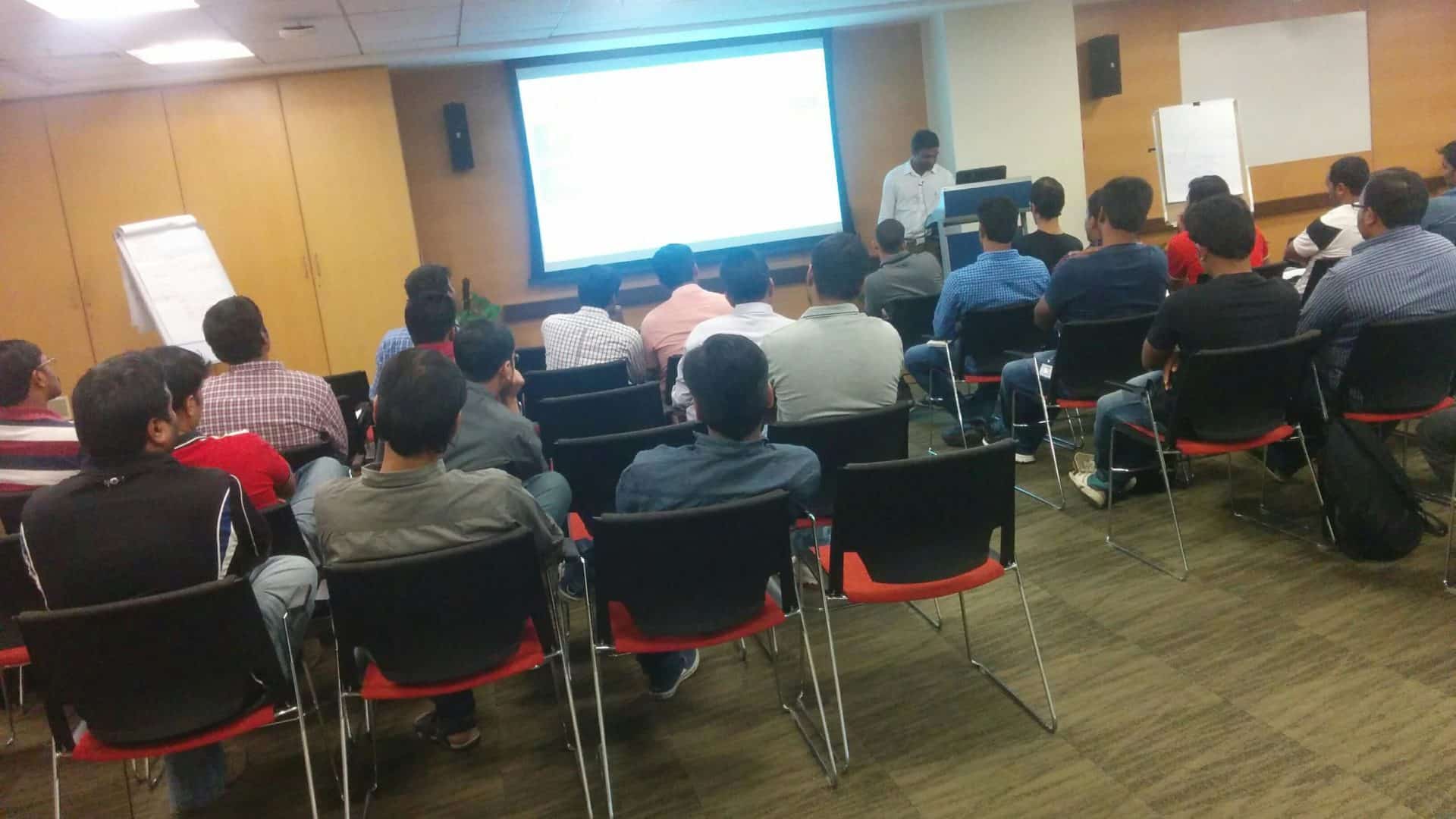
- Bangalore or Bengaluru ITPro User Group Meeting Presentation on SCCM Intune
- Bangalore IT Pro Event 4th August 2018
- Download SCCM Intune Azure Presentations BITPro GAB 2018 Overview Configuration Manager
- Windows 10 Accelerator Program Session at BITPro Event
Bangalore ITPro February Meeting SCCM Presentation PowerShell CMdLets
Bangalore ITPro’s February meeting will feature a presentation on SCCM, specifically highlighting PowerShell CmdLets. This session will explore how PowerShell CmdLets can be effectively utilized within SCCM to automate administrative tasks and enhance operational efficiency.
Power IT Up with “PowerShell + ConfigMgr”
Bangalore ITPro February Meeting SCCM Presentation PowerShell CMdLets
Bangalore ITPro February Meeting SCCM Presentation PowerShell CMdLets. The presentation video and Powershell command were let by Deepak (PowerShell MVP).
- SCCM Console Walk Through !!
- 1) Workspace
- 2) Navigation Pane
- 3) Ribbon
- 4) Results Pane
- 5) List View
- 6) Details Pane
- 7) Search Box
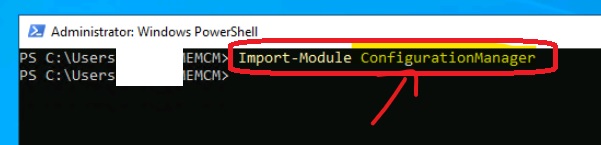
Cheat Codes of ConfigMgr SCCM 2012 Console
Bangalore ITPro February Meeting SCCM Presentation PowerShell CMdLets. Open the SCCM 2012 console and “HIT” F4 to See the magic! You will see the list of all the visited (history) nodes of the SCCM 2012 console.
| Cheat Codes of ConfigMgr SCCM 2012 Console |
|---|
| CTL + 1 ==> Will take you to the “Assets and Compliance” Workspace of SCCM 2012 Console! |
| CTL +2 ==> Will take you to the “Software Library” Workspace of SCCM 2012 Console! |
| CTL + 3 ==> Will take you to the “Monitoring” Workspace of SCCM 2012 Console! |
| CTL + 4 ==> Will take you to the “Administration” Workspace of SCCM 2012 Console! |
Powershell + ConfigMgr command lets used in this demo by Deepak – here
Resources
Windows 10 Latest Version Of Client Operating System From Microsoft
Windows 10 Archives – HTMD Blog #2 (howtomanagedevices.com)
We are on WhatsApp now. To get the latest step-by-step guides, news, and updates, Join our Channel. Click here. HTMD WhatsApp.
Author
Anoop C Nair is Microsoft MVP! He is a Device Management Admin with more than 20 years of experience (calculation done in 2021) in IT. He is a Blogger, Speaker, and Local User Group HTMD Community leader. His main focus is on Device Management technologies like SCCM 2012, Current Branch, and Intune. He writes about ConfigMgr, Windows 11, Windows 10, Azure AD, Microsoft Intune, Windows 365, AVD, etc.


Nice!
StaffThank you 😉
Hi Anoop, can you please email me the content that was shared at the meeting to my email please please, i really enjoyed the key functions.
StaffHi Musa ! – I hope, it’s already in the post. Please have a look at the bottom of the post.
Regards
Anoop