






End of Defender Application Guard for Office
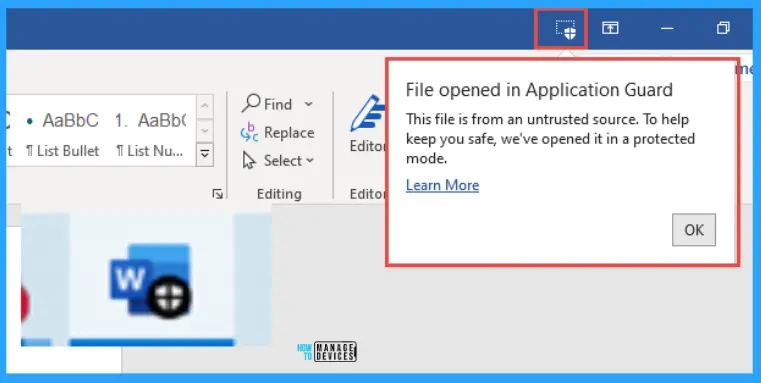
It’s the end of Defender Application Guard for Office. Microsoft Defender Application Guard for Office is a security feature that helps you prevent untrusted files from accessing trusted resources. It keeps your enterprise safe from new and emerging attacks.
However, Microsoft has decided to stop updating and supporting Defender Application Guard for Office. This means the feature would not receive any more improvements or assistance from Microsoft.
The deprecation also extends to the Windows.Security.Isolation APIs. It plays a crucial role in implementing the isolation mechanisms for Microsoft Defender Application Guard for Office. These APIs help establish a secure environment for opening and handling untrusted Office files.
Application Guard for Office is a security guard for your Microsoft 365 Apps, such as Word, Excel, and PowerPoint. It is designed to keep your documents safe but only works for people using Windows 10 and Windows 11 Enterprise editions.

| Deprecated Features for Windows |
|---|
| Defender Application Guard for Office |
- Secure Android Devices using Microsoft Defender for Endpoint in Intune
- Deploy Microsoft Defender for Endpoint Policies using Intune
- Block Potentially Unwanted Applications in Windows | Microsoft Defender
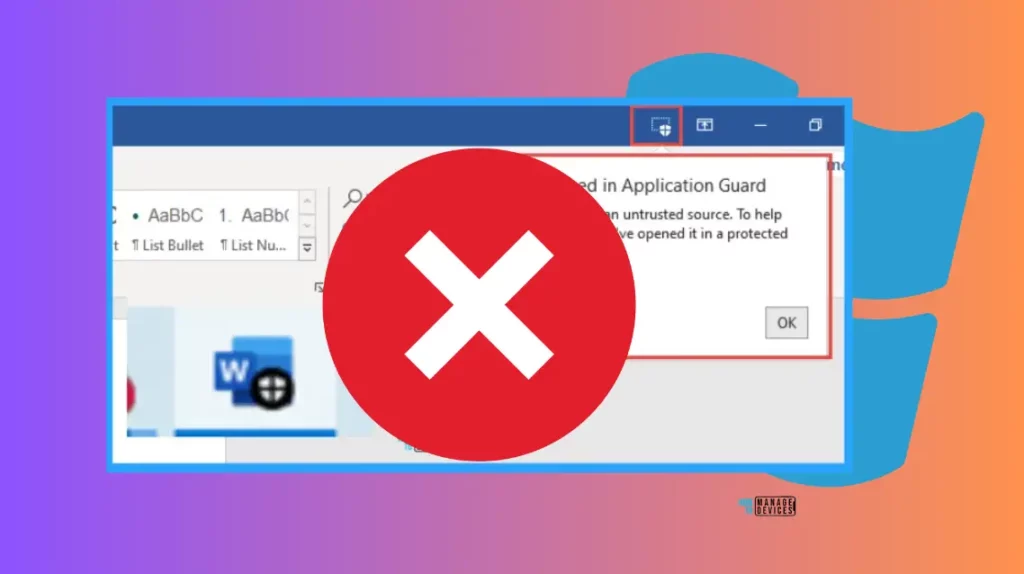
What is Microsoft Defender Application Guard for Office?
Microsoft Defender Application Guard for Office is a security feature that helps you protect malicious documents by opening them in a secure virtualized environment.
Will there be any Further Updates for Microsoft Defender Application Guard for Office?
Microsoft has officially deprecated this feature, and there will be no further support or updates.
End of Defender Application Guard for Office
As per Microsoft’s latest update, the Microsoft Defender Application Guard for Office is reaching the end of its life and is no longer being updated.
The deprecation of Microsoft Defender Application Control for Office also includes the removal of its API called Windows.Security.Isolation that is used with MDAG.
Recommended Alternatives to Defender Application Guard for Office
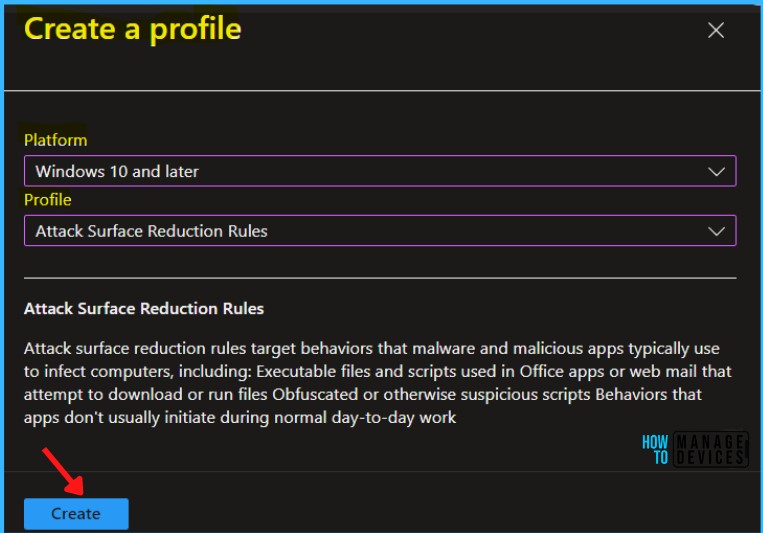
Microsoft gives the organization a migration path if they still want to use the features of Defender Application Guard for Office to protect the Office apps using Defender.
Deprecated Features in Windows for November 2023
Microsoft deprecated several features and applications from Windows in November 2023. However, Microsoft is providing alternate options for users to get similar functionalities.
| Deprecated Features in Windows | Details | Deprecated Date |
|---|---|---|
| Tips App | The Tips app is being removed from Windows. It is now deprecated and will be removed in an upcoming release. | November 2023 |
| Computer Browser driver and service | Microsoft has decided to phase out the Computer Browser driver and service. We think the reason for removal is due to their outdated and insecure nature. | November 2023 |
| Webclient (WebDAV) Service | Microsoft has officially deprecated the Webclient WebDAV service in Windows and stopped showing support and updates for this feature. | November 2023 |
| Remote Mailslots | Microsoft is removing Remote Mailslots, the old tools for computers from a long time ago, because they are not so good now. This change is happening so that computers can use better and newer ways to communicate with each other. | November 2023 |
We are on WhatsApp. To get the latest step-by-step guides and news updates, Join our Channel. Click here – HTMD WhatsApp.
Author
About the Author – Vidya is a computer enthusiast. She loves writing about Windows 11 and related technologies. She is also keen on finding solutions and writing about day-to-day tech problems.



Discussion