






Fix Outlook Desktop Crashes Issue when sending Emails
Let’s discuss how to Fix Outlook Desktop Crashes issue when Sending Emails from Outlook.com Accounts. Microsoft has temporarily fixed a known issue causing Outlook Desktop to crash while sending emails from Outlook.com accounts.
When people use Outlook.com to send emails, the Outlook program crashes for users with the Current Channel (Preview) on build 17029.20028. These problems only affect Outlook for Microsoft 365 users. Let’s learn how to Fix the Outlook Desktop Crashes issue while emailing.
In my experience, I have encountered situations where users face Outlook crashes while sending emails from Outlook.com accounts. Common troubleshooting steps, like restarting, repairing, reinstalling the application, and creating a new Outlook profile, do not fully resolve the issue.
If you are facing the “Something Went Wrong 1001” Outlook error while trying to sign in to Microsoft 365 Desktop Applications, there are steps you can follow to troubleshoot and resolve this issue. We have written an article that helps you solve two common problems in the Outlook app.

One problem is when Outlook asks to reopen your last session; the other is the FIX Slow Attachment Saving Issue in the Outlook App. This 2 article provides easy steps to fix these problems.
- FIX Spoofing Vulnerability with Outlook Image Blocking and Read-Only Meeting Body
- FIX Restricted Access to FQDN and IP Hyperlinks Issues in Outlook
What users are affected by these problems?
The problems with the Outlook Desktop Crashes issue impact Outlook for Microsoft 365 users and those in the Current Channel (Preview) channel using Outlook build 17029.20028.
Issue Outlook App Crashing Issue
As per Microsoft’s known issue list, the Outlook Desktop application is getting closed automatically when a user tries to send an email from their Outlook.com account. This issue happens for users on the Current Channel (Preview) channel on build 17029.20028.
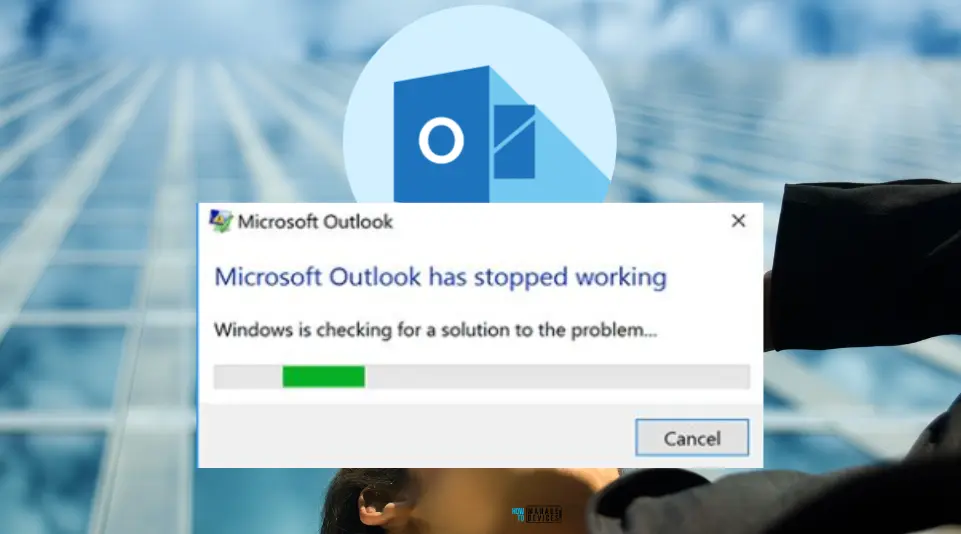
Fix Outlook Desktop Crashes Issue when sending Emails
Despite attempting measures such as safe mode, creating a new profile, repairing PST files, and even resorting to a system restore to roll back to a previous installation, users have reported that these efforts often prove unsuccessful in resolving the Outlook Desktop crashing issue.
Microsoft will solve this issue with the latest version of the Outlook Desktop app. The fix is already available for the Current Channel (Preview) of the Outlook app. So fix the Outlook Desktop Crashes Issue when sending emails. It is coming soon.
Workaround Outlook Desktop App Crashes
As mentioned above, this issue will soon be rectified with the latest version of the Outlook app. To workaround the problem, use the steps below to revert to the prior working build:
- Open a Command Prompt window with administrator permissions.
- Paste the commands below into the Command Prompt window and press Enter after each:
cd %programfiles%\Common Files\Microsoft Shared\ClickToRun
officec2rclient.exe /update user updatetoversion=16.0.16924.20124
We are on WhatsApp. To get the latest step-by-step guides and news updates, Join our Channel. Click here – HTMD WhatsApp.
Author
About the Author – Vidya is a computer enthusiast. She is here to share quick tips and tricks with Windows 11 or Windows 10 users. She loves writing on Windows 11 and related technologies. She is also keen to find solutions and write about day-to-day tech problems.




Discussion