






Conflict Errors in Outlook When Updating or Cancelling Meetings
Let’s discuss Conflict Errors in Outlook When Updating or Cancelling Meetings. Outlook is a Web-based email service created by Microsoft. Outlook is a safe tool for managing your emails and appointments. Outlook impacts all users to stay productive and manage their busy schedules in this digital world.
Outlook is mainly focused on individual users and business environments to ensure a platform for efficient communication and productivity. Outlook provides a user-friendly platform for email management, scheduling, task management, and more.
Microsoft Outlook is a personal organization tool that’s included in the Microsoft Office suite. Outlook is primarily an email application that allows users to send, receive, and manage emails. With the help of Outlook, users can use calendar features that help them keep track of appointments, meetings, and events.
Nowadays, users face some errors when using Outlook Desktop to manage their meetings; you may encounter a conflict error when you try to update or cancel a meeting item. In this post, we can discuss some workarounds to fix that error.

- Microsoft Outlook.com Connectivity Issue
- Recall Message Functionality Failure in Outlook Desktop
- How to Search Emails in Outlook
Conflict Errors in Outlook When Updating or Cancelling Meetings
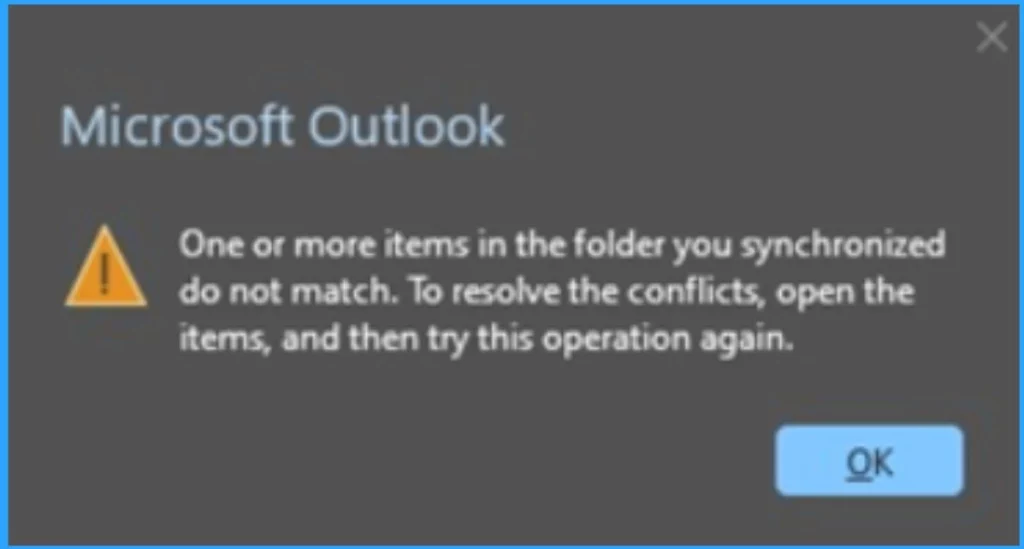
When you try to use Outlook Desktop to manage your meetings, you might encounter an error of conflict When Updating or Cancelling Meetings. That error message says, “One or more items in the folder you synchronized do not match. To resolve the conflicts, open the items and try this operation again.”
| Workarounds to fix the error. |
|---|
| Clear Offline Items for your calendar |
| Use Outlook Web Access (OWA) or use New Outlook |
See More: Fix Something Went Wrong 1001 Outlook Error Microsoft 365 Desktop Applications
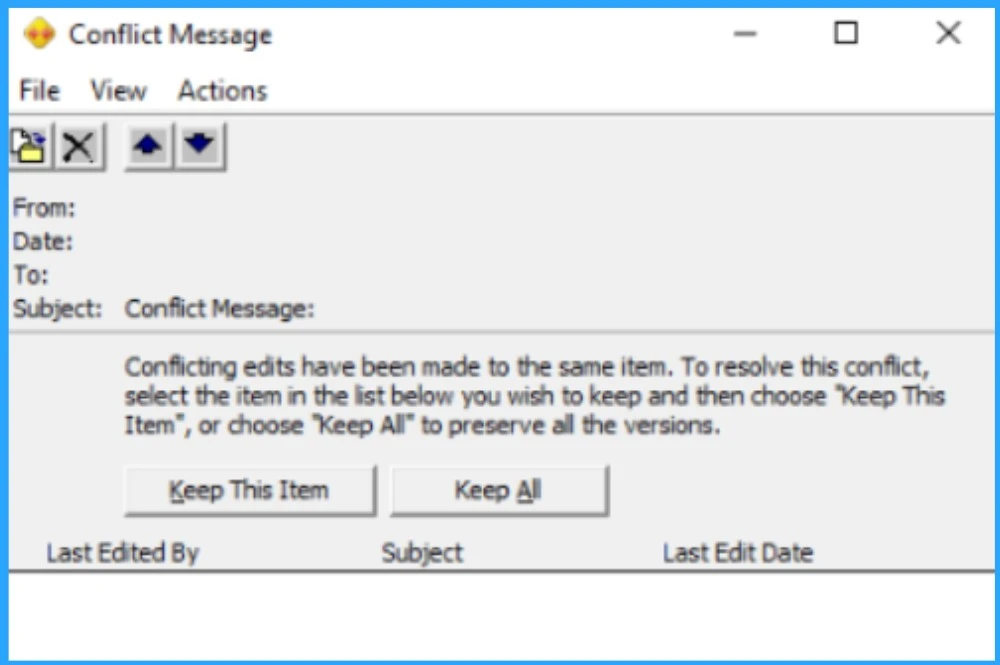
This error happens because there is a mismatch between the calendar item on your local machine and the server copy. The server copy does not have a conflict, but the local copy does; the Conflict Message says that ( ”Conflicting edits have been made to the same item. To resolve this conflict, select the item in the list below you wish to keep and then choose” keep this item ”, or choose Keep all to preserve all the versions”).
- If the Conflict Message dialogue appears, you should close it
Note: This issue is being investigated by the Outlook Team, but until it is resolved, you can use the following workarounds to fix the error.
1. Clear Offline Items for Your Calendar
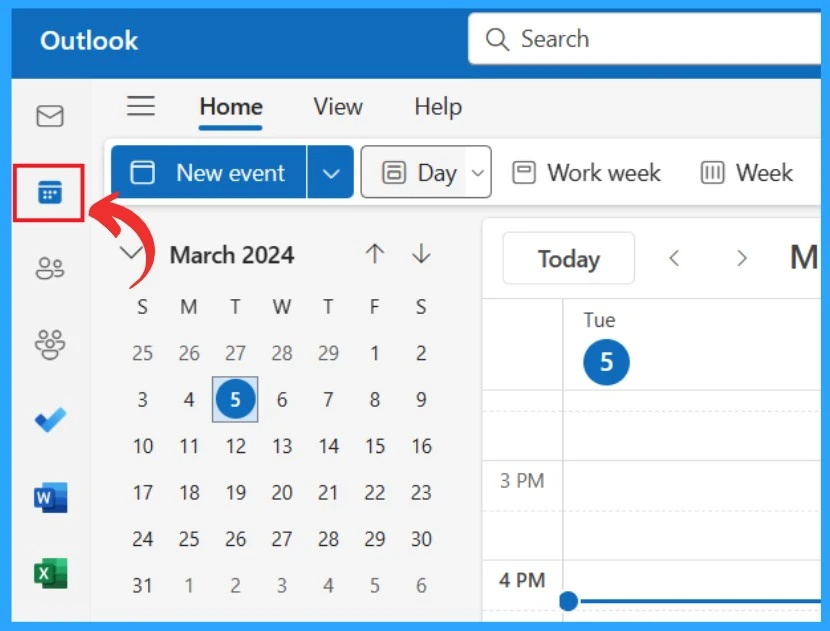
This option will delete the calendar items in your Outlook store (OST) file on your local machine and then re-sync them with the server. To do this, Open the Calendar pane in Outlook, right-click the Calendar folder in Outlook.
- Select the Properties option in the calendar folder
- On the General tab, select Clear Offline Items
- Click on Ok
2. Use Outlook Web Access (OWA) or Use New Outlook
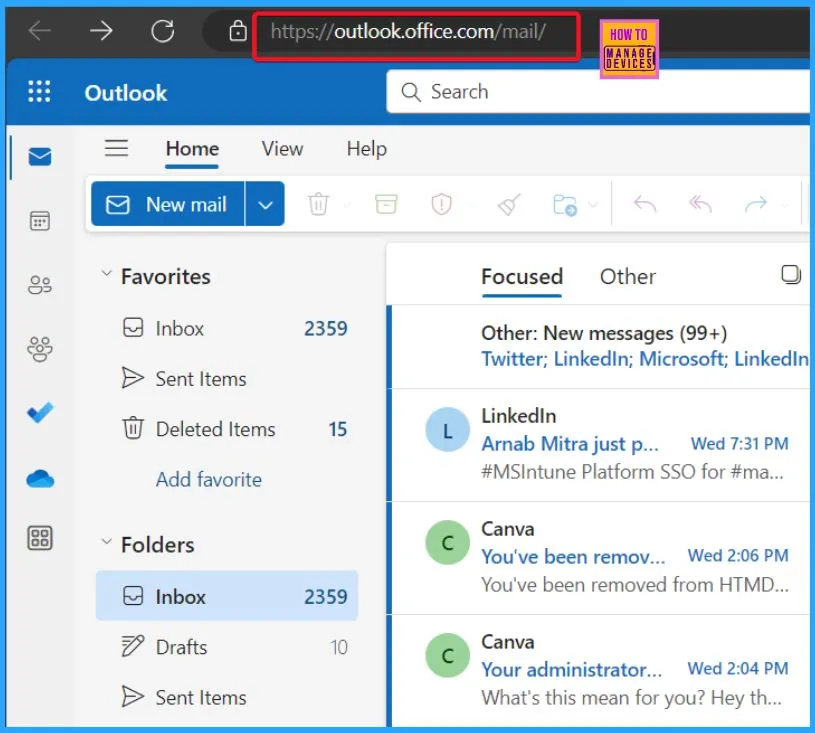
Use Outlook Web Access (OWA) or New Outlook to update or cancel the meeting. The conflict error does not occur in OWA or New Outlook, so you can use them as an alternative to Outlook Desktop.
Reference
Outlook shows conflict errors when updating or cancelling meetings
We are on WhatsApp now. To get the latest step-by-step guides, news, and updates, Join our Channel. Click here. HTMD WhatsApp.
Author
Krishna. R is a computer enthusiast. She loves writing about Windows 11 and Intune-related technologies and sharing her knowledge, quick tips, and tricks about Windows 11 or 10 with the community.




Discussion