






SCCM Co-Management Virtual LAB from Microsoft
This post will see more details about SCCM Co-Management Virtual LAB from Microsoft. Many IT Pros use Microsoft Virtual Labs as their free training resource.
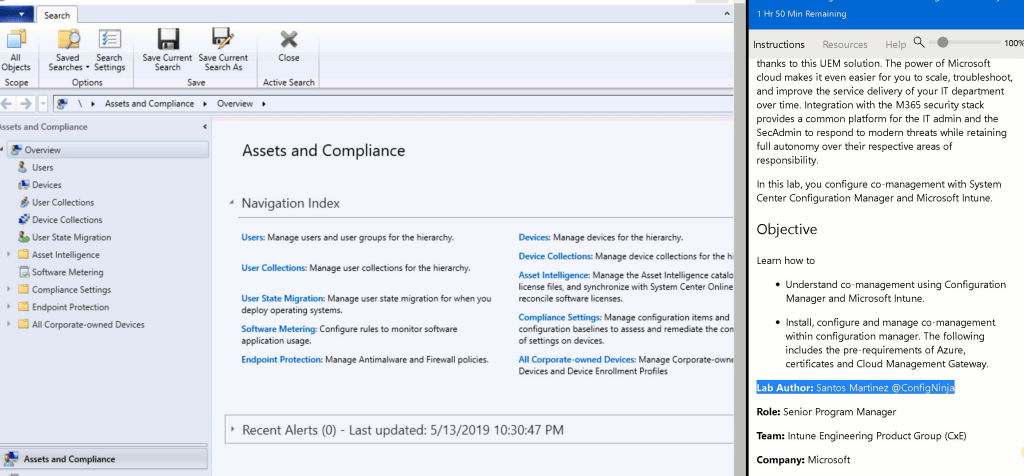
First of all, a Special Thanks to Santos Martinez (Microsoft Senior Program Manager) for building a co-management virtual lab. With this SCCM Co-management Virtual LAB, we can test end-to-end SCCM co-management scenarios.
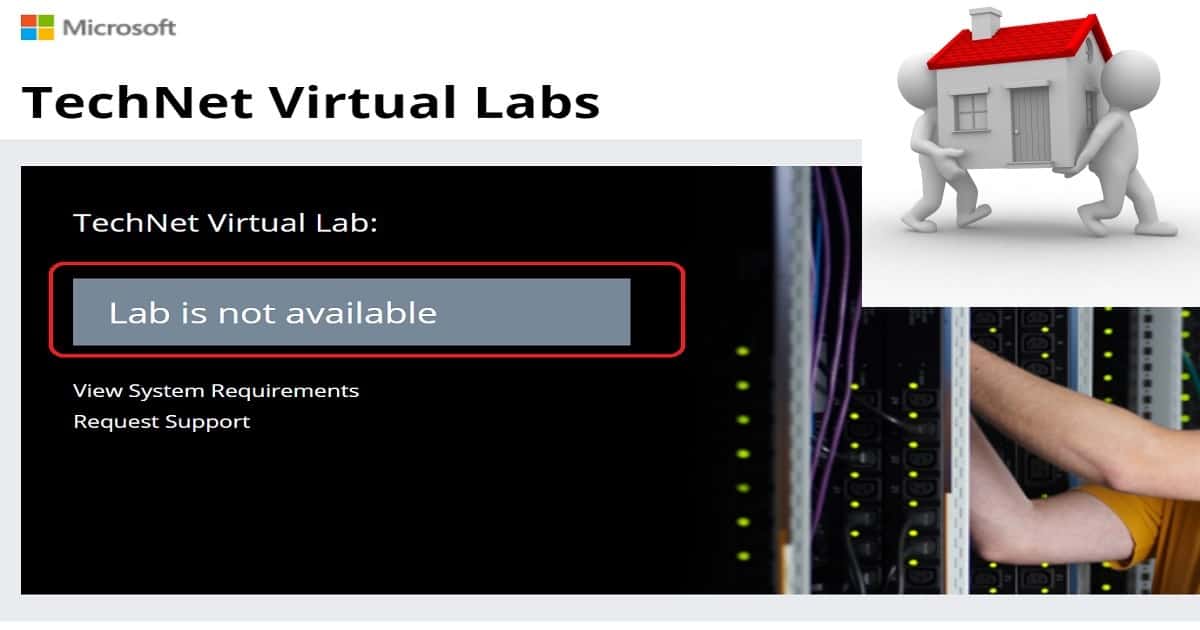
Recently there were many changes in Microsoft Virtual Labs, and most of the SCCM Labs disappeared. The SCCM Co-management virtual lab is created with the SCCM 1902 version (as of 14th May 2019). So, there are loads of other advantages with this lab.
Free SCCM Virtual Labs is a service provided by Microsoft to help IT Admins and Developers learn new technologies. The old links to SCCM and Intune TechNet Virtual Labs are NOT working.

| Index |
|---|
| SCCM Virtual Labs in Azure Platform |
| SCCM Co-Management Virtual LAB |
| Free SCCM CO-Management Virtual Lab |
| SCCM Windows 10 In-place Upgrade Task Sequence |
[Related Post – Intune, SCCM, and Windows 10 Free Virtual Labs to Get Hands-On Experience]
NOTE! – Can you please comment if you want to cover any specific topic?
- Check out the new features of SCCM 1902
- Get the Hands-On Experience with SCCM 1902
What are the Advantages of the New Free Virtual LABS from Microsoft?
Microsoft self-paced labs can help IT Pros get hands-on experience with new technology features. As of 14 May 2019, there were only 151 Self-paced Labs available.
The migration to Azure CloudApps suits IT admins who want to learn new technologies in an agile method. The new platform does not depend on browsers or OSs.
SCCM Virtual Labs in Azure Platform
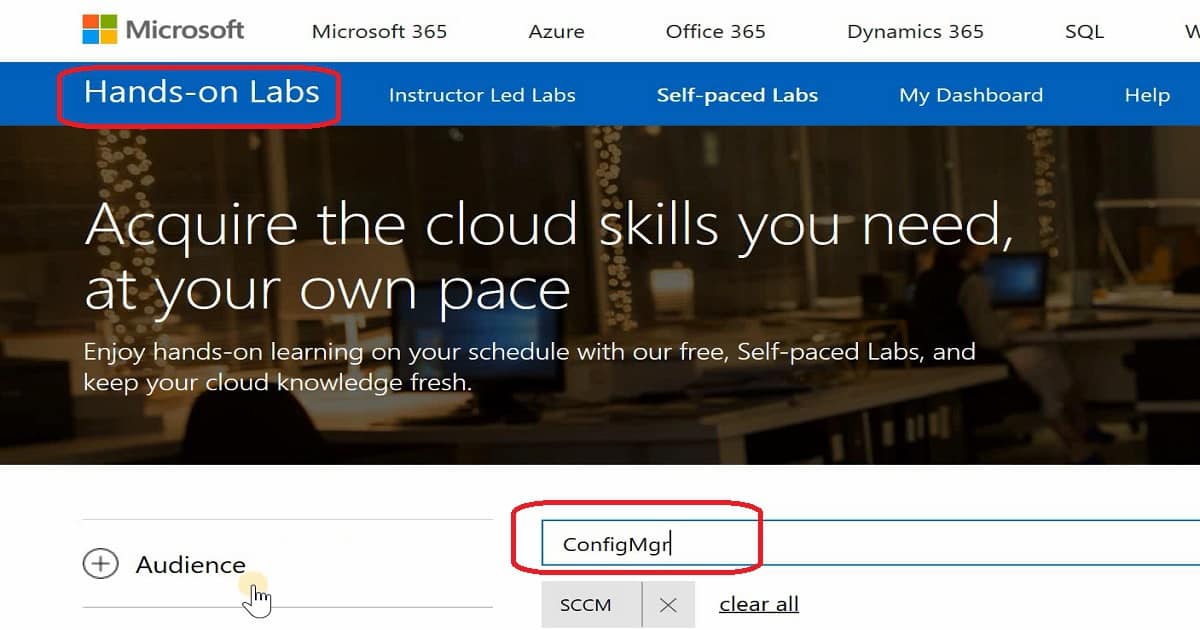
Microsoft moved TechNet Labs http://technet.microsoft.com/en-us/virtuallabs to a new Azure hosting solution called Microsoft Self-Paced Labs. More details about Self-paced labs are here – https://www.microsoft.com/handsonlabs/SelfPacedLabs.
SCCM Co-Management Virtual LAB
As I mentioned below, there are only two virtual labs available for SCCM admins: the Free SCCM Co-Management Virtual Lab and the Free Windows 7 to Windows 10 Upgrade Task Sequence Virtual Lab.
These SCCM Intune Windows 10 Hands-On Labs training will run on Chrome, Firefox, Safari, Mac-OS, etc.
SCCM Co-Management Virtual LAB from Microsoft – Fig.2
The following are the links to access Hands-on virtual labs. There are only 2 Self-paced Labs for SCCM.
You might need to use an Outlook account to launch the Virtual LAB. All further instructions will be provided on the right-hand side of the virtual lab browser.
NOTE: As of 14 May 2019, only two (2) labs are available for SCCM. Start searching with the keyword “Configuration Manager.”
Free SCCM CO-Management Virtual Lab
Getting Started with Co-Management and System Center Configuration Manager (SCCM) and Intune – SC00116.
SCCM Windows 10 In-place Upgrade Task Sequence
Microsoft 365 Deployment Workshop – OS00203
Resources
- SCCM IBCM Vs. CMG Differences in a Real-World Comparison
- How to Setup Co-Management – Introduction – Prerequisites Part 1
- How to Setup Co-Management – Firewall Ports Proxy Requirements Part 2
- Setup Co-Management – AAD Connect UPN Suffix Part 3
- Setup Co-Management – CA PKI & Certificates Part 4
- Setup Co-Management Cloud DP Azure Blob Storage Part 5
- Setup Co-Management Azure Cloud Services CMG Part 6
- SCCM Configure Settings for Client PKI Certificates Part 7
- How to Setup SCCM Co-Management to Offload Workloads to Intune – Part 8
- How to Deploy SCCM Client from Intune – Co-Management – Part 9
- End-User Experience of Windows 10 Co-Management – Part 10
- Overview Windows 10 Co-Management with Intune and SCCM
- Custom Report to Identify Machines Connected via SCCM CMG
- How to Setup SCCM Cloud Management Gateway as Cloud DP
- Troubleshooting Tips SCCM CMG Connection Analyzer
- Learn How to Remove SCCM Cloud DP
- Clean up SCCM CMG and Cloud Services from SCCM
We are on WhatsApp. To get the latest step-by-step guides and news updates, Join our Channel. Click here –HTMD WhatsApp.
Author
Anoop C Nair is Microsoft MVP! He is a Device Management Admin with more than 20 years of experience (calculation done in 2021) in IT. He is a Blogger, Speaker, and Local User Group HTMD Community leader. His main focus is on Device Management technologies like SCCM 2012, Current Branch, and Intune. He writes about ConfigMgr, Windows 11, Windows 10, Azure AD, Microsoft Intune, Windows 365, AVD, etc




It asks for phone and credit card validation, but I have already used my info for another demo on azure
StaffThat is something new. This might be because of your MFA settings ? I never had this validation
Its doing the same for me.
StaffIs everything ok after that authentication?
Hi Anoop its asking for credit card information when signing up to Azure as part of the instruction.
StaffThis could be because of security reasons
Not able to find the lab for the comanagement ? Is it removed cause yesterday i was able to find it but not today
me too
Not able to find the lab for the comanagement ? Is it removed cause yesterday i was able to find it but not today
last week worked
StaffIt’s not stable and you might need to try again later!
thank you
i will try every day ……..
thank you
Hi Anoop
Both the Hands on Labs arent available anymore. Are there any other SCCM pre configured labs which you can recommend.
hi anoop
is those labs still available on microsoft site
I tried to access but not able toaccess it
can you pls help me
StaffHello – Unfortunately, they have discontinued the Microsoft LAB services.