






Latest Windows 11 update End User experience
This post describes my first Windows 11 update end-user experience. Microsoft announced Windows 11 insider preview build version 22000.65. The refresh desktop option is back without needing to click “Show more options.”
Some features may be deprecated or removed when upgrading to Windows 11 from Windows 10 or installing an update to Windows 11. For more details, see Windows 11 removed features.
My first experience with Windows 11 Quality Updates, Feature Updates, Driver Updates, and Firmware Updates | CUs is 40% Smaller. Windows 11 will receive cumulative monthly security updates up to 40% smaller in size than Windows 10 cumulative updates.
The latest update includes some additional features. You can right-click the taskbar volume icon to troubleshoot sound problems. The Power mode settings are now available on the Power & battery page in Settings.

Table of Contents
First Windows 11 Update Experience
To speed up the process, you can seek the latest Windows 11 update and initiate the update from the Windows 11 Settings application.
- Launch the Settings application from the Start button.
- Click on the Update and Security tab.
- Click on the Windows Update tab.
- Click on the Check for Updates button to seek the updates.
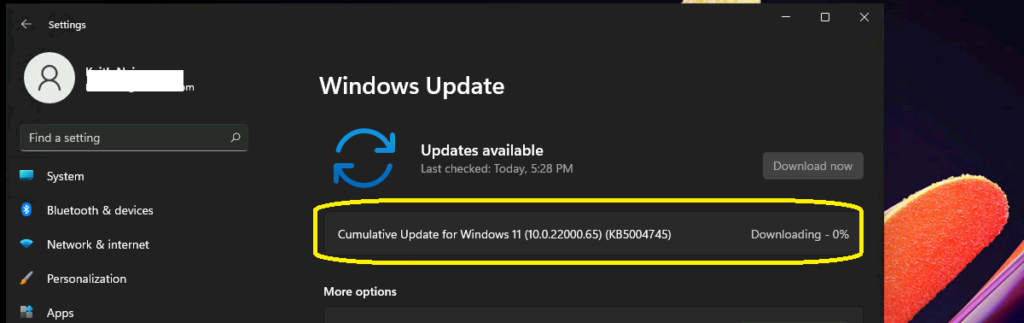
The cumulative update for Windows 11 (10.0.22000.65)(KB5004745) starts the downloading process. This is the first stage of the update, similar to Windows 10.
- Top 83 Windows 11 Desktop Admin Interview Questions
- 5 Latest Features of Windows 11 Announced – July 2023 Dev and Canary Channel Updates
- Allow Disallow Windows Apps to Communicate with Unpaired Devices Policy in Windows 11
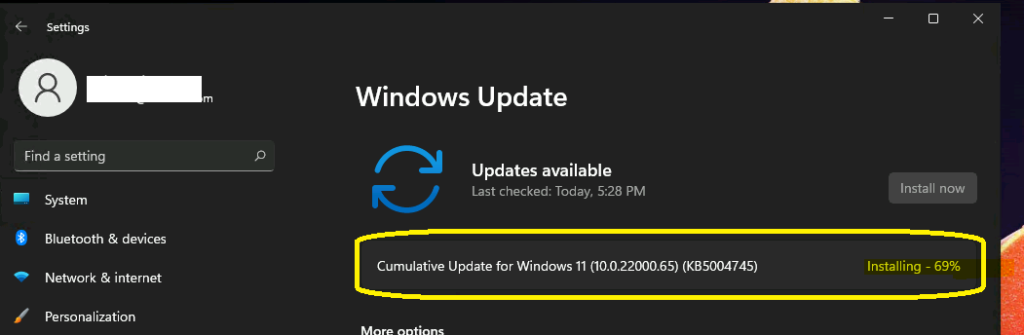
The next phase of the Windows 11 update is the installation phase. As an end-user, I didn’t notice any performance issues.
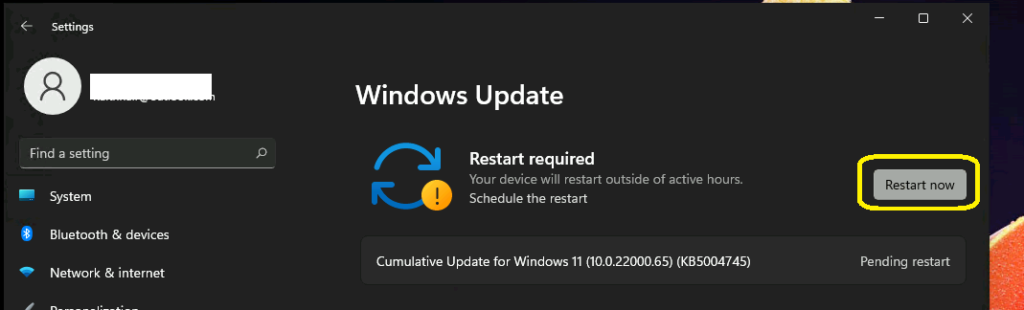
The next phase of the Windows 11 update is Pending Restart. To complete the update, click the Restart Now button.
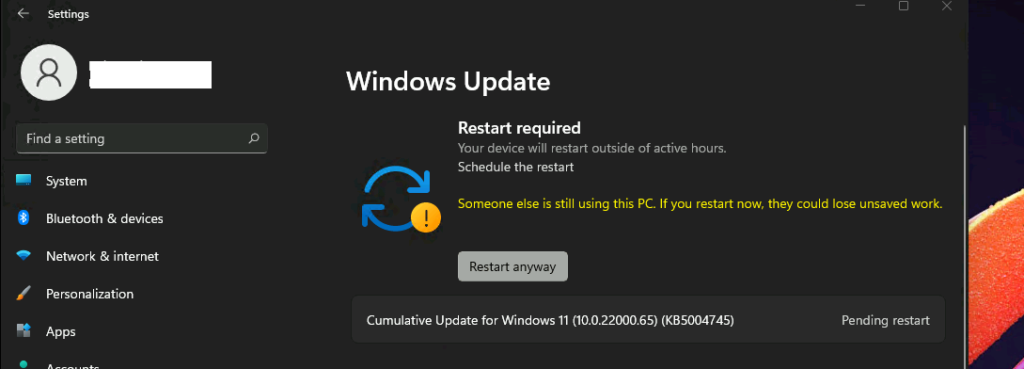
I have not seen this notification before. The following message is that someone else is still using this PC. If you restart now, they could lose unsaved work. You can click on the Restart Anyway button to complete the updates.
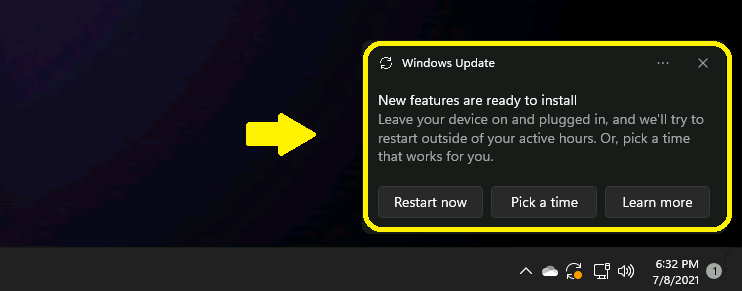
The new Windows Update toast notification in Windows 11 is below.
New features are ready to install – Leave your device on and plugged in, and we’ll try to restart outside of your active hours. Or, pick a time that works for you.
- Restart now
- Pick a time
- Learn more
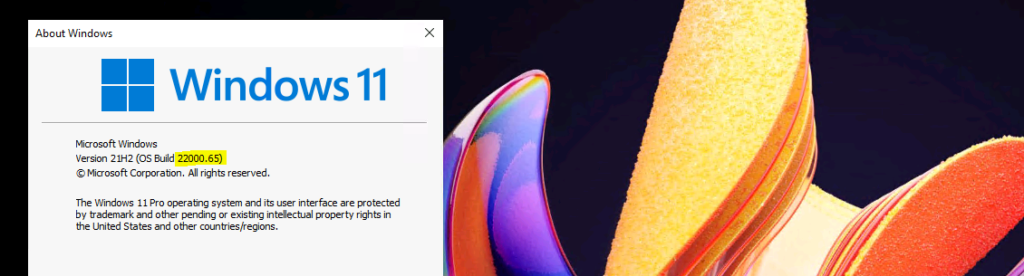
You can check the Windows 11 version from the Winver utility. More details on Windows 11 Version Numbers.
- Windows 11 Version 21H2 10.0.22000.65
Resources
- New Windows 11 Quick Settings Options
- Add or Remove Windows 11 Widgets Button on Taskbar Easy Option
We are on WhatsApp. To get the latest step-by-step guides and news updates, Join our Channel. Click here –HTMD WhatsApp.
Author
Anoop C Nair has been Microsoft MVP for 10 consecutive years from 2015 onwards. He is a Workplace Solution Architect with more than 22+ years of experience in Workplace technologies. He is a Blogger, Speaker, and Local User Group Community leader. His primary focus is on Device Management technologies like SCCM and Intune. He writes about technologies like Intune, SCCM, Windows, Cloud PC, Windows, Entra, Microsoft Security, Career, etc.




Hi Anoop,
I thought Windows 10 was going to be Evergreen and that we will have only the version changing but not the product – Windows 10 1909, 20 H2 etc ? If they have released Windows 11 – does that mean earlier like Windows XP, 7 and 10 we will have now 12, 14,15 ?