


Skip to content
Walk Through of New Edge Browser with Windows 10

Walk Through of New Edge Browser with Windows 10

Written By Anoop C Nair
Last Updated July 11, 2024
Posted In Windows 10
SHARE

Walkthrough of New Edge Browser with Windows 10. Microsoft has released its new browser, Spartan, with the newest Windows 10 preview build, 10049.

I’ve installed the new Windows 10 Technical Preview build 10049, and you can find the Spartan browser pinned to the Windows 10 Taskbar!! The picture is below.

Walkthrough of New Edge Browser with Windows 10—The Spartan icon is similar to the globe. I don’t think that is a great or innovative icon for a great browser. 🙁 I’ve another post that explains Spartan: “Windows 10 Spartan: The New Internet Browser is Suspended.”

This post provides all the details of the Walkthrough of the New Edge Browser with Windows 10.

Patch My PC
Index
Walk Through of New Edge Browser with Windows 10
Walk Through of New Edge Browser with Windows 10 – Table 1

Walk Through of New Edge Browser with Windows 10

Clicking on the Spartan browser gives me a look and feel of Windows 10 modern or Windows universal applications. See below… I’ve noticed that the temp files of the Spartan browser are stored in the user profile. In My case, the temp location for Spartan was the following. I would perform further research on what type of data is stored

@”C:/Users/Anoop/AppData/Local/Packages/microsoft.windows.spartan_cw5n1h2txyewy/AC/#!001/Spartan/

Walk Through of New Edge Browser with Windows 10 - Fig.1
Walk Through of New Edge Browser with Windows 10 – Fig.1

The new browser Spartan’s above look will change to an almost normal browser after launching the default website, “Project Spartan.”

Walk Through of New Edge Browser with Windows 10 - Fig.2
Walk Through of New Edge Browser with Windows 10 – Fig.2

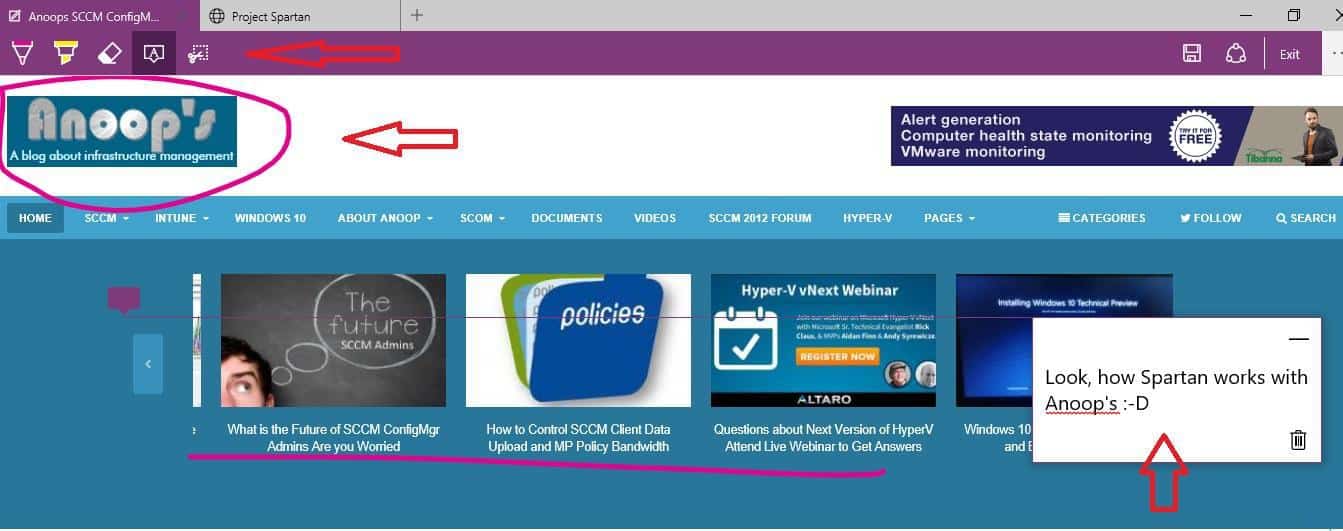
As Microsoft showed in the demo, we can edit and post comments on live websites and save or share them if we want. The editing tool works very well in my testing.
Walk Through of New Edge Browser with Windows 10 - Fig.3
Walk Through of New Edge Browser with Windows 10 – Fig.3

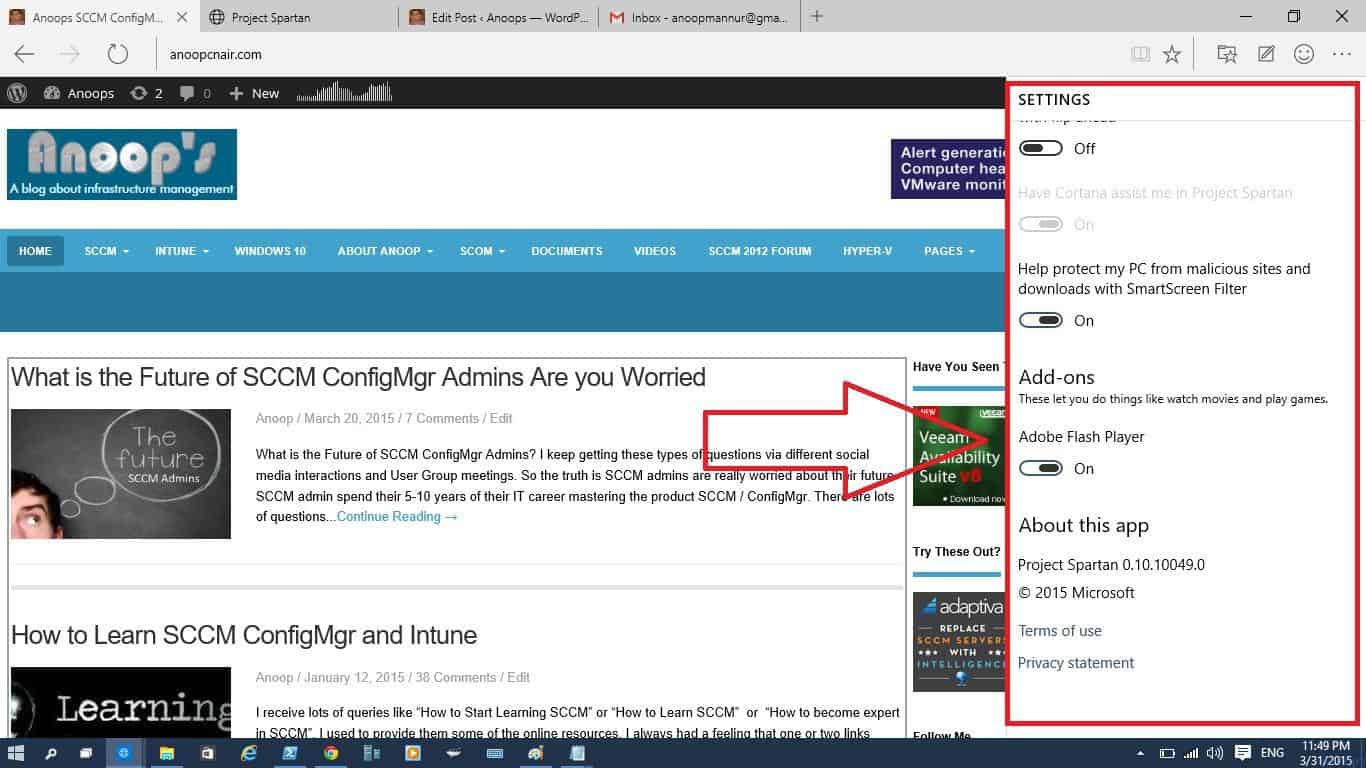
Microsoft didn’t forget to give the Windows Universal app/settings feel in Spartan Internet browser settings. I love it !! You can see options to turn Cortana on and off in the settings. But for India, Cortana is still not enabled. So, I don’t have the option to turn Cortana on or off in the Spartan browser.

  • What is the version of the Spartan browser? You can also see in the settings Project Spartan version 0.10.10049.0!
Walk Through of New Edge Browser with Windows 10 - Fig.4
Walk Through of New Edge Browser with Windows 10 – Fig.4

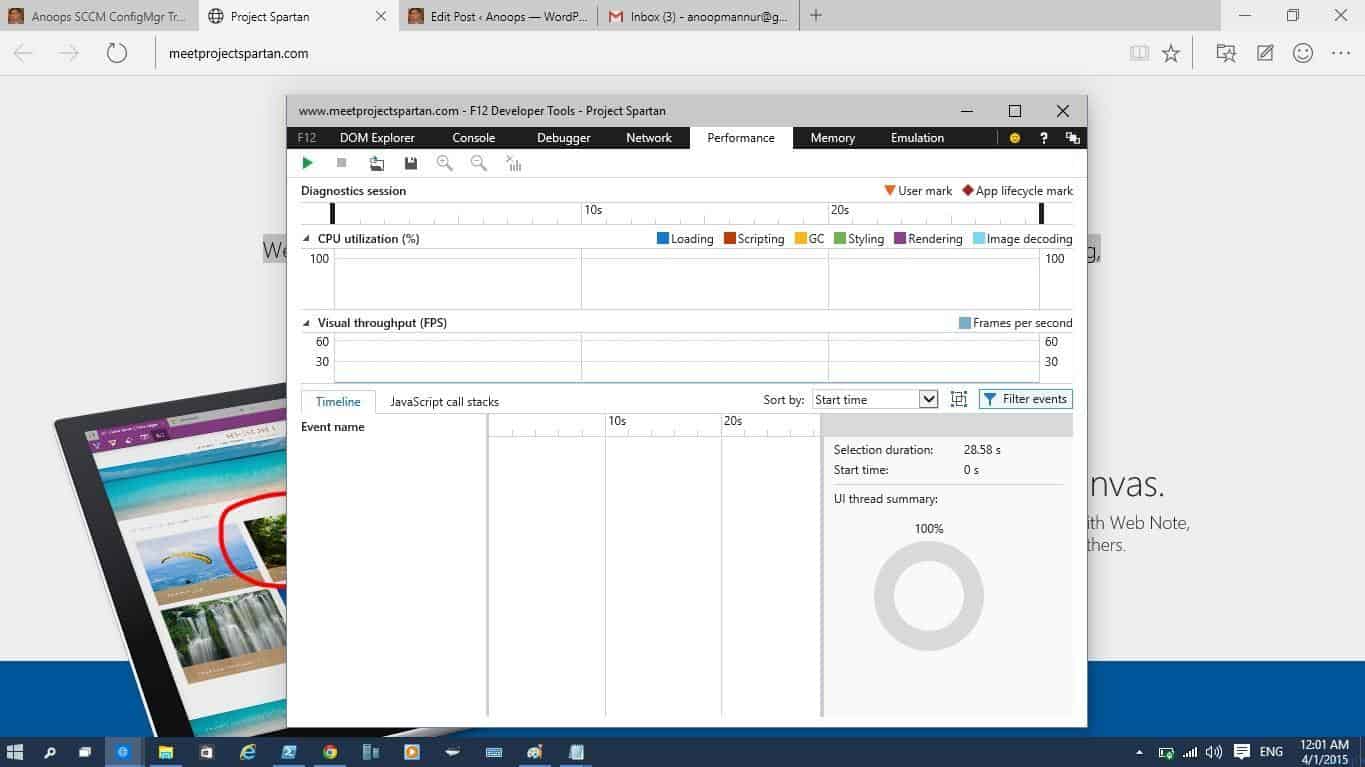
Press F12 to launch developer tools from the Spartan browser. You can see all those details there, like performance, coding, Console, Memory, Network, etc. I felt like this part was similar to Chrome 🙂 But better!!
Walk Through of New Edge Browser with Windows 10 - Fig.5
Walk Through of New Edge Browser with Windows 10 – Fig.5

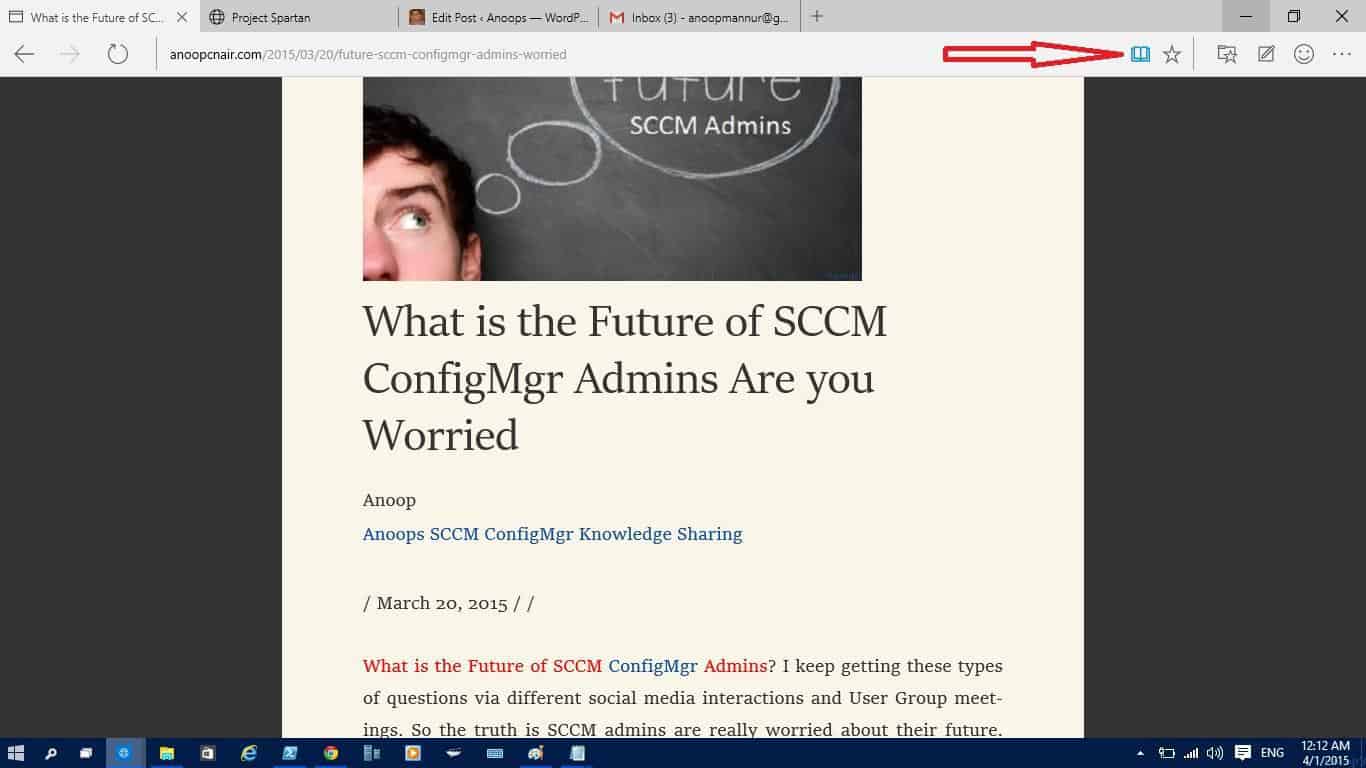
Reading View in the Spartan browser is also excellent. It allows you to read a PDF or Word document without any distractions of sidebars. I tried the F3 search in Spartan, and it works well.
Walk Through of New Edge Browser with Windows 10 - Fig.6
Walk Through of New Edge Browser with Windows 10 – Fig.6

Google + Plus works well with the Spartan browser!! No issues that I’ve seen.

Walk Through of New Edge Browser with Windows 10 - Fig.7
Walk Through of New Edge Browser with Windows 10 – Fig.7

I’ve done editing this post with Spartan. So, WordPress editing works well with the Spartan browser.
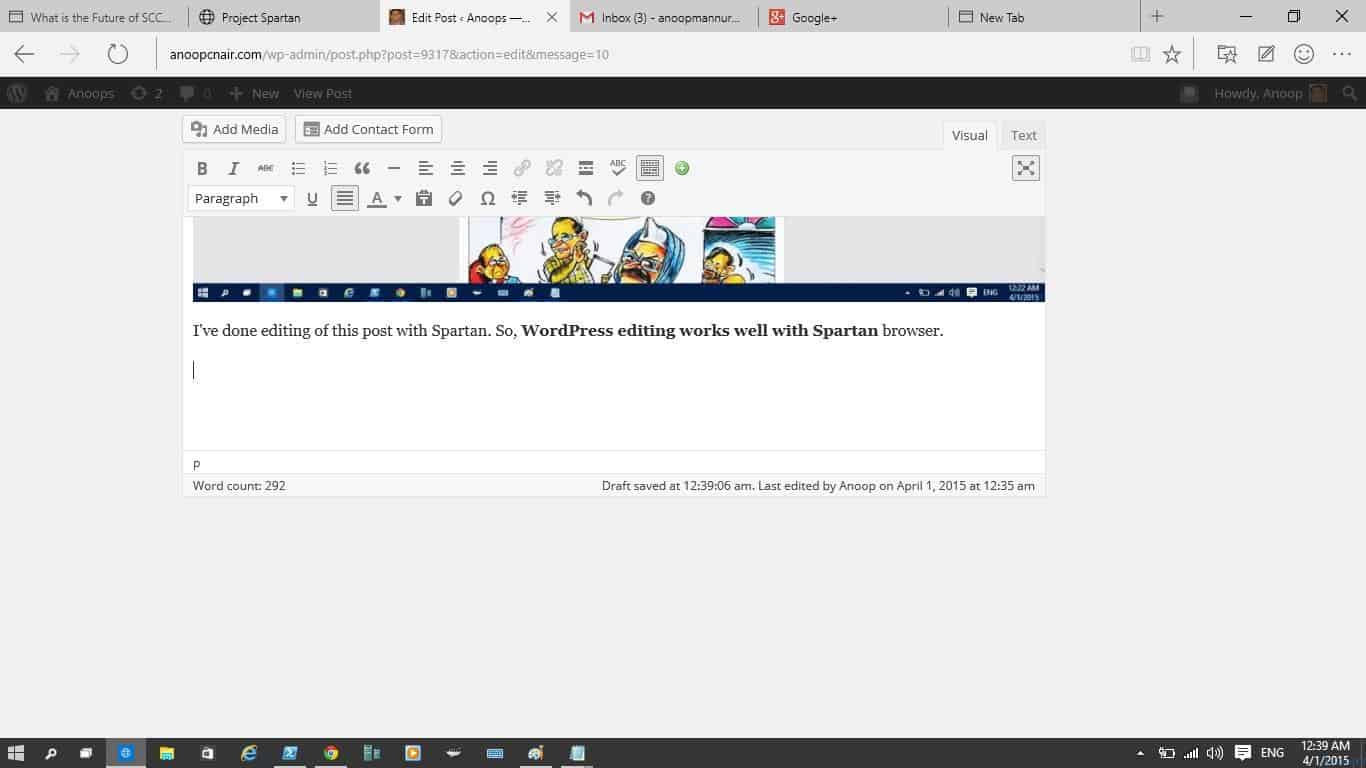
Walk Through of New Edge Browser with Windows 10 - Fig.8
Walk Through of New Edge Browser with Windows 10 – Fig.8

When you select one word or sentence in the Spartan browser and right-click, you can see one new option called “Ask Cortana.”
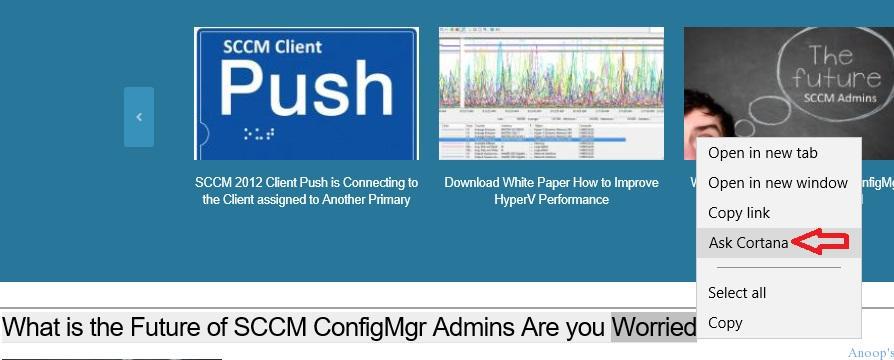
Walk Through of New Edge Browser with Windows 10 - Fig.9
Walk Through of New Edge Browser with Windows 10 – Fig.9

We are on WhatsApp now. To get the latest step-by-step guides, news, and updates, Join our Channel. Click here. HTMD WhatsApp.

Author

Anoop C Nair is Microsoft MVP! He is a Device Management Admin with more than 20 years of experience (calculation done in 2021) in IT. He is a Blogger, Speaker, and Local User Group HTMD Community leader. His main focus is on Device Management technologies like SCCM 2012, Current Branch, and Intune. He writes about ConfigMgr, Windows 11, Windows 10, Azure AD, Microsoft Intune, Windows 365, AVD, etc.

Written by

Anoop C Nair is Workplace Technology solution architect with 25+ years of experience in global enterprise organizations such as JP Morgan, Capgemini, etc. Microsoft Certified Trainer. Microsoft MVP from 2015 onwards for consecutive 11+ years! He also conducts Intune and modern workplace tech training for enterprise organizations. He is Blogger, Speaker, and Founder of HTMD Community and HTMD Conference. His main focus is on Device Management technologies like Intune, Windows, Cloud PC. He writes about technologies like Intune, SCCM, Windows, Cloud PC, Windows, Entra, Microsoft Security.

Discussion · 1 comment

Join the discussion

Your email address will not be published. Required fields are marked *

Related guides

Windows 10

New Snipping Tool Vulnerability in Windows can Leak NTLMv2 Hashes over Network

Key Takeaways Hey, let’s discuss about New Snipping Tool Vulnerability in Windows can Leak NTLMv2 Hashes over Network. Microsoft Windows Snipping Tool has a newly disclosed spoofing vulnerability, tracked as CVE-2026-33829, which could allow an unauthenticated attacker to capture a user’s NTLMv2 hash over a network. The issue was made public on April 14, 2026, […]

AC Anoop C Nair 4 min read
Windows 10

Unsupported Windows 10 Devices in Intune may Experience Limited or Unreliable Functionality

Let’s discuss Unsupported Windows 10 Devices in Intune may Experience Limited or Unreliable Functionality. Microsoft Announce the Official end of support announcement of Windows 10 free support on October 14, 2025. There is no more free security updates or non-security fixes via Windows Update for Windows 10 Home and Pro editions. Microsoft announced that, Windows 10 […]

AC Anoop C Nair 4 min read
Intune

Last Patch for Windows 10 with KB5066791 and 5 Zero Day Vulnerabilities and 118 Flaws

Let’s discuss Last Patch for Windows 10 with KB5066791 and 5 Zero Day Vulnerabilities and 118 Flaws. Microsoft Released last Patch Tuesday Updates for Windows 10 on October 2025. After October 14 2025, Microsoft will no longer provide free software updates from Windows Update, technical assistance, or security fixes for Windows 10. As you know […]

AC Anoop C Nair 6 min read
Intune

2025 September KB5065429 Windows 10 Patch | 2 Zero Day Vulnerabilities and 81 Flaws

Let’s discuss 2025 September KB5065429 Windows 10 Patch | 2 Zero Day Vulnerability and 81 Flaws. Microsoft addressed various security fixes and improvements on September 2025 Patch Tuesday of Windows 10 KB5065429. There are many security benefits can be accessed with parch tuesday update. Microsoft dedicated to provides patch Tuesday updates on Windows 11. Mainly […]

AC Anoop C Nair 7 min read
