






How to Move from Co-Management to Full Intune with Modern Identity Modern Policies and No On-Prem
How to Move from Co-Management to Full Intune with Modern Identity Modern Policies and No On-Prem. For organizations currently using co-management, moving to a fully cloud-native Intune setup is the next step in modern device management. This shift helps simplify IT operations, improve security, and manage all devices directly from the cloud without relying on on-premises systems.
This move helps IT teams reduce complex infrastructure, strengthen device security, and manage all endpoints in a consistent way across different locations using Microsoft Intune and Entra ID as the main tools. In the current co-management setup, device management tasks are handled by both SCCM and Intune.
The one part of the work happens on-premises servers, and the rest happens in the cloud. Organizations still rely on local tools like Active Directory and Group Policy Objects (GPOs) to manage settings and users. Most devices are Hybrid Entra ID joined, meaning they are connected to both on-premises and cloud systems. While this gives flexibility, it also makes things more complicated and requires more effort to maintain.
In the future, when an organization fully moves to Intune, everything will be managed from the cloud. There will be no need for on-premises servers like SCCM. All devices will connect directly to Entra ID, and IT teams can apply settings and security policies through Intune. This cloud-based approach helps reduce costs, makes management faster and easier, and gives better visibility and control over all devices.

Table of Contents
How to Move from Co-Management to Full Intune with Modern Identity Modern Policies and No On-Prem
Moving from co-management to full Intune needs good planning. First, organizations should review what tasks and policies are currently managed by SCCM and GPOs. Then, these policies should be recreated or moved into Intune. It is also important to make sure device and user identities smoothly shift to Entra ID.
- With the right steps and tools, companies can successfully move from a mix of on-premises and cloud management to a fully cloud-based setup that is easier to manage and more secure.
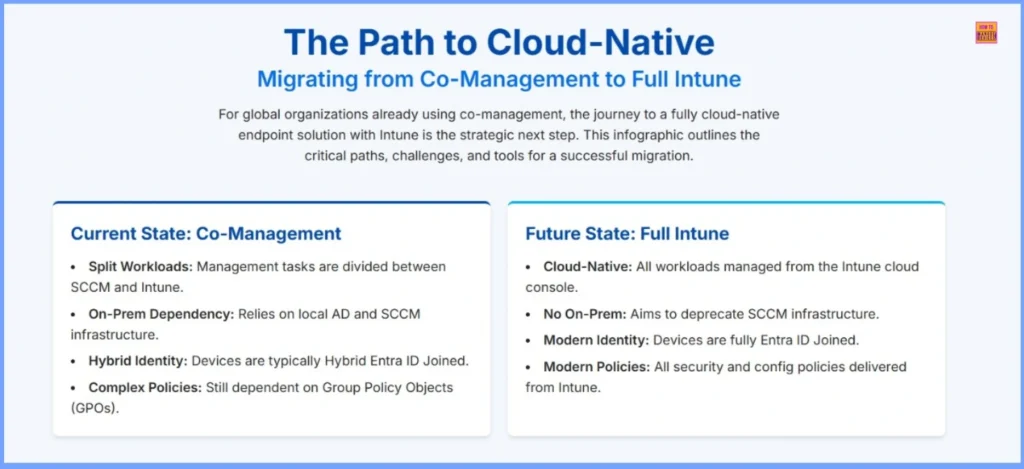
| Current State: Co-Management | Future State: Full Intune |
|---|---|
| Split Workloads: Management tasks are divided between SCCM and Intune. | Cloud-Native: All workloads managed from the Intune cloud console. |
| On-Prem Dependency: Relies on local AD and SCCM infrastructure. | No On-Prem: Aims to deprecate SCCM infrastructure. |
| Hybrid Identity: Devices are typically Hybrid Entra ID Joined. | Modern Identity: Devices are fully Entra ID Joined. |
| Complex Policies: Still dependent on Group Policy Objects (GPOs). | Modern Policies: All security and config policies delivered from Intune. |
- Top 4 Pillars of SCCM to Intune Migration Workloads Identity Applications Policies
- Download 37 Page Best Intune Migration Document from Microsoft
- Migration Guide Intune Hybrid to Intune Standalone
- Microsoft Intune Adoption Kit Got a Recent Update
- Unsupported Windows 10 Devices in Intune may Experience Limited or Unreliable Functionality
- Intune Administrative Templates Support is Going Away by December 2024
- Windows Device Configuration Policies Migrating to Unified Settings Platform in Intune
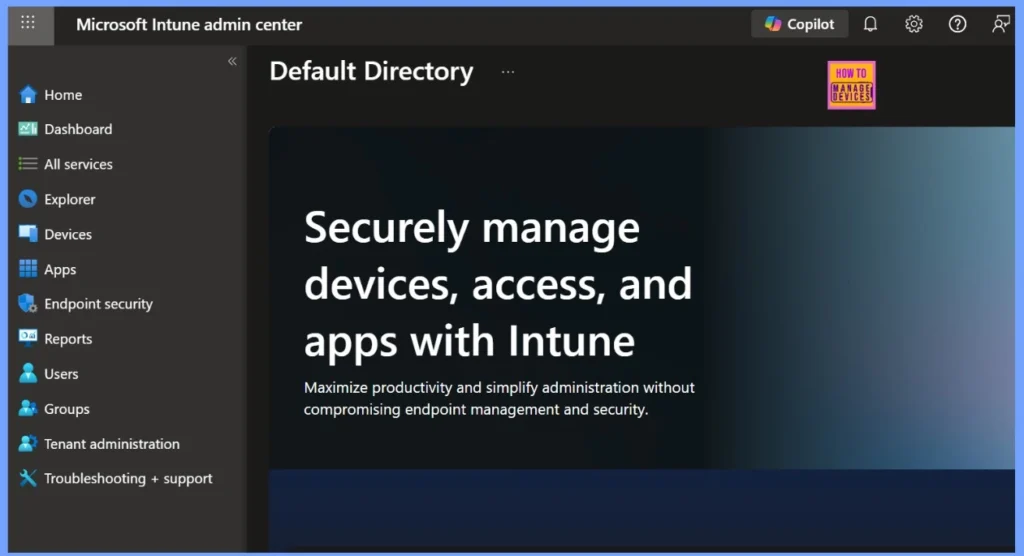
The Future State with Full Intune Integration
In a cloud native environment, all workloads are managed directly from the Intune cloud console without relying on any on-premises infrastructure. This approach eliminates the need for SCCM servers, marking a complete shift toward modern management.
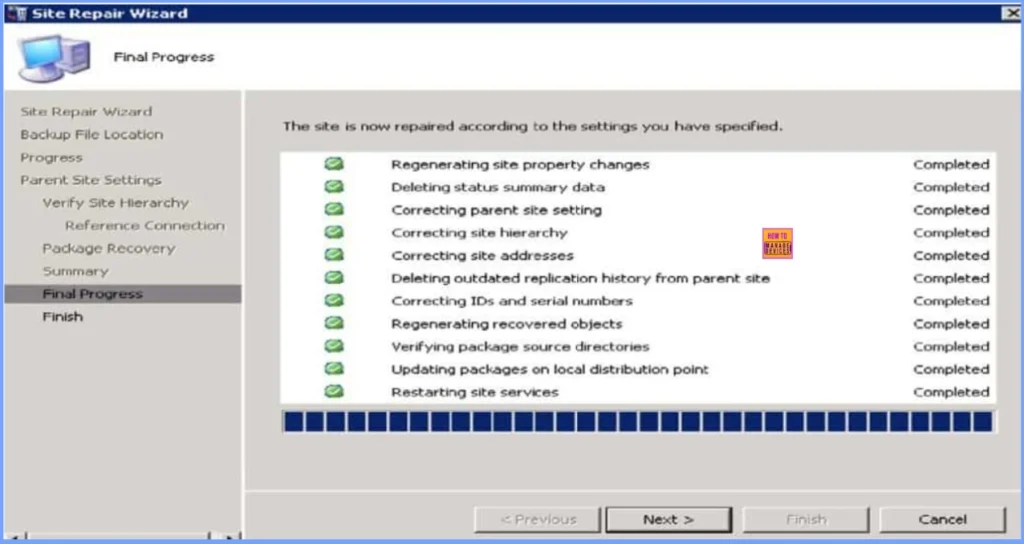
The Hybrid State Between SCCM and Intune
Many configurations continue to rely on traditional Group Policy Objects (GPOs), resulting in a more complex policy structure. This represents the current state of many organizations, balancing between legacy management and modern cloud-based operations.
Need Further Assistance or Have Technical Questions?
Join the LinkedIn Page and Telegram group to get the latest step-by-step guides and news updates. Join our Meetup Page to participate in User group meetings. Also, Join the WhatsApp Community to get the latest news on Microsoft Technologies. We are there on Reddit as well.
Author
Anoop C Nair has been Microsoft MVP for 10 consecutive years from 2015 onwards. He is a Workplace Solution Architect with more than 22+ years of experience in Workplace technologies. He is a Blogger, Speaker, and Local User Group Community leader. His primary focus is on Device Management technologies like SCCM and Intune. He writes about technologies like Intune, SCCM, Windows, Cloud PC, Windows, Entra, Microsoft Security, Career, etc.


Discussion