






Microsoft Integrates Notepad with Copilot on Windows 11
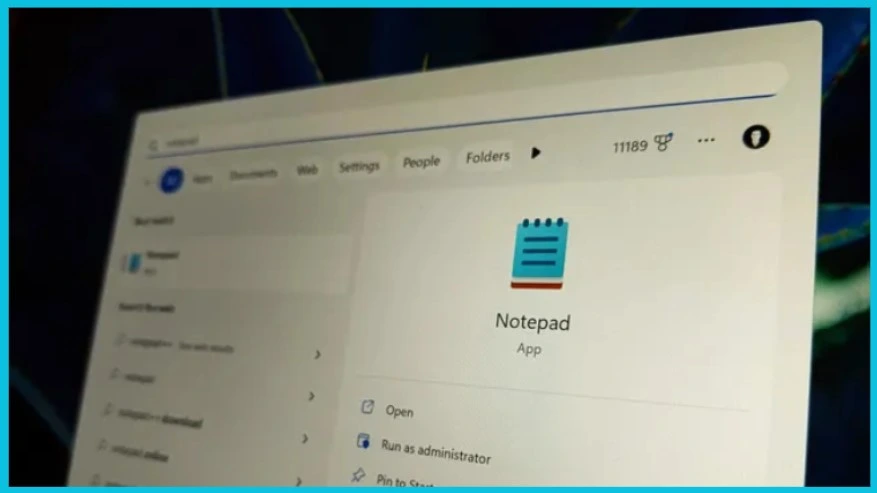
Let’s discuss how Microsoft Integrates Notepad with Copilot on Windows 11. Microsoft provides several new features to help users. Microsoft Copilot is a large language model that provides different contributions in various sectors. Now, its facilities can be explored on Notepad, too.
The Notepad is a very basic text writing and editing program that comes preloaded on Windows operating systems. Now, the Notepad app is getting an AI upgrade with a new Explain with the Capilot feature. Notepad can be used for different purposes, and it cannot be modified as much as users need.
Notepad only treats text as plain text and supports some formatting tools. The Upcoming Copilot feature in Notepad will enhance your experience and speed up your work life. This Copilot in Notepad will give accurate results in a single click.
This feature is user-friendly and free to use. It changes Notepad’s behaviour from a simple text editor to a Copilot conspirator. This blog post will help you understand how Notepad’s new feature works when it is available.

Get ready to experience the latest enhancements and innovations with the upcoming Windows 11 “Moment 5” release, set to launch later this month. Moment 5 is expected to be the final Moment update for Windows 11 users in 2024. After that, the next big OS update, Hudson Valley, will launch later in the year.
- Microsoft Claims Copilot Trains Employees to Think like a Manager
- Microsoft Latest Addition Sudo for Windows
Microsoft Integrates Notepad with Copilot on Windows 11
This is a new feature provided by Microsoft. Once it is available, you can easily access it. The Copilot in Notepad will now be available. The Copilot is a breakthrough in Notepad, and it switches the appearance. This feature helps users analyze and break down the text.
- New Error Detecting Feature in Edge Browser using Copilot
- Microsoft Made Universal Print for macOS Available
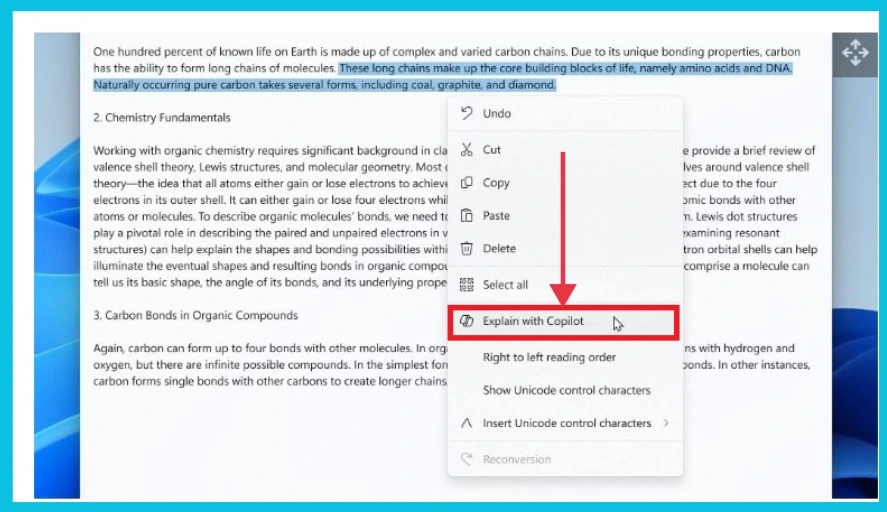
The Copilot in Notepad is first available for testers in the Windows Insider Canary and Dev Channels. You can access this feature by right-clicking the highlighted portion. If you select the text, it will automatically copy and paste it and search for the details of the text on the internet.
| New Features of Copilot in Notepad |
|---|
| It can Explain the text in the Notepad |
| New Features of Copilot in Notepad |
| It has Grammar and style-checking |
| It has Grammar and style-checking |
We are on WhatsApp now. To get the latest step-by-step guides, news, and updates, Join our Channel. Click here. HTMD WhatsApp.
Author
Sumitha was introduced to the world of computers when she was very young. She loves to help users with their Windows 11 and related queries. She is here to share quick news, tips and tricks with Windows security




Discussion