






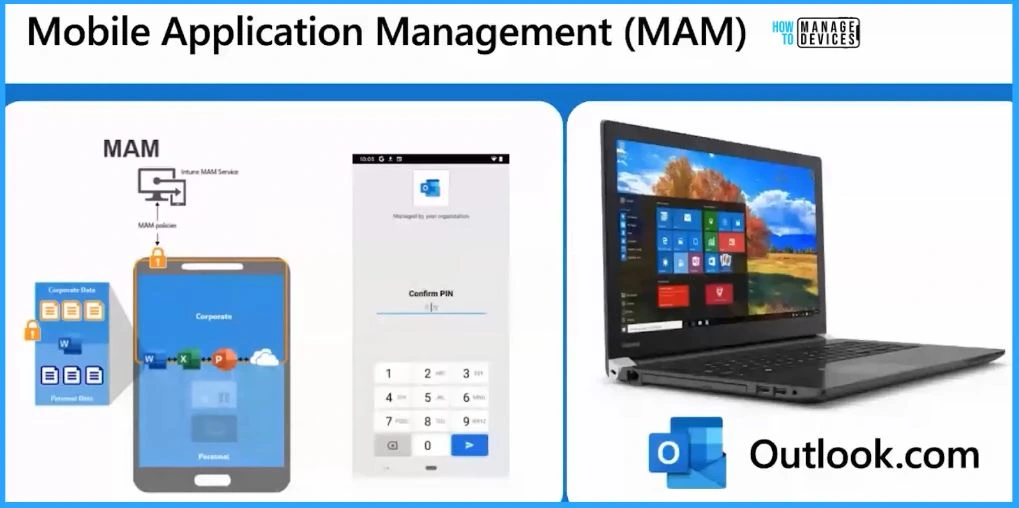
Intune MAM for Personal Windows Devices is now Generally Available with the Intune 2309 version update. This MAM feature for Windows was in preview, and it was released back with Intune version 2306.
Intune MAM for Windows depends on the Microsoft Edge version as well. So, it’s important to note that your BYO device should have an updated version of Windows 11 and Microsoft Edge browser.
The MAM feature is available only with the Microsoft Edge browser now. In the MAM scenario, you don’t need to enrol BYO devices into Intune. Managing personal devices using corporate device management solutions such as Intune is not something all regulators or governments will allow in certain regions.
With the Intune 2309 release, you can now enable protected MAM (Intune App Protection Policies) access to org data via Microsoft Edge on personal Windows devices.

- Multiple Identity Support for Intune MAM Policies
MS Teams Login Issue with Intune MAM Enrolled iOS Devices
Prerequisites – Intune MAM for Personal Windows
Now, look into the prerequisites to enable Intune MAM for Personal Windows devices. You need to ensure that Microsoft Edge, Microsoft Intune, and Windows versions are up to date as per the below table to enable this feature.
- NOTE! – Sovereign cloud support is expected in the future.
| Intune MAM for Personal Windows Devices | Minimum Version Requirements |
|---|---|
| Windows Operating System | Windows 11, build 10.0.22621 (22H2) or later |
| Microsoft Intune | Microsoft Intune (2309 release or later) |
| Microsoft Edge | MS Edge Browser v117 stable branch and later |
| Windows Security Center | Windows Security (aka Defender) v 1.0.2309.xxxxx and late |
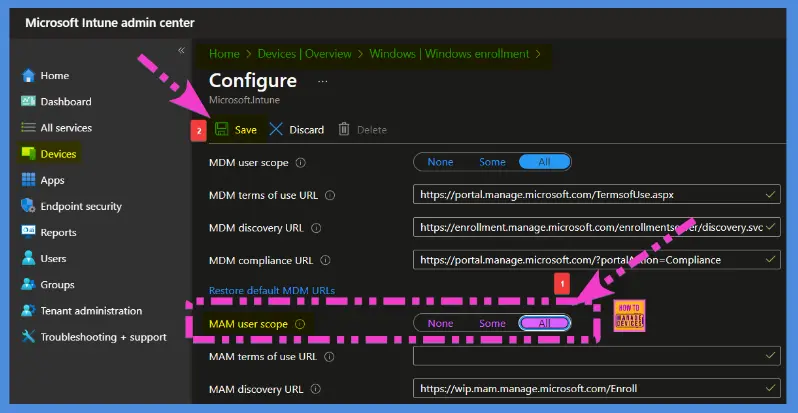
Also, ensure that the MAM scope is set to ALL from Azure AD (Entra ID portal) or Intune portal – Devices – Windows Enrollment – Auto Enrollment options. This setting helps enable personal devices to enrol in Intune MAM management.
- Navigate to Intune portal – Devices – Windows Enrollment – Auto Enrollment options.
- Default MAM Discovery URL – https://wip.mam.manage.microsoft.com/Enroll
- How to Deploy Applications MAM Policies to Mobile Devices Using Intune Part 3
- How to Deploy Applications MAM Policies to Mobile Devices Using Intune Part 2
- How to Deploy Applications MAM Policies to Devices Using Intune Part 1
Priority | Conflicts – MAM Vs. Full Management of Windows personal devices
You must look into three scenarios while implementing the Intune MAM policies for Windows personal devices. All those scenarios are explained below. This is a very important scenario that you need to understand how Intune avoids conflicts by giving Priority to fully managed scenarios when dealing with MAM Vs. Full Management of Windows personal devices.
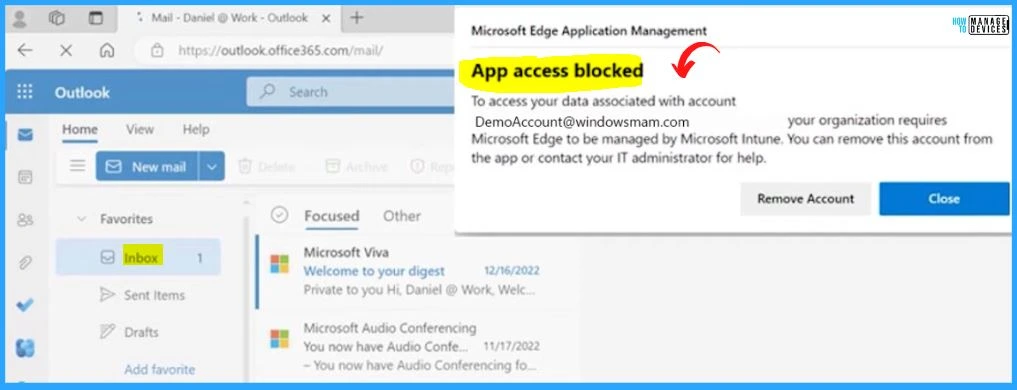
Intune MAM on Windows supports unmanaged devices. Intune MAM enrollment will be blocked if a device is already managed, and APP settings will not be applied. APP settings will no longer be applied if a device becomes managed after MAM enrollment.
| Conflicting Scenarios – MAM vS. Fully Managed | MAM for Windows | Full Management of Windows |
|---|---|---|
| Already Fully managed devices getting MAM policies | Enrollment will be blocked, and policies won’t apply | Winner |
| A device becomes Fully managed after MAM enrollment | Policies won’t no longer be applied | Winner |
4 Pillars of MAM for Windows Personal Device
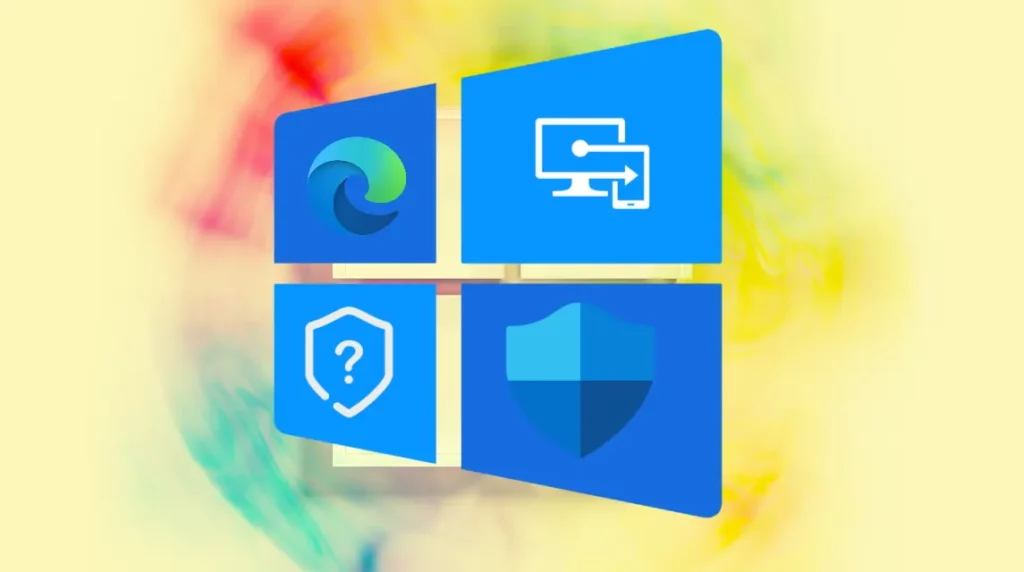
MAM for Windows personal devices includes 4 main pillars: Microsoft Edge, Conditional access policies, App protection policies, and Windows Defender. The App Protection Conditional Access (MAM CA) is in Public Preview.
Resource – You can get more details on the MAM Policy creation process – App protection policy settings for Windows – Microsoft Intune | Microsoft Learn
Author
Sumitha was introduced to the world of computers when she was very young. She loves to help users with their Windows 11 and related queries. She is here to share quick news, tips and tricks with Windows security.


Discussion