






Intune Policies Blocking Edge Browser Callback during SSO Authentication on Android Work Profile
Intune Policies Blocking Edge Browser Callback during SSO Authentication on Android Work Profile. Microsoft Intune is commonly used by organizations to protect corporate data on employee-owned Android devices by applying strict application protection and data transfer policies.
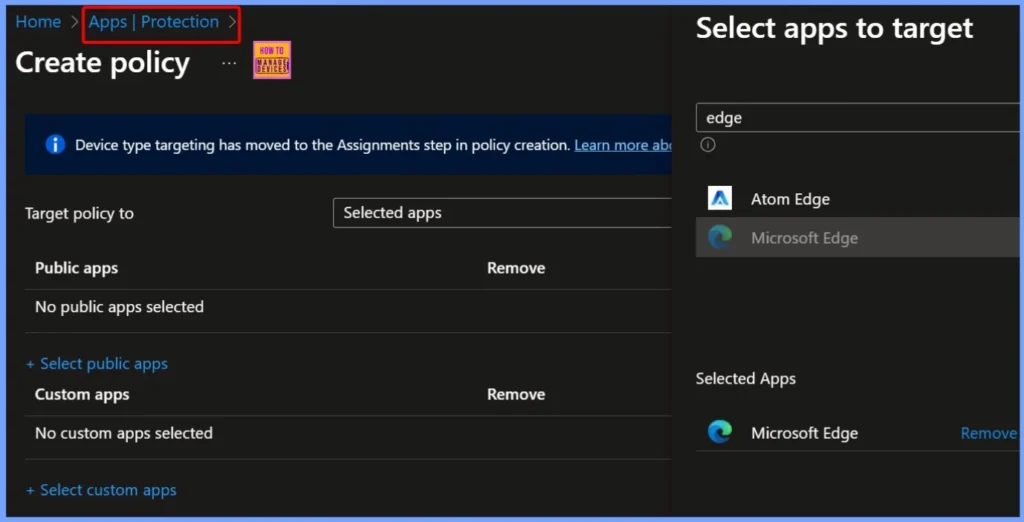
These policies help you to control how apps within the Work Profile communicate with each other and often restrict any form of data exchange with non-approved or unmanaged applications. These policies help maintain compliance and prevent accidental data leakage, but they can also interfere with legitimate workflows that depend on inter-app communication.
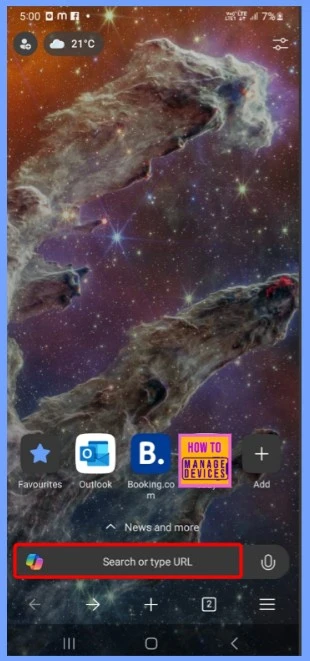
In this scenario, the user installs the MatterMost application within the Android Work Profile and is attempting to authenticate using the organization’s Single Sign-On (SSO) provider. Instead of handling the login directly, MatterMost delegates the authentication process to Microsoft Edge, which is recognized as a trusted browser under Intune policy.
Edge opens the SSO login page, the user enters valid credentials, and the identity provider successfully verifies the session. Normally, at this point, the authentication flow would return control back to MatterMost using a custom URI callback such as mmauth://callback?MMAUTHTOKEN=&MMCSRF=, allowing the app to complete the login process.

Table of Contents
Intune Policies Blocking Edge Browser Callback during SSO Authentication on Android Work Profile
Due to the restrictive Intune App Protection Policies, Edge is not permitted to pass the callback URL back to MatterMost. MatterMost is not classified as a fully managed or approved app under the policy configuration. Intune treats the incoming callback as an attempt to transfer potentially sensitive data to an untrusted destination.
- As a result, Edge displays a message stating that no allowed apps are available to open the content, effectively blocking the final step of the SSO.
- Workaround to FIX SSO Issue with Citrix and Windows 11 24H2
- Configure Single Sign-on SSO for Windows 365 Azure AD Join Cloud PC
- Assign Windows 365 Cloud PC License From Cloud PC Portal
- Windows 365 Cloud PC Azure AD Join Provisioning Process
Workaround for the Issue
When Intune blocks deep-link callbacks from Microsoft Edge to MatterMost, users cannot complete SSO authentication within the Work Profile. To address this without reducing overall security, administrators can configure targeted exceptions.
| Workaround | Details |
|---|---|
| Add MatterMost to Managed Apps | Set MatterMost as a trusted application within Intune, allowing controlled data transfer from Edge. |
| Configure Data Transfer Exemptions | In the App Protection Policy, adjust Data Transfer Settings to allow specific URI schemes like mmauth://. |
| Whitelist Callback URI | Ensure only the required deep link is permitted, preventing broader data transfer between apps. |
| Test Authentication Flow | Verify that the SSO login now completes successfully without triggering “No available apps” errors. |
| Maintain Policy Compliance | Confirm that all other app restrictions remain enforced to protect corporate data. |
Need Further Assistance or Have Technical Questions?
Join the LinkedIn Page and Telegram group to get the latest step-by-step guides and news updates. Join our Meetup Page to participate in User group meetings. Also, join the WhatsApp Community to get the latest news on Microsoft Technologies. We are there on Reddit as well.
Author
Anoop C Nair has been Microsoft MVP for 10 consecutive years from 2015 onwards. He is a Workplace Solution Architect with more than 22+ years of experience in Workplace technologies. He is a Blogger, Speaker, and Local User Group Community leader. His primary focus is on Device Management technologies like SCCM and Intune.


Discussion