






List of Intune Sessions in Microsoft Ignite 2025
Let’s discuss the List of Intune Sessions in Microsoft Ignite 2025. Microsoft Ignite is a yearly event organised by Microsoft. This event is mainly for IT professionals, developers, and business leaders. The event focuses on learning about the latest Microsoft technologies.
This event discovering new product updates, and understanding how to use them in everyday business situations. It helps professionals gain practical knowledge that can be applied directly to their work and stay updated with Microsoft’s newest innovations.
At the event, you can join keynote sessions where Microsoft leaders talk about the company’s plans for the future. You can participate in technical sessions and hands-on labs to acquire new skills. It is also a great chance to meet and connect with other professionals and Microsoft experts. Microsoft Ignite features 16 dedicated sessions focused on Intune, entra, etc offering attendees a chance to explore the latest in device management and security. Registration is now open on the Ignite portal.
The Intune sessions at Microsoft Ignite 2025 will cover the latest updates, features, and best practices for managing devices and security using Microsoft Intune. These sessions help IT admins learn how to simplify device management, strengthen data protection, and improve user productivity.

Table of Contents
List of Intune Sessions in Microsoft Ignite 2025
By attending these sessions, organizations can gain practical knowledge about modern management strategies. This helps them make operations more efficient, improve compliance with policies, and stay ready for future technology developments.
| List of Intune Sessions in Microsoft Ignite 2025 |
|---|
| Demystify Endpoint Migration – A Clear Path to Zero Trust with Intune |
| What’s New in Intune: Empower IT, Protect Endpoints & Optimise with AI |
| Top Essentials for an Integrated, AI-Ready Security Foundation |
| Unlock the full power of Windows 365 |
| Agents at Work: Windows Powers the Era of Intelligent Productivity |
| Advancing Windows device security through Surface innovation |
| Unlock efficiencies with Windows 365 Frontline & Cloud PC devices |
| End-to-end security for your AI platforms, apps, and agents |
- List of Intune Sessions in Microsoft Ignite 2023
- List of Intune Feature Gaps and Targeting Gaps Vs SCCM via Community | Intune is Still Lacking | What you think?
- Top 50 Latest Intune Interview Questions And Answers
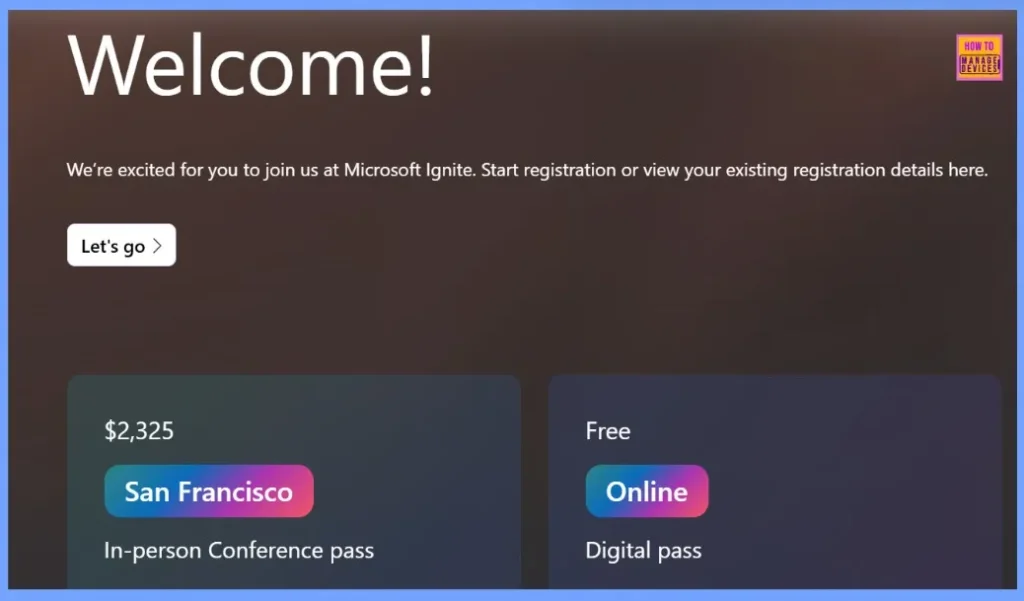
Microsoft Ignite 2025 Conference Pass Options
MS Ignite 2025 offers two types of passes such as In-person Conference Pass and Digital Pass. It giving attendees the flexibility to join from anywhere. The In-person Pass provides full access to live sessions, networking opportunities, and exclusive experiences at the Chase Center in San Francisco.
| Pass Type | Location | Price Details | More Details | What You Get |
|---|---|---|---|---|
| In-person Conference Pass | San Francisco | $2,325 | Online experiences Session scheduler Attendee and Sponsor directories Networking tools Digital favorites On-demand keynotes and sessions | Keynotes at Chase Center Breakout sessions Interactive labs Demos Community sessions and activities Access to the Hub (booths, theater sessions, and more) Meet Microsoft experts, partners, and customers Networking programs Evening events Digital swag |
| Digital Pass | Online | Free | Session scheduler Sponsor directory Digital favorites On-demand keynotes and sessions | Livestreamed keynotes Livestreamed sessions Digital swag |
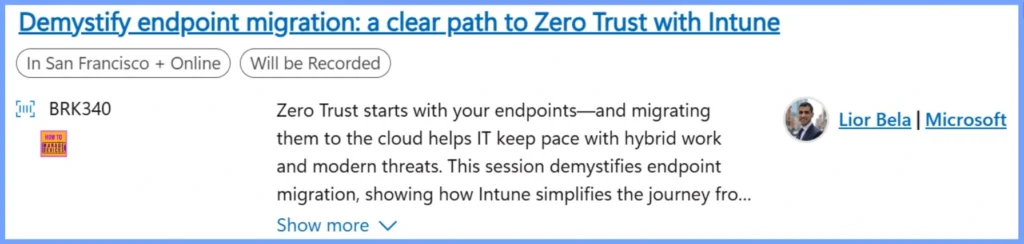
Demystify Endpoint Migration – A Clear Path to Zero Trust with Intune
Zero Trust starts by protecting your devices, and moving them to the cloud helps IT teams handle hybrid work and modern security challenges. In this session, Lior Bela, Business Director for Microsoft Intune, shows how Intune makes it easier to move from co-managed to cloud-native devices.
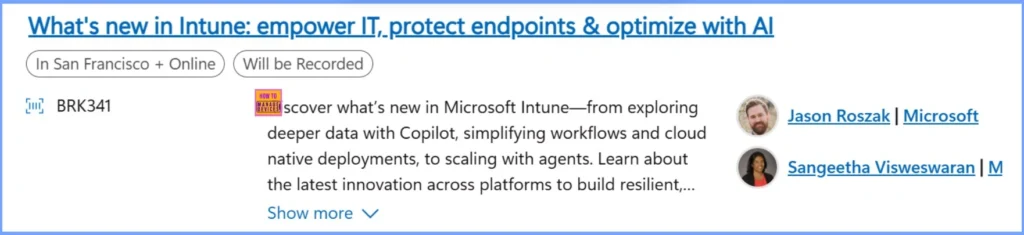
What’s New in Intune: Empower IT, Protect Endpoints & Optimise with AI
In this session, Sangeetha Visweswaran, Partner Director of Engineering, and Jason Roszak, Vice President of Product Management at Microsoft, will showcase the latest updates in Microsoft Intune. Attendees will learn how to use Copilot for deeper data insights, simplify workflows, deploy cloud-native solutions, and scale with agents.
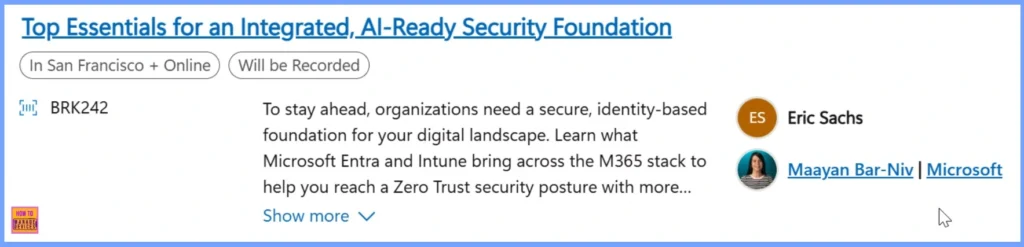
Top Essentials for an Integrated, AI-Ready Security Foundation
In this session, Maayan Bar-Niv, Partner Group Product Manager at Microsoft, explains how organizations can build a secure, identity-based foundation for their digital environment. Attendees will learn how Microsoft Entra and Intune work across the Microsoft 365 stack to help achieve a Zero Trust security posture, improve compliance, and maintain control in the era of AI.
Unlock the Full Power of Windows 365
In this session, Kenneth Pan, Carolyn Carnes, and Scott Manchester from Microsoft will show how the latest platform improvements and features provide strong reliability, smooth integration with AI, and updates across the Microsoft ecosystem.

Agents at Work: Windows Powers the Era of Intelligent Productivity
In this session, Stefan Kinnestrand and Navjot Virk from Microsoft will explore how Windows drives the future of work. Learn how Windows integrates security, flexibility, cloud, and AI to help organizations and individuals work smarter, make better decisions, and achieve growth.

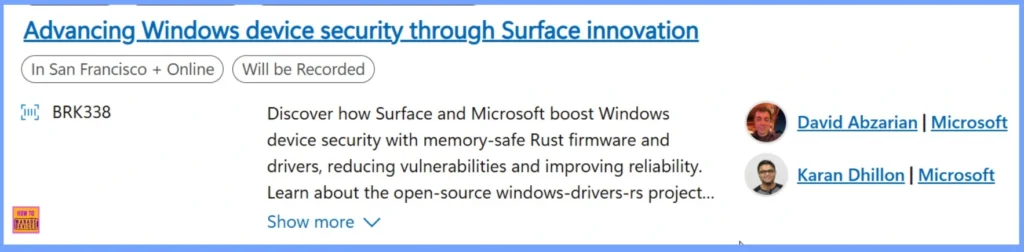
Advancing Windows Device Security through Surface Innovation
Learn how Surface and Microsoft strengthen Windows device security using memory-safe Rust firmware and drivers to reduce risks and improve reliability. This session highlights the open-source windows-drivers-rs project and shows how IT and engineering teams can collaborate to build safer, more resilient devices through Microsoft’s commitment to secure, inclusive technology.
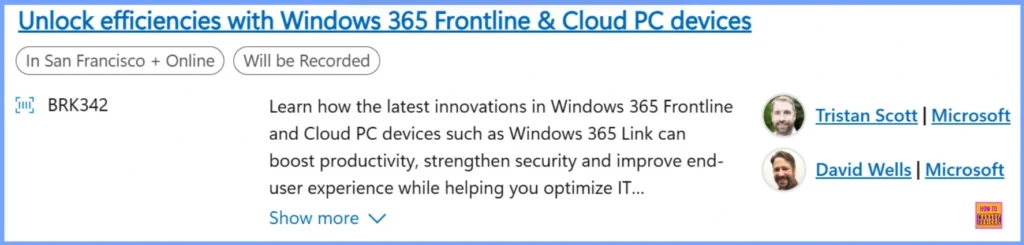
Unlock Efficiencies with Windows 365 Frontline & Cloud PC Devices
How the latest updates in Windows 365 Frontline and Cloud PC devices, including Windows 365 Link, can boost productivity, improve security, and enhance the user experience while optimizing IT costs. Tristan Scott and David Wells from Microsoft will share how these new cloud-based capabilities and purpose-built devices help organizations in areas like manufacturing, retail, and call centers work more efficiently in shared environments.
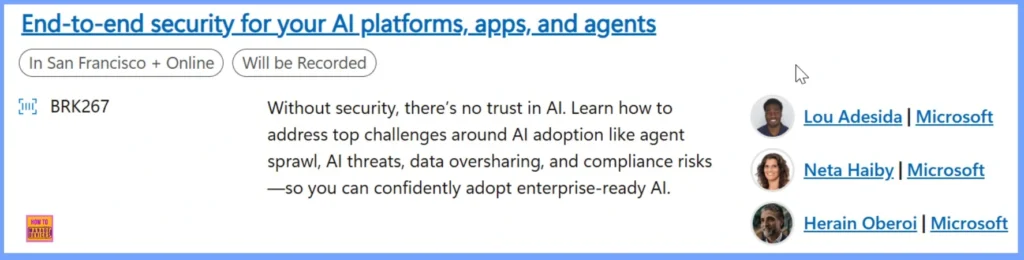
End-to-End Security for your AI Platforms, Apps, and Agents
In this session, Lou Adesida and Neta Haiby from Microsoft will discuss how organizations can overcome key challenges in AI adoption, including agent sprawl, AI-driven threats, data oversharing, and compliance issues.
Resources
Need Further Assistance or Have Technical Questions?
Join the LinkedIn Page and Telegram group to get the latest step-by-step guides and news updates. Join our Meetup Page to participate in User group meetings. Also, Join the WhatsApp Community to get the latest news on Microsoft Technologies. We are there on Reddit as well
Author
Anoop C Nair has been Microsoft MVP from 2015 onwards for 10 consecutive years! He is a Workplace Solution Architect with more than 22+ years of experience in Workplace technologies. He is also a Blogger, Speaker, and Local User Group Community leader. His primary focus is on Device Management technologies like SCCM and Intune. He writes about technologies like Intune, SCCM, Windows, Cloud PC, Windows, Entra, Microsoft Security, Career, etc


Discussion