






Known Issues of Windows 10 Build
Let’s discuss the Known Issues of Windows 10. Build. Windows 10 TP is still a technical preview version, so it may have bugs and features you won’t like. The following are some known issues of Windows 10 TP2 with the latest build, 10061.
If you haven’t started testing Windows 10 TP yet, it’s always better to do so now. These known issues will be fixed in the upcoming Windows Update release. So, it’s better to be aware of the known problems of Windows 10 TP; otherwise, we will keep searching for solutions.!!
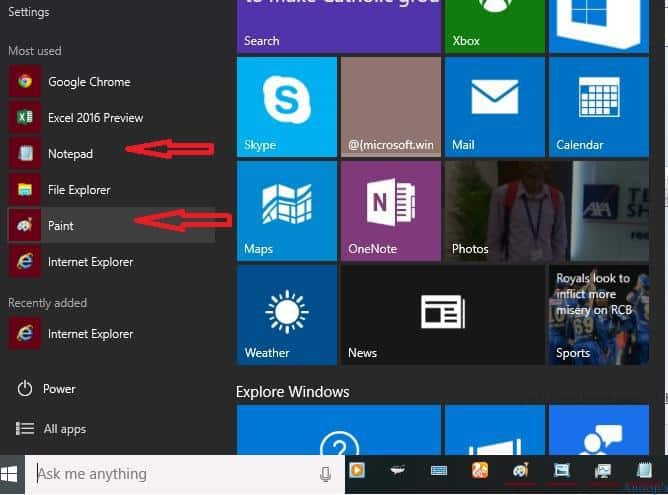
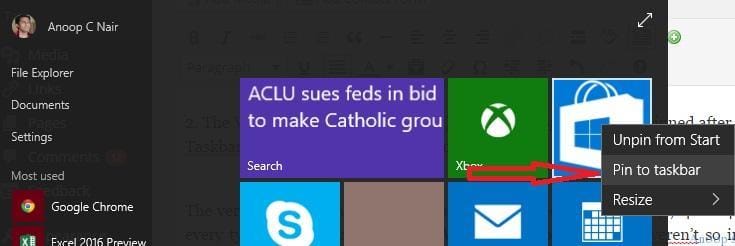
Known Issues of Windows 10 Build – 1. Win32 (desktop) apps won’t launch from the Start menu. The workaround is to use search to find and launch these apps and pin them to your taskbar for quick access. We won’t be able to launch apps like Paint, Notepad, etc.
Windows 10 builds introduce known issues that users and administrators should know. These issues can range from compatibility problems with specific hardware or software to bugs affecting system stability or functionality. Microsoft typically publishes release notes detailing these known issues alongside each build update.

| Index |
|---|
| Known Issues of Windows 10 Build |
- July 2024 Windows 10 KB5040427 Patches and 2 Zero-Day Vulnerabilities 142 Flaws
- Windows 10 KB5039211 June 2024 Patches and 0 Zero-Day Vulnerability
- Windows 10 Version Numbers Build Numbers Major Minor Build Rev
Known Issues of Windows 10 Build
After upgrading, the Windows Store Beta (grey tile) and Project Spartan are unpinned. We can re-pin them to your Taskbar from All apps on your Start menu.
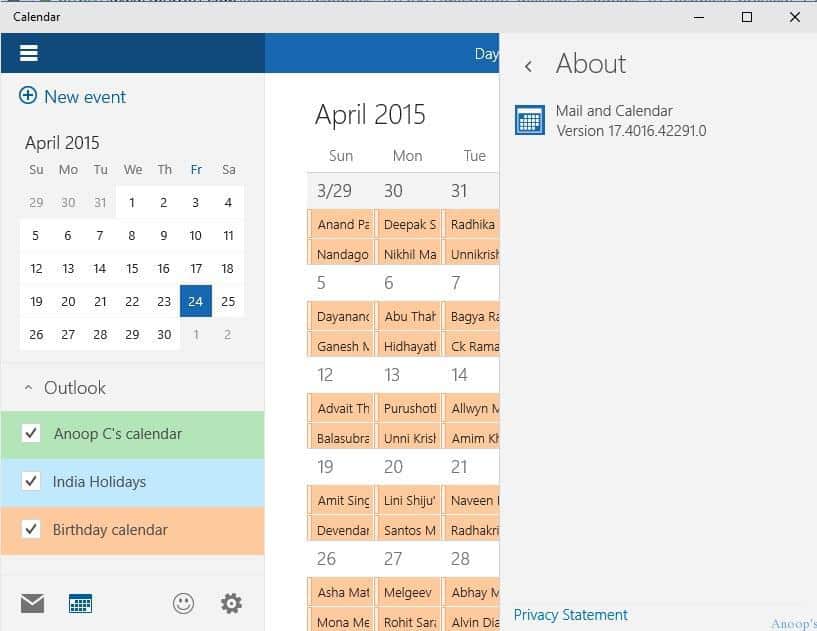
3. The version of the Mail and Calendar apps included in this build (17.4008.42281.0) has a known issue that causes every typed letter to appear twice, which might be funny if it weren’t irritating. I’ve updated Windows 10 build 10061 and the calendar app version 17.4016.42291.0.
This update has fixed the issue. If you don’t open the Mail and Calendar apps within the first 15 minutes after logging in to your device for the first time after upgrading, and your device is connected to the Internet, the apps should update automatically. You can also go into the Store Beta and manually check for updates.
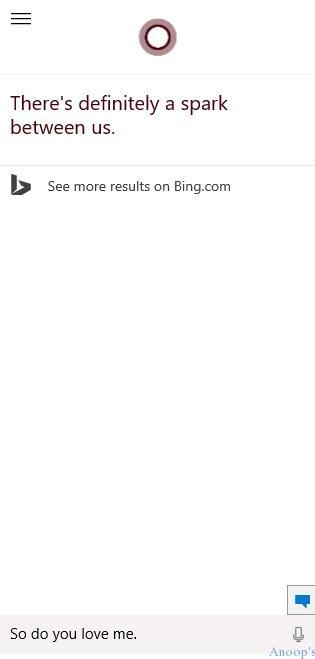
4. Cortana: Some of these features have not yet been implemented, and we are working to deliver them soon. See. But Cortana is not able to launch applications like meetings, calendars, etc., Cortana says. “I’m sorry, I can’t do this for you right now. Check back again after future updates.”
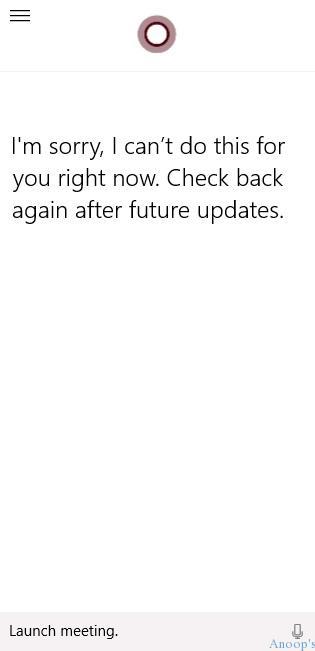
However, it will highlight things it can help users with. She (Cortana) loves me. See below 🙂
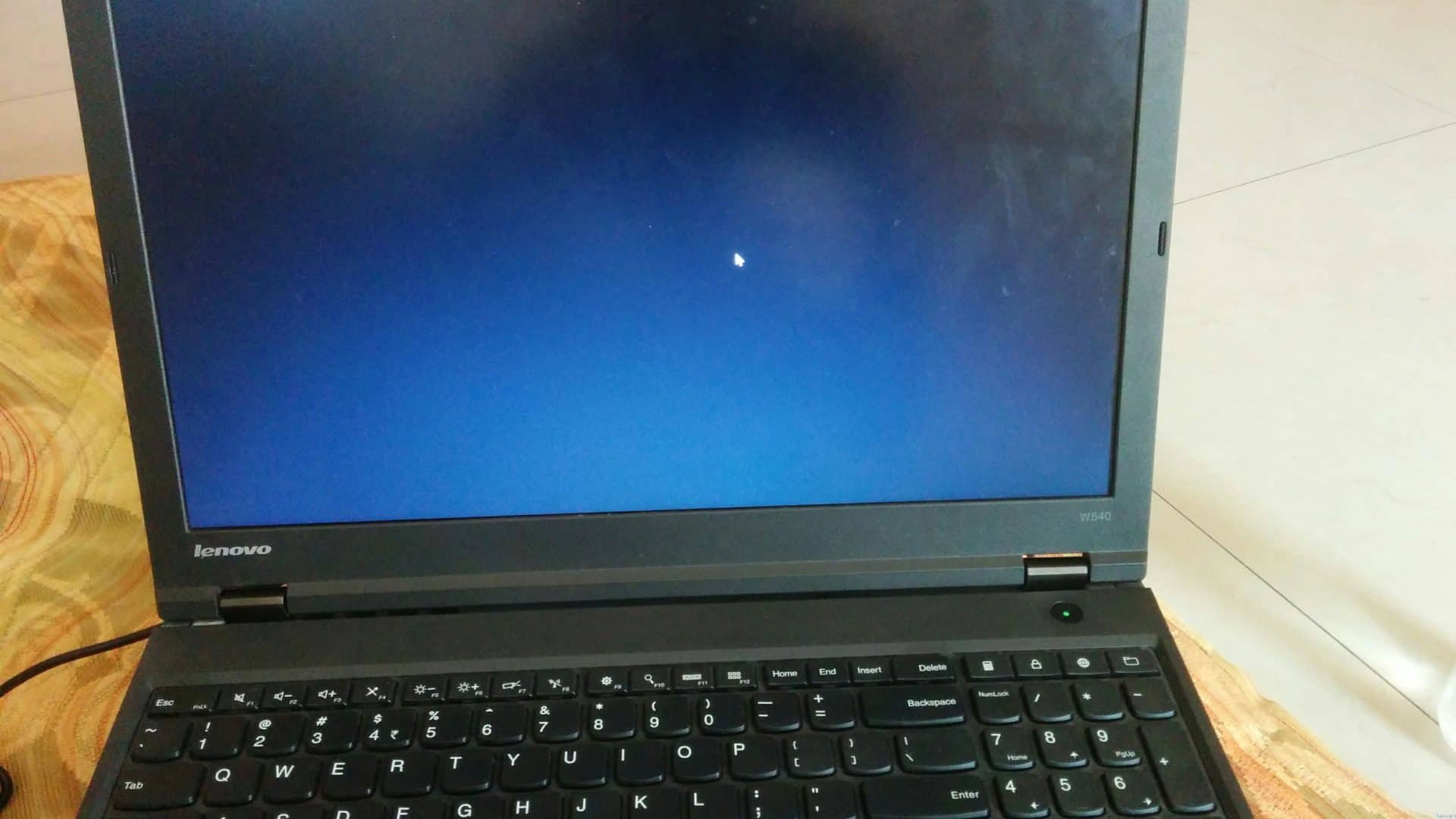
5. A known issue is that you might see a black screen with only your mouse cursor during login/logout. Microsoft may fix this coming via Windows Update. Windows 10 Log off Blank Screen Issue. Don’t try to log off…
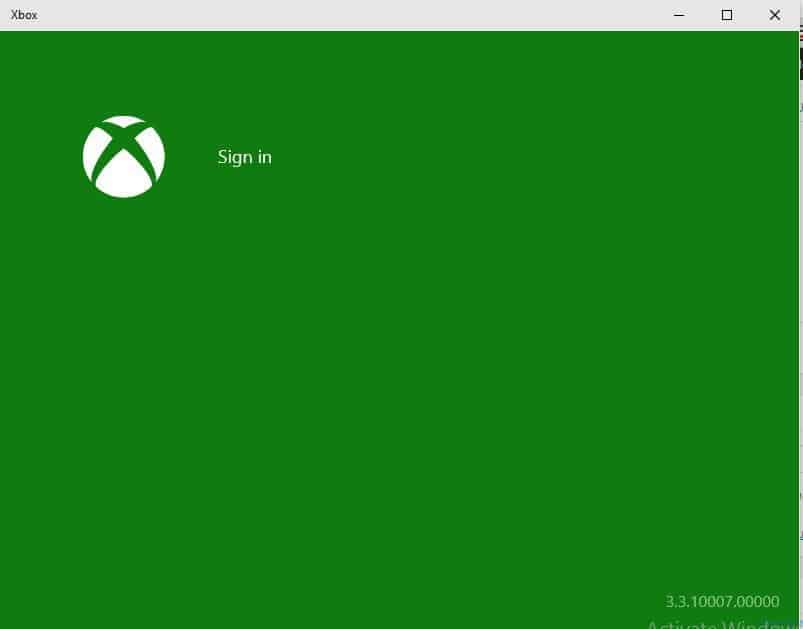
6. Downloading music in the Xbox Music and Music Preview apps is currently broken. Microsoft may fix this coming via Windows Update.
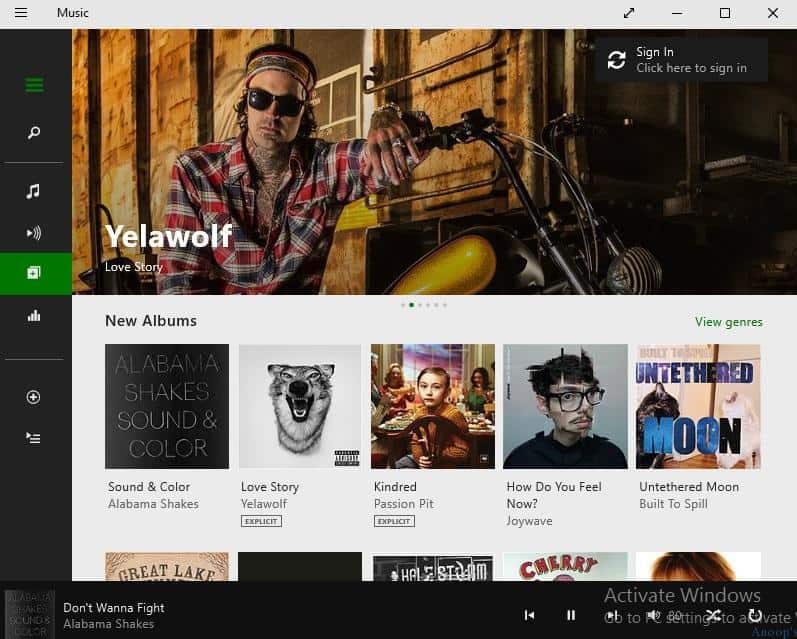
7. When you minimize an app playing audio, it may stop playing once it is minimized. But the MUSIC application worked fine after reducing it as well 🙂
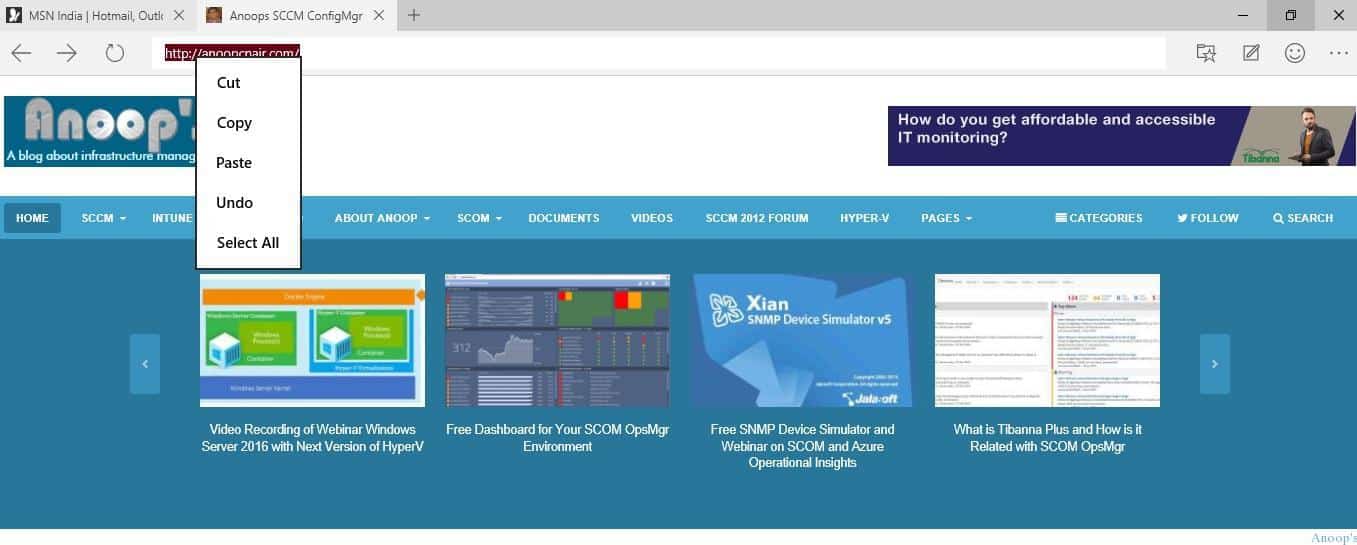
8. In Project Spartan, no selection highlight appears when selecting text in the address box. You can right-click in the address box to cut/copy/paste, and it will work as expected. This will be fixed in the coming Windows Update.
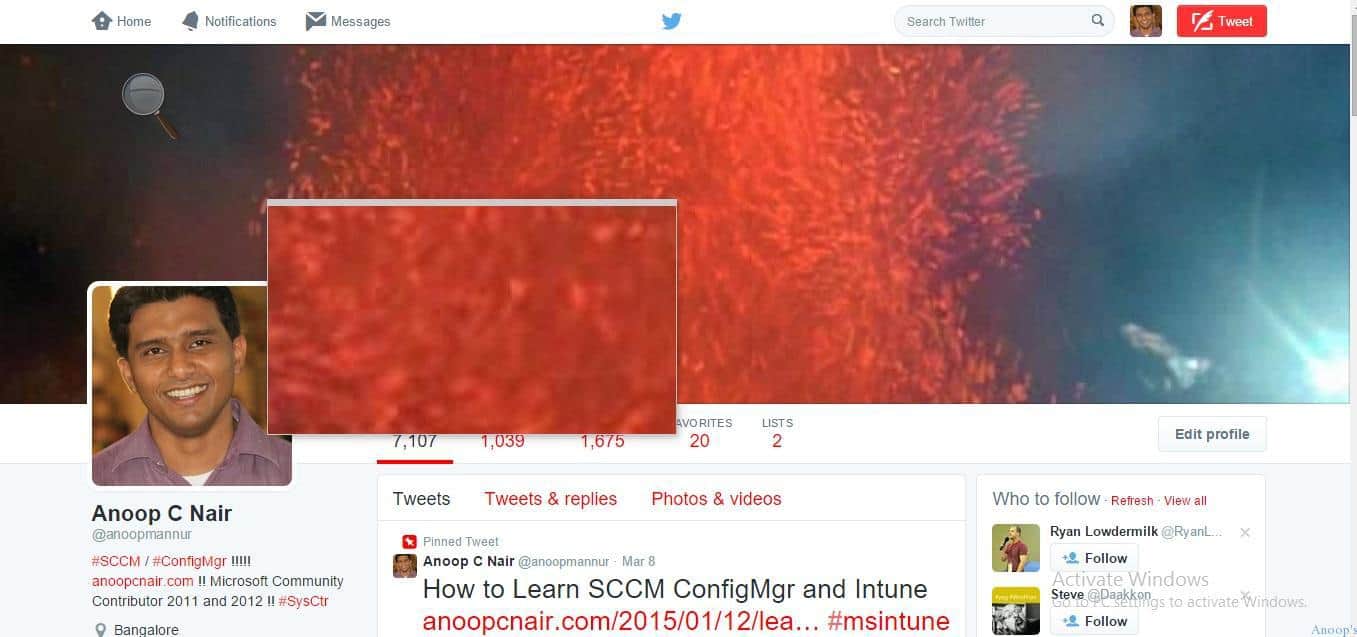
9. Magnifier does not work when you put it into docked mode. This will be fixed in the coming Windows Update.
Resources
SCCM Related Posts Real World Experiences Of SCCM Admins (anoopcnair.com)
We are on WhatsApp now. To get the latest step-by-step guides, news, and updates, Join our Channel. Click here. HTMD WhatsApp.
Author
Anoop C Nair is Microsoft MVP! He is a Device Management Admin with more than 20 years of experience (calculation done in 2021) in IT. He is a Blogger, Speaker, and Local User Group HTMD Community leader. His primary focus is Device Management technologies like SCCM 2012, Current Branch, and Intune. He writes about ConfigMgr, Windows 11, Windows 10, Azure AD, Microsoft Intune, Windows 365, AVD, etc.



Discussion