






How to Learn Desktop Support Engineer Skills
Desktop support engineers are an integral part of the IT support world. In the IT support world, the real heroes are Desktop Support Engineers. Desktop Support Engineers are the heart of IT Pros. Do you agree with this? They are the real persons who interact with end-users regularly.
Who are Desktop Engineers? They can influence end-users in their day-to-day use of workstations (desktops and Laptops) and mobiles. But do they get that much attention? I don’t think so.
It’s high time we gave them proper credit for supporting all of us and the technologies we work with. They are the real heroes among IT Pros. Whenever we have an issue with an end user’s desktop or laptop with any of the applications like SCCM, Lync, Skype, Microsoft Outlook Registry, WMI (I know WMI is not an application), etc., who is the last resource to come to our rescue (maybe help to reimage the machines)? Aren’t those desktop support engineers?
We’ve also created a Facebook group for Desktop Support Engineers, Technical Support, and Help desk engineers, if you’re interested, feel free to join https://www.facebook.com/groups/DesktopEngineers/.

- Desktop Support Network Troubleshooting Tips for Beginners
- IT Career Options IT Pros Vs. DevOps Vs. Developers Students Learning
How to Learn Desktop Support Engineer Skills
I’ve received many queries from freshers about the skills required for Desktop Support Engineers. What is the percentage of work Desktop Support Engineers perform in different areas?
I know the ins and outs of desktop support engineers’ lives as I spent my initial four years of IT career as a desktop engineer, which I’ve mentioned in this post.
Introduction
Desktop support engineers (this is applicable for Technical Support / Helpdesk Engineers as well) have questions about how to move forward in their careers. How do they get into server support, SCCM support, or Exchange or Office 365 support?
There is no shortcut here; you need to learn basic IT skills first, then proceed with the learning of specific technology. For example, I have a post about “How to Learn SCCM ConfigMgr and Intune.”
Desktop support engineers must have basic knowledge of everything in IT. They should know how to troubleshoot application-level issues, network-level issues, how network printers and scanners will work, How to troubleshoot Operating System-level issues, new intelligent mobile devices troubleshooting, etc.
In my opinion, desktop engineers are the real all-rounders among IT Pros!! So, desktop engineers are not just desktop engineers. They are true all-rounders with knowledge of all the technologies and applications in this modern world.
4 Pillars of Desktop Support Engineer’s Learning
This post is to enrich and support desktop support engineers. When you work as a desktop support engineer, then your foundation is very strong, and you know the basics of all the technologies used in the world of IT. This kind of knowledge always helps people to the next level in their careers.
Let’s discuss the below 4 pillars and how Desktop Support Engineers can learn.
| 4 Pillars of Desktop Support Engineer’s Learning |
|---|
| Application issues |
| Networking issues |
| Managing and maintaining systems that run Windows client Operating Systems |
| Supporting phone / smart mobile devices and users |

Also, loads of freshers in India want to come out of BPO jobs into IT pros. I would suggest they start with Desktop support for some time so that you’ll have a great foundation in your IT career. Do you agree? By the way, all the jobs are good. I don’t think that only IT jobs are good.
Also, I feel desktop support engineers should be part of Microsoft events, IT Pro User group meetings, attend online seminars, etc.. to keep themselves updated about the new upcoming technologies. I feel that most of the Desktop support engineers are not very keen to attend any of these events.
How to Install, Identify the Cause of, and Resolve Application Issues
As mentioned in the above list, be thorough in each area !! Some basics may help “Freshers” coming into IT as Desktop Support Engineers. This is not a full-proof list of things that a desktop engineer needs to know; however, these are some tips to get you there.
| How to Install, Identify the Cause of, and Resolve Application Issues |
|---|
| Control Panel |
| All Control Panel Items |
| Programs and Features |
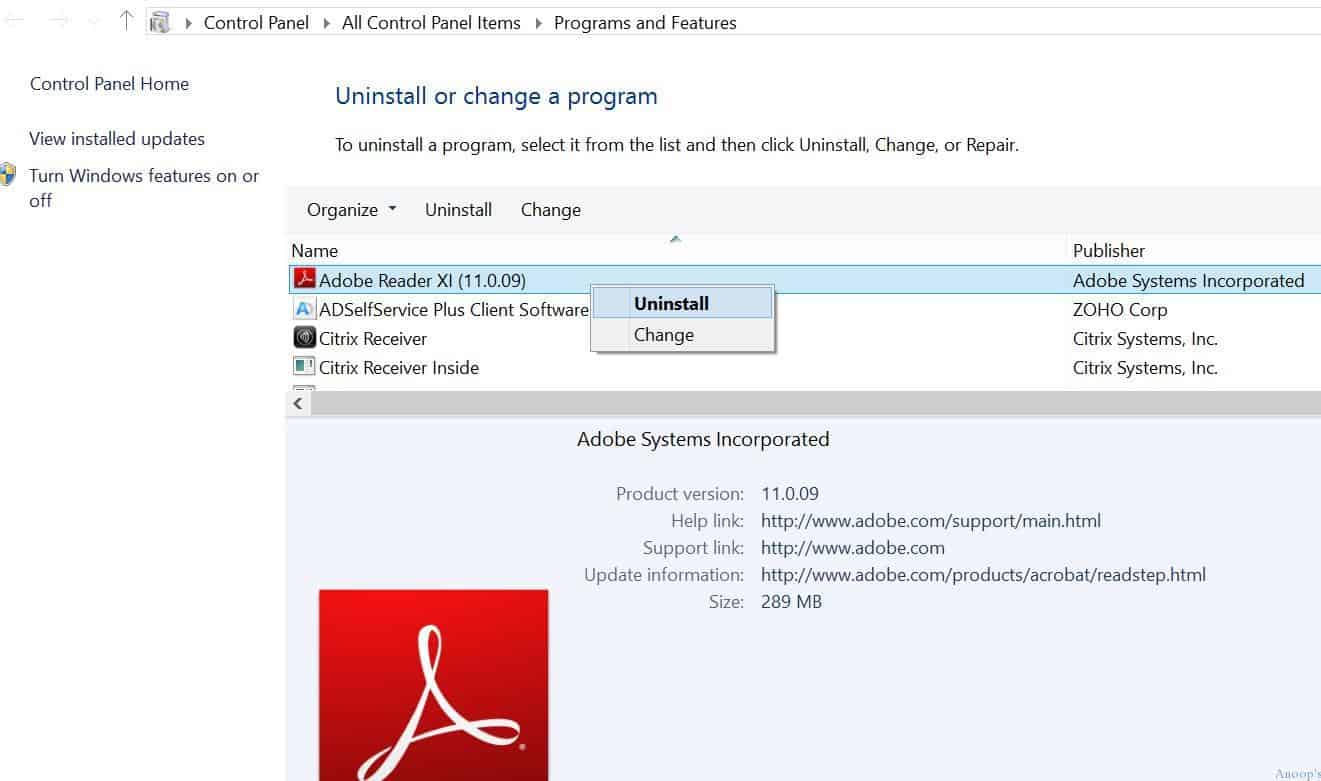
Sample questions in this category! What is the difference between the MSI file and .EXE file? What is the difference between server OS and desktop OS?, What is BSOD? How do you troubleshoot it? How can you take backup of emails in ms outlook? How to uninstall an application? How to remove a windows component like BITs from a workstation?
Installation permissions; local administrator requirement; licensing restrictions; digital signing. Check the event logs, application logs, MSI logs, etc… Also, check whether the application runs in Safe mode; run the application in a previous version of Windows; repair the installation; check recently added programs; and restore or reimage the system.
Identifying the Cause of and Resolving Networking Issues
Also, learn some shortcuts to launch add remove programs and other control panel applets. For example, appwiz.cpl to remove windows components as part of application installation troubleshooting. A more detailed list of shortcut command lines for launching the control panel applet from Windows desktops or laptops.
To survive as a desktop support engineer, you need to be aware of all the following technologies: What is an active directory? What is DHCP, and what is it?
Solve enterprise login issues, including hardware vs. network, password expiry, trust relationships with machine accounts, determining login context, and logon hours compliance.
Solve enterprise network connectivity issues by determining the scope of the issue, determining whether it’s a PC or a network connectivity issue, using TCP/IP, hardware and cabling, proxies, and default gateways.
Solve enterprise name resolution issues by checking which DNS is assigned, flushing the DNS cache, nslookup to the DNS server, and checking the DHCP scopes.
Solve enterprise network printer issues, including hardware failure, server issues, printer failure, network issues, and driver issues.
Managing and Maintaining Systems that Run Windows Client Operating Systems
Windows 7, Windows 8, and Windows 8.1 are the client operating systems in production. However, the future is Windows 10, as we all know. So it’s very important to understand Windows 10 operating system in depth. To know more about Windows 10 and Windows 10 Phone, you can go through my posts here.
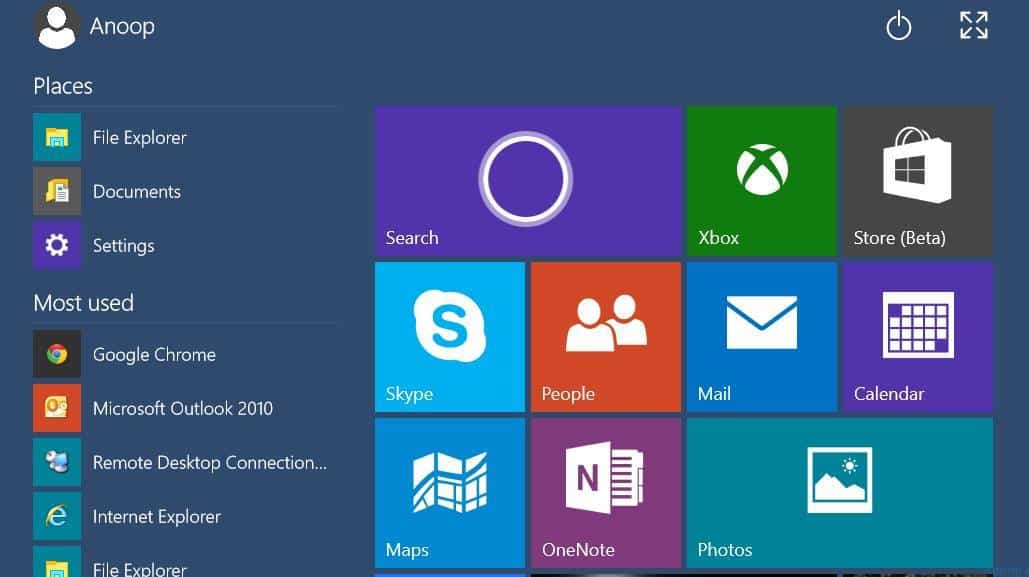
What are the backup and recovery options of Windows 10?, How to log in to Windows 10 safe mode? What are the modern applications? What are the universal applications in Windows 10? What are domain join and Connect to cloud options in Windows 10?
How to provision Windows 10 machines for office use? What are the main differentiators between Windows 10 and Windows 7 or Windows 8?
Identify and/or resolve performance issues by Analyzing system and application logs, analyzing started services, setting power management, checking hard drive space, and optimizing virtual memory.
Solve hardware failure issues by identifying bad sectors, diagnosing memory issues, recommending replacement hardware, updating the BIOS, and determining which component is broken.
Supporting Phone / Smart Mobile and Users
When I was a desktop support engineer, blackberry was the only mobile device to support in an enterprise environment. Now the world is changed; we can have any smartphone that will come for your support like Android, IOS, Windows, etc… I need to keep you updated on all the new platforms. Also, VPN connections and settings are always changing in this modern world.

How do mobile devices get managed? What application or service does it use? Are mobile devices managed via AirWatch or Microsoft Intune? How does Enterprise or office mail flow to mobile devices? How do mobile devices enroll in AirWatch or Intune?
How to wipe the stolen mobile devices remotely? How to configure VPN access to a workstation? How to perform VPN troubleshooting? How to enable encryption? How to perform decryption on a device?
Solve enterprise wireless connectivity issues:- Signal strength, encryption types, encryption keys, wireless profiles, and mobile devices. Solve enterprise remote access issues:- VPN client not connecting; IPv6 support; access and authentication to network resources.
Resource
Top 50 Desktop Support Interview Questions
Topics which should be learned by Enterprise Desktop Support Technician
We are on WhatsApp now. To get the latest step-by-step guides, news, and updates, Join our Channel. Click here. HTMD WhatsApp.
Author
Anoop C Nair is Microsoft MVP! He is a Device Management Admin with more than 20 years of experience (calculation done in 2021) in IT. He is a Blogger, Speaker, and Local User Group HTMD Community leader. His main focus is on Device Management technologies like SCCM 2012, Current Branch, and Intune. He writes about ConfigMgr, Windows 11, Windows 10, Azure AD, Microsoft Intune, Windows 365, AVD, etc.



Great article Anoop!
StaffThank you Vinu. Happy to know that you liked it ! 🙂
Can we chat personally on mail sir? It’s an request sir
StaffUse our forum HTMDForum.com
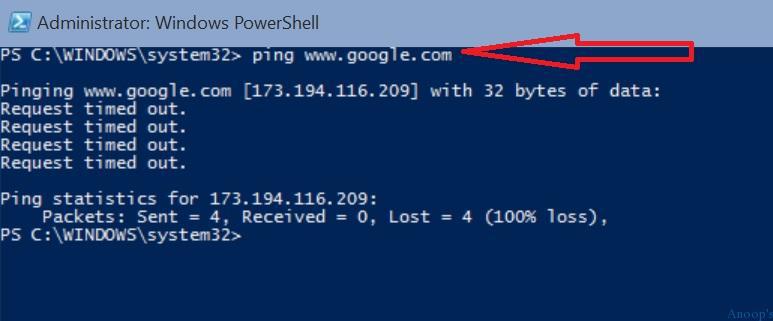
BTW nice touch on pinging google.com using PowerShell 😉
StaffIt has been months, I removed Command prompt from Windows 10 machines 😀
Thank, I for a long time worked as Desktop Engineer, all true that you have wrote.
StaffHappy to know that you agree and you’ve same feeling !!
Don’t forget to check the registry, the Run and Runonce, Anoop
HKEY_LOCAL_MACHINE\Software\Microsoft\Windows\CurrentVersion\Run
HKEY_CURRENT_USER\Software\Microsoft\Windows\CurrentVersion\Run
HKEY_LOCAL_MACHINE\Software\Microsoft\Windows\CurrentVersion\RunOnce
HKEY_CURRENT_USER\Software\Microsoft\Windows\CurrentVersion\RunOnce
you can get so much out of there 😉
Bart
hi joined recently just 3months ago joined as desktop support enggineer. So worried about the future career opportunities. So much confused what to learn and how. now got basic idea what desktop enggineer is all about. kindly suggest some tutorilal ad links to learn and survive in the future.thank you so much Anoop
Ok I’m a desktop support tech my problem is how can I get the chance to learn things like sccm, exchange and active directory in real life! I mean I can take classes and learn everything about them but real life experience is different !!! it’s kind of annoying!!!! :(((
Amazing article bro, full of knowledge, keep it up 🙂
Hello Anup sir! I am an IT student in my last year of MCA, i have done CCNA course. Will be able to get a job in big companies(Microsoft,Apple,etc) for Desktop Support? IF yes then how? I know it is less reputed job in IT industry but i still want to learn basics and know the organization structure.
VERY GREAT ARTICLE i AM LOOKING TO CHANGE CAREER IN TO THIS FIELD AND NOW i HAVE A BASIC KNOWLEDGE WHERE TO START LOOKING THANKS SO MUCH FOR THIS HELP IT REALLY GIVE US A JUMP START TO START LEARNING.
Can you help me to get the last logon time from WMI
from which class the inventory is getting updated from or is it from AD to SCCM inventory
View v_ch_clientsummary
Column lastonline
can you tell me from where this data is getting populated, i suspect this is last logon time from AD.
is this column from this v_ch_clientcummary getting updated form AD or WMI classs?
Thank you sir