





Microsoft Cuts Windows 365 Prices by 20% for SMBs Starting May 2026
Key Takeaways
- 20% price reduction announced for Windows 365 Business
- New pricing effective from May 1, 2026
- Existing users benefit at renewal stage
- Cost reduction alone may not significantly boost adoption
In this post we are discussing Microsoft Cuts Windows 365 Prices by 20% for SMBs Starting May 2026. Recently, Microsoft announced a 20% price reduction for its Windows 365 Business service, aiming to make Cloud PCs more affordable for small and medium sized businesses (SMB). The new pricing will take effect from May 1, 2026, for new customers, while existing users will receive the updated pricing during their renewal.
Table of Contents
Table of Contents
Microsoft Cuts Windows 365 Prices by 20% for SMBs Starting May 2026
Many businesses are now facing higher costs for buying and maintaining computers. Because of this, some companies are starting to look at cloud based PCs as an alternative. With this price cut, Microsoft is trying to make that option more affordable and easier to consider. Microsoft is also adding a small change to how Cloud PCs start.
- Configure Windows 11 SMB compression improvements to Compress File Aggressively
- Securing SMB Communication with Intune using Digitally Sign Communications Policy
- Microsoft 365 E5 Security Add-on Now Available to Enhanced Cybersecurity for SMBs
20% Price Cut for Windows 365 Business
Microsoft has announced a20% reduction in pricing for Windows 365 Business to make Cloud PCs more affordable for small and medium sized businesses. The new pricing will be available from May 1, 2026, for new customers, while existing users will receive the updated pricing during their renewal. This move is aimed at helping businesses manage costs and consider cloud-based desktops as an alternative to traditional PCs.
| Update | Details |
|---|---|
| Price Change | 20% reduction |
| Effective Date | May 1, 2026 |
| Existing Users | Updated at renewal |
| New Feature | On-demand startup |
On-Demand Start Experience
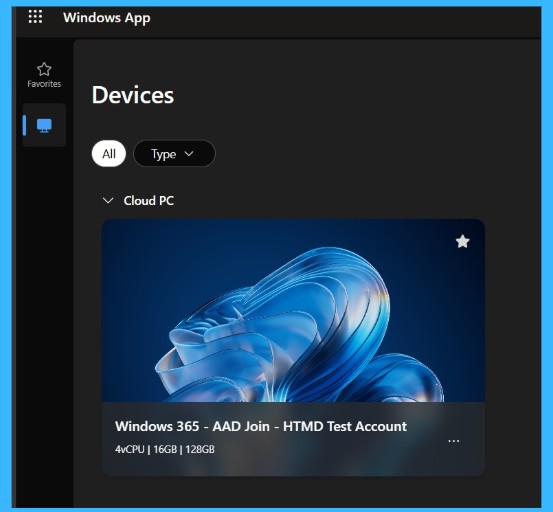
With the price reduction, Microsoft is introducing a new on-demand startup experience for Cloud PCs. This means that if a Cloud PC has been inactive for some time, it may take slightly longer to start when the user reconnects. However, this delay is expected to be minimal and should not significantly affect the overall user experience.

Need Further Assistance or Have Technical Questions?
Join the LinkedIn Page and Telegram group to get the latest step-by-step guides and news updates. Join our Meetup Page to participate in User group meetings. Also, join the WhatsApp Community and the WhatsApp channel to get the latest news on Microsoft Technologies. We are there on Reddit as well
Author
Anoop C Nair is a Workplace Technology solution architect with 25+ years of experience. Microsoft Certified Trainer. Microsoft MVP from 2015 onwards for consecutive 11+ years! He is a blogger, Speaker, and Founder of HTMD Community and HTMD Conference. His main focus is on Device Management technologies like Intune, Windows, and Cloud PC. He writes about technologies like Intune, SCCM, Windows, Cloud PC, Entra, and Microsoft Security.




Discussion