






Modern Windows Hello Visual Communication Experience in Windows 11 Devices
Let’s discuss the Modern Windows Hello Visual Communication Experience in Windows 11 Devices. Microsoft released Windows 11 Insider Preview Build 22635.4440 (KB5045889) to the Beta Channel. This update improves Windows Hello with new capabilities.
As you know, Windows Hello is a security feature in Windows 11 that allows you to sign in to your device using a biometric authentication method like facial recognition, fingerprint scanning, or a PIN instead of a traditional password.
Microsoft is committed to bringing security features to Windows 11, and last year, they introduced enhanced passkey features. Now, this feature is revamping the Windows Hello user experience.
In this blog post, I will help you learn more about Modernized Windows Hello Visual Communication in the Windows 11 Beta Channel. From this blog post, you can explore Windows Hello’s new capabilities.

Table of Contents
Modernized Windows Hello Visual Communication in Windows 11 Beta Channel
As I mentioned above, this update improves Windows Hello’s functionalities. It represents a significant update to Windows Hello, aligning it with contemporary visual design standards. The primary focus is on making authentication intuitive and seamless.
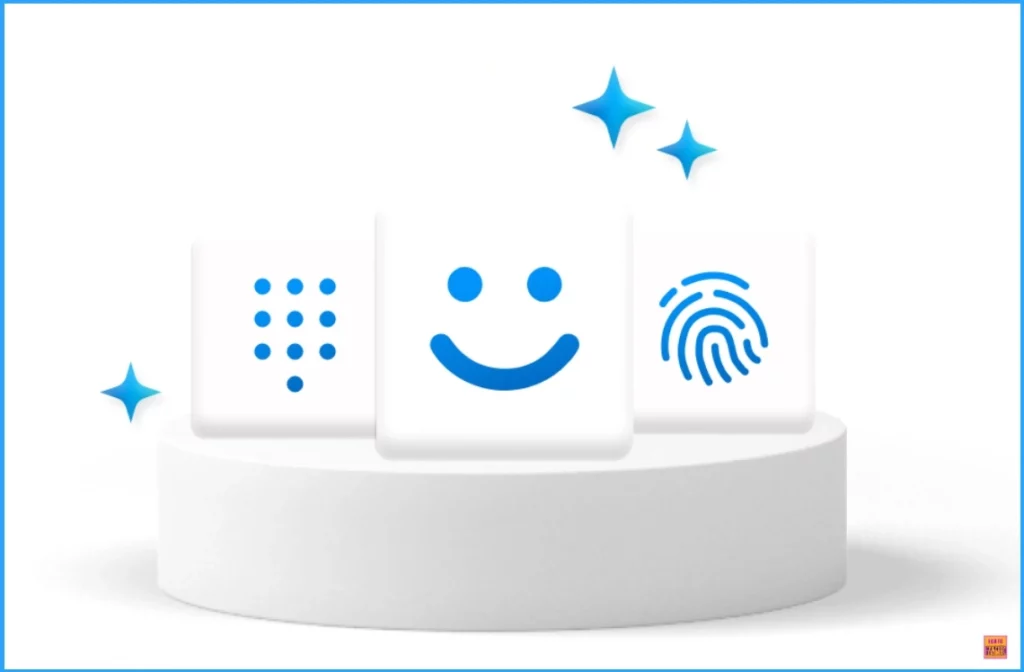
| Advantages of Windows Hello |
|---|
| Enhanced Security |
| Convenience |
| Multi- Factor Authentication |
| Integration with Services |
| Prevent Unauthorized Access |
- Ensuring Data Protection through Windows Recall with New Security Architecture TPM Windows Hello
- New Native Support for Cross-Device Authentication on Windows Passkeys
- How to Create and Use Passkeys in Windows
Improved Visual Communication
With this new update, Windows Hello’s visual communication has improved. It facilitates fast and clear communication and appears on the Windows Sign-in screen and other authentication flows such as Passkey, Microsoft Store, etc.
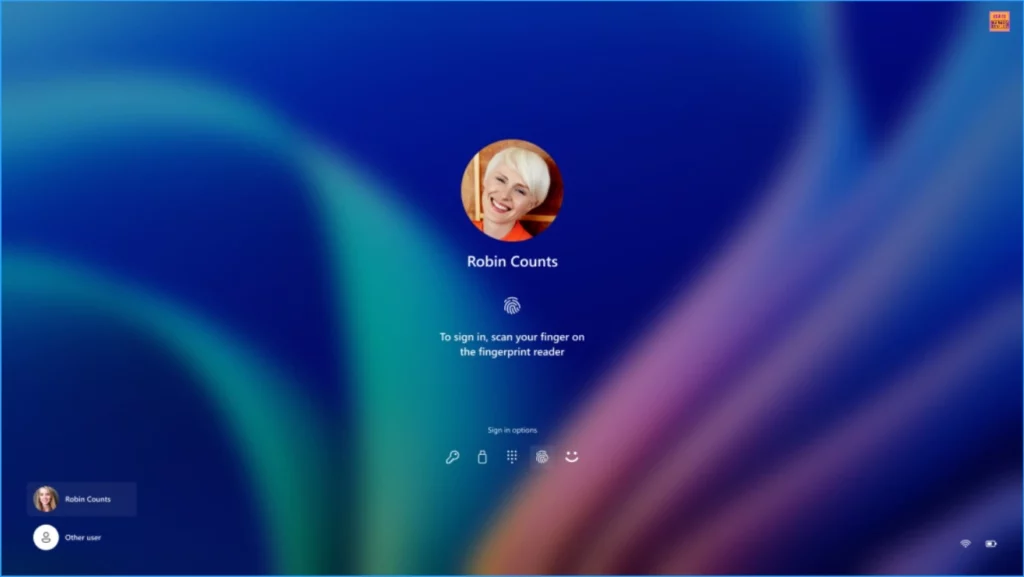
New Administrator Protection Experience
Microsoft redesigned the Windows security credential user experience for Passkey. It is designed to create a cleaner experience that supports secure and quick authentication. This feature allows users to switch between authentication options and select passkey/devices more intuitively.
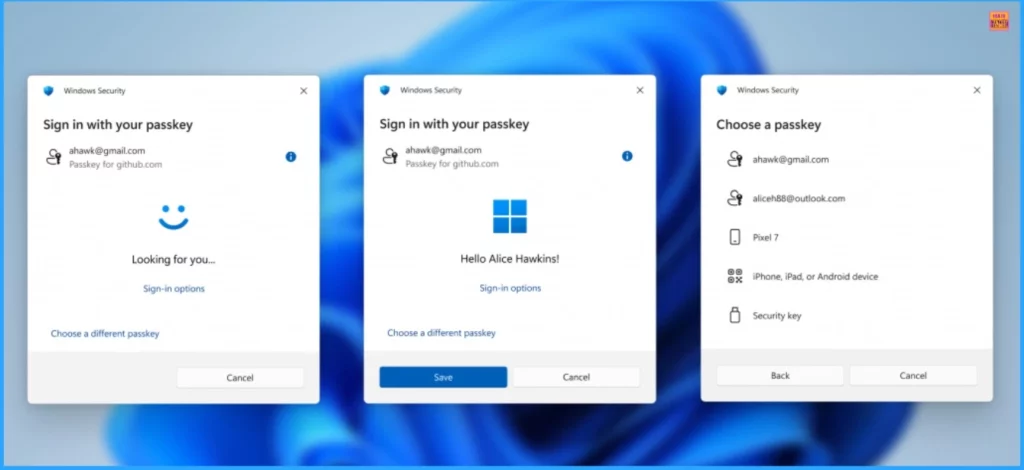
- Passkeys Now Available in Microsoft Entra ID
- 4 New Security Features of Windows 11 to Reduce Credential and Identity
- Enhanced Data Protection Available for Windows 11 Pro and Enterprise Editions
Roll Out of Modernized Windows Hello Visual Communication
The Modernized Windows Hello Visual Communication feature will gradually be rolled out to the Beta Channel. We hope the production release will come soon!
Need Further Assistance or Have Technical Questions?
Join the LinkedIn Page and Telegram group to get the latest step-by-step guides and news updates. Join our Meetup Page to participate in User group meetings. Also, Join the WhatsApp Community to get the latest news on Microsoft Technologies. We are there on Reddit as well.
Author
Anoop C Nair has been Microsoft MVP from 2015 onwards for ten consecutive years! He is a Workplace Solution Architect with more than 22+ years of experience in Workplace technologies. He is also a Blogger, Speaker, and Local User Group Community leader. His primary focus is on Device Management technologies like SCCM and Intune. He writes about technologies like Intune, SCCM, Windows, Cloud PC, Windows, Entra, Microsoft Security, Career, etc.




Discussion