





SCCM How to Remove Orphan Packages from Child Sites ConfigMgr
Today, I will explain to SCCM How to Remove Orphan Packages from Child Sites ConfigMgr. I just thought of sharing one of the TechNet discussions regarding removing Orphan Packages from the child sites.
Packages deleted at a parent site can be orphaned at a child site if the child site is down at the time of deletion (temporarily) or the replication process is unsuccessful.
Table of Contents
How to Remove Orphan Packages from Child Sites
You won’t delete those packages from the child site because they appear “locked” in the console. In this case, we must manually fix the problem by modifying the package record from the child site database to allow the package deletion from the child site console.
- SCCM Software Update List Packages Are Not Visible On Child Primary Servers ConfigMgr
- ConfigMgr 2006 Hotfix KB4578605 SCCM | Update Rollup | 22 Fixes
- SCCM ConfigMgr How To Remove Orphaned Collections
- Uninstall Or Delete Or Remove SCCM Secondary Site | ConfigMagr
- SCCM Secondary Server Installation
- SCCM Secondary Server Installation Failed Error | ConfigMgr | Fix
- SCCM ConfigMgr Hardware Related Reports | Default Reports | Configuration Manager
- SCCM SQL Based Replication Guide
- SCCM Related Posts Real World Experiences Of SCCM Admins
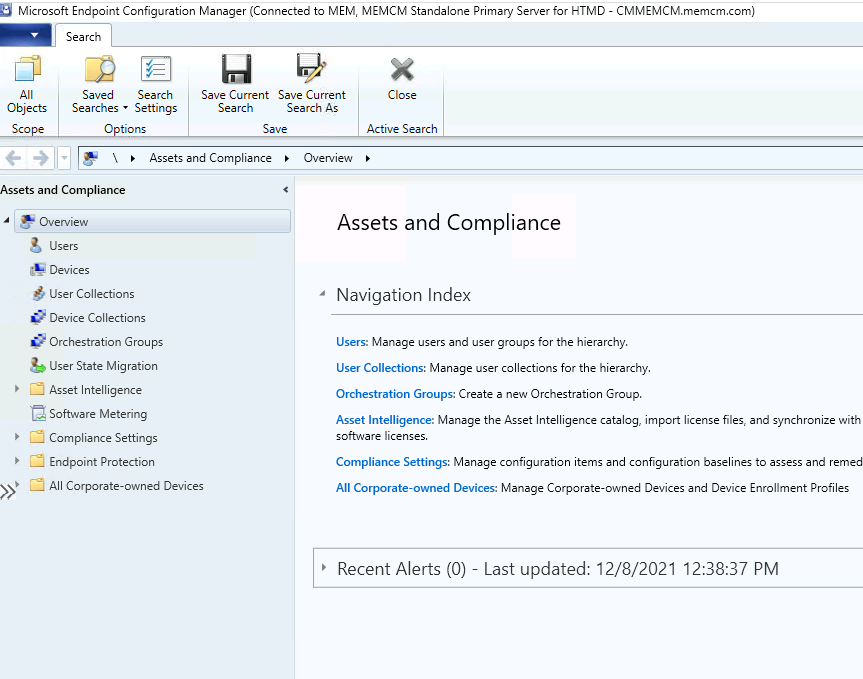
Steps to Remove Orphan Packages from Child Sites
To remove orphan packages from the SQL Server database, use the following steps:

- Open SQL Server Management Studio and use the site database of the child site cs1(SMS_cs1).
- Type and run the following command in the query window:
- Select PkgId, Name, SourceSite from SMSPackages
- Search for the PkgID file that you want to remove:
- You should be able to find this package due to this query. If the PkgID is not found, it shouldn’t have been displayed in the cs1 console in the first place – close and re-open the cs1 SCCM console if this is the case.
- Type and run the following command in the query window:
- Update SMSPackages Set SourceSite=’cs1′ Where PkgID= ”
- The package is now set to a local one, and you can delete it from the SCCM Administrator console.
- Please delete it from the cs1 console, and then the deletion will be gracefully replicated to all sites below cs1 as if it were packages created on the child site.
Resources
We are on WhatsApp. To get the latest step-by-step guides and news updates, Join our Channel. Click here –HTMD WhatsApp.
Author
Anoop C Nair is Microsoft MVP! He is a Device Management Admin with more than 20 years of experience (calculation done in 2021) in IT. He is a Blogger, Speaker, and Local User Group HTMD Community leader. His primary focus is Device Management technologies like SCCM 2012, Current Branch, and Intune. He writes about ConfigMgr, Windows 11, Windows 10, Azure AD, Microsoft Intune, Windows 365, AVD, etc.




How would I remove drivers that got imported but then the sql database got restored to a time before they were imported, now it wont reimport them? how do i clean up orphaned invisible drivers?
The long version of the story: https://www.reddit.com/r/SCCM/comments/52fwnm/network_guy_hosed_my_sccm_driver_import/