






Third-Party Applications are Patched up-to-date? SCCM admins?
Let us learn about Third-Party Applications are Patched up-to-date? SCCM admins? Regardless of your organization’s chosen operating system, it would help if you had various SCCM 3rd (third-party) applications to make your machines enterprise-ready.
SCCM lets you handle software updates, including third-party patches. In this post, I will discuss SCCM Third-Party Patching.
With SCCM third-party patching, you can easily manage and deploy updates for non-Microsoft applications within the Configuration Manager console.
Your organization probably uses software to display certain document types, edit and create image files, and display videos and other media on browsers.

Related Post – Enable SCCM Third-Party Update Support with SCCM, Microsoft Documentation on SCCM Third-Party patching solution.
Third-Party (3rd-Party) Applications
- Java
- Adobe
- Oracle
- Dell/HP/Lenovo Device Drivers
- Any Business applications?
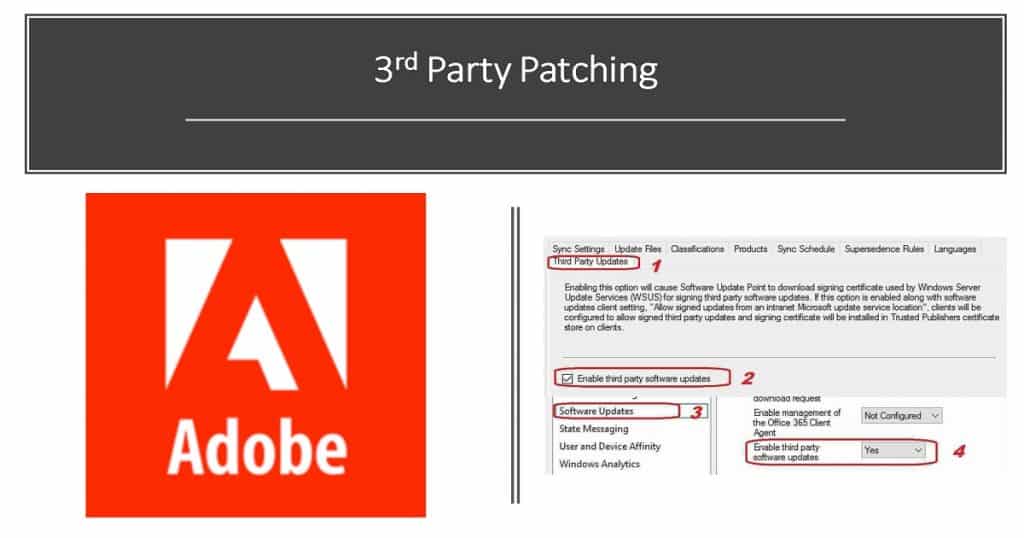
Take Adobe Patching as an Example
At the risk of sounding like a promotional blog for Adobe, it’s the one vendor that the whole industry often relies on for each task.
But I’m not here to convince you that Adobe is excellent; instead, I want to emphasize the importance of protecting business–critical third-party applications—like those developed by Adobe—from vulnerabilities and bugs.
Like any other third-party software vendor, Adobe is responsible for releasing patches for vulnerabilities and bugs it finds in its applications. A good software vendor will release updates and patches frequently, or at least consistently, as it strives to make its product more secure.
Once a patch is released to the public, it’s typically up to users to apply the patches. This scenario is often where the patching process ends—users are sometimes too busy or too apathetic to take the time to apply patches to their applications.
As mentioned before, Adobe’s application suite permeates the industry, so they’re almost as business-critical as Microsoft’s Patch Tuesday updates when it comes to Adobe’s security updates. They’re even released around the same time each month, so you should be marking your calendar for consistent patching.
Best Practices of SCCM Third-Party Patching?
The advice to consistently patch your applications applies to Adobe and other critical third-party applications. When was the last time you operated a system without Java?
Can you remember when you voluntarily used Internet Explorer or Microsoft Edge over another third-party browser like Chrome or Firefox? At some point, each application you use to get work done will undoubtedly discover a vulnerability; patches safeguard against these vulnerabilities.
Updating the applications on a single computer manually is a straightforward task. Similarly, updating a few computers manually should be relatively easy.
But most enterprises use more than a few computers; they use dozens or even hundreds. Manually updating each of these computers is out of the question. It would just take too long.
SCCM Third-Party Software Updates Patching Experience?
To simplify things, enterprises can turn to desktop management tools to automate the patching process. One such device, Microsoft System Center Configuration Manager (SCCM), has been reliably used to patch Microsoft applications for over two decades.
The problem with SCCM is that it doesn’t support SCCM Third-Party Patching applications (not all the 3rd party catalogs). Admins can use SCCM for Microsoft apps, but keeping business-critical applications like Java or the Adobe suite up-to-date requires alternative means.
How can Third-Party SCCM Plugin Help?
The patching process would be simpler if you could SCCM third-party patching Updates for applications without switching from SCCM to another application. Patch Connect Plus augments your existing SCCM setup to allow you to patch third-party applications automatically.
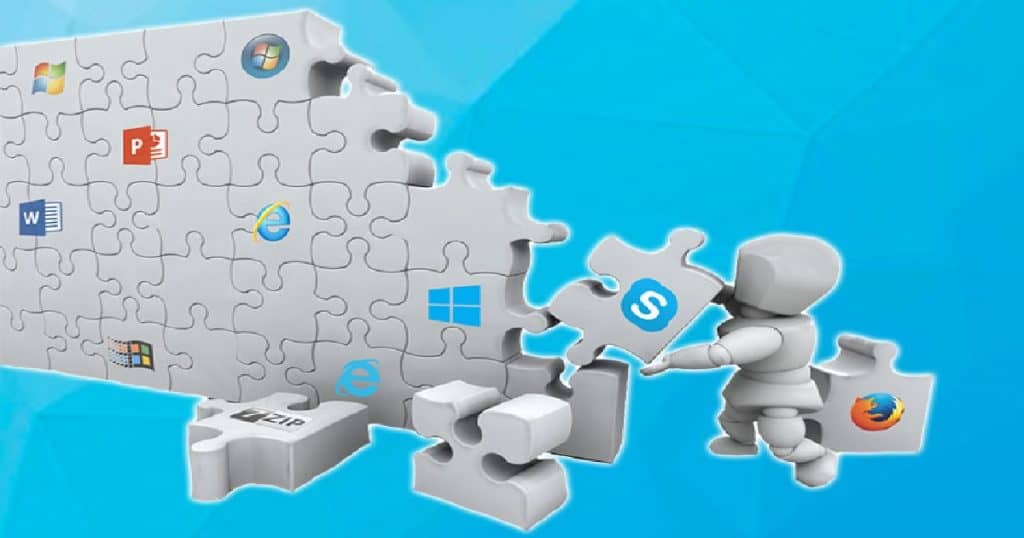
Patch Connect Plus offers features like deployment customization, automatic detection, publishing of applications to the patch catalog, and much more. What’s more, Patch Connect Plus’ native SCCM plug-in enables you to access all of its features right from SCCM’s console.
Patch Connect Plus‘ Standard Edition offers third-party publishing catalogs for SCCM version 1806 and above, while the Professional Edition covers all SCCM versions. Either way, you’ll be covered even if you don’t prefer switching between two consoles. Most importantly, it won’t blow a hole in your IT budget.
Starting at just $1.25 per endpoint per year, you’ll get plenty of bang for your buck. You can try it free for a month, so Start simplifying your enterprise patching now.
Resources
- SCCM Patching Process Guide
- Enable SCCM third-party updates
- SCCM Third-Party Patching Best Practices for an Organization
We are on WhatsApp. To get the latest step-by-step guides and news updates, Join our Channel. Click here –HTMD WhatsApp.
Author
Anoop C Nair is Microsoft MVP! He is a Device Management Admin with more than 20 years of experience (calculation done in 2021) in IT. He is a Blogger, Speaker, and Local User Group HTMD Community leader. His main focus is on Device Management technologies like SCCM 2012, Current Branch, and Intune. He writes about ConfigMgr, Windows 11, Windows 10, Azure AD, Microsoft Intune, Windows 365, AVD, etc.




Forget SCCM. Just migrate to Baramundi for all your endpoint management needs.
StaffHow many SCCM customers migrated to Baramundi ? 😀