






Release Management Strategy Windows 10 Semi-Annual Channel and SAC-T
Let’s discuss the Release Management Strategy Windows 10 Semi-Annual Channel and SAC-T. The Windows 10 servicing release management started with the Current Branch (CB) and Current Branch Business (CBB) cycles. Microsoft renamed the Windows servicing channels after the 1703 release for broad deployment on July 27, 2017.
The new names for CB and CBB are Semi-Annual Channel (Targeted), “SAC-T“, and Semi-Annual Channel (SAC). Here are more details about the Windows 10 Semi-Annual Channel and SAC-T deployment.
First, SAC-T and SAC are new terms for CB and CBB. SAC-T is the first production release cycle of Windows 10 for Enterprise and Education customers and consumers.
The remaining part of this post provides more details about my views on the Windows 10 Semi-Annual Channel and SAC-T deployment.

Table of Contents
Two Related Posts on Windows 10 Servicing Topic
Let’s discuss the Two Related Posts on the Windows 10 Servicing Topic. The section below will help you show more details.
Windows 10 1709 Semi-Annual CBB Ready for Broad Deployment and details about the release date of Windows 10 1709 CBB version media
Main differences between Difference Between Content of Windows 10 SAC-T (CB) and SAC (CBB) ISO Files
- July 2024 Windows 10 KB5040427 Patches and 2 Zero-Day Vulnerabilities 142 Flaws
- Windows 10 KB5039211 June 2024 Patches and 0 Zero-Day Vulnerability
- Windows 11 KB5039212 KB5039213 June 2024 Patches and 0 Zero-Day Vulnerability
- Windows 10 Version Numbers Build Numbers Major Minor Build Rev
- Updated Windows 10 End of Life Dates
What are SAC-T and SAC (CB and CBB)?
SAC is the second and final release cycle of Windows 10 for enterprise and education customers. Microsoft indirectly calls the SAC release process a “Business-Ready” release for broad deployments.
Full availability is the final phase of Microsoft’s Windows 10 roll-out process. More details about Microsoft’s announcement are available.
Pre-Windows 10 Servicing Processes?
Most of the release management process we followed for Windows 7 is irrelevant for Windows 10 servicing. Why? The Windows 10 world is moving very quickly using agile/scrum methods. As an IT admin, it’s your responsibility to lead the organization correctly.
STEP 1
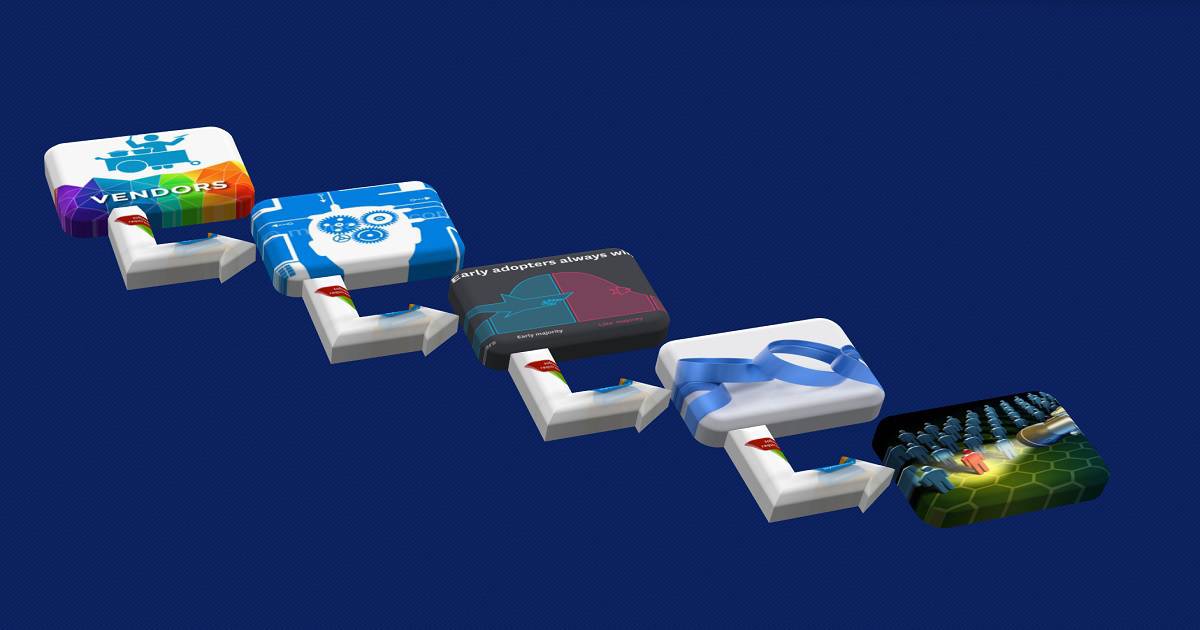
Arrange meetings with 3rd party application vendors and understand their strategy or plan to cater to Windows 10 servicing. Get commitment from vendors to deliver or support their products with the new Windows 10 release cycle. This is an essential step in the Windows 10 Semi-Annual Channel and SAC-T release management strategy.
For example:- If you use Symantec/McAfee as your endpoint protection software, then try to arrange meetings and understand their commitments and product roadmap to seal your Windows serving plans. We should follow a similar strategic approach for VPNs and other products within your organization.
STEP 2
Start regularly interacting with in-house application (LOB) developers. This meeting ensures they understand the need for agile/scrum methodology in their product development cycle. This will help them align with Windows 10 servicing.
STEP 3
Collect the “REAL” pilot (test) users’ and early adopters’ details from each department / op-co within your organization. This is the best time to start re-validating your existing list of pilot users.
STEP 4
We must build a strategy within our organization to start the systematic validation process. The strategic approach is to create internal update rings. This will help validate internal applications for each department inside the organization. Create internal rings (using AAD Group or SCCM Collection) with those lists of pilot users.
STEP 5
Keep an eye on Windows 10’s feature roadmap with the Windows Insiders build. This will help you understand the new features available in the next Windows 10 SAC-T release. Also, try to list new features you want to implement for your organization.
Post Windows 10 SAC-T Release Processes?
Following is the high-level process from my experience. You can have a more detailed presentation on release management for Windows servicing.
I can’t cover all the details in this post, but the following are the core steps of the release management process for Windows 10 Semi-Annual Channel and SAC-T.
STEP 1
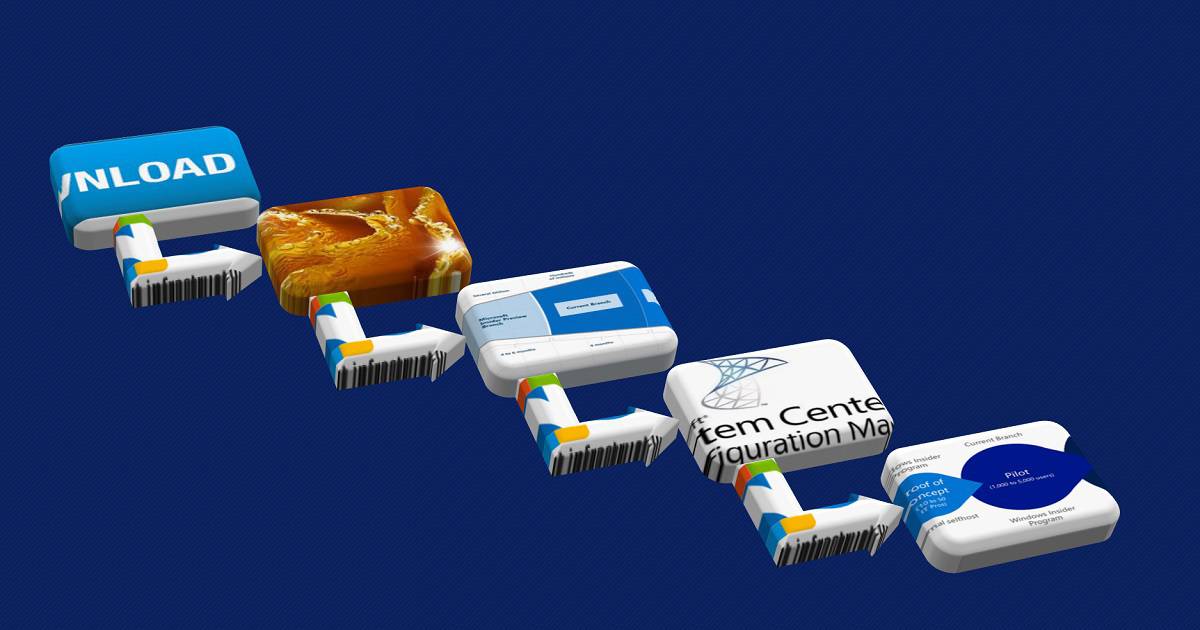
Day 1 – Download Microsoft’s latest Windows 10 ISO and install it on a few physical machines. The Windows 10 SAC-T release is the phase in which enterprise developers and IT admins can start testing the applications used within their enterprise. Start your industry’s “validation” process and test Line of Business applications.
STEP 2
Week 1– If you use SCCM/MDT to build or provision Windows 10 machines, create a new golden image process after the SAC-T release.
Let us wait for Microsoft’s SAC-T (CBB) announcement before beginning the OS image build process within an organization.
But I don’t think that was the correct strategy. The more explicit approach of Windows 10 Semi-Annual Channel and SAC-T are available in the following part of the post.
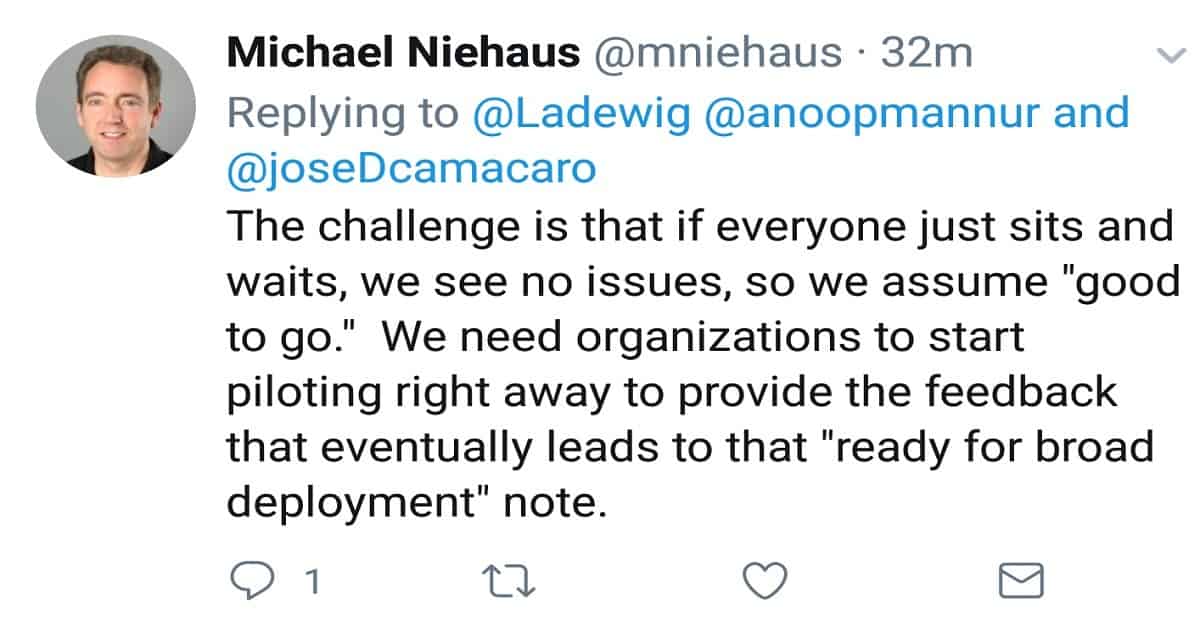
I think this is what Michael Niehaus meant to us through Twitter while replying to one of my questions. “The challenge is that if everyone sits and waits, we see no issues, so we assume “good to go.
” We need organizations to start piloting immediately to provide the feedback that eventually leads to that “ready for broad deployment” note.”
STEP 3
Week 2/3 -Start the pilot deployment in the pre-production and production environment. Test the Windows 10 upgrade process via SCCM (Windows 10 servicing) or Intune (Windows 10 update rings) management solution.
This Windows 10 upgrade process will be done via Software Update or Software Update for the Business channel.
| STEP 4 |
|---|
| Month 1—Start deploying Windows 10 custom OS image to pilot users and start testing your custom image solution using SCCM Task Sequence with IT and business users. |
STEP 5
Month 2 – When you are finished with all the validation of applications, start deploying the latest version of Windows 10 broadly within the organization. This is what I can make out from Michael’s Twitter.
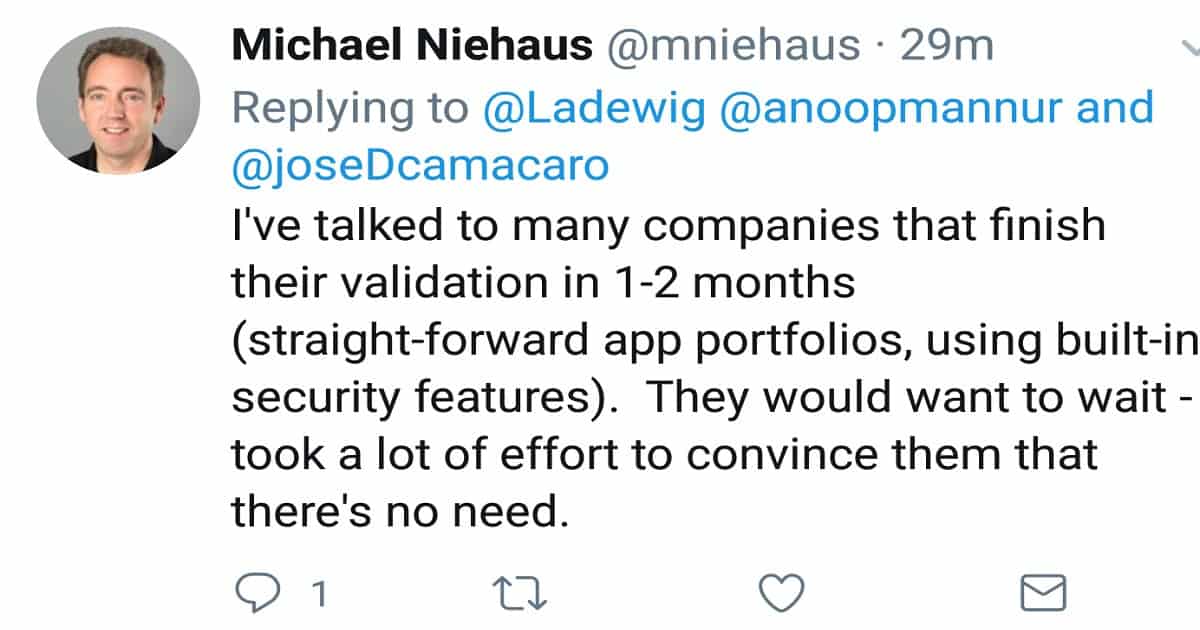
“Exactly right, deploy broadly as soon as you’re ready (done validating). If it’s good enough for you, it’s good enough for you :-)” and “I’ve talked to many companies that finish their validation in 1-2 months (straight-forward app portfolios, using built-in security features).
They would want to wait – it took a lot of effort to convince them that there’s no need.”
Post Windows 10 SAC Release Processes?
We don’t need to wait for Microsoft’s broad deployment announcement to start deploying broadly within our organization. If we have a well-defined validation process and are done with validation, there is no need to wait for the FINAL release announcement (SAC) of Windows 10 “Fully Available”.
I have seen organizations waiting for Microsoft’s “Fully Available” announcement to start broader deployments. As I mentioned on Twitter, we don’t waste our 4 monthly periods (out of 18 months) waiting for Microsoft to announce wide deployment!
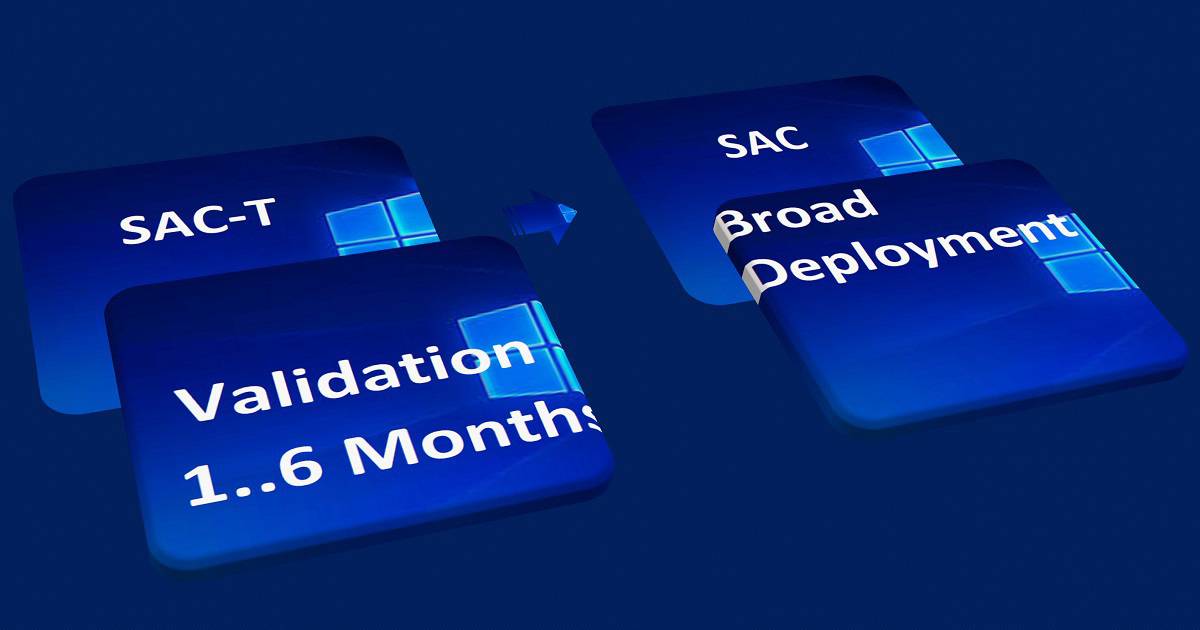
As Michael mentioned on Twitter, the whole SAC-T vs. SAC (CB vs. CBB) thing is over-emphasized. So, the strategic approach for Windows 10 Semi-Annual Channel and SAC-T deployment should be to start the validation from the SAC-T (CB) version release.
All the best for Windows 10 Semi-Annual Channel and SAC-T deployments!
We are on WhatsApp now. To get the latest step-by-step guides, news, and updates, Join our Channel. Click here. HTMD WhatsApp.
Author
Anoop C Nair is Microsoft MVP from 2015 onwards for consecutive 10 years! He is a Workplace Solution Architect with more than 22+ years of experience in Workplace technologies. He is a Blogger, Speaker, and Local User Group Community leader. His main focus is on Device Management technologies like SCCM and Intune. He writes about technologies like Intune, SCCM, Windows, Cloud PC, Windows, Entra, Microsoft Security, Career etc…



somewhere between reading I found you mentioned SAC as SAT (CBB) – Got Confused Actually !
StaffOh Sorry, Did I … I will fix those. Thank you much for making me aware.
StaffFixed it 😉
This is what you wrote:
First of all SAC-T and SAC are new terms for CB and CBB. SAC-T is the FIRST production release cycle of Windows 10 for the Enterprise and Education customers. And SAC-T is the release cycle for Windows 10 consumers.
StaffHey Andrew ! – Thanks for the pointer. I tried to change it slightly. Does that make sense?