






Surface Duo 2 Notifications Explained
In this post, let’s quickly go through the Surface Duo 2 notifications. Microsoft announced the Surface Duo 2 in the latest Surface event that happened on September 22. In the same event, Microsoft also announced Surface Laptop Studio as well.
Surface Duo 2 Notifications are exciting for me. Its dual-display phone and notifications of the first version of the Surface duo were not very impressive. The latest Microsoft’s Android phone notification. It’s pretty cool notification system engineering that Microsoft came up with this Surface Duo 2.
Microsoft announced the Surface Duo 2 on September 22 Surface event. Surface DUO 2 is available for pre-order and will cost $1,499 to start. The second version is $100 more than the first Surface Duo 1. The phone launches on October 21. I don’t think it will be available in the Indian market for a long time.
Saw this first on Zac’s Twitter https://twitter.com/zacbowden/status/1441743537238953985?s=20

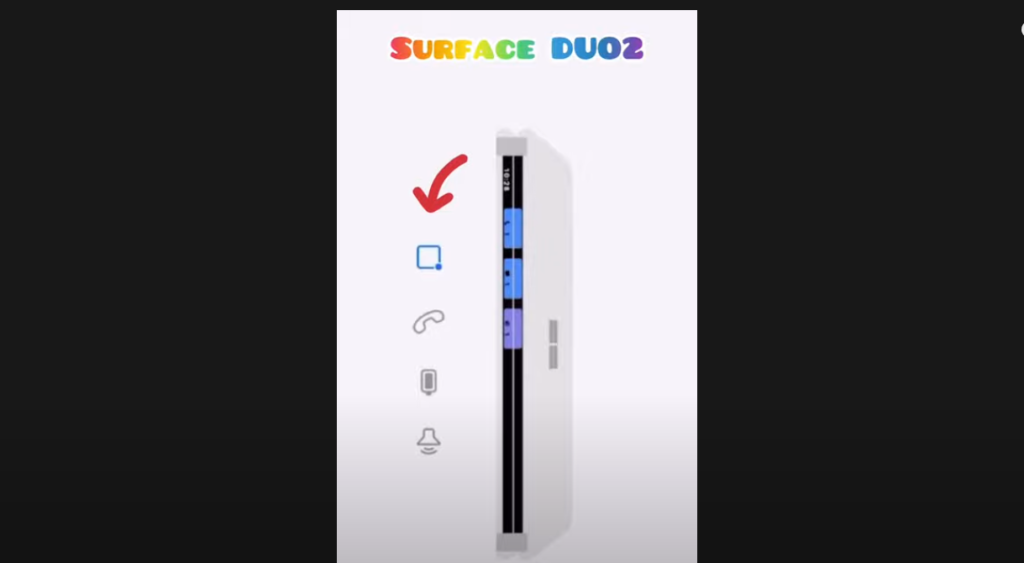
Message Notification – Surface Duo 2 Notifications
You can see the messages in Surface Duo 2 without opening the phone itself. However, you will need to open the phone to check the messages, I think?
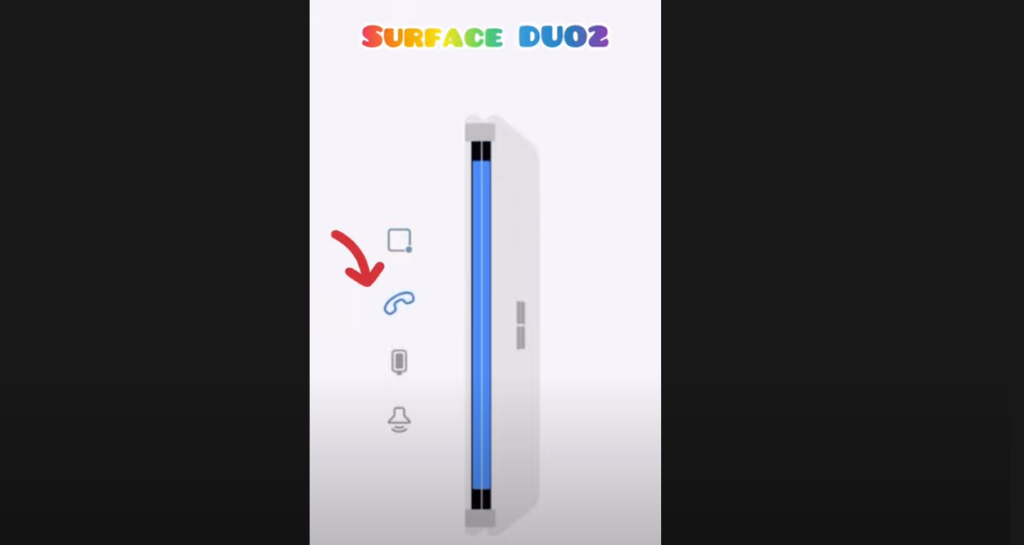
Incoming Call Notification
Microsoft’s Android mobile phone, Surface Duo 2, comes with Incoming call notifications as well. However, you won’t see who is calling unless and until you open up the Surface Duo 2 phone.
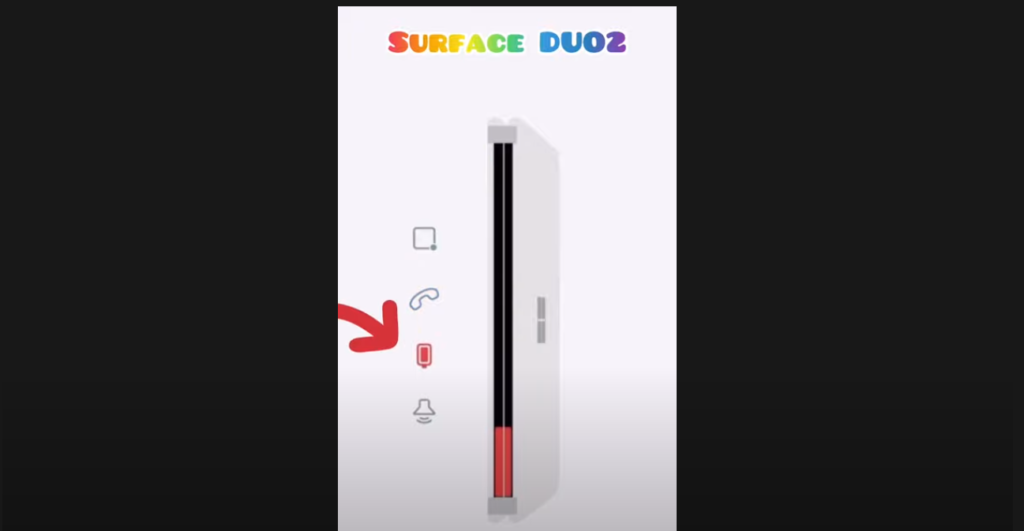
Battery and Charging Notifications for Surface Duo 2
Battery and charging notifications are also available for Surface Duo 2. This is very useful to know whether the battery is going to die soon without opening the phone. Also, you can check whether charging is full or not without opening the Microsoft Android phone in the second version.
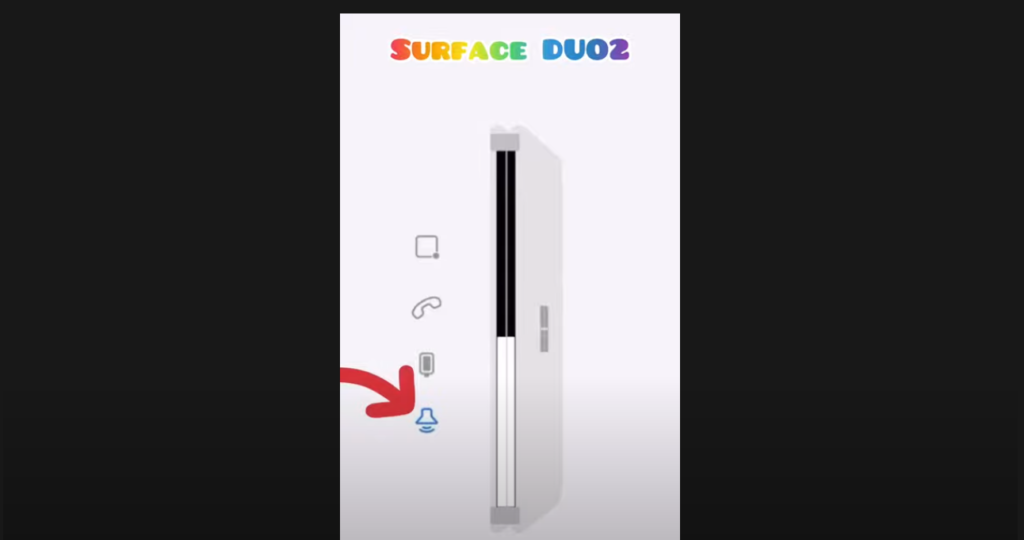
Volume Notification options in Surface Duo Second Version
You can see the volume notification options in the Surface Duo 2 version of the phone. I think it’s useful to know the volume details without opening the phone.
All the above notification systems are very basic needs for a phone. Surface Duo’s first version didn’t have any of these. However, DUO 2 comes with all these basic notification systems that would be helpful for end-users/consumers.



When will we get seperate notifications for TEXT & EMAIL? They are the same now. I got 500 emails a day……but maybe only 10 txt. It would be nice to know when I really do need to pick up the phone to check, when I get alerted.