






Upgrade to Windows 11 Register with Insider Program Registration Process | How-to Guide
Today, I will explore Upgrade to Windows 11 Register with Insider Program Registration Process | How-to Guide. Let’s quickly examine the options for upgrading to Windows 11 and the Windows 11 Insider Program Registration Process.
Microsoft announced the first Insider Preview for Windows 11. Let’s take a quick look at its New Features and Latest Improvements.
Before joining the Windows Insider program to get the latest version of Windows 11, you can refer to Windows 11 Removed Features and Deprecated Applications from Windows 11.
You must ensure that your PC meets the Windows 11 hardware requirements, which may impact flighting Windows 11 insider. Windows 11 Minimum System Requirements posts give you more details about the minimum hardware requirements.

Table of Contents
Optional Diagnostic Data
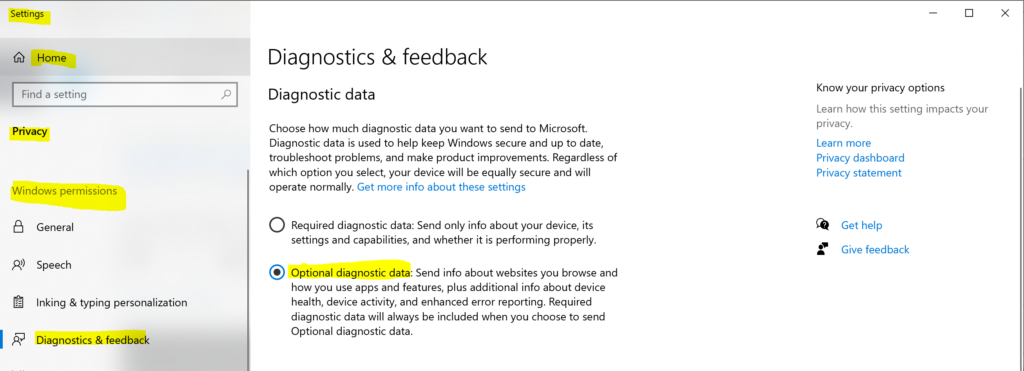
You must enable optional diagnostic data to be Part of the Windows 11 Insider Program.
- Click the Start Menu icon and start typing “diagnostics & feedback settings“.
- Click on the Diagnostics & Feedback Settings app.
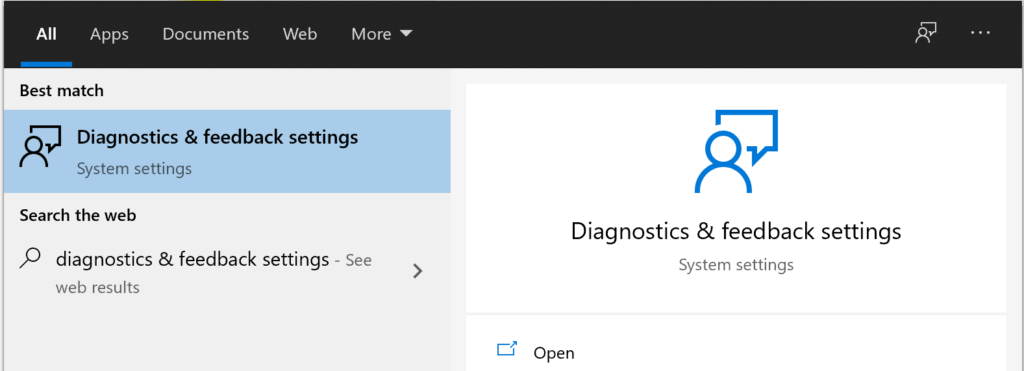
You can navigate to Settings -> Privacy -> Windows Permissions and select diagnostics & feedback settings.
- Upgrade to Windows 11 using Intune Feature Update Deployment Policy
- Best Guide to Deploy Windows 11 Using SCCM
Windows Insider Program Registration
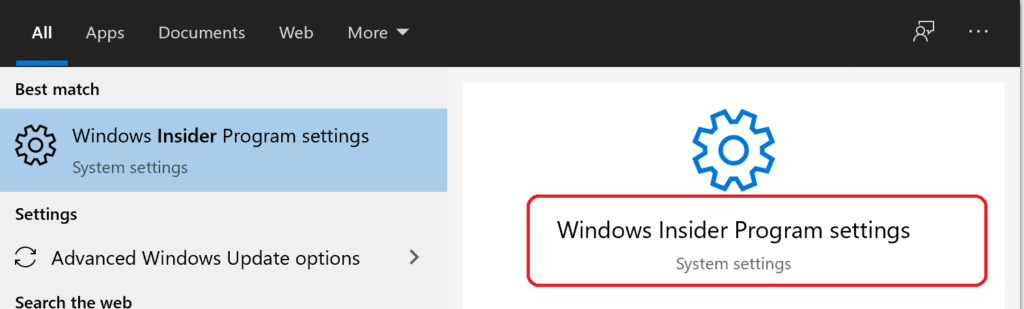
To start, click the Start Menu icon and type “Windows Insider Program.” From the search results, click on Windows Insider Program Settings.
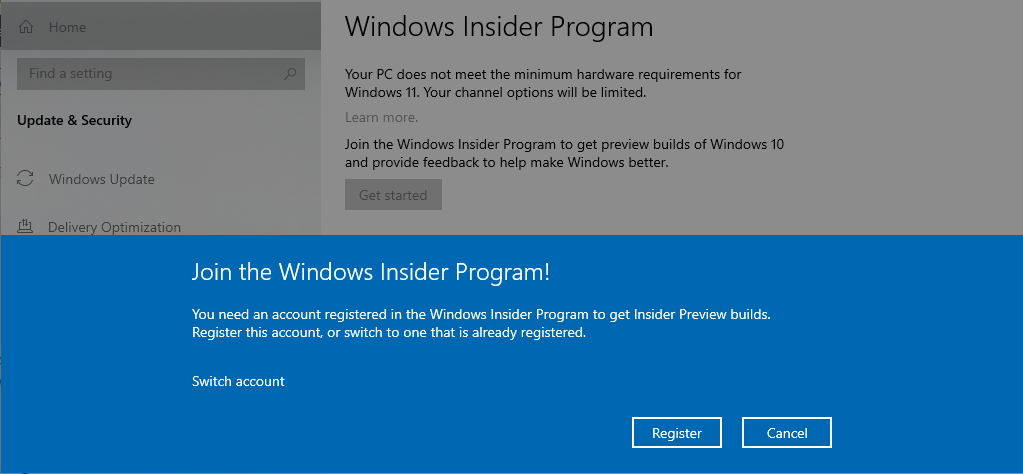
You can click on the Get Started button.
You need a registered account in the Windows Insider program to get Insider Preview builds. You can register this account or switch to one already registered with the Insider program.
Click on the Register button to continue.
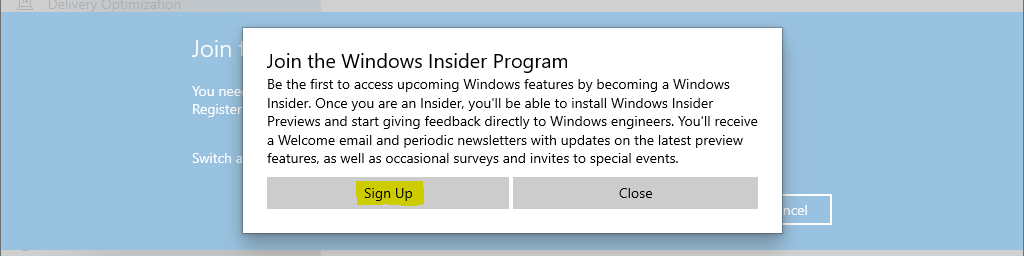
Be the first to access the upcoming Windows feature by becoming a Windows Insider. Once you are an Insider, you can install Windows Insider Preview and give feedback directly to Windows engineers. You will receive a welcome email and periodic newsletters with updates on the latest preview features, occasional surveys, and invites to special events.
Click on Sign up.
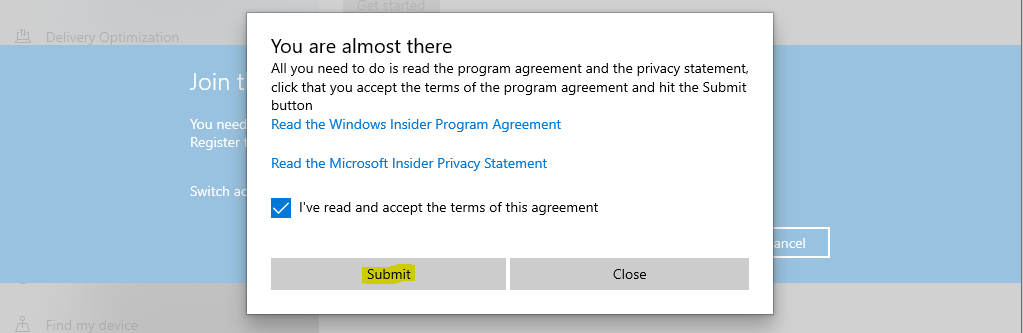
Accept the Terms of this agreement by clicking on Submit.
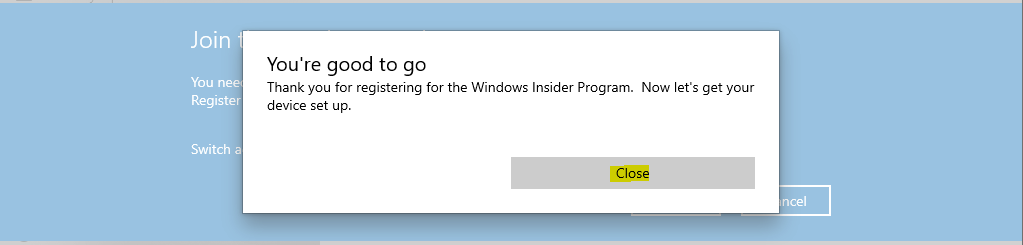
Once you click the Submit button from the above screen, you are already part of the Windows 11 insider program. Click on the Close button to continue.
You have an option to select the Windows Insiders channel from the following options:
Dev Channel – Ideal for highly technical users. Be the first to access the latest Windows 11 builds in the development cycle with the newest code. There will be some rough edges and low stability.
- Click on the Confirm button to continue.
- Again, we agree to Windows Insider’s privacy and program agreement. Click on the Confirm button to continue.
- Click on the Restart Now button to initiate the restart.
Windows Update to get Windows 11 Insider Preview
Once you have restarted the PC, go to Update & Security -> Windows Update and click on the Check for updates button.
Once the Windows Update scan is completed, you can see the Download and Install option. Click that button to download the update—Window 11 Insider preview 10.0.22000.51 (co_release).
Status = Download
After downloading Window 11 Insider preview 10.0.22000.51 (co_release), the status changes to Installing.
Restart to Windows 11
Once the installation stage is completed, you will be asked for the restart. You can restart the PC to start the Windows 11 upgrade.
Upgrade to Windows 11
After the restart, the upgrade took around 40+ minutes to complete the end-to-end process of the Windows 11 upgrade.
This might take a few minutes – Don’t turn off your PC!
Windows 11 upgrade message #1 – Windows 11 Upgrade Screen after restart
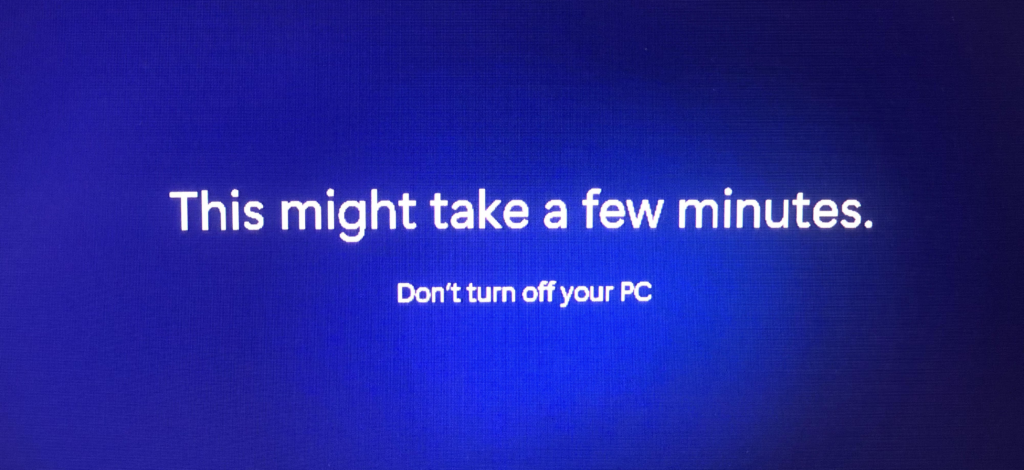
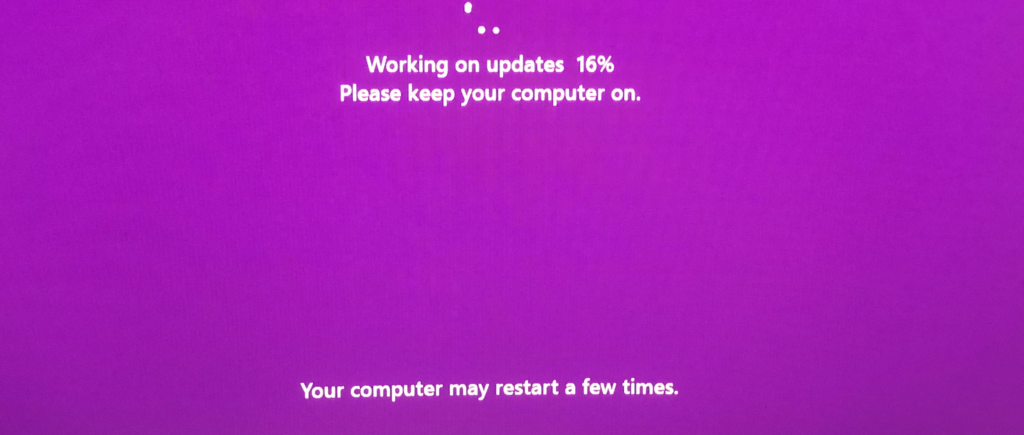
Working on updates 16% to 99% took most of the time in the Windows 11 upgrade process.
Working on updates 16% – Please keep your computer on. Your computer may restart a few times.
Windows 11 upgrade message #2
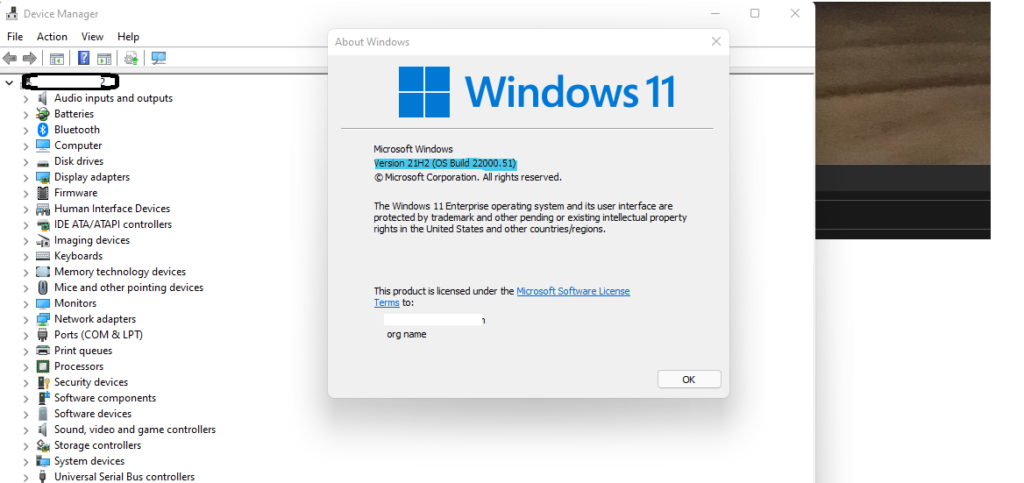
Windows 11 OS Build 22000.51
Everything worked well after the Windows 11 upgrade. However, I was not able to connect to Wi-Fi from the Windows 11 taskbar, but I was able to connect to Wi-Fi from the settings app.
Windows 11 version is called 21H2 (OS Build 22000.51)!
Well, you can very well open the device manager from the Windows 11 Enterprise version!
Resources
We are on WhatsApp. To get the latest step-by-step guides and news updates, Join our Channel. Click here –HTMD WhatsApp.
Author
Anoop C Nair has been Microsoft MVP for 10 consecutive years from 2015 onwards. He is a Workplace Solution Architect with more than 22+ years of experience in Workplace technologies. He is a Blogger, Speaker, and Local User Group Community leader. His primary focus is on Device Management technologies like SCCM and Intune. He writes about technologies like Intune, SCCM, Windows, Cloud PC, Windows, Entra, Microsoft Security, Career, etc.




Discussion