






Download Install Configure MDT 8450 SCCM Configuration Manager ConfigMgr
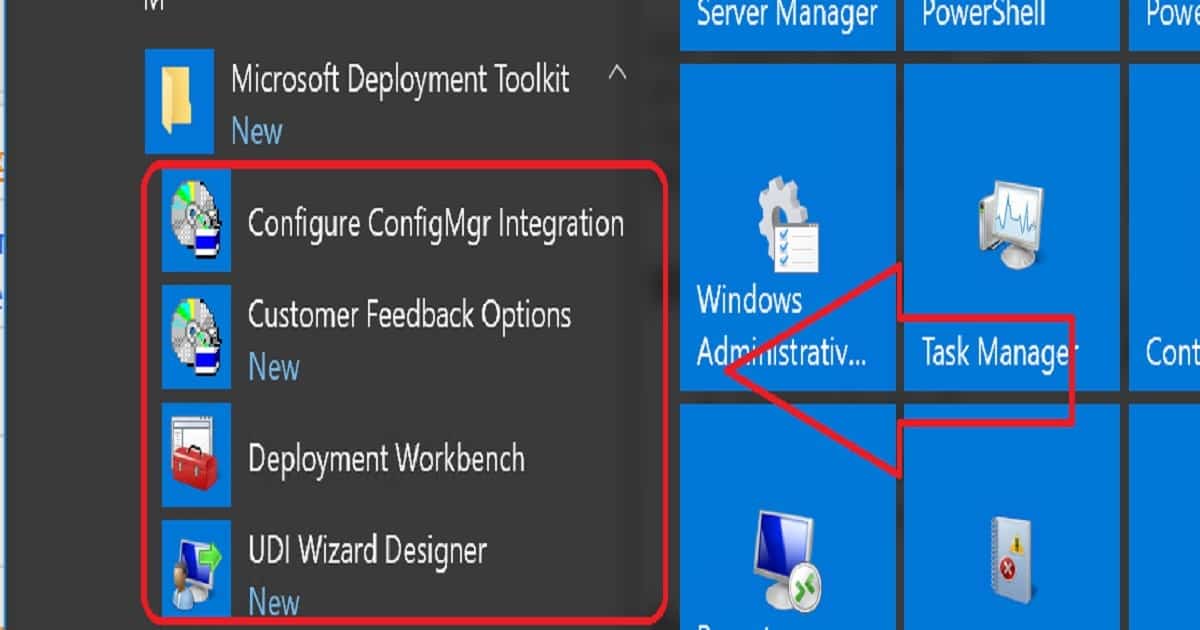
Let’s discuss how to Download, Install, and Configure MDT 8450 SCCM Configuration Manager ConfigMgr. I downloaded Microsoft DeploymentToolkit_x64.MSI and installed it on the SCCM CB lab environment. MDT 8450 is available in 32—and 64-bit versions.
This version (build 6.3.8450.1000) of the Microsoft Deployment Toolkit requires a Windows 10 ADK build. This post will show you how to Download, Install, and Configure MDT 8450.
Microsoft Deployment Toolkit (MDT) is formerly Business Desktop Deployment (BDD). MDT is an application that provides network deployment capabilities for Microsoft Windows operating systems.
In this post, you will find all the details on how to Download and Install and Configure MDT 8450 SCCM Configuration Manager ConfigMgr. MDT is a free tool for automating Windows and Windows Server operating system deployment.

If you have an SCCM environment, you can integrate SCCM with MDT to provide enhanced features (UDI and ZTI) to your OS deployment process.
Table of Contents
- Latest Version MDT 8456 – SCCM 1810 – Server 2019 Support – UDI Wizard
- Video Guide Download Install and Configure MDT 8450
- SCCM OSD Front-End Tools And User-Driven Installation
More Videos – Subscribe to the YouTube channel
Download Install Configure MDT 8450 SCCM Configuration Manager ConfigMgr
You can download the latest version of Microsoft Deployment Toolkit (MDT). This version (build 6.3.8450.1000) requires the Windows 10 1709 ADK build.
What is Microsoft Deployment Toolkit (MDT)?
The Microsoft Deployment Toolkit (MDT) is a free tool for automating Windows and Windows Server operating system deployment, leveraging the Windows Assessment and Deployment Kit (ADK) for Windows 10.
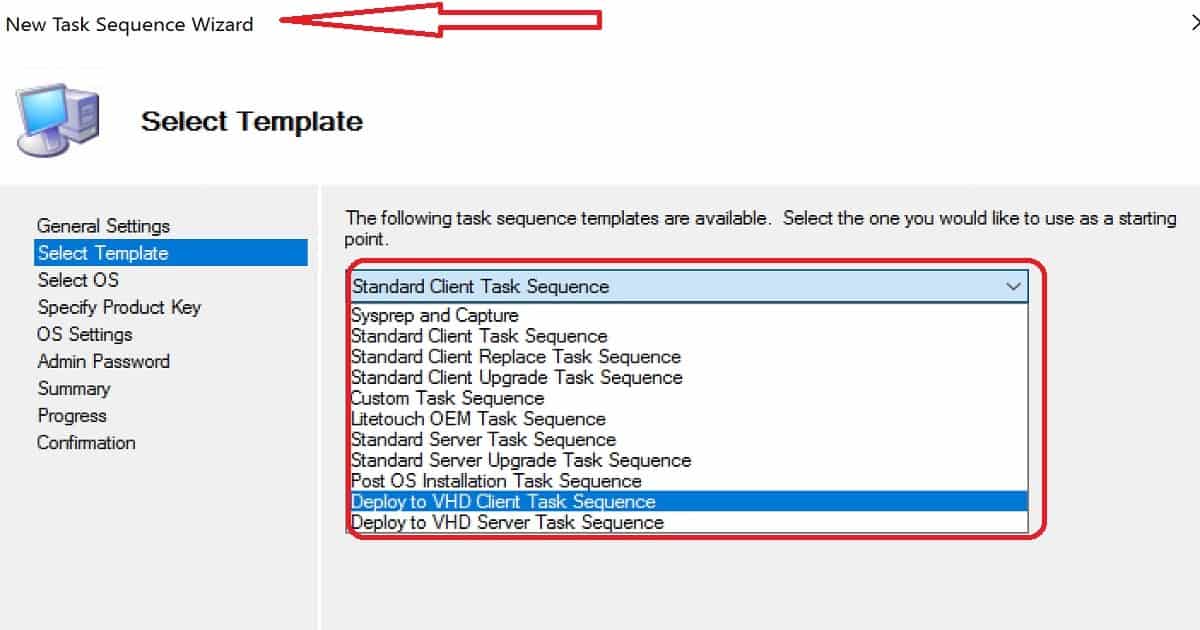
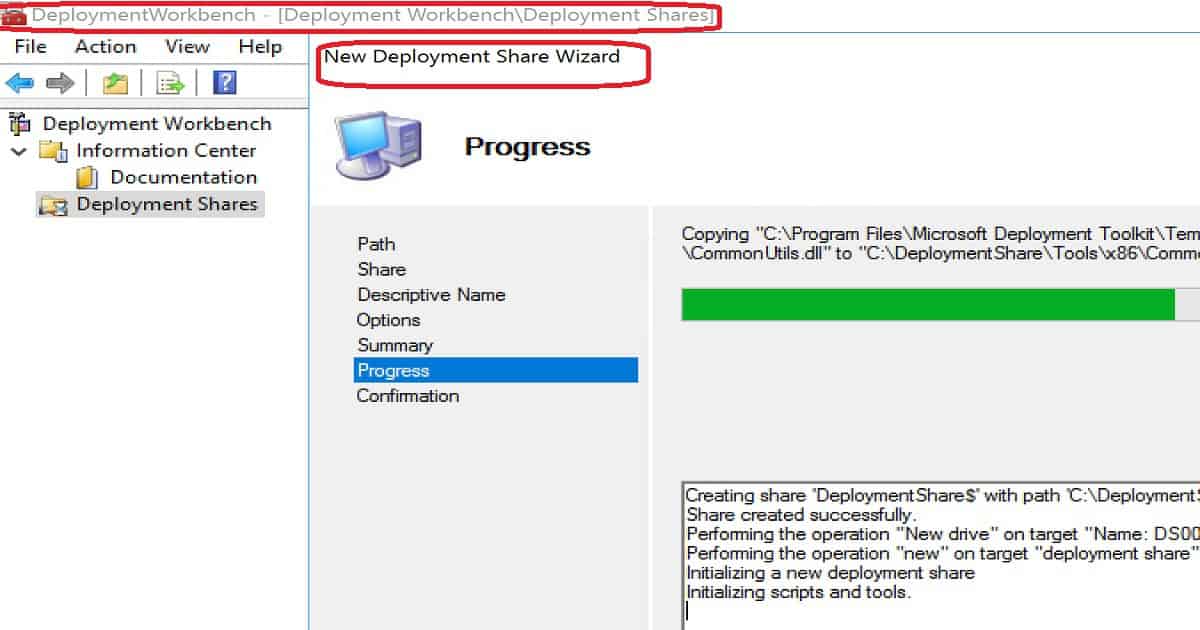
The following information is copied from the MDT deployment Workbench. The Microsoft Deployment Toolkit (MDT) provides a unified collection of tools, processes, and guidance for automating desktop and server deployments.
In addition to reducing deployment time and standardizing desktop and server images, MDT offers improved security and ongoing configuration management.
MDT supports deploying Windows 10 through Windows 7 and the associated server and embedded operating systems.
Features such as Windows 10 in-place upgrade, flexible driver management, optimized user interface workflow, and Windows PowerShell scripting can simplify deployment and simplify your job. Deploy faster and easier with MDT.
For example, if your organization doesn’t have an SCCM infra to perform OS deployments, you can use MDT.
MDT Requirements and Prerequisites
Following are the supported OS to install the latest version of MDT. It can be installed on the client’s OS versions of Windows. Other Requirements of MDT are Windows ADK for Windows 10, version 1709 or later, which is required for all deployment scenarios.
| MDT Requirements and Prerequisites |
|---|
| Windows 10 |
| Windows 7 |
| Windows 8 |
| Windows 8.1 |
| Windows Server 2008 R2 |
| Windows Server 2012 |
| Windows Server 2012 R2 |
| Windows Server 2016 |
SCCM version 1710 or later is required for zero-touch installation (ZTI) and user-driven installation (UDI) scenarios.
When using ZTI and/or UDI, you can add the MDT SQL database to any version of SCCM with SQL Technology; if you are using LTI, you must use a separately licensed SQL Server product to host your MDT SQL database.
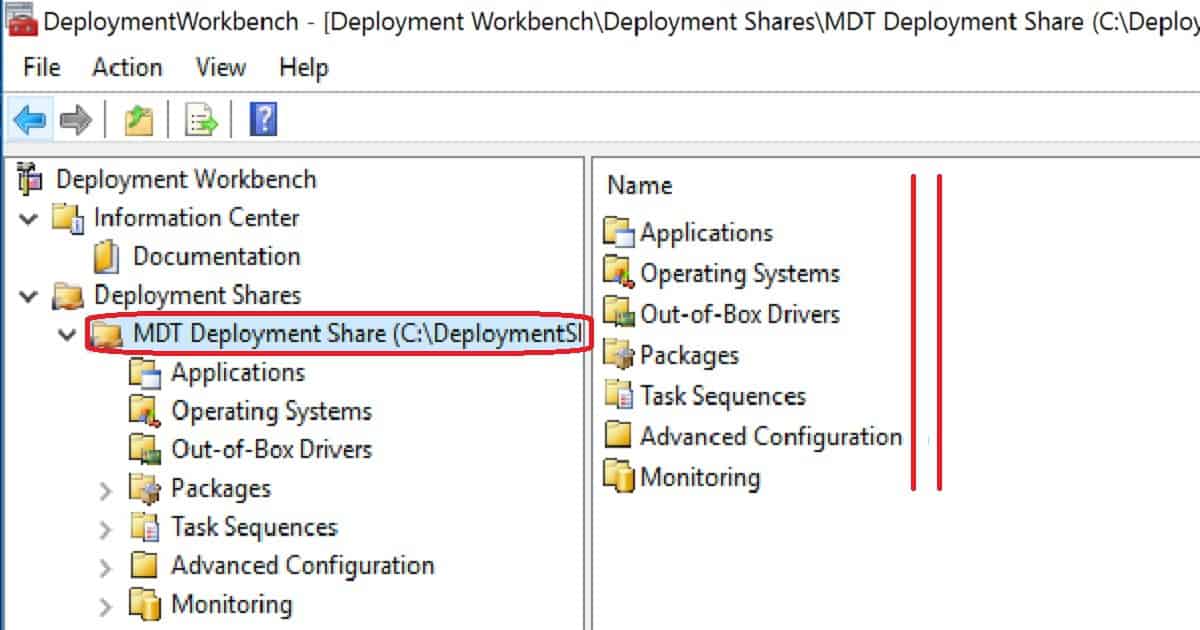
Installation, Configuration, and Integration of the Latest Version of MDT 8450
More details are available in the video guide below.
Resources
We are on WhatsApp now. To get the latest step-by-step guides, news, and updates, Join our Channel. Click here. HTMD WhatsApp.
Author
Anoop C Nair is Microsoft MVP! He is a Device Management Admin with more than 20 years of experience (calculation done in 2021) in IT. He is a Blogger, Speaker, and Local User Group HTMD Community leader. His main focus is on Device Management technologies like SCCM 2012, Current Branch, and Intune. He writes about ConfigMgr, Windows 11, Windows 10, Azure AD, Microsoft Intune, Windows 365, AVD, etc.




HI – Thanks for the update.
Can, I install this on CB1710 that is integrated with MDT 8443?
Thanks
Ram
StaffI think, yes. Because SCCM 1710 is listed in the configuration details of this release of MDT.
Hi, Thank you.
Can we integrate MDT 8450 build to SCCM CB 1802?
Thanks,
Dan
Thank you, I have 1810 stand alone primary in Active passive mode, both the VMs dont have any other role. Provider MP DP SUP are installed on a separate VM. On which box should I install the MDT?
StaffI would install MDT on both of your SCCM ACTIVE and PASSIVE Servers.
StaffOn your both sccm primary servers active and passive!