






Let’s talk about the Windows LAPs Automatic Account Management. Managing user accounts, especially non-built-in admin accounts in Windows LAPs is easy. Handling the built-in admin account with the Local Administrator Password Solution (LAPS) is straightforward.
But when managing non-built-in admin accounts, you must ensure they are set up correctly. It is tricky to manage these accounts through policy mechanisms, be it local users and groups GPO in Active Directory or the account CSP in Intune.
Getting the account correctly is possible, but it’s not straightforward. Windows LAPS manages the password of a specified local administrator account by regularly rotating the password and backing it up to Active Directory (AD).
Windows LAPS is a solution for safeguarding your local admin passwords. In this post, you will get the details of Windows LAPs Automatic Account Management. This feature focuses on handling user accounts more efficiently on Windows systems.

- Setup New Windows LAPs Using Intune Policies
- Windows LAPS Role-Based Access Controls Using Intune
- Windows LAPS Configurations from Azure AD and Intune
- Microsoft Intune 2304 April Update Windows LAPS Management
What is Windows LAPS?
Windows LAPS, or Local Administrator Password Solution, is a Microsoft solution. It helps you to enhance the security of local administrator accounts on Windows operating systems.
Automatic Account Management
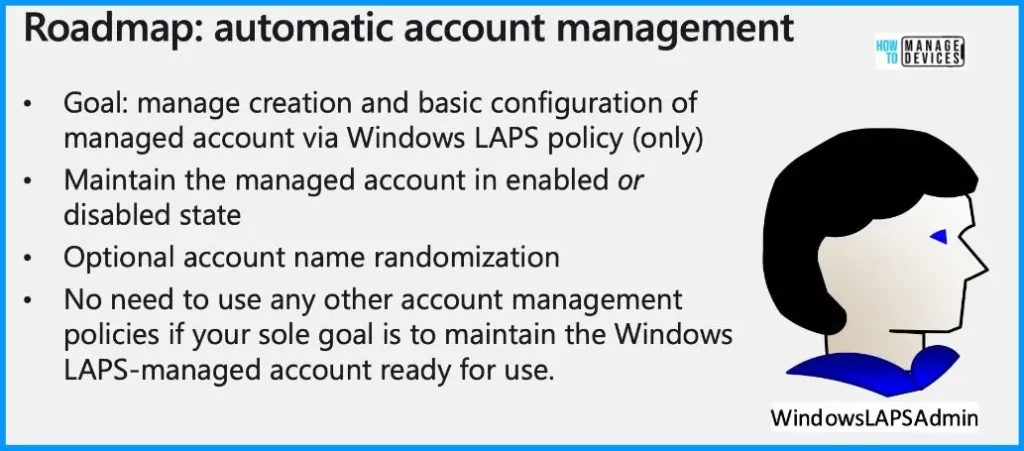
Microsoft is working on improving Windows LAPS by adding a feature that automates the creation and basic setup of managed accounts. With a simple LAPS policy, you can keep these accounts enabled or disabled. If you prefer them to be disabled, there is a single checkbox to switch between the two states easily.
Additionally, Microsoft introduced an optional security enhancement called account name randomization. In LAPS, all devices under a given policy have the same account name. While the passwords are secure, having the same account names across all devices isn’t ideal.
| Automatic Account Management |
|---|
| Microsoft’s improvement helps you add something unique by allowing IT admins to set an account name prefix. The account name gets randomized with an eight-digit unique suffix whenever the password is rotated. |
| Each device in your enterprise will have a different, unique Windows LAPS-managed account name, making it more challenging for potential attackers. |
New GUI for Onprem Password Retrieval
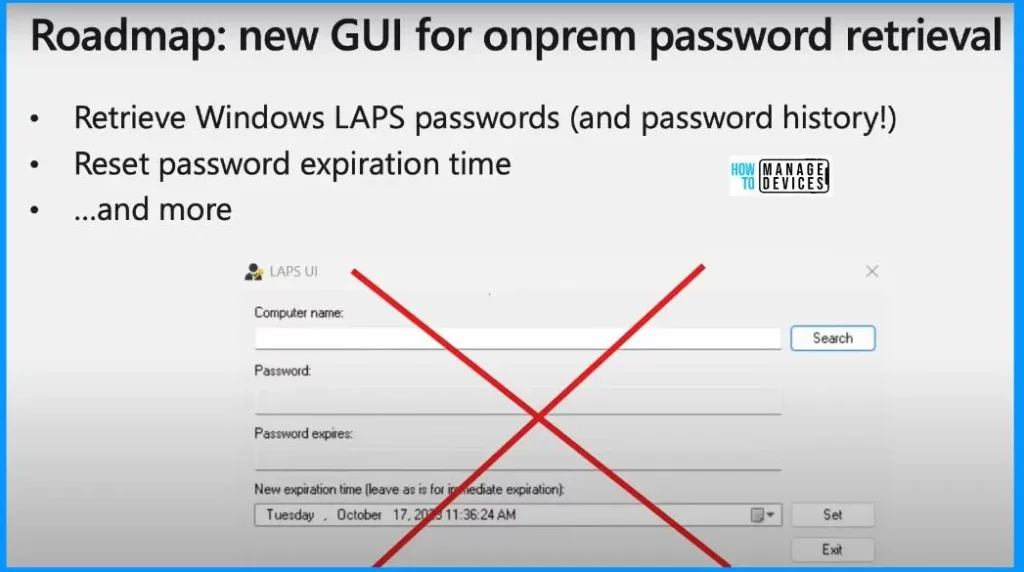
Microsoft is working on a new graphical program (GUI) for on-premises password retrieval, and it will be way more advanced than the old Legacy LAPS GUI. This new interface will do the basics, like getting Windows LAPS passwords and password history.
Microsoft also plans to add new features like the automatic creation of remote PowerShell sessions. It helps you make the whole password management process smoother and more efficient. The screenshot below shows the old Legacy LAPS GUI. The new one will not only look different but will also do everything that the old one did and a whole lot more.
Password Algorithm Improvement
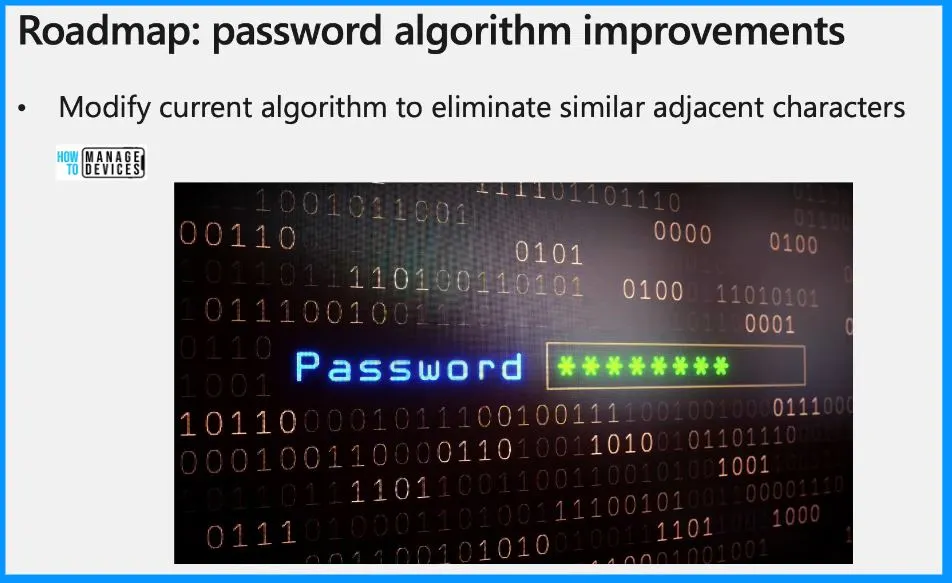
Let’s discuss about the password algorithm improvements. The current algorithm is pretty much inherited from legacy LAPS, and it generates the old-school passwords of random characters, numbers, and punctuation. It can get tricky when you get things like the capital letter O next to a Zero or I next to the number one.
Microsoft is exploring a change – supporting passphrases. This means instead of dealing with tricky characters, you can have longer, easy-to-remember phrases as your passwords. It will simplify things and eliminate the difficulty of figuring out or conveying complex passwords.
Resources
Windows LAPS: enhancements and roadmap (youtube.com)
We are on WhatsApp. To get the latest step-by-step guides and news updates, Join our Channel. Click here – HTMD WhatsApp.
Author
About the Author – Vidya is a computer enthusiast. She is here to share quick tips and tricks with Windows 11 or Windows 10 users. She loves writing on Windows 11 and related technologies. She is also keen to find solutions and write about day-to-day tech problems.


Discussion