






Microsoft Introducing Simplified and Standardized Windows Update Titles to Enhance Clarity and User Experience
How to Introducing Simplified and Standardized Windows Update Titles to Enhance Clarity and User Experience. Windows updates are essential to maintaining device security, performance, and reliability. To make update management more transparent and efficient, Microsoft is introducing a simplified and standardized titling system across various update types.
For IT admins, the simplified Windows Update titles bring several practical advantages. The new, standardized naming convention makes it easier to quickly identify update types, priorities, and release timelines without needing to dig into detailed metadata.
This clarity helps easy patch deployment decisions, reduces errors during approval or scheduling, and simplifies communication with end users about what’s being installed. The consistent titles improve visibility in reporting tools and dashboards, allowing admins to track update status and compliance more efficiently across devices and environments.
Overall, this update format saves time, minimizes confusion, and enhances operational efficiency in enterprise IT management. In this post, you will find all the key details about Microsoft’s introduction of Simplified and Standardized Windows Update Titles, designed to enhance clarity and improve the overall user experience.

Table of Contents
Microsoft Introducing Simplified and Standardized Windows Update Titles to Enhance Clarity and User Experience
This update to Windows Update titles represents a small but impactful improvement that brings greater consistency and transparency across Microsoft’s update ecosystem. The goal is to make update names easier to read, more predictable, and better aligned with modern UI and accessibility standards.
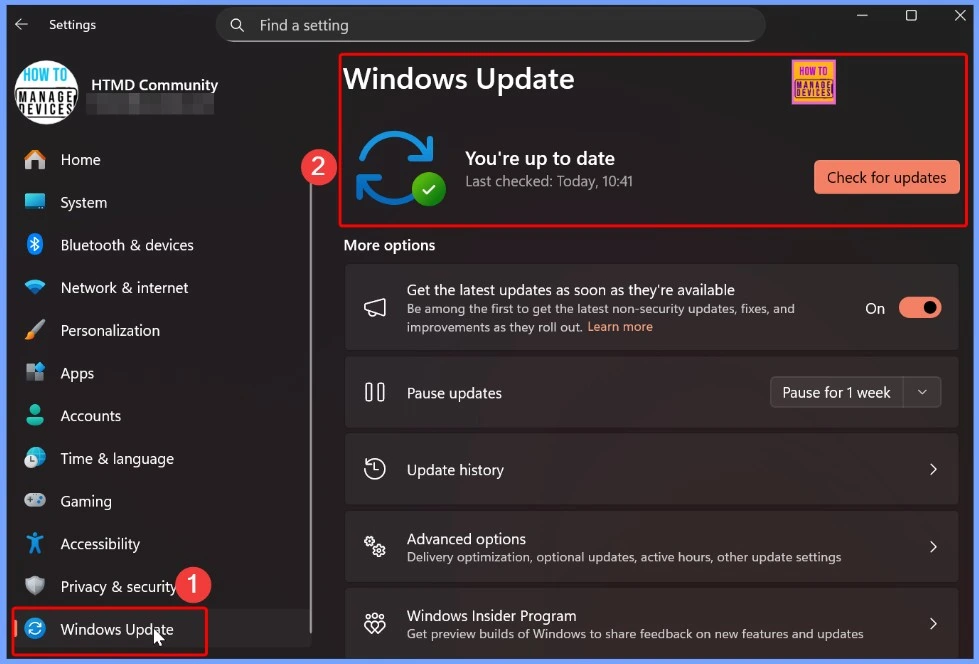
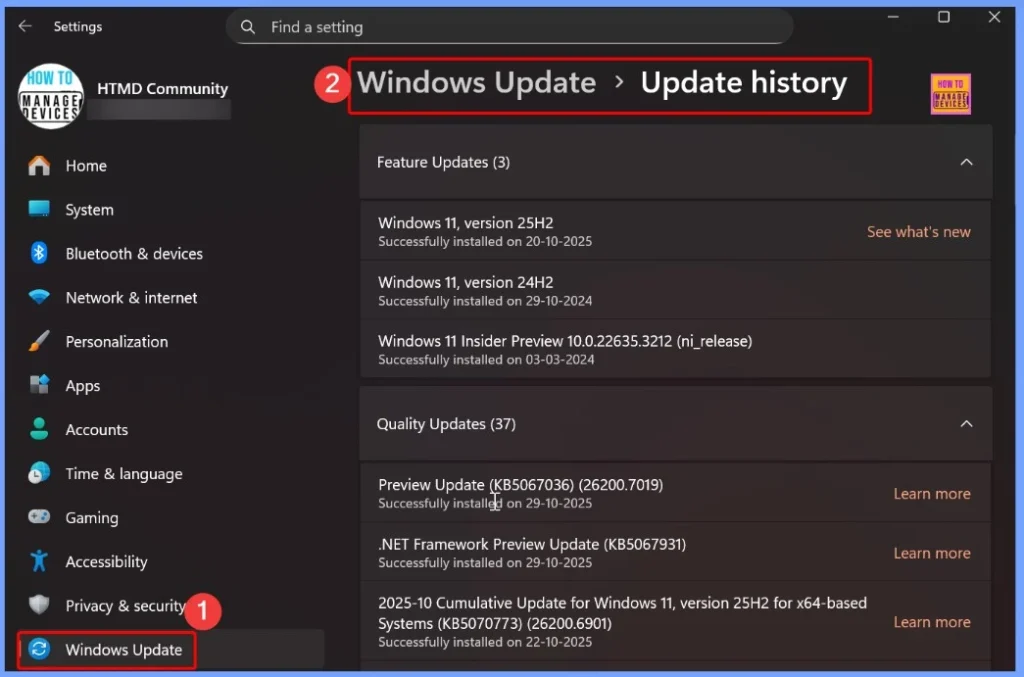
Users can now quickly understand the purpose of an update when viewing it in Windows Settings or Update History, while OEMs and partners benefit from a uniform structure that integrates smoothly with servicing tools.
- How to Set Pause Start Date for Quality Updates using Intune Policy
- How to Configure Engaged Restart Snooze options for End Users during Monthly Patch Cycle using Intune
- Easy way to Block Pause Updates Ability in Windows Update for Business via Intune
- Best way Intune to Stop Sending New Policy Updates to Windows Devices Pause Config Refresh Feature
- Simplifying Windows Update Management Integration of Intune and Autopatch
Windows Update titling system applies across a wide range of Microsoft update categories
The new simplified Windows Update titles apply to many types of Microsoft updates. This change brings consistency and clarity across all updates, whether they are for Windows, apps, or built-in components. With this uniform naming system, both IT admins and users can more easily identify, understand, and manage updates across all their devices.
- Windows OS quality updates (monthly security and non-security preview updates)
- .NET Framework updates
- Driver updates
- AI component updates
- Visual Studio updates
- Windows 11 Version Numbers Build Numbers Major Minor Build Rev
- Updated Windows 11 End-of-Life Dates
- Top 83 Windows 11 Desktop Admin Interview Questions
Where You will See the New Update Titles
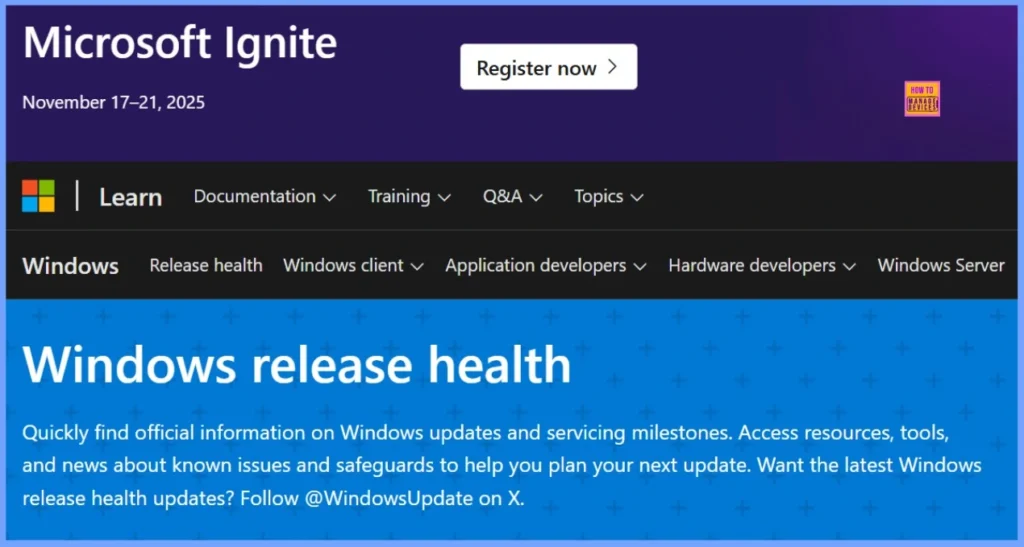
The new simplified Windows Update titles are now visible in several familiar locations, making it easier for users to identify and review updates directly from Windows settings or official Microsoft platforms. This helps create a consistent and predictable experience when checking for or verifying updates.
| Location |
|---|
| Settings > Windows Update |
| Settings > Windows Update > Update History |
| Windows Release Health |
| Microsoft Update Catalog |
| Windows Server Update Services (WSUS) |
Need Further Assistance or Have Technical Questions?
Join the LinkedIn Page and Telegram group to get the latest step-by-step guides and news updates. Join our Meetup Page to participate in User group meetings. Also, Join the WhatsApp Community to get the latest news on Microsoft Technologies. We are there on Reddit as well
Author
Anoop C Nair has been Microsoft MVP from 2015 onwards for 10 consecutive years! He is a Workplace Solution Architect with more than 22+ years of experience in Workplace technologies. He is also a Blogger, Speaker, and Local User Group Community leader. His primary focus is on Device Management technologies like SCCM and Intune. He writes about technologies like Intune, SCCM, Windows, Cloud PC, Windows, Entra, Microsoft Security, Career, etc




Discussion