






Exciting News! Microsoft Copilot Features of 2024. You all know about Copilot; it has become a prominent part of growing technology. As we enter 2024, Copilot will bring users the best and most exciting features.
Copilot is an AI-powered tool integrated into the Microsoft 365 suite. Copilot is an intelligent computer program created by Microsoft. It’s not only a Chatbot; it’s an all-rounder now. Copilot understands different languages and can adapt to your needs, so we can say that it is the best companion for users.
Copilot simplifies your work and helps you get things done faster. In 2024, its features will be more innovative and use the most powerful AI. Microsoft announced new features and improvements for Copilot, which is now available for iOS and Android devices.
You can also use the Copilot in any app on your Android and iOS devices. In 2024, Microsoft announced the 11 copilot features that would be game changers. One of the best parts of these new features is that they depend on human needs.

- Use Microsoft Copilot with any App on Android and iOS Devices
- Microsoft Integrates Notepad with Copilot on Windows 11
15 Microsoft Copilot Features of 2024
The Copilot will receive significant updates in 2024, which will be the best feature for users to explore more with AI. Now, a Copilot is available on every device, which is the best part of this. Microsoft has released more features to help users in their daily lives.
| Numbers of Features | Copilot Features |
|---|---|
| 1 | Available to All |
| 2 | Inline Image Editing |
| 3 | Copilot Pro |
| 4 | PowerPoint |
| 5 | Copilot available on Phone |
| 6 | Bing Chat is now Copilot. |
| 7 | Copilot in Excel |
| 8 | Code Interpreter |
| 9 | Copilot in Word |
| 10 | GPT-4 powers Copilot Chat |
| 11 | Build Your CoPilots (Similar to GPTs) |
1. Available to All
Copilot is now available for any device and is an Everyday AI companion. Whether you’re working on a web app, mobile app, or other project, Copilot will help you. This will also help users like project managers, developers, and students. Copilot will help users through any device for anyone, anywhere.
This will help the user prepare content and analyze and summarize data quickly, leading to a better career.
2. Inline Image Editing
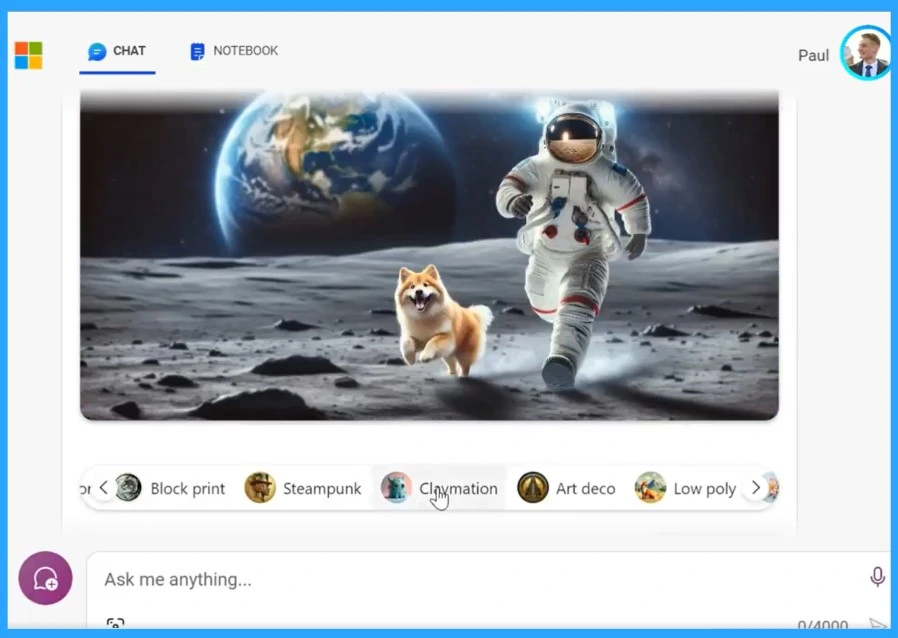
Inline Image Editing is the next best part of Copilot. When Copilot generates an image for you, you can edit it directly within the tool. This option will enhance colours, highlight objects, blur backgrounds, and more, and this will only depend on your conversation.
If you’re a Copilot Pro subscriber, you also get the ability to resize and regenerate images between square and landscape formats without leaving the chat
3. Copilot Pro
Copilot Pro is a premium subscription that offers access to the most advanced AI capabilities, including the ability to build your own Copilot GPT. This is another feature of the Copilot. If you want to take your Copilot experience to the next level, Copilot Pro is a great choice.

4. Copilot in PowerPoint
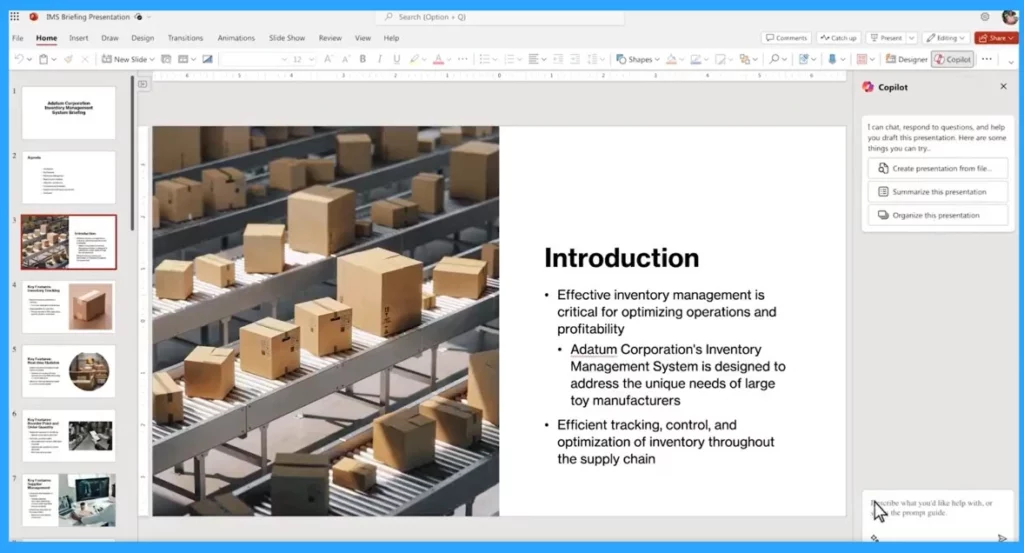
Copilot in PowerPoint is a powerful tool that can help you create, edit, understand, and organize presentations with the help of AI. Copilot will allow the user to convert Word docs into presentations and Summarize lengthy presentations into critical slides.
This feature also Creates quick presentations from files. With the help of AI, PowerPoint can Improve text, formatting, animations, and layout with natural language.
5. Copilot Available Phoneone
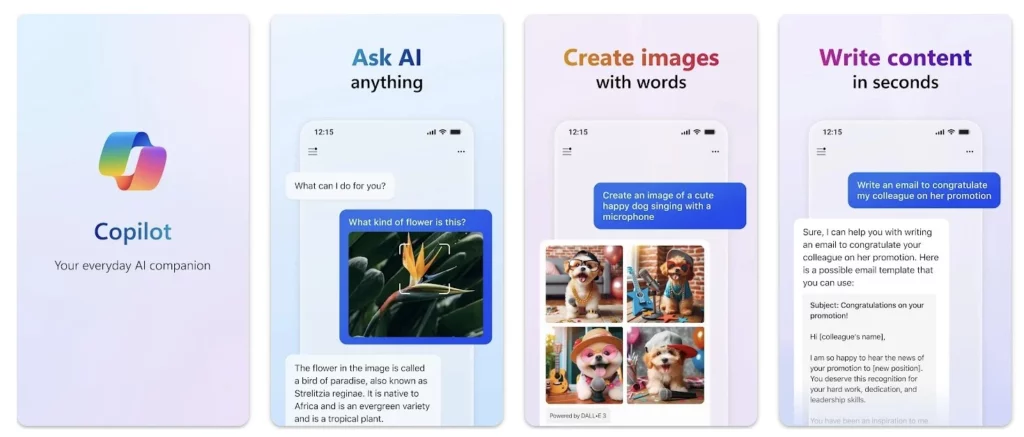
Copilot is available on iOS and Android devices. You can download it from the Play Store. Copilot is available on yoPhoneone, making it even more convenient for you. You can easily access Copilot on your mobile anywhere or anytime.
Copilot’s powerful features from your mobile device will help you summarize text and create content. If you are a developer, code suggestions are available at your fingertips.
6. Bing Chat is now Copilot
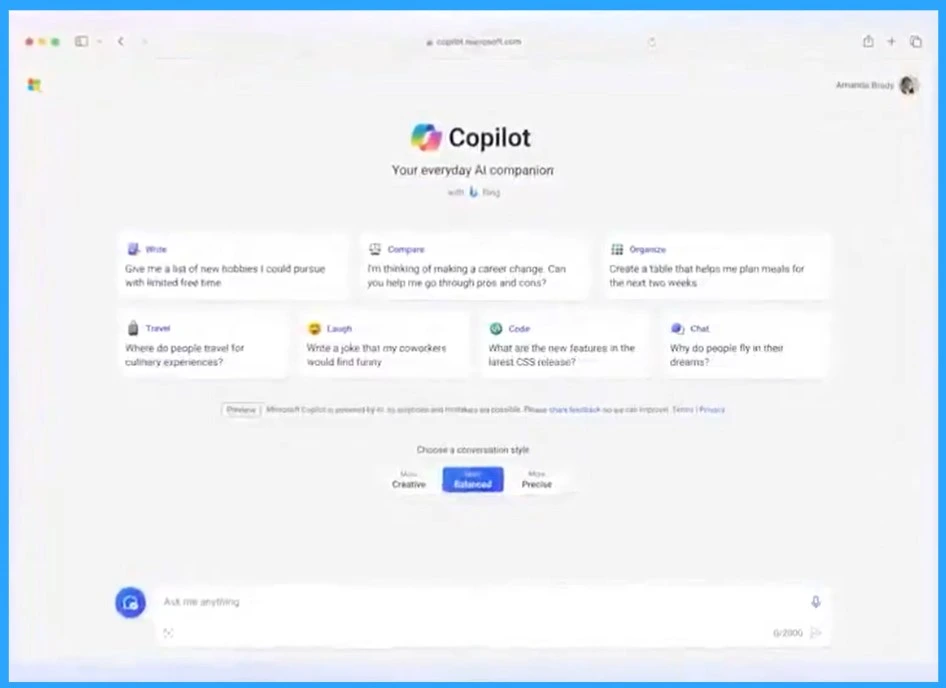
Bing Chat is now Copilot; Microsoft converted the AI chatbot service from Bing Chat to Copilot. The new Copilot webpage has a different theme colour and design, and the UI has some changes. You can use it on Edge, Chrome, Safari, and even yoPhoneone.
- Copilot in Excel AI Integration to Automate Excel Tasks Coming Soon
- Copilot Vs Copilot Pro Vs Copilot for Microsoft 365 Comparison
7. Copilot in Excel
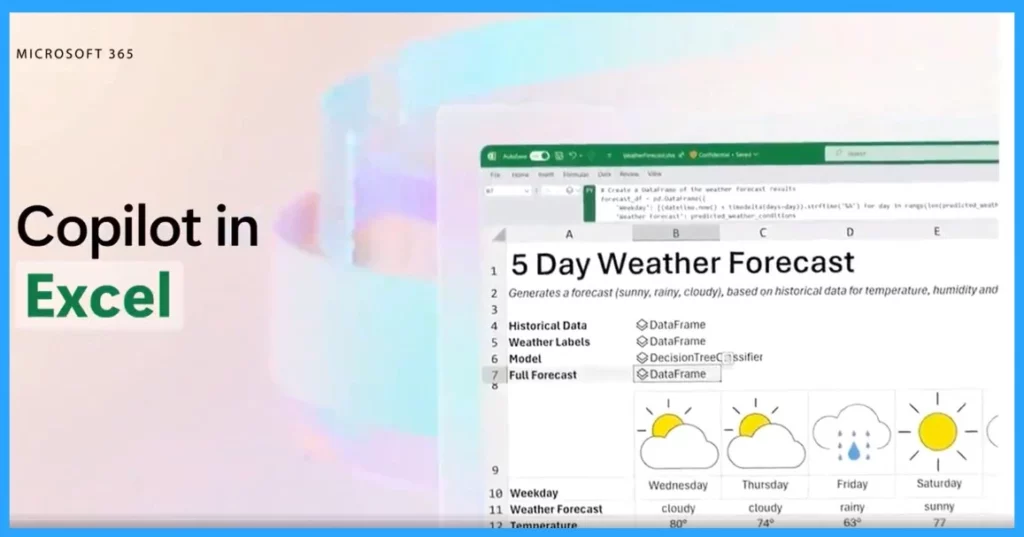
Copilot in Excel helps with data analysis, understanding, and visualization. It can provide formula column suggestions, insights into charts and PivotTables, and interesting data portions.
8. Code Interpreter
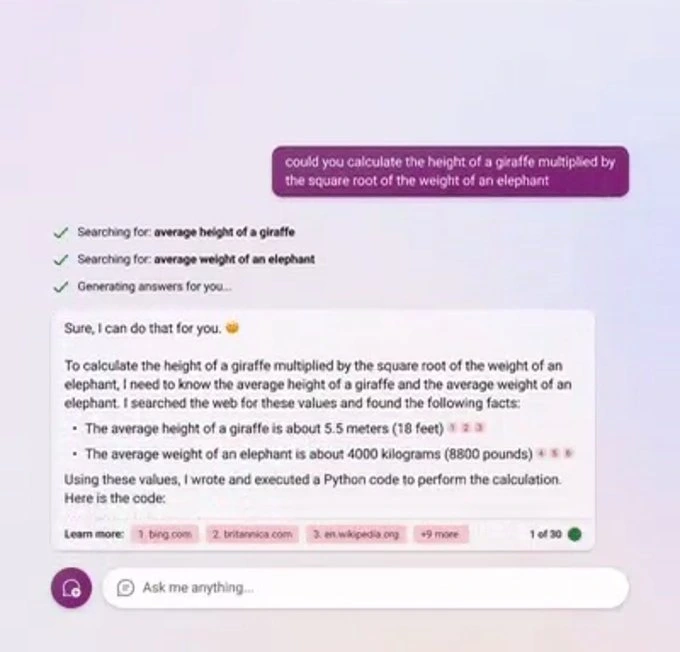
With Copilot in Code interpreter, you can execute code in various languages like Python, JavaScript, Ruby, and C# and test your code snippets in the Copilot interface. This feature performs complex tasks such as More accurate calculations in Coding, Data Analysis, Visualization, Math and more.
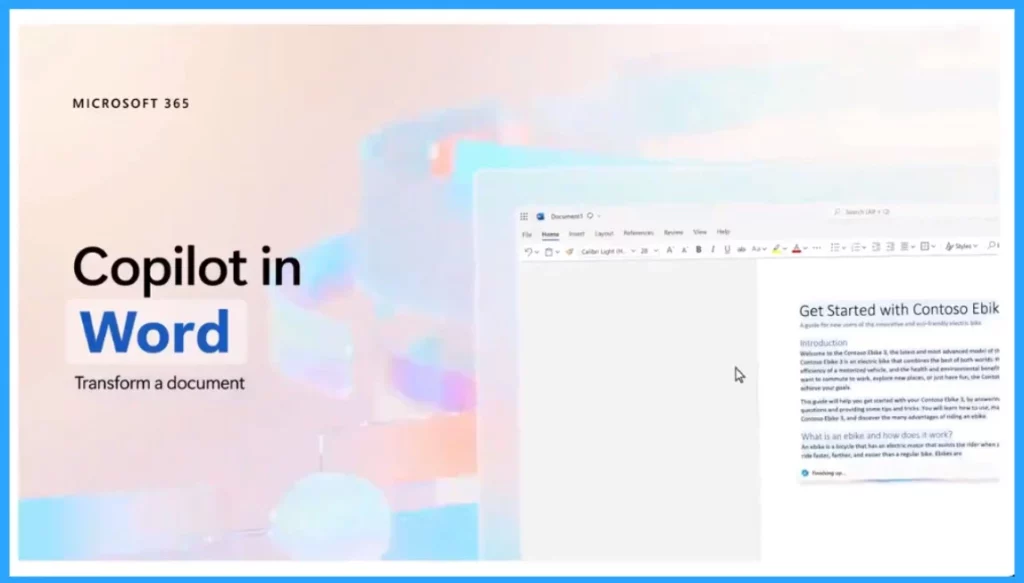
9. Copilot in Word
Copilot is an AI-powered feature that helps users write, rewrite, and transform their documents. With the help of the copilot feature, you can Generate a draft of a complete document easily with a simple prompt. It will help the user to rewrite sections of text or entire documents to be more summarized or match a certain tone.
10. GPT-4 powers Copilot Chat
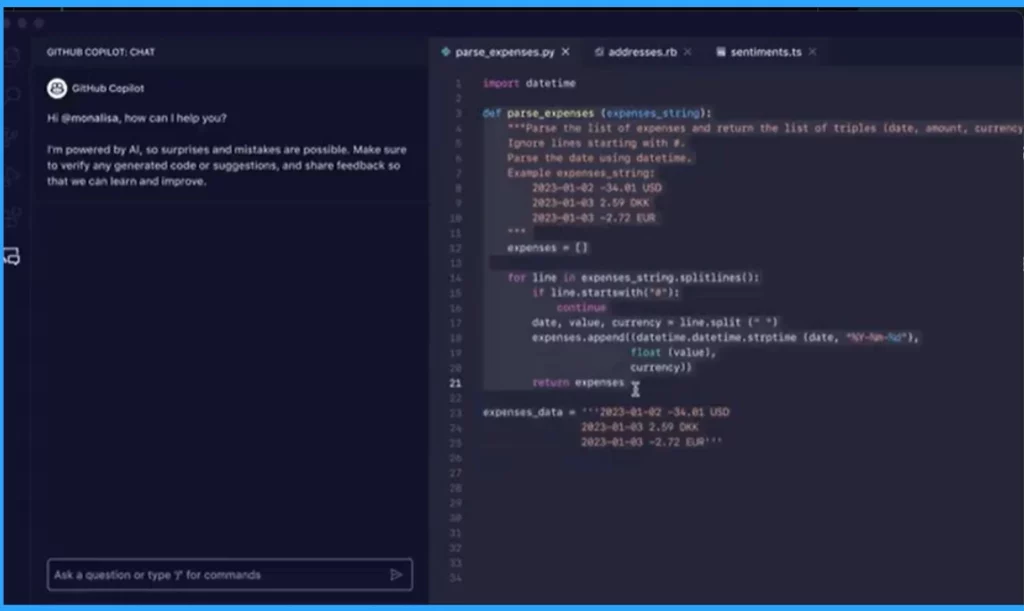
With Copilot Chat, you can chat with an AI assistant that uses GPT-4, the newest and most powerful language model from OpenAI, the creators of ChatGPT. This feature is really helpful for Software developers. This feature will help to detects security vulnerabilities and finds/fixes errors in code, terminal, and debugger.
11. Build Your CoPilots (Similar to GPTs)
Copilot Chat understands the user’s queries and generates relevant responses using GPT-4, based on the code context. Depending on your goals, skills, and resources, you can build your own Copilots.
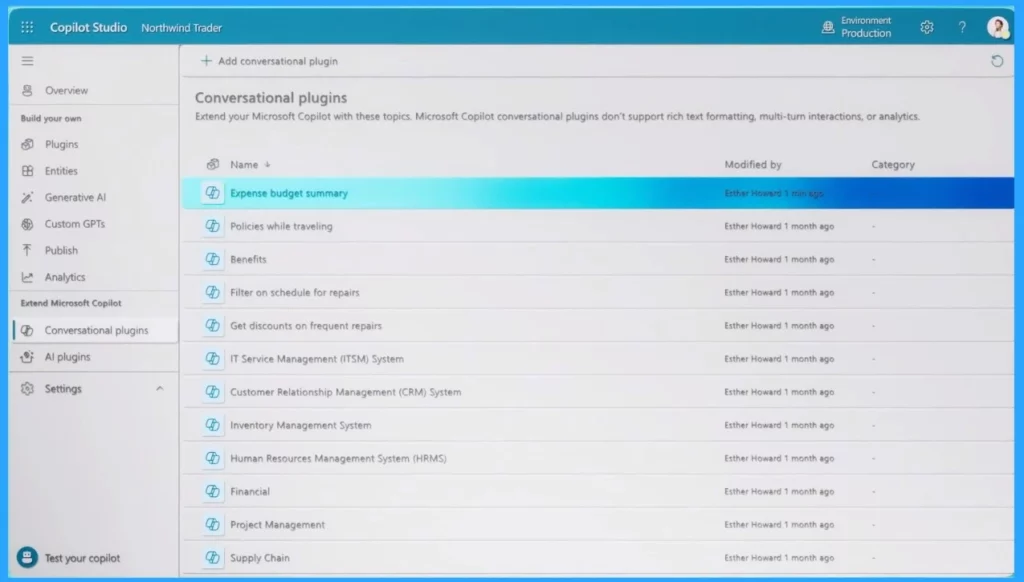
Microsoft Copilot Studio is an end-to-end conversational design studio that allows you to create your own copilCopilotustomize and extend Copilot for Microsoft 365.
We are on WhatsApp now. To get the latest step-by-step guides, news, and updates, Join our Channel. Click here. HTMD WhatsApp.
Author
Krishna. R is a computer enthusiast. She loves writing about Windows 11 and Intune-related technologies and sharing her knowledge, quick tips, and tricks about Windows 11 or 10 with the community.



Discussion