






Let’s discuss how to Download a Whitepaper and How to Monitor Linux Workloads with Azure Log Analytics. Monitoring is the most vital line of defense in any data center environment.
IT professionals use many tools to build a complete monitoring solution to achieve the best result. Microsoft Operations Management Suite (OMS), powered by Microsoft’s Azure Cloud Platform, provides more predictive & analytical capabilities to keep your data center healthy.
The whitepaper “How to Monitor Linux Workloads with Azure Log Analytics” provides a comprehensive guide on monitoring Linux systems using Azure Log Analytics. This tool allows organizations to gather and analyze telemetry data from Linux workloads hosted on Azure or on-premises.
Our latest post provides a download link for a whitepaper focused on the top 10 best practices for Windows 10 OSD (Operating System Deployment) using Configuration Manager (ConfigMgr) SCCM. This resource is designed to guide you through essential strategies and tips for optimizing the deployment process of Windows 10 within your organization.
Table of Contents
- SCCM Download Whitepaper on Top 10 Best Practices Windows 10 OSD
- Whitepaper on The Challenges of Managing IT in a Hybrid Cloud World
Download the Whitepaper How to Monitor Linux Workloads with Azure Log Analytics
Download Savision’s newest whitepaper, written by Microsoft MVP Janaka Rangama: ‘Born in the Cloud: Monitoring Linux Workloads with OMS,’ which focuses on monitoring Linux workloads with OMS for analytics, proactive monitoring, and resource utilization in your heterogeneous data center environment.
FREE Whitepaper on OMS. Download the whitepaper here.
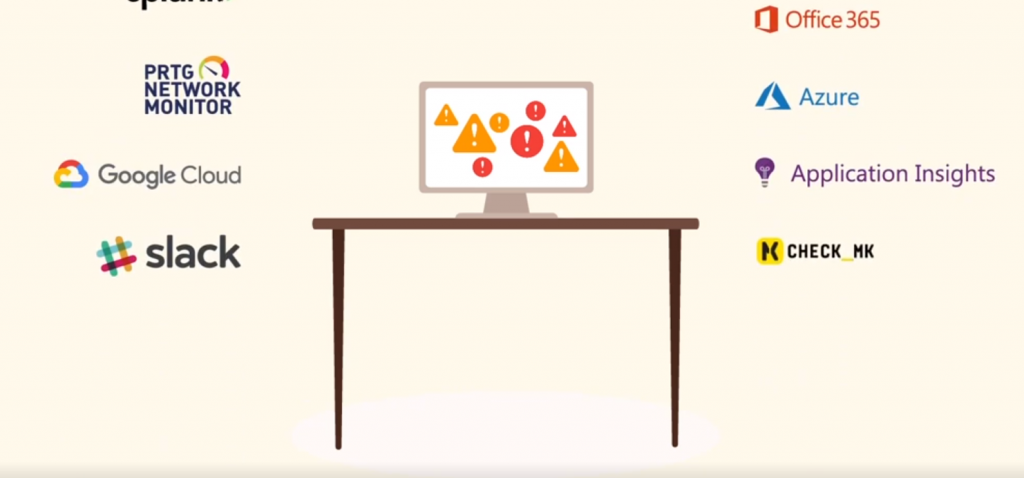
Additionally, the whitepaper provides insights into how organizations can combine the existing System Center Operations Manager (SCOM) environments with OMS to control modern hybrid clouds. With this whitepaper, you will learn:
| With this Whitepaper, You will Learn |
|---|
| What is OMS |
| The difference between OMS & SCOM |
| How to monitor Linux workloads with OMS |
| How to successfully integrate OMS with SCOM |
You can download the whitepaper here: bit.ly/1NfDnwe
Resources
SCCM Related Posts Real World Experiences Of SCCM Admins (anoopcnair.com)
We are on WhatsApp now. To get the latest step-by-step guides, news, and updates, Join our Channel. Click here. HTMD WhatsApp.
Author
Anoop C Nair is Microsoft MVP! He is a Device Management Admin with more than 20 years of experience (calculation done in 2021) in IT. He is a Blogger, Speaker, and Local User Group HTMD Community leader. His main focus is on Device Management technologies like SCCM 2012, Current Branch, and Intune. He writes about ConfigMgr, Windows 11, Windows 10, Azure AD, Microsoft Intune, Windows 365, AVD, etc.


Discussion