






11 New Archive File Types in Windows 11
Let’s learn 11 New Archive File Types in Windows 11. In Windows 11, a notable enhancement has been introduced with the support of 11 new archive file types. This expansion in file type enlarges the operating system’s capabilities.
It allows users to easily interact with an even more diverse range of compressed and archived data. After installing the latest Windows Update with the KB number KB5031455, Windows 11 will now support 11 additional archive formats.
This means your computer can handle a broader range of compressed file types. It makes it easier for you to work with different kinds of archived data on your system. The update is designed to improve your computer experience and help you perform well with various file formats.
In the past, Windows 11 users had to use different third-party applications (WinRAR, 7-Zip, etc.) to extract the file formats. But now, with the Windows Update KB5031455, you no longer need those extra apps. Windows 11 can handle it by itself, making things easier for users.

- New Update on File Explorer in Windows 11
- Windows 11 New File Explorer Experience New Features Design Details
- Windows 11 File Explorer Tabs Experience Is Enabled
How can I Get Archive File Support in Windows 11?
You can quickly get the Archive File Support in Windows 11 by installing the latest Windows Update with the KB5031455.
11 New Archive File Types in Windows 11
Windows 11 introduces support for 11 new archive file types. It expanding its capabilities and providing users with increased flexibility in managing compressed data. The new features for handling archives in Windows 11 will be available to everyone when the ‘Moment 4‘ update is released for Windows 11.
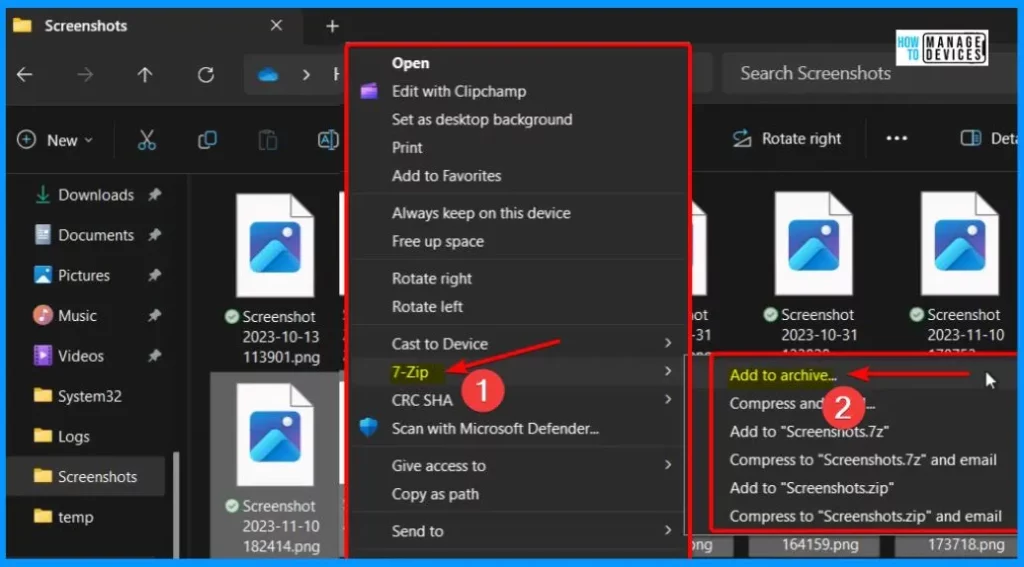
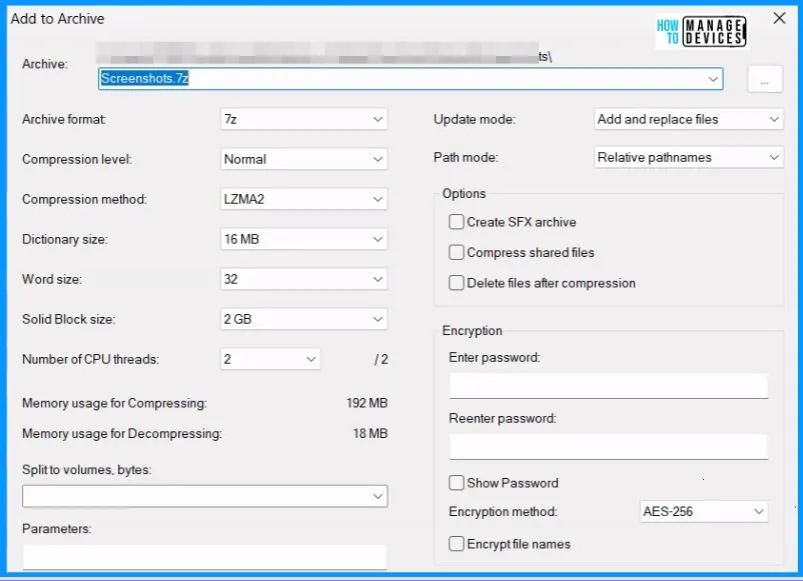
11 New Archive File Support in Windows 11
Let’s discuss the 11 New Archive File Support in Windows 11. Windows 11 now supports more types of compressed files. This means you can efficiently work with different kinds of closed and saved files on Windows 11. It makes your experience more flexible and user-friendly.
| Archive Formats |
| .rar |
| .7z |
| .tar |
| .tar.gz |
| .tar.bz2 |
| .tar.zst |
| .tar.xz |
| .tgz |
| .tbz2 |
| .tzst |
| .txz |
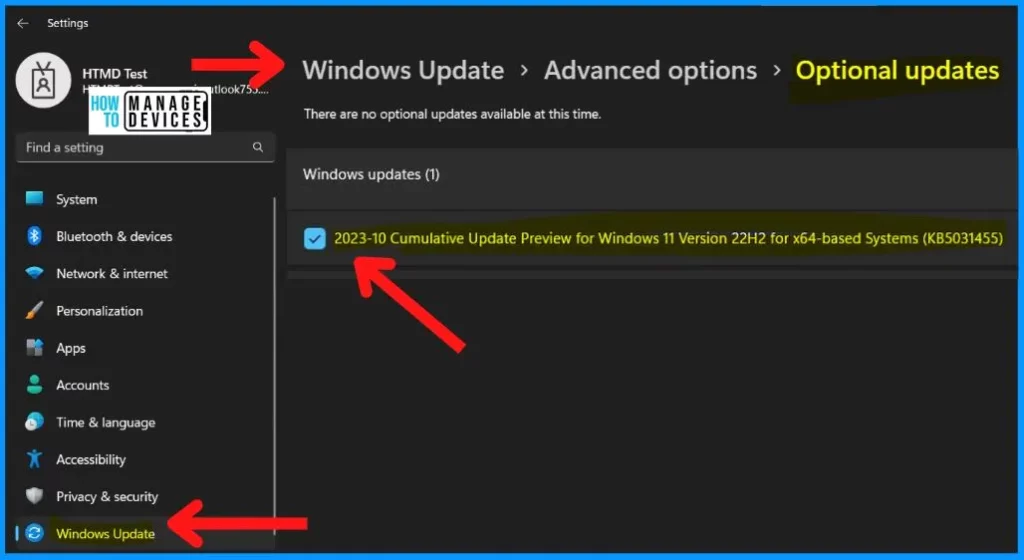
Installing Optional Update KB5031455 in Windows 11
If you want to get the optional update KB5031455 in Windows 11, you will need to install it manually. Following these steps, you can manually install the optional update KB5031455 on your Windows 11 system.
- Open the Settings on your Windows 11 system > Go to Windows Update > Click on ‘Check for Updates’ to see if there are any available updates.
- If the update with the KB number KB5031455 is listed, go ahead and download and install it.
- Check the Update history page in the Windows Update section to verify the installation.
October 31, 2023—KB5031455 (OS Builds 22621.2506 and 22631.2506) Preview – Microsoft Support
We are on WhatsApp. To get the latest step-by-step guides and news updates, Join our Channel. Click here – HTMD WhatsApp.
Author
About the Author – Vidya is a computer enthusiast. She is here to share quick tips and tricks with Windows 11 or Windows 10 users. She loves writing on Windows 11 and related technologies. She is also keen to find solutions and write about day-to-day tech problems.




Discussion