






Windows 11 Web Apps can Now Alert Users with Incoming Call Notifications API
Let’s discuss the Windows 11 Web Apps can now alert users with Incoming Call Notifications API. These alerts show up in the operating system’s notification center through the Notifications API. Notifications help keep users informed and make the web relevant for many types of apps.
The Notifications API allows web pages to send notifications to users, even when they are not on the page. These notifications appear outside the browser, so users can see them even if they have switched to other tabs or apps. The API works well with existing notification systems on different platforms.
Technology offers various ways to notify users about incoming calls. However, for apps that support audio or video calls, the Notifications API has limitations, including the inability to customize buttons, set priorities, or assign ringtones. As a result, developers may need to create their own notification solutions.
This blog post will explain how Microsoft solved the above mentioned limitations. They proposed extending the Notifications API to allow web apps to send incoming call notifications.

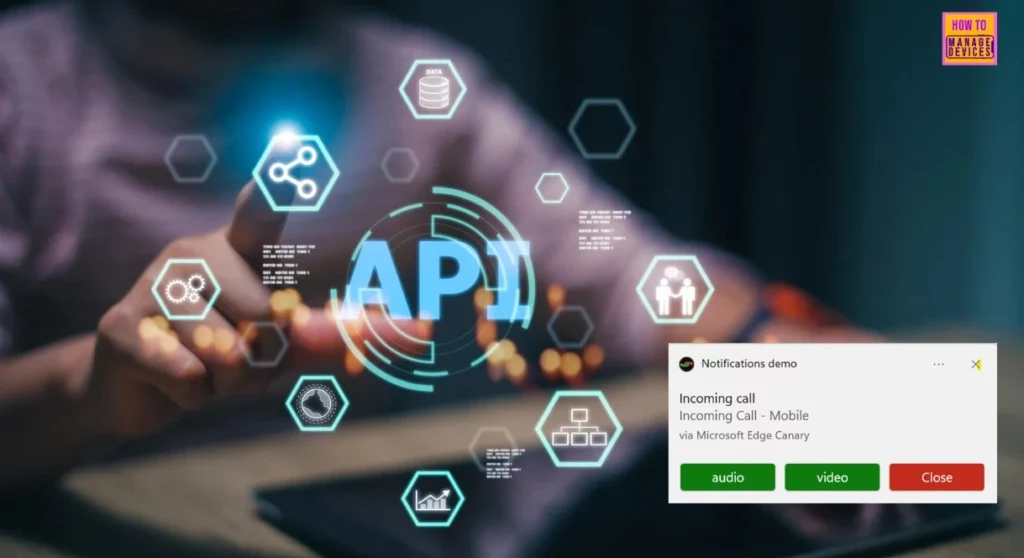
Table of Contents
Incoming Call Notifications API for Web Apps
Microsoft proposed extending the Notifications API standard for incoming calls by allowing customizable action buttons and ringtones. These changes would help users quickly identify urgent call notifications and improve web accessibility. Additionally, browsers could display these notifications immediately and for a longer duration.
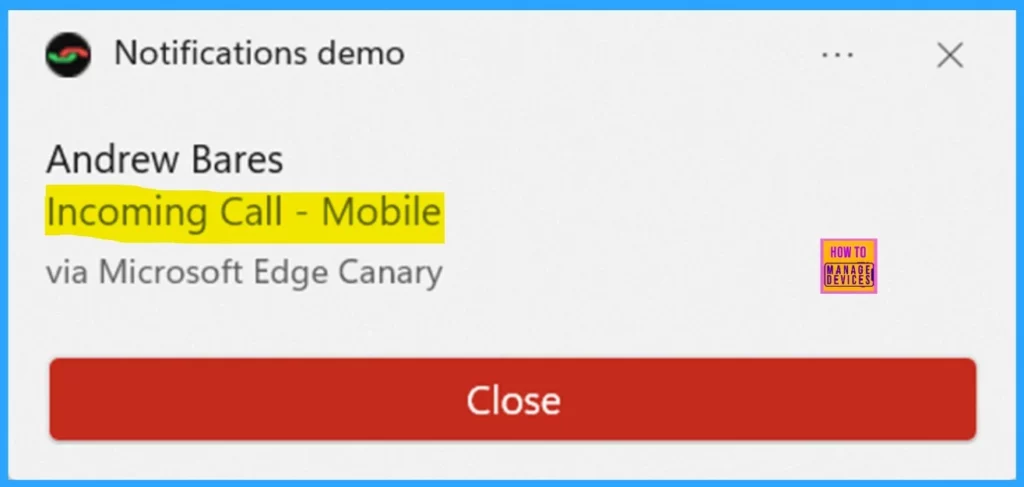
The Incoming Call Notifications explainer introduces a new optional parameter for notifications. You can now add a scenario property to indicate an incoming call by setting it to “incoming-call.” This makes it clear that the notification is about an incoming call, allowing the user to answer or reject it easily.
- Top 83 Windows 11 Desktop Admin Interview Questions
- Best Way To Install Zoom Rooms App Using Intune Enterprise App Catalog App
- Edge Browser Security Latest Best Practices Released by Microsoft
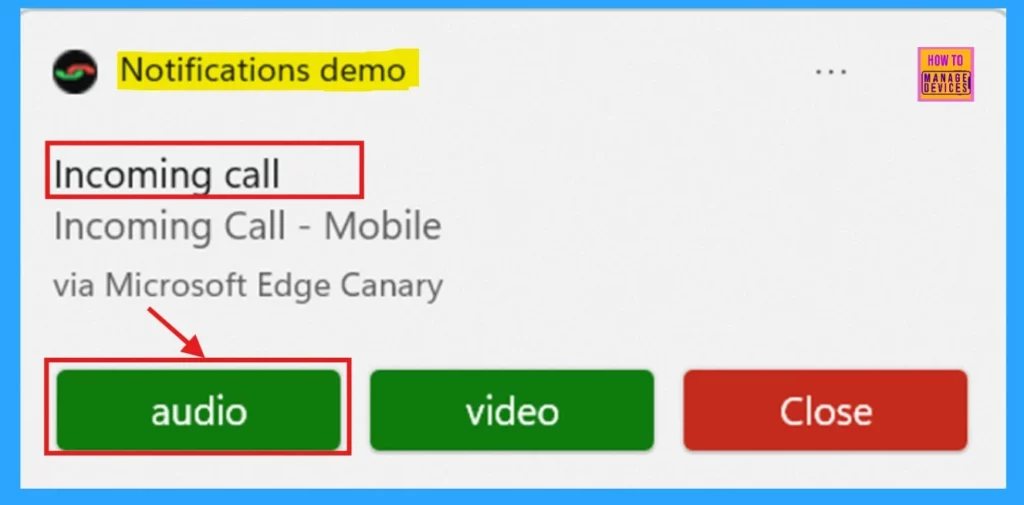
The API extension lets you add custom buttons next to the dismiss button. For example, you can include a button to accept the call with audio only.
Check Out the Feature
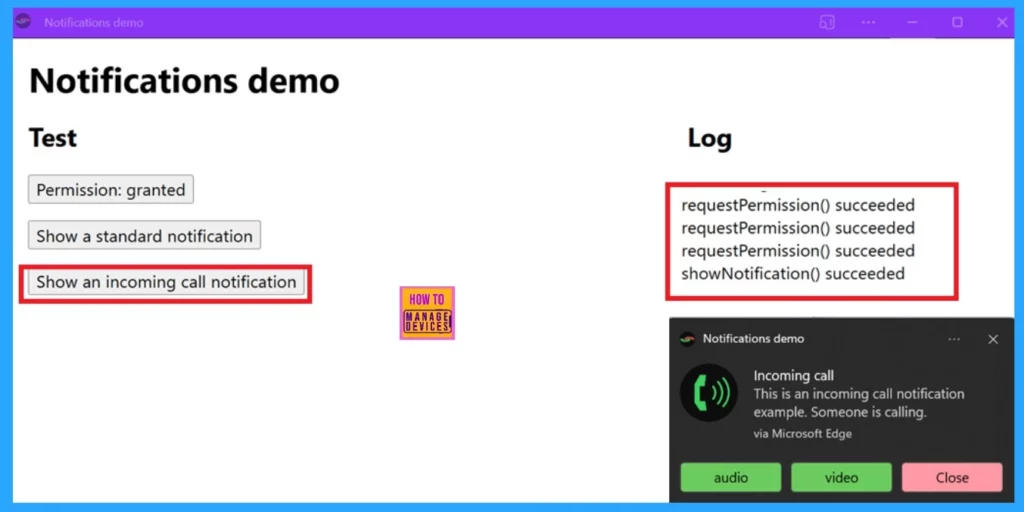
To check the API action using a sample app in Microsoft Edge on Windows, follow the following steps.
- To start Microsoft Edge on Windows with the following feature flag, use the command line.
msedge.exe --enable-features=IncomingCallNotifications. - Open the calls notification sample app.
- Install the app on Windows, by clicking the App available button in the address bar.
- After installing and running the app, click Permission to enable notifications.
- Click the Show an incoming call notification button.
Resources
Need Further Assistance or Have Technical Questions?
Join the LinkedIn Page and Telegram group to get the latest step-by-step guides and news updates. Join our Meetup Page to participate in User group meetings. Also, Join the WhatsApp Community to get the latest news on Microsoft Technologies. We are there on Reddit as well.
Author
Anoop C Nair has been Microsoft MVP for 10 consecutive years from 2015 onwards. He is a Workplace Solution Architect with more than 22+ years of experience in Workplace technologies. He is a Blogger, Speaker, and Local User Group Community leader. His primary focus is on Device Management technologies like SCCM and Intune. He writes about technologies like Intune, SCCM, Windows, Cloud PC, Windows, Entra, Microsoft Security, Career, etc.

Discussion