






Microsoft Entra Enhances Security with New AI face Check Feature
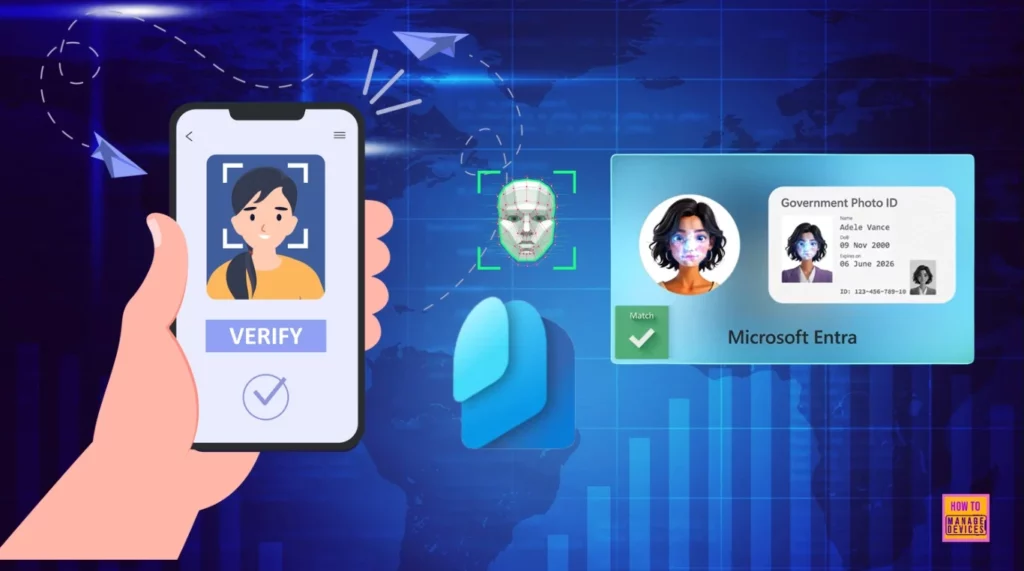
Let’s discuss Microsoft Entra Enhances Security with New AI face Check Feature. This new feature helps users avoid remote impersonate attacks, a cyber threat in which an attacker pretends to be a legitimate user or system to gain unauthorized access to sensitive information or resources.
Microsoft Entra face check is an Entra Verified ID suite feature that simplifies digital identity verification. This feature helps ensure that the person claiming an identity is who they say they are without sharing sensitive identity data.
Microsoft introduced the face check feature before. Microsoft Entra Verified ID offers organizations an easy and secure way to verify necessary credentials without compromising security or compliance. However, the new version is more advanced and convenient.
This blog post will share more information about Entra’s New Face Check. The new face check ensures that the right person is given and retains access to digital accounts. To ensure this, Microsoft provides many methods for users.

Table of Contents
Microsoft Entra Enhances Security with New AI face Check Feature
As mentioned above, different methods are available to ensure that Face Check with Microsoft Entra Verified ID performs real-time biometric verification against government-issued identity documents, such as driver’s licenses and passports. The following table shows the advantages of New Face Check.
| Advantages | Details |
|---|---|
| Reduce Risk | Help reduce risks when it comes to new employees, guests or admin onboarding |
| Step-up authentication | To access sensitive information or secure common helpdesk-drive tasks, like user account recovery |
- Microsoft Entra License Usage Insights Six-Month Trends Active Vs Guest Reporting And Copilot Suggestions
- Blocking Device Code Flows DCF in Microsoft Entra ID to Protect your Tenant from Phishing Attacks
- Entra ID Select Multiple Users and Bulk Update User Properties
- Entra Refresh Tokens Valid for 90 Days Key Actions based on your Licensing Entra ID Free E3 P1 and E5 P2
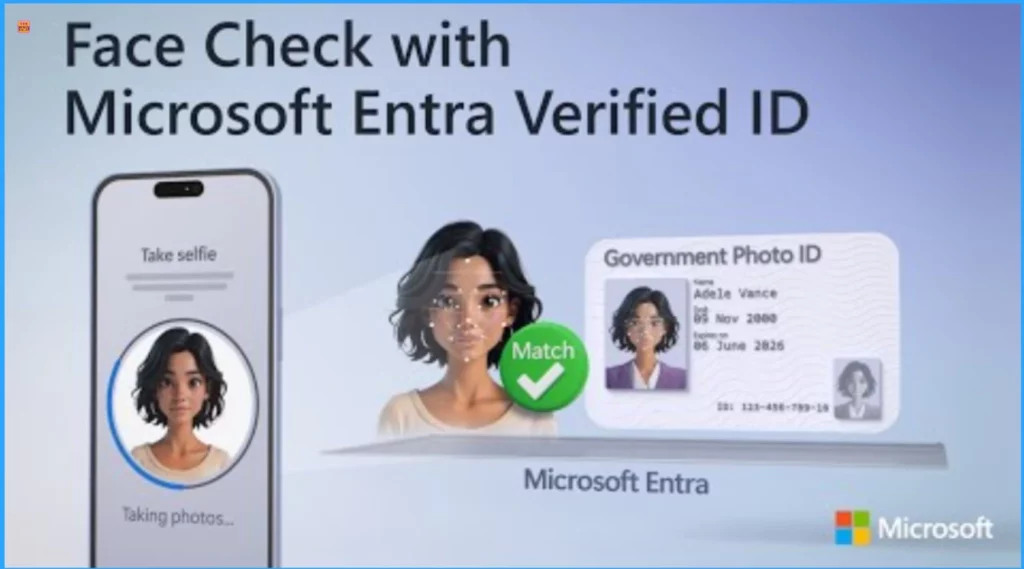
Face Check with Microsoft Entra Verified ID
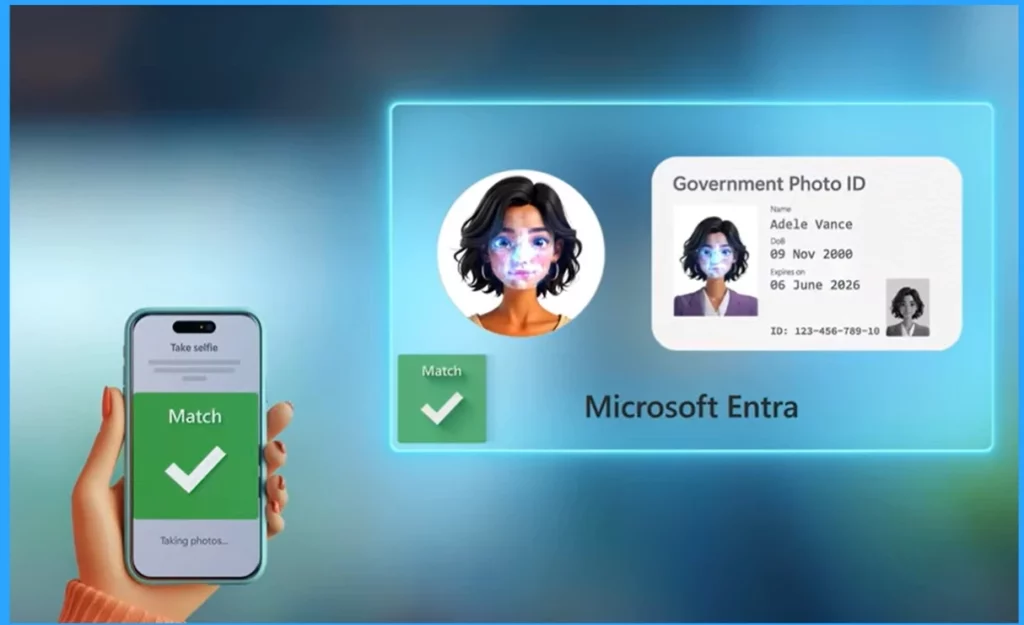
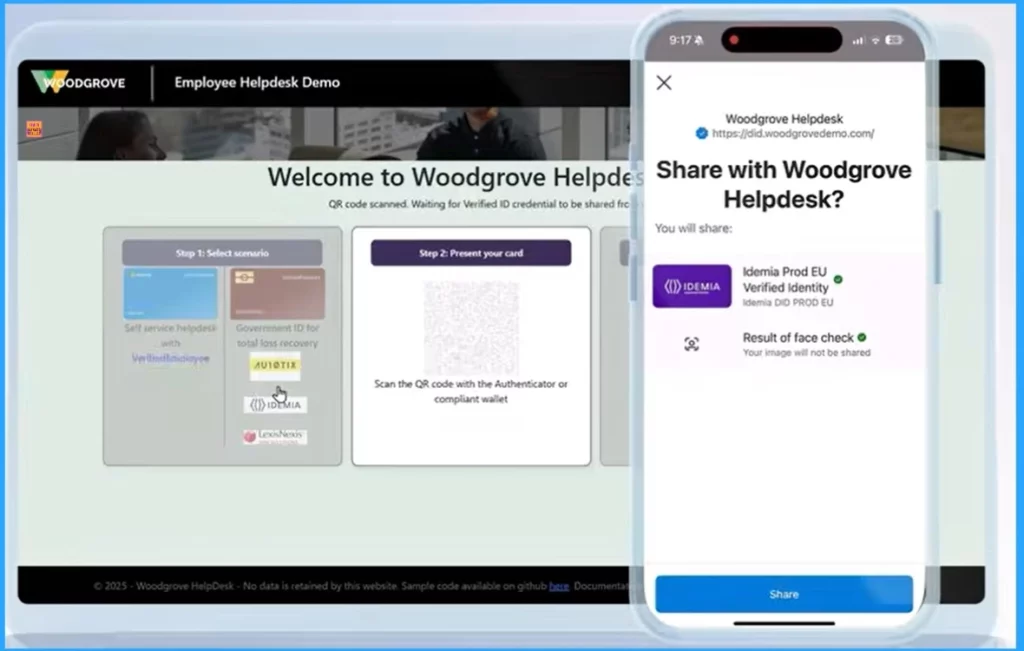
Face check with verified ID uses AI-powered services to uniquely verify your face’s characteristics. It compares what’s on your current official government or employee-issued Photo ID and determines the confidence of the match.
In an enterprise, you can continuously check and verify users’ identities whenever risk factors change, giving you a higher level of security and trust.
User Enrolling Identity First Time Using Verified ID
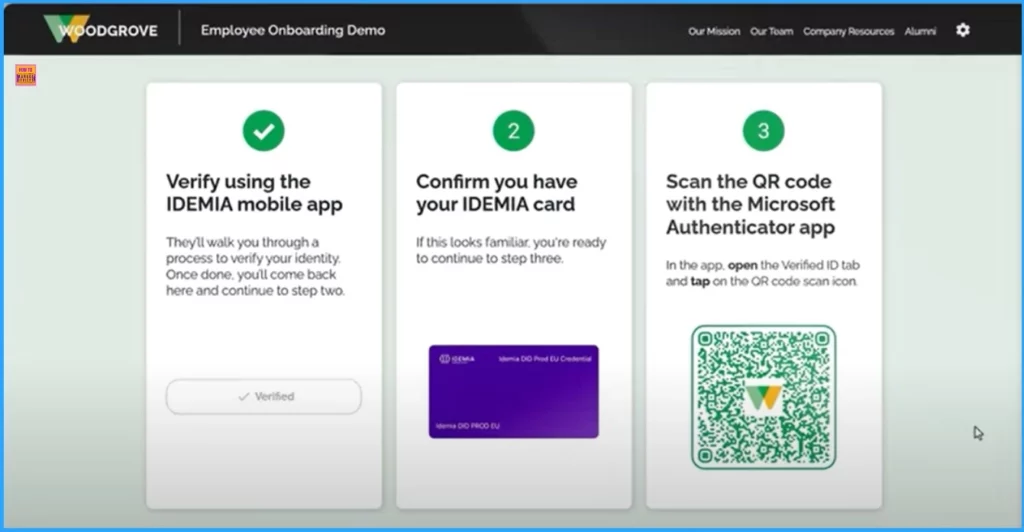
Here, we are going to check how it works when the users enrol their identity for the first time using Verified ID. Here, I am going to show an example of the end-to-end onboarding experience for a new employee at IDEMIA, a global identity verification provider.
After entering your Name, the onboarding portal will present a QR code to verify your government-issued ID and face biometrics. When you use your phone’s camera app to scan, it takes you directly to the IDEMIA app, where you can continue.
Use Cases of Face Check with Entra Verified ID
For example, in cases where a user’s phone or ID has been lost or stolen, and account recovery is needed, you can use Face Check to ensure that the right person is recovering access to restore their ability to access resources securely. This is in contrast to relying on SMS or email roundtrip or 20 knowledge-based questions that are subject to impersonation attacks.
Need Further Assistance or Have Technical Questions?
Join the LinkedIn Page and Telegram group to get the latest step-by-step guides and news updates. Join our Meetup Page to participate in User group meetings. Also, Join the WhatsApp Community to get the latest news on Microsoft Technologies. We are there on Reddit as well.
Resource
Microsoft’s New AI Face Check Makes Digital ID Super Easy
Author
Anoop C Nair has been Microsoft MVP from 2015 onwards for 10 consecutive years! He is a Workplace Solution Architect with more than 22+ years of experience in Workplace technologies. He is also a Blogger, Speaker, and Local User Group Community leader. His primary focus is on Device Management technologies like SCCM and Intune. He writes about technologies like Intune, SCCM, Windows, Cloud PC, Windows, Entra, Microsoft Security, Career, etc.




Discussion