





Microsoft Azure Removes Default Internet Access for New Virtual Networks
Key Takeaways
- Azure Removes Default Internet Access
- After March 31, 2026, newly created Azure Virtual Networks (VNets) will not have internet access by default.
- This change applies only to new VNets created after the deadline.
- Existing VNets are not affected and will continue to work as they do today.
Here, we are discussing Microsoft Azure Removes Default Internet Access for New Virtual Networks. According to the latest news coming that After March 31, 2026, any newly created Virtual Network (VNet) will no longer have automatic access to the internet. This update was highlighted by Christiaan Brinkhoff on his social media platform.
Table of Contents
Does this affect existing VNets?
Do Microsoft Hosted Network deployments require changes?
Microsoft Azure Removes Default Internet Access for New Virtual Networks
When you create a VNet in Azure, virtual machines and other resources can reach the internet by default without extra setup. With the upcoming change, this behavior will stop. If your workloads need internet access for updates, app downloads, or external services, you will need to configure outbound access manually.
- AZ-104 Exam Prep Guide for Azure Administrator Associate Specialist Certification
- Top 31 Azure Interview Questions and Answers 2023 for System Admins
- How to Fix Windows 365 Inactive Azure Network Connection in Intune
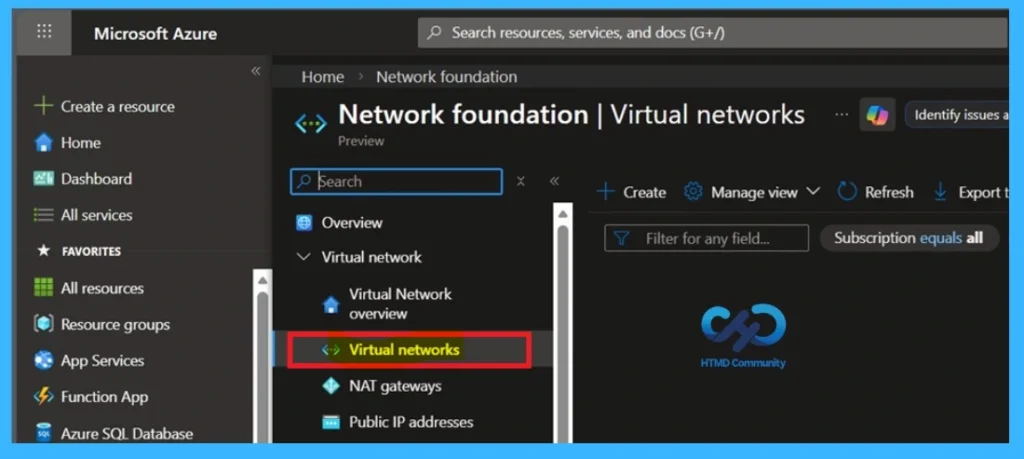
Upcoming Default Outbound Access
Default Outbound Access (DOA) will no longer be enabled for new VNets. This is the new changes DOA in Azure. Instead, VNets will default to the Private Subnet option, blocking internet access unless explicitly configured. It helps improve security and compliance by keeping workloads isolated unless internet access is intentionally allowed.
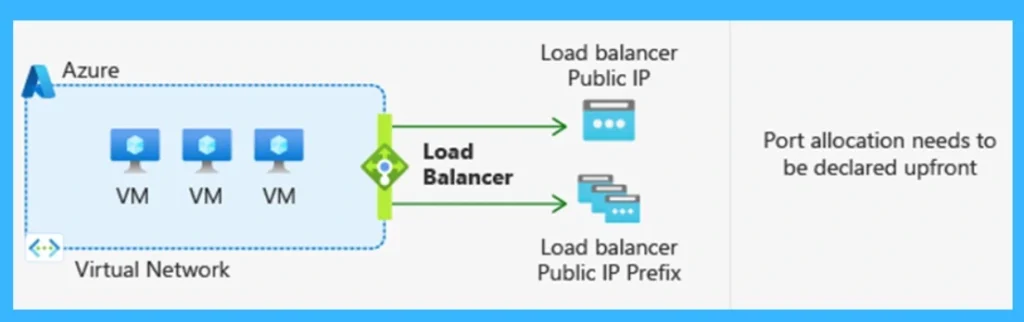
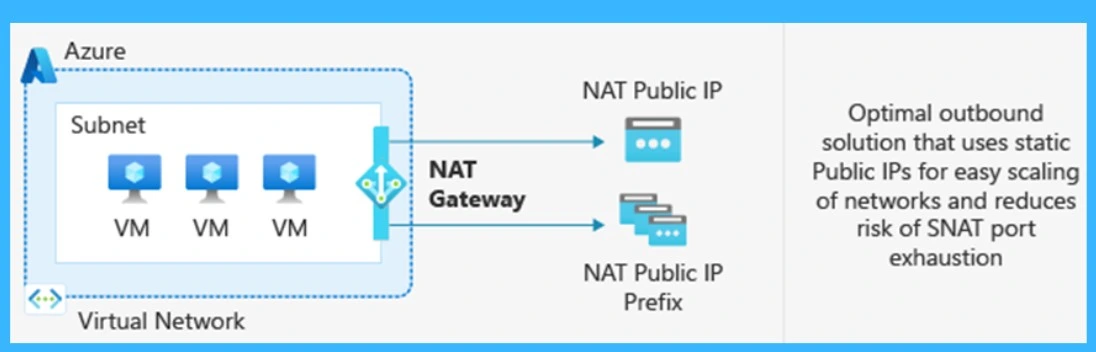
- If an admin needs DOA, they can turn off the Private Subnet option but azure suggesting using the Azure NAT Gateway.
| Supported outbound internet access options | Info |
|---|---|
| NAT Gateway (recommended) | This is the best and most secure option. |
| Azure Standard Load Balancer | Can be used to provide outbound access but requires careful configuration. |
| Azure Firewall or third-party network appliances (NVA) | These can be used, but they are not recommended for long-running connections like RDP, because automatic scaling can interrupt sessions. |
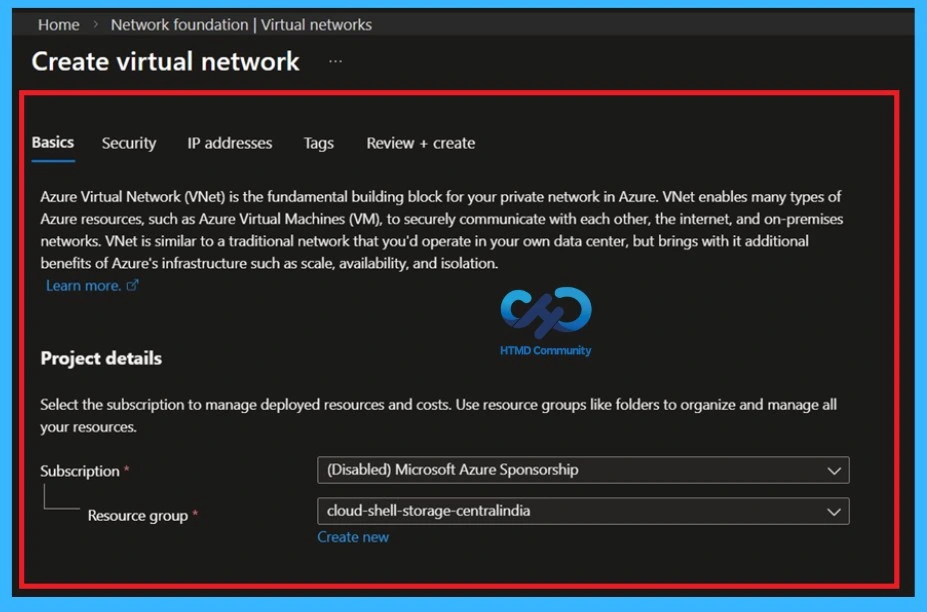
Virtual Network
Azure Virtual Network (VNet) is the fundamental building block for your private network in Azure. VNet enables many types of Azure resources, such as Azure Virtual Machines (VM), to securely communicate with each other, the internet, and on-premises networks. VNet is similar to a traditional network that you’d operate in your own data center but brings with it additional benefits of Azure’s infrastructure such as scale, availability, and isolation.

How This Change Affects Windows 365 and What You Should Do
For Windows 365 deployments using Azure Network Connection (ANC), new virtual networks created after March 31, 2026 will be private by default. This means internet access must be configured manually. If outbound access is not enabled, Cloud PC provisioning will fail. Existing VNets are not affected.
- There is no impact if you use a Microsoft-hosted network, as Microsoft manages connectivity and provides internet access by default.
- To avoid issues, review your network setup early.
- If possible, move to a Microsoft-hosted network, or explicitly enable outbound access using a NAT Gateway and test connectivity before deployment.
Need Further Assistance or Have Technical Questions?
Join the LinkedIn Page and Telegram group to get the step-by-step guides and news updates. Join our Meetup Page to participate in User group meetings. Also, Join the WhatsApp Community and WhatsApp Channel to get the latest news on Microsoft Technologies. We are there on Reddit as well.
Author
Anoop C Nair has been Microsoft MVP for 10 consecutive years from 2015 onwards. He is a Workplace Solution Architect with more than 22+ years of experience in Workplace technologies. He is a Blogger, Speaker, and Local User Group Community leader. His primary focus is on Device Management technologies like SCCM and Intune. He writes about technologies like Intune, SCCM, Windows, Cloud PC, Windows, Entra, Microsoft Security, Career, etc.


Discussion