






Microsoft AVD Community Event XXL Edition Speaker | Register
Let’s see what I will cover as a speaker in the Microsoft AVD Community event XXL Edition. This post announces Microsoft meets Community: Azure Virtual Desktop XXL Edition.
We will also see how to register and book your seats for this AVD event.
| Index |
|---|
| Host – Microsoft AVD Community Event |
| Schedule |
| Register |
| Speaker -Microsoft AVD Community Event |
| Indian Azure Virtual Desktop User Group #INWVDUG |
Host – Microsoft AVD Community Event
The Azure Virtual Desktop (AVD) community event is hosted by Christiaan Brinkhoff, Principal Program Manager and Community Lead at Microsoft, and Dean Cefola, Sr. FastTrack Engineer.
Schedule
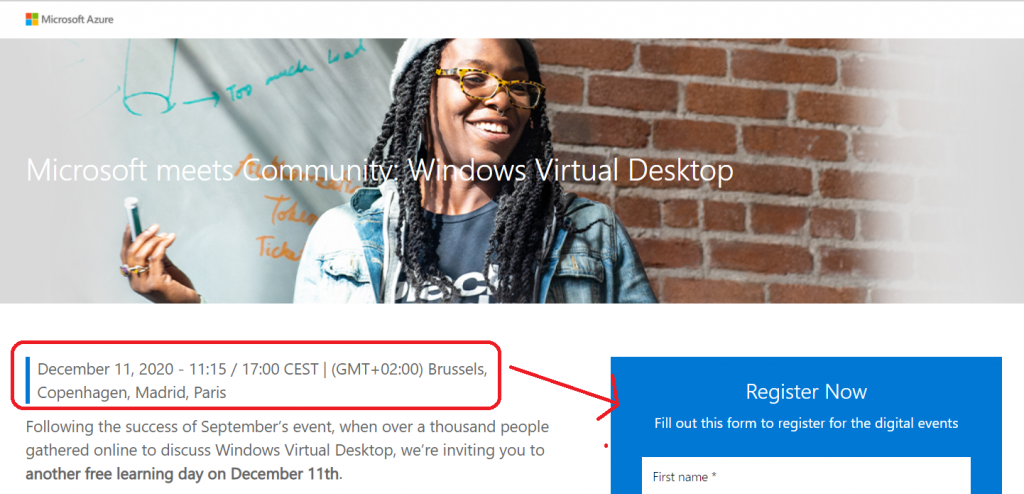
December 11, 2020 – 11:15 / 17:00 CEST | (GMT+02:00) Brussels, Copenhagen, Madrid, Paris.

Register
You can book your seats here for an online free AVD event organized by Microsoft for the AVD worldwide community.
Register: aka.ms/wvdevent2020
Speaker -Microsoft AVD Community Event
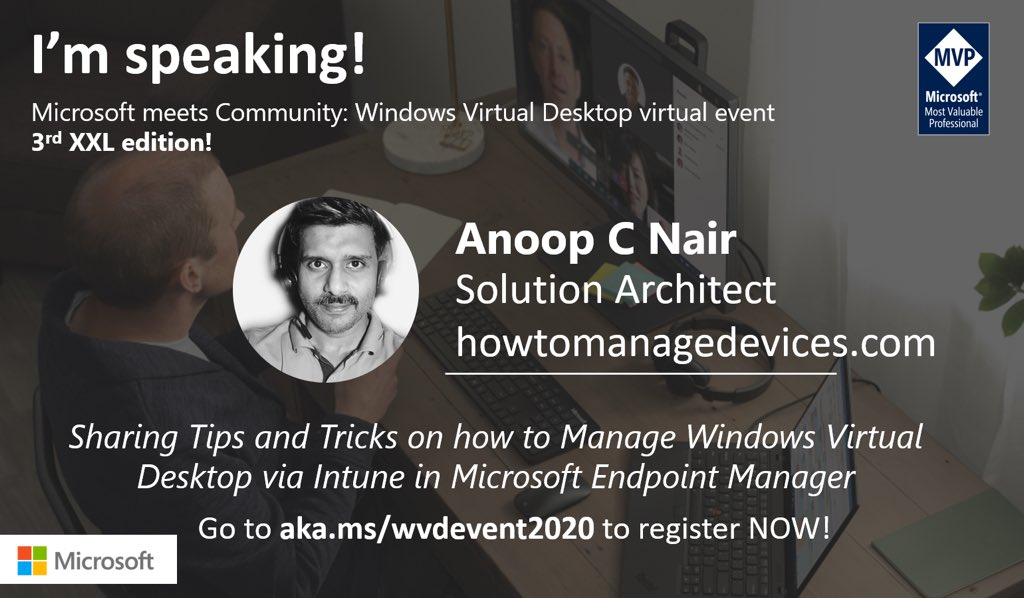
I’m very excited to speak at a global AVD event. I’ll try to cover all about the Azure Virtual Desktop experience with modern management tools like Intune.
- Context of modern management with AVD
- Hybrid AAD Join + Group Policy Requirement
- Conditional Access Policies + AAD Dynamic Groups
- Enrolment Process
- Security Policies
- Application Deployment
- Patching & Updates
- Demo, Demo, and Demo
Indian Azure Virtual Desktop User Group #INWVDUG
Today, we announced the Indian Windows Virtual Desktop User Group (#INWVDUG). Welcome Azure Virtual Desktop (AVD) enthusiasts around the world.
There are several options to connect with us online. The following are some of the options:
- Twitter https://twitter.com/inwvdug
- Meetup Group https://www.meetup.com/inwvdug-indian-wvd-user-group/
- Telegram Group https://t.me/wvdcommunity
- Linkedin Group https://www.linkedin.com/groups/10491724/
- Facebook Group https://www.facebook.com/groups/244834119748980
Resources
- Microsoft WVD Documentation on HTMD
- WVD Disable Shutdown Button for Windows 10 Devices Using Intune
- Convert Windows 10 CSP to OMA-URI for Intune Custom Policies
We are on WhatsApp. To get the latest step-by-step guides and news updates, Join our Channel. Click here –HTMD WhatsApp.
Author
Anoop C Nair is Microsoft MVP! He is a Device Management Admin with more than 20 years of experience (calculation done in 2021) in IT. He is a Blogger, Speaker, and Local User Group HTMD Community leader. His primary focus is Device Management technologies like SCCM 2012, Current Branch, and Intune. He writes about ConfigMgr, Windows 11, Windows 10, Azure AD, Microsoft Intune, Windows 365, AVD, etc.




Discussion