






Windows in the Cloud Episode 3 Windows 365 Cloud PC
Let’s quickly check Windows in the Cloud web series hosted by Christiaan Brinkhoff. The Teams Live webcast is to cover best practices from both Microsoft Engineering and the community. This webcast will also help you to learn more from Windows 365 success stories from Microsoft customers.
I’m excited to be part of the Windows in the Cloud webcast this week in episode 3. Don’t forget to tune in to episode 3 to learn more about my Windows 365 Cloud PC experience. It’s scheduled for 23rd November 2021 at 9 AM PT (5 PM GMT and 10:30 PM IST).
Christiaan has already completed the two episodes of this webcast. I like both of those. You can get the on-demand videos of the last two episodes from the below link. Also, you have an option to add the Add series to calendar. You can also watch Episode 3 via Teams Live from the following link.
- Watch Teams Live Episode 3 – https://aka.ms/WindowsInTheCloud/103/watch
- Windows in the Cloud – On Demand Videos Microsoft Tech Community Resource Center
- Add webcast series to the Calandar
Windows in the Cloud
Christiaan’s Windows in the Cloud webcast helps the Windows 365 community to know more about the Cloud PC offerings, use cases, and experience from:

- Microsoft Engineering teams
- Community Experts, and Microsoft MVPs
- Customers
- End-users of Cloud PC
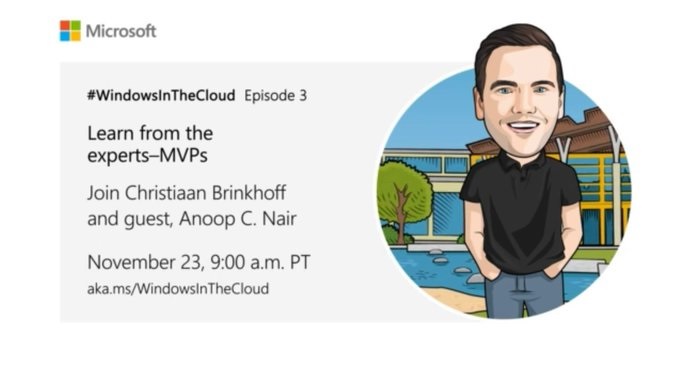
Episode 3 Details
Well, you can only have a demo filled episode from me! So, it’s a lot of demos. I will be talking about the admin and end-user experience of Windows 365 Cloud PC. I will also try to share some pointers about the Virtual Desktop User experience and my opinion and experience about this topic.
The End-user experience is one of the key pillars for all the digital and cloud transformation journeys. Do you think physical devices (Laptops and Desktops) only matter? How is the Virtual Desktop user experience going to help organizations in their digital and cloud transformation journey?
I think multi-session non-persistent end-user experience is not good. This is especially very concerning if multi-session non-persistent devices are your primary devices. What do you think about this? How many of the IT admins are using this type of solution as their primary device?
I agree that there are many valid use cases for multi-session non-persistent scenarios. This offering is useful for secondary device scenarios and dedicated use cases such as privilege access workstations, etc.
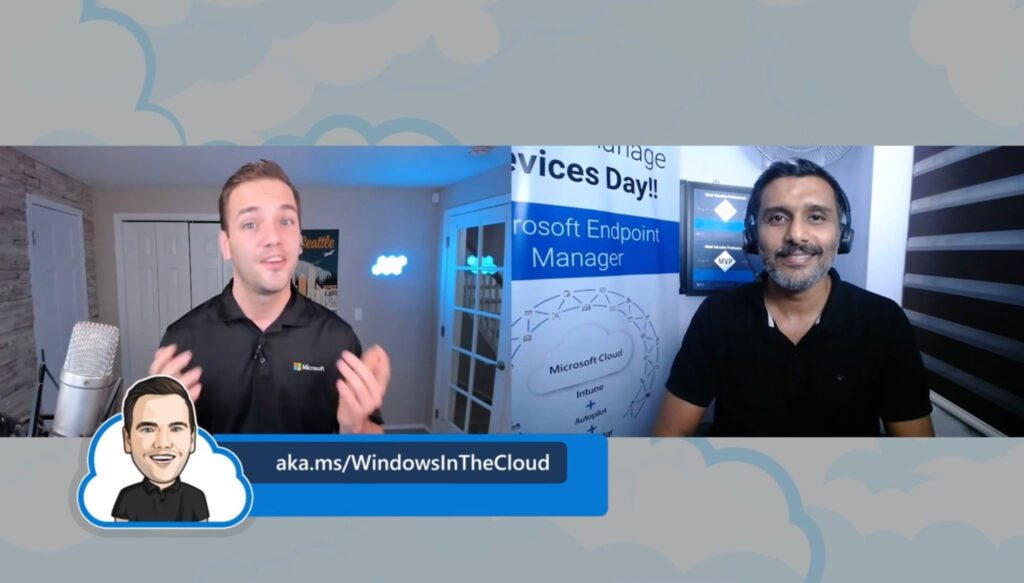
Author
Anoop is Microsoft MVP! He is a Solution Architect in enterprise client management with more than 20 years of experience (calculation done in 2021) in IT. He is Blogger, Speaker, and Local User Group HTMD Community leader. His main focus is on Device Management technologies like SCCM 2012, Current Branch, and Intune. He writes about ConfigMgr, Windows 11, Windows 10, Azure AD, Microsoft Intune, Windows 365, AVD, etc……………




Discussion