






Fix Error 0x8007139f Failed Launching Office Customization Tool Issue SCCM
Let’s try to fix Failed Launching Office Customization Tool Error 0x8007139f Issue with SCCM. The error 0x8007139f is tricky, and it’s not an SCCM related error/issue. This error normally occurs during software updates download and installations.
I received this Failed Launching Office Customization Tool Error while creating Office 2021 client package. So, this scenario is nothing to do with a Windows updates installation, etc.
I checked the event logs to get more details about related issues. I know the Office Customization Tool requires internet access and the internet access is already available from the SCCM primary server where I got this error.
If you get the error 0x8007139f for Windows 10 or Windows 11 PCs, you can fix the issue with Windows Updates and basic Windows troubleshooting options. I think you can try the same methods for the Windows servers.

- FIX Windows Upgrade Failed Error Code 0x4005(16389)
- FIX Windows Upgrade Failed Error 0xC1900208
- FIX Windows 11 Upgrade Error Code 0xC190010E
- Windows Factory Reset to Fix Performance Issues
Error 0x8007139f
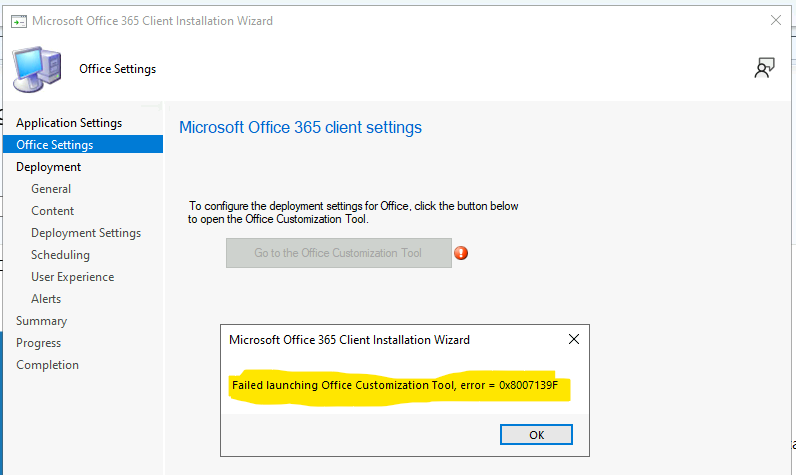
I received the error when I tried to download and install Office 2021 client package using SCCM. As part of the process, I will need to connect to Office Customization Tool using the internet connection.
To configure the deployment settings for Office, you will need to click on the button below to open the Office Customization Tool.
I received Failed Launching Office Customization Tool, Error = 0x8007139f. Now, let’s find out the fix for this issue.
Troubleshooting Error 0x8007139f
Let’s see what the options are to troubleshoot the error 0x8007139f. I have tried all the basic troubleshooting options available on Windows PCs and Servers. I got this error on the Windows server 2022, and the Server is updated with the latest CU patches.
I checked the event logs to find out any related errors or issues. There is no errors or warning in the System, Setup, and Application event logs of Server 2022. I also tried to close the SCCM admin console and start again without any success.
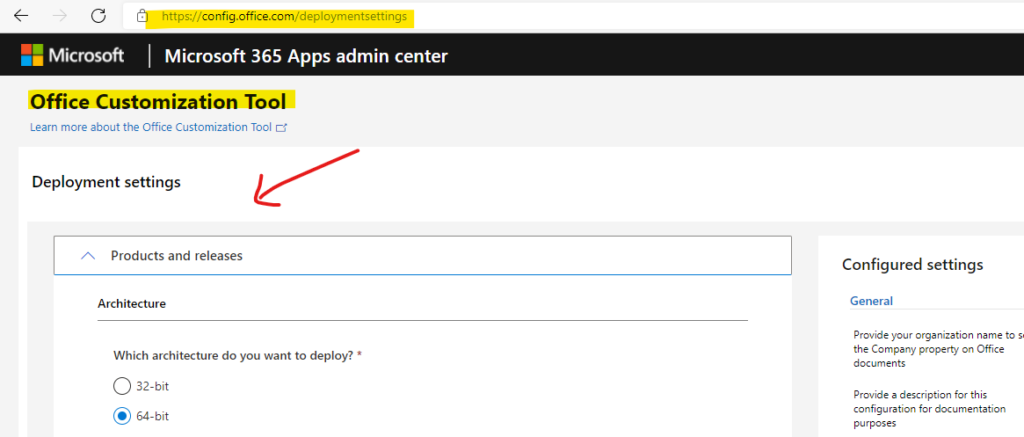
Now, it’s time to check whether the internet is accessible from the Server or not. Yes, I could confirm the internet is working, and even I was able to launch Office Customization Tool – https://config.office.com/ from the Microsoft Edge browser.
I kept Microsoft Edge as the default browser for the Windows server 2022.
I thought of running the following PowerShell script to fix the issues with Gaming Services. I know this is not applicable for Server operating systems such as 2022.
NOTE! – Error 0x80073D26 or 0x8007139F occurs when you install or start Gaming Services on a Windows 10 device (and potentially for Windows 11 PCs as well).
I didn’t want to run the following PowerShell script to fix Error 0x8007139f on Windows Server 2022. This PS script fix is more useful for Windows 10 or Windows 11 PCs.
Get-AppxPackage gamingservices -allusers | remove-appxpackage -allusers
Remove-Item -Path “HKLM:\System\CurrentControlSet\Services\GamingServices” -recurse
Remove-Item -Path “HKLM:\System\CurrentControlSet\Services\GamingServicesNet” -recurse
FIX Failed Launching Office Customization Tool Error 0x8007139f Issue
Now, it’s time to find out how I fixed the Failed Launching Office Customization Tool Error 0x8007139f Issue. The fix was pretty is straightforward, as some of you might have already guessed.
I did a little clue from the KB5004327 article to fix the Gaming service-related issue. The error description gives a clue that you should try to restart the Server that might help resolve the issue.
NOTE! – Reporting this problem will help us understand it better. You can wait a bit and try again or restart your device. That may help.
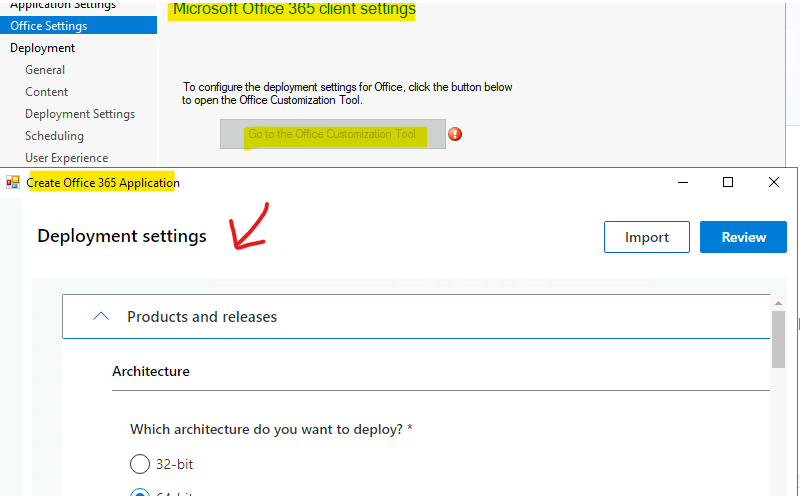
I have restarted the Server to try the option again. WOW! The restart fixed the issue, and after the restart, I could connect Office Customization Tool from Microsoft Office 365 client installation wizard.




Discussion