






FIX Outlook Error Trouble Opening this Item while Opening Multiple Emails at once
Let’s learn how to fix Outlook Error Trouble Opening this item while opening multiple emails simultaneously. Yes, Outlook encounters an error when trying to open more emails simultaneously.
Outlook is a valuable tool for managing email, calendar, contacts, and tasks effectively. It can enhance communication and improve time management skills. It has the latest features, competent assistance, and a simple, modern design for your Outlook app.
Today, Microsoft has confirmed that users are experiencing trouble in Classic Outlook due to an “out of memory or system resources” error message. This issue occurs when more than sixty emails are opened at once.
Microsoft provides various tools to help automatically diagnose and resolve common Outlook issues. Let’s examine this particular issue and its workarounds.


Table of Contents
What are the Premium Features of Outlook.com for Microsoft 365 subscribers?
> Advanced email security
> Larger mailbox storage
> Email Encryption
> Ad-free interface
> Premium support
FIX Outlook Error Trouble Opening this Item while Opening Multiple Emails at once
When attempting to open more than sixty emails, Outlook displays the following errors and crashes.
| Issue No. | Errors and Crashes |
|---|---|
| 1 | “Sorry, we’re having trouble opening this item. This could be temporary, but if you see it again you might want to restart Outlook. Out of memory or system resources. Close some windows or programs and try again.” |
| 2 | “Out of memory or system resources. Close some windows or programs and try again” |
- How to Upgrade Windows 11 24H2 for Free | Easiest Method is Explained
- Windows AutoPilot Step-by-Step Admin Guide To Provision Windows 10 11 Devices
- Free Intune Training 2024 For Device Management Admins HTMD Blog
The screenshots given below are for your reference.
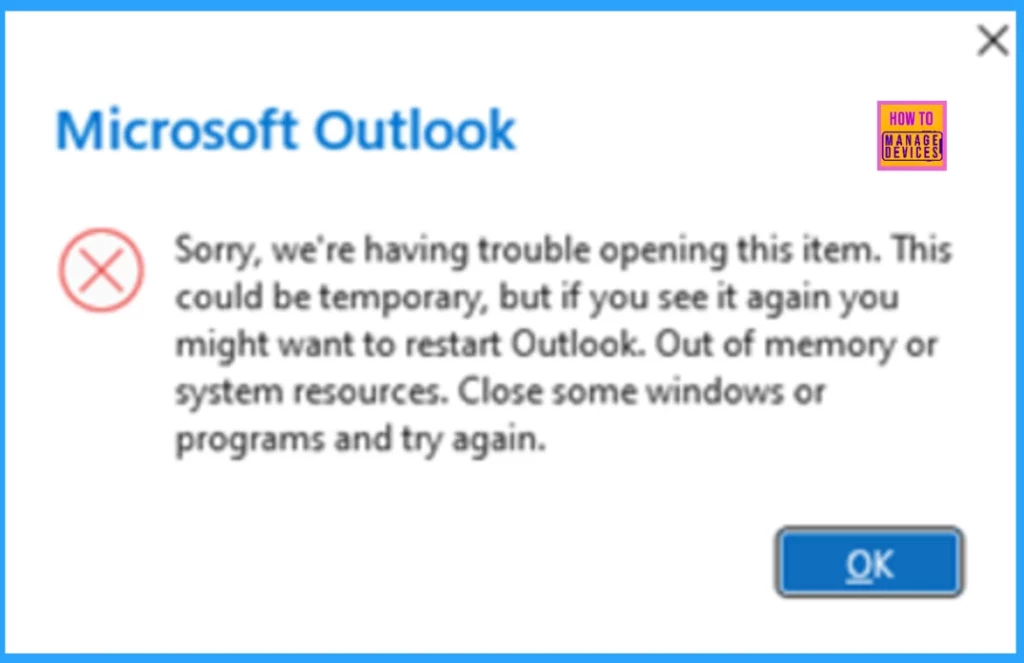
or
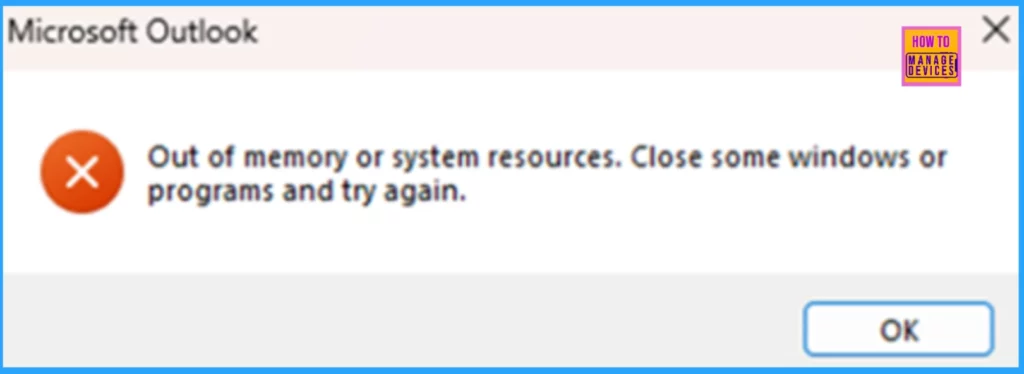
What is the Solution or FIX?
Microsoft is looking into this bug and has shared a temporary fix for those who need more than sixty emails open for their work.
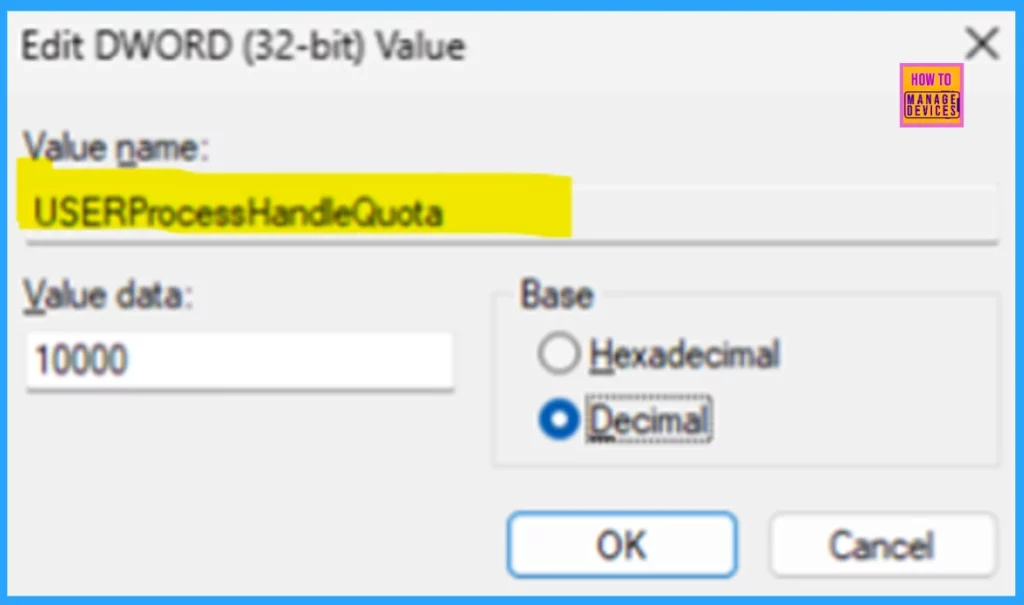
If you need to open more than sixty emails simultaneously, you can change the USERProcessHandleQuota setting, as explained in the User Objects—Win32 apps article. However, increasing this quota may make your system less stable. It allows all programs on your computer to open more user objects at once, which can put additional strain on the operating system.
Set this value between 200 and 18,000. The default is 2710 (decimal) or hexadecimal.
Need Further Assistance or Have Technical Questions?
Join the LinkedIn Page and Telegram group to get the latest step-by-step guides and news updates. Join our Meetup Page to participate in User group meetings. Also, Join the WhatsApp Community to get the latest news on Microsoft Technologies. We are there on Reddit as well.
Author
Anoop C Nair has been Microsoft MVP for 10 consecutive years from 2015 onwards. He is a Workplace Solution Architect with more than 22+ years of experience in Workplace technologies. He is a Blogger, Speaker, and Local User Group Community leader. His primary focus is on Device Management technologies like SCCM and Intune. He writes about technologies like Intune, SCCM, Windows, Cloud PC, Windows, Entra, Microsoft Security, Career, etc.



Discussion