






Fix Windows 10 Bluetooth File Transfer Issues
Fix Windows 10 Bluetooth File Transfer Issues? Have you experienced any Bluetooth File Transfer issues with Windows 10?
I can pair Windows 10 devices with a Nexus 5 and receive a file when I transfer a JPG file from Android mobile to Windows 10. However, saving the Bluetooth-transferred file is still a problem for me. I didn’t find any way to save the file, which was transferred via Bluetooth to Windows 10.
Have you found other options besides editing the picture and saving it? I found some contact sharing via Bluetooth issues between Android and Windows Phone 10. More details are at the bottom of this post.
Fixing Bluetooth file transfer issues in Windows 10 often involves troubleshooting your system’s hardware and software. Here’s a comprehensive guide to help resolve common problems.

| Index |
|---|
| Fix Windows 10 Bluetooth File Transfer Issues |
| Windows 10 Bluetooth File Transfer Issues? |
- How to Enable or Disable Bluetooth in Windows 11
- Bluetooth and Device Settings in Windows 11
- 9 Bluetooth Device Settings Run Commands for Windows
- Set Local Bluetooth Device Name with Intune Policy
- Easily Disable Bluetooth using Intune How to Guide
- Fix Windows 10 Bluetooth File Transfer Issues
- Turn On Diagnostic Data Viewer in Windows 11
Fix Windows 10 Bluetooth File Transfer Issues
I’ve listed Known Issues with Windows Phone 10 TP2 in the following post, “Known Issues Identified with Windows Phone 10 Upgrade“.
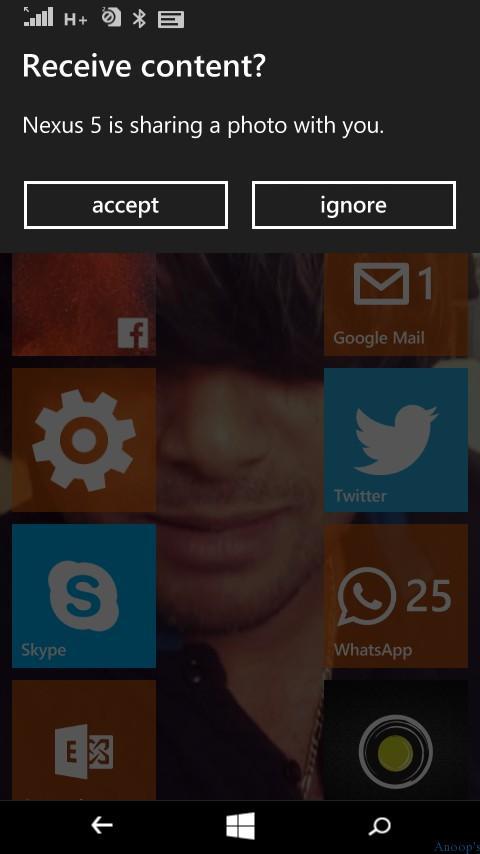
Click YES to accept the Bluetooth content. It’s important to know that Windows 10 Mobile phone devices are from Android Nexus 5.
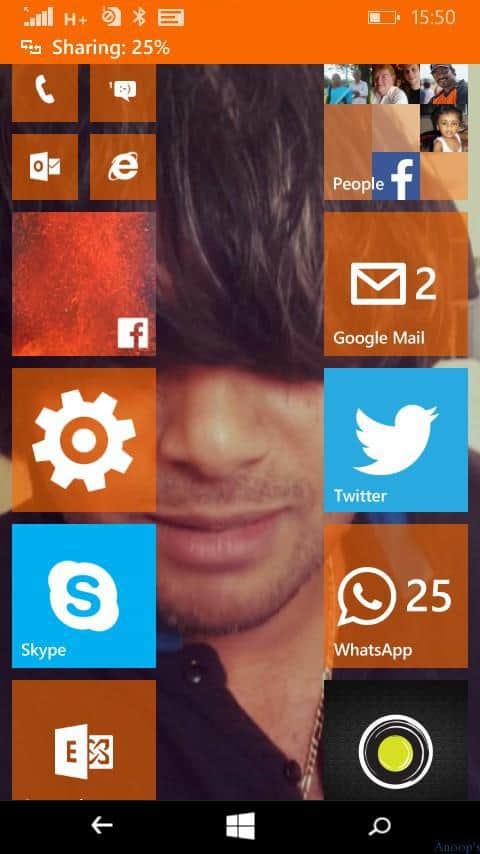
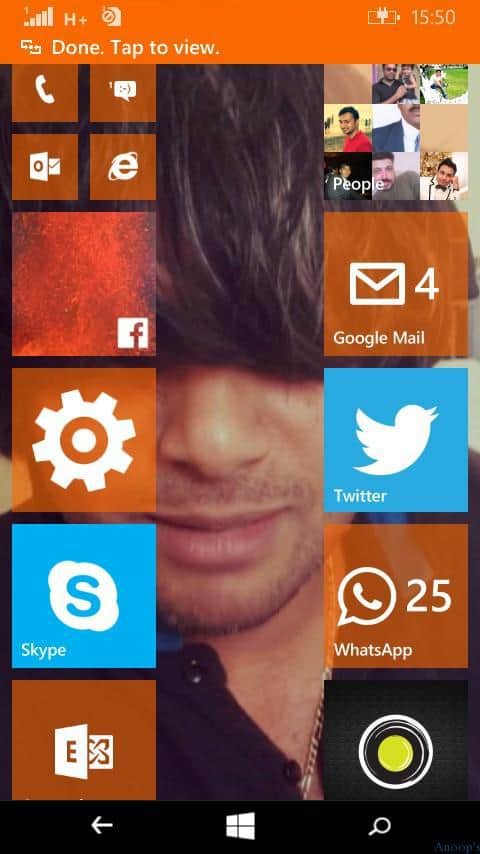
When the phones complete the sharing of files via Bluetooth, the file is NOT automatically downloaded to the Windows 10 Phone. We can tap the notification to open the shared file, but it won’t copy to the Windows Phone device.
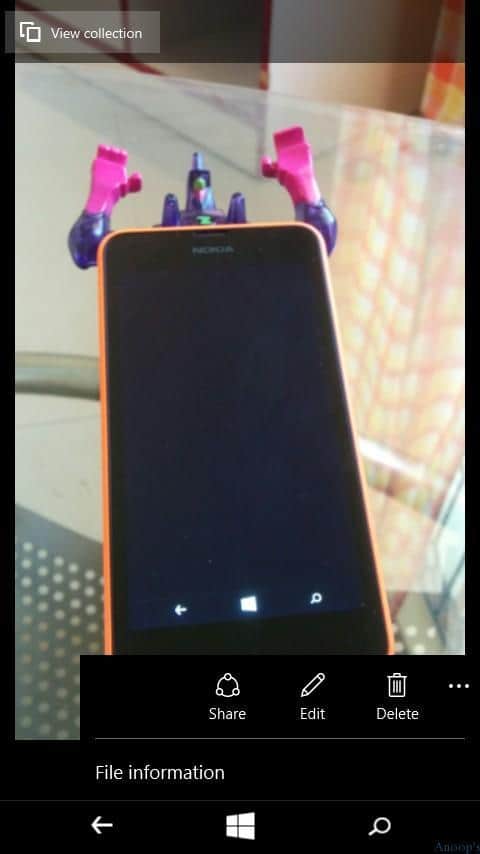
You can edit and share the file, which is transferred via Bluetooth. Sharing is the only way to save the file I found on my Windows 10 Phone. Do you have any other options?
Windows 10 Bluetooth File Transfer Issues?
There are options like View Collection and Share. Unfortunately, there is no option to save the Bluetooth-shared picture files. The workaround for this issue is to edit and save the picture on Windows Phone 10.
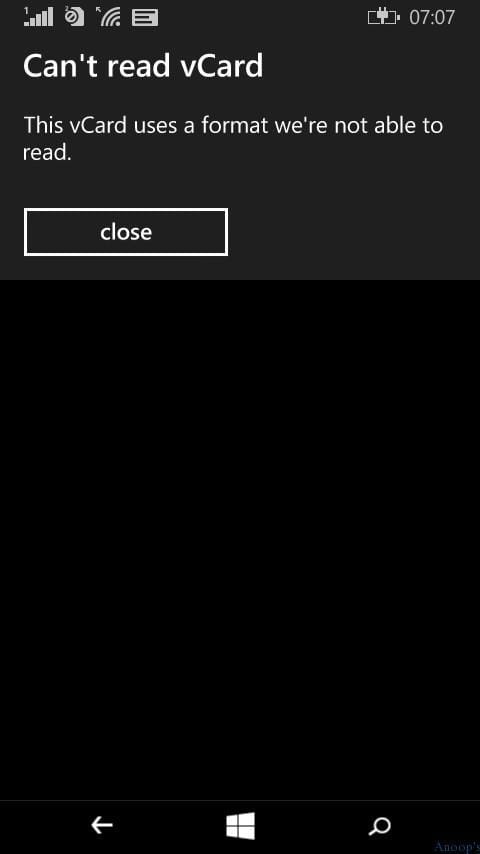
I tried to transfer contacts via Bluetooth between a Nexus 5 and a Windows phone. Windows Phone 10 gave an error that the format of the Vcard received is not supported, so the Windows phone can’t save it. This vCard uses a format we can’t read.
We are on WhatsApp now. To get the latest step-by-step guides, news, and updates, Join our Channel. Click here. HTMD WhatsApp.
Author
Anoop C Nair is Microsoft MVP! He is a Device Management Admin with more than 20 years of experience (calculation done in 2021) in IT. He is a Blogger, Speaker, and Local User Group HTMD Community leader. His main focus is on Device Management technologies like SCCM 2012, Current Branch, and Intune. He writes about ConfigMgr, Windows 11, Windows 10, Azure AD, Microsoft Intune, Windows 365, AVD, etc.



Discussion