





How to Fix Windows Update Issues on Restricted or Firewalled Networks
Key Takeaways:
- Fix Windows Update Issues on Restricted or Firewalled Networks
- Affected systems show 0x80010002 when attempting to update.
- IT admins can apply Known Issue Rollback (KIR) group policies to reverse the faulty updates.
- Devices may download February updates but fail to fetch updates from March onward.
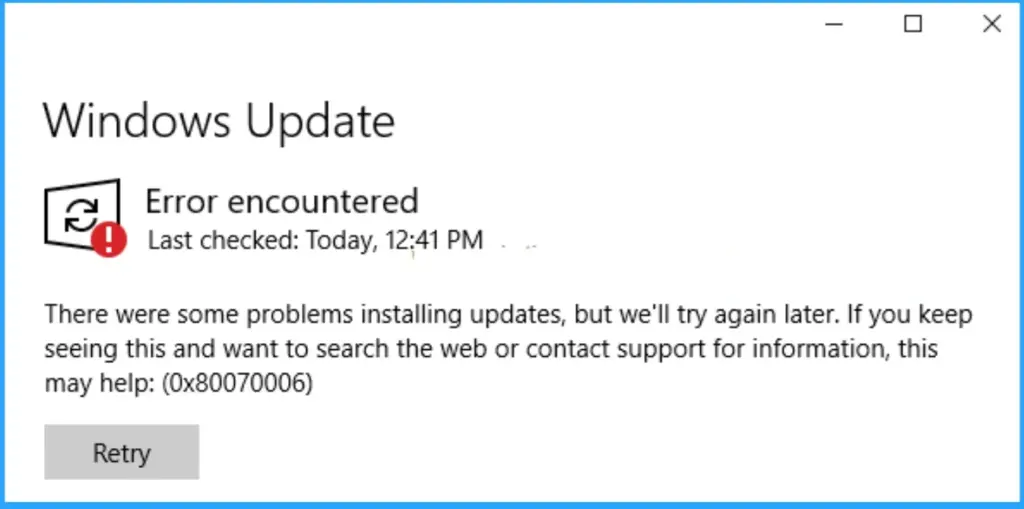
Let’s discuss about How to Fix Windows Update Issues on Restricted or Firewalled Networks. Microsoft confirmed that customers in restricted network environments may encounter Windows Update failures after installing the January 2026 optional non-security preview updates. Affected systems show error code 0x80010002 when trying to update. Due to this issue, users cannot complete the update installation and affected the system functioning.
Table of Contents
Table of Contents
How to Fix Windows Update Issues on Restricted or Firewalled Networks
The error code 0x80010002 is showing on the restricted network environments (air-gapped or heavily firewalled systems). Due to this issue, Devices may successfully download February updates but then fail to download updates from March onward via the Windows Update settings.
| Cause of the Issue |
|---|
| The problem stems from changes in download timeout requirements, not from device integrity or installation capability. |
- Microsoft Confirms Reset PC Failure Bug in Windows 11 After Recent Hotpatch Updates
- How to Fix KB5077181 Update Triggering Restart Loops & Network Failures in Windows 11
- Windows Feature Update Failures Intune Report
Workaround
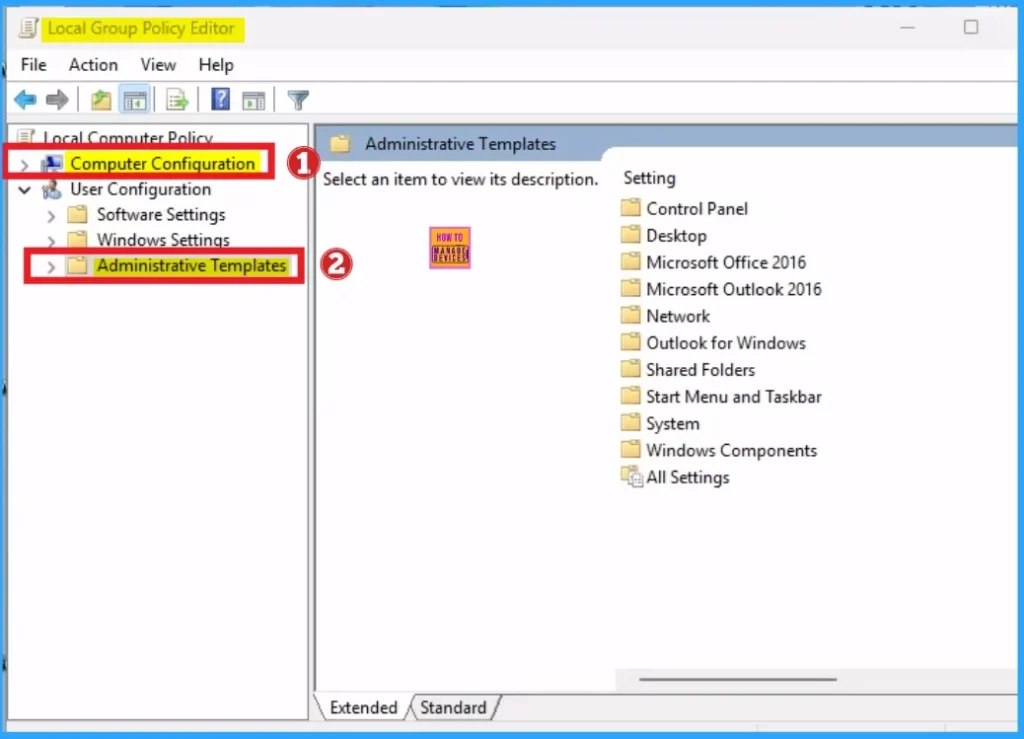
IT admins can apply Known Issue Rollback (KIR) group policies to reverse the buggy updates. Specific KBs are available for different Windows versions (e.g., KB5083806 for Windows 11 26H1, KB5083631 for Windows 11 24H2/25H2 and Windows Server 2025). After that, a restart is required after applying.
History of Similar Issues:
There are many similar issues are occured on previous years. The history of similar issue includes May 2026, Another KIR fix was issued for update KB5089549 failing with error 0x800f0922. On April 2025, Bug blocked enterprise customers from installing updates via WSUS. And August 2025, Windows 11 24H2 cumulative update failed with error 0x80240069 via WSUS.

Permanent Fix for the Issue
Microsoft is actively working on a permanent fix, but for now, admins in restricted environments must rely on KIR group policies to keep updates flowing. This is part of a broader pattern of recurring Windows Update issues in enterprise and restricted setups.
Need Further Assistance or Have Technical Questions?
Join the LinkedIn Page and Telegram group to get the latest step-by-step guides and news updates. Join our Meetup Page to participate in User group meetings. Also, join the WhatsApp Community and the WhatsApp channel to get the latest news on Microsoft Technologies. We are there on Reddit as well.
Author
Anoop C Nair is a Workplace Technology solution architect with 25+ years of experience. Microsoft Certified Trainer. Microsoft MVP from 2015 onwards for consecutive 11+ years! He is a blogger, Speaker, and Founder of HTMD Community and HTMD Conference. His main focus is on Device Management technologies like Intune, Windows, and Cloud PC. He writes about technologies like Intune, SCCM, Windows, Cloud PC, Entra, and Microsoft Security.




Discussion