






How Microsoft Entra ID Account Recovery Supports Users Who Lose All Authentication Methods
How Microsoft Entra ID Account Recovery Supports Users Who Lose All Authentication Methods! Microsoft announced an important update at Ignite that Self-Service Account Recovery SSAR with Entra Verified ID. This feature solves a long-time problem in identity management: what to do when someone loses all their sign-in methods.
Until now, users had to contact the helpdesk to regain access, which made the process slow, expensive, and sometimes unsafe. This new option makes recovery easier and more secure. The new recovery method asks the user to scan a government ID and do a quick liveness check to prove they are a real person.
Because this verification happens automatically, users don’t need to call the helpdesk anymore. This also makes it safer, because attackers cannot trick support staff into giving access to the wrong person. Microsoft has changed the recovery process so that users can prove their identity in a safer way that cannot be tricked by phishing.
Instead of depending on old methods like security questions or helpdesk checks, users can now verify themselves directly. This means people can get back into their accounts faster and more securely, even if they have lost all their usual login methods. It makes the whole recovery process easier for users and safer for organizations.

Table of Contents
What is Microsoft Entra ID Account Recovery?
Microsoft Entra ID Account Recovery is a new feature that helps users regain access to their work accounts when they lose all their authentication methods, such as phone numbers, authenticator apps, or security keys.
How Microsoft Entra ID Account Recovery Supports Users Who Lose All Authentication Methods
Traditional password reset only helps you change or recover a password. Account recovery, however, verifies your identity first and rebuilds trust before allowing you to set up new authentication methods. Account recovery is built for serious situations where users lose access to all their authentication methods.
This includes cases where a device with authenticator apps or security keys is lost or stolen, when every registered authentication method fails at the same time, or when an account is compromised and all authentication methods must be reset as part of a security response.
| Key Concept | Details |
|---|---|
| Identity-centric approach | Account recovery focuses on who you are, not what you know or have. Instead of passwords and passkeys, it uses strong identity verification. |
| Trust re-establishment | The process works like re-onboarding. The organization verifies the user’s identity again to ensure that only the real account owner can regain access to resources. |
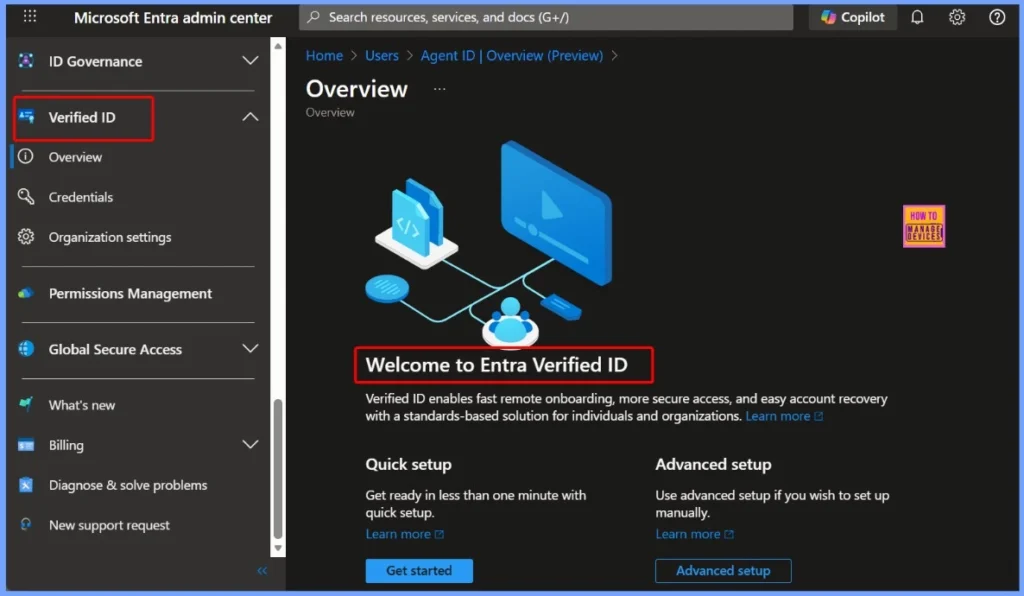
| Integration with modern identity technologies | Uses Microsoft Entra Verified ID + Face Check and advanced verification services from the Microsoft Security Store to confirm user identity with high assurance during recovery. |
- Non-Human Identities and Agent Identities Gain Access Package Support with Entra Identity Governance for AI Agents
- Understanding Entra Agentic AI in Security From Manual Work to Fully Autonomous Agents
- AI Agent Tool that Brings the Power of Microsoft Graph and MS Entra
- Best Guide to Invite B2B Guest Users to Entra ID using Intune
- Key Scenarios of MS Entra External Identity Deployment Architectures
- New External Authentication Methods in Microsoft Entra ID
Account Recovery (SSAR) – Key Capabilities and Requirements
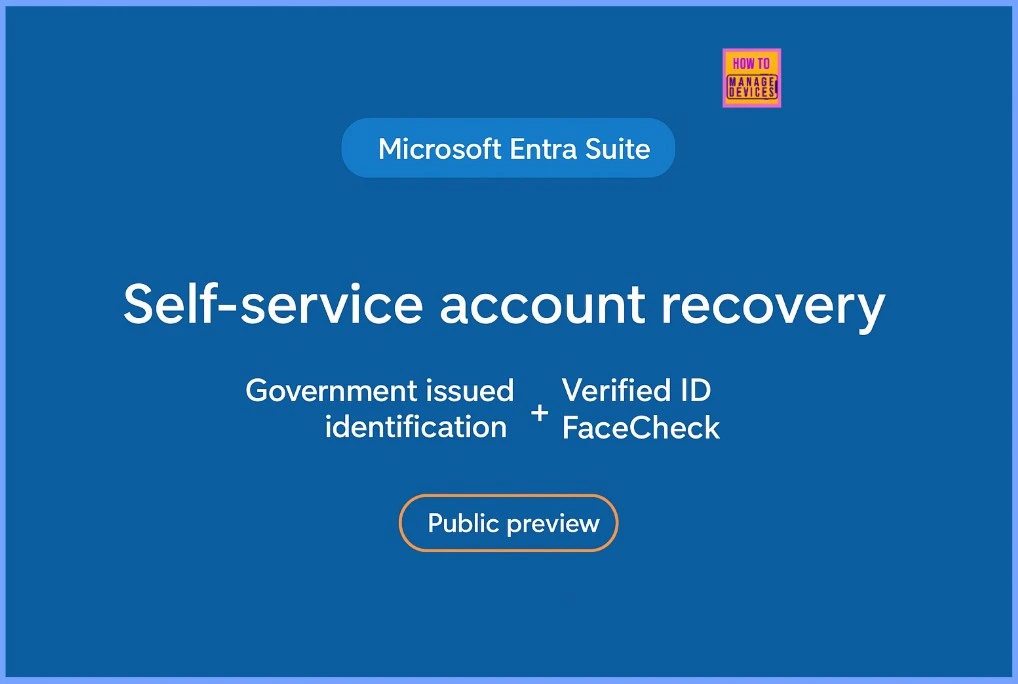
Account Recovery (SSAR) is used when a user completely loses access to all authentication methods. Instead of relying on passwords or old recovery options, it requires strong identity verification through certified providers to re-establish trust. After verification, all authentication methods are reset, ensuring a secure fresh start with a high level of protection.
| Category | Details |
|---|---|
| Primary Use Case | User has lost access to every authentication method |
| Authentication Requirement | Identity verification through a certified partner |
| Trust Assumption | User identity must be fully re-established |
| Recovery Scope | Complete reset of all authentication methods |
| Technology Dependency | Verified ID and identity verification services |
| Security Level | High – requires strong, comprehensive identity proofing |
How Account Recovery (SSAR) Works in Microsoft Entra ID
Account Recovery (SSAR) follows a secure, identity-verified process to help users regain access when all authentication methods are lost. The steps involves discovering the recovery option, verifying identity through a trusted provider, validating ownership with Microsoft Entra ID, and finally restoring access with temporary credentials.
Step 1 – Discover the Account Recovery Option
Users begin by entering their username or email on the sign-in page. When they select “I can’t access my account,” the system checks whether account recovery is allowed by the organization. If eligible, the user is guided to an Identity Verification Provider (IDV) based on their region, as configured by the admin.
Step 2 – Verify Identity Through an Identity Verification Provider
The user is redirected to a trusted IDV for full identity validation. The provider verifies government-issued documents using fraud detection systems and performs biometric checks such as liveness detection and facial recognition. After the successful verification, the user receives a Verifiable Credential (Verified ID), stored inside Microsoft Authenticator as proof of their identity.
Step 3 – Present the Verified Identity to Microsoft Entra ID
The user then presents the Verified ID to Microsoft Entra ID. The system checks the credential’s authenticity, validates that it has not been tampered with, and compares its attributes against the existing user profile to confirm ownership of the account.
Step 4 – Restore Access and Re-register Authentication Methods
Based on successful identity proofing, the user is issued a Temporary Access Pass (TAP) or another temporary credential with limited validity. They are then guided through re-enrolling their authentication methods such as Authenticator, passkeys, or security keys to fully restore access to their account.
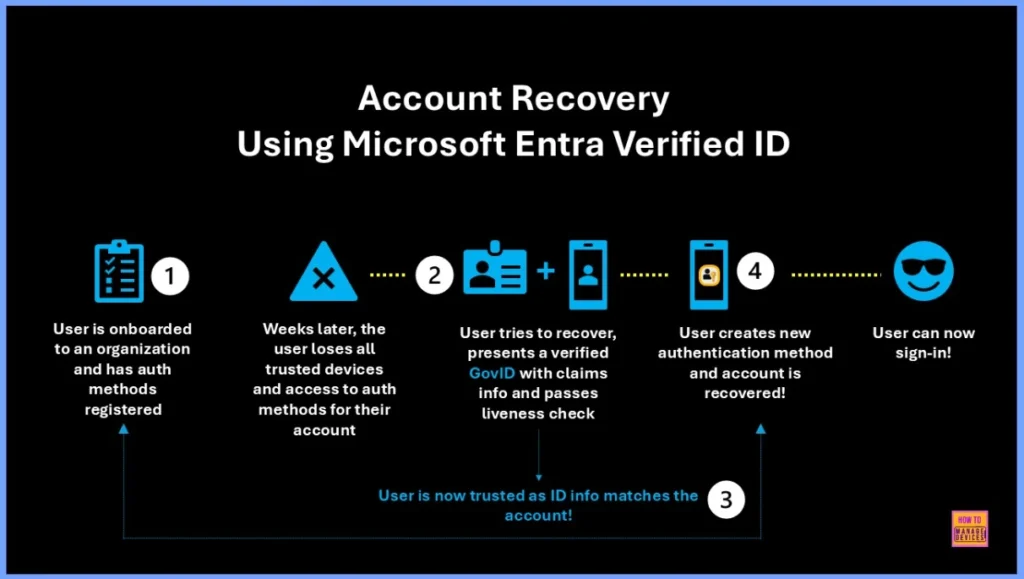
| Account Recovery Using Microsoft Entra Verified ID |
|---|
| User is onboarded to an organization and has auth methods registered |
| Weeks later, the user loses all trusted devices and access to auth methods for their account |
| User tries to recover, presents a verified GovID with claims info and passes liveness check |
| User creates new authentication method and account is recovered |
| User can now sign-in |
Resources
Overview of Microsoft Entra ID Account Recovery – Microsoft Entra ID | Microsoft Learn
Need Further Assistance or Have Technical Questions?
Join the LinkedIn Page and Telegram group to get the latest step-by-step guides and news updates. Join our Meetup Page to participate in User group meetings. Also, Join the WhatsApp Community to get the latest news on Microsoft Technologies. We are there on Reddit as well.
Author
Anoop C Nair has been Microsoft MVP from 2015 onwards for 10 consecutive years! He is a Workplace Solution Architect with more than 22+ years of experience in Workplace technologies. He is also a Blogger, Speaker, and Local User Group Community leader. His primary focus is on Device Management technologies like SCCM and Intune. He writes about technologies like Intune, SCCM, Windows, Cloud PC, Windows, Entra, Microsoft Security, Career, etc.




Discussion