






How to Build Backup DR Strategy for Cloud?
Hi, Today we will discuss the topic: How to Build Backup DR Strategy for Cloud? Cloud disaster recovery (cloud DR) is a vital strategy that combines various techniques and services to safeguard data, applications, and other resources by backing them up to public cloud or dedicated service providers.
In any disaster, the affected resources can be quickly and efficiently restored to the local data center or a cloud provider, enabling the enterprise to resume normal operation and protect its valuable business resources.
The ultimate goal of cloud DR is to ensure that the organization can quickly access and recover its protected resources in case of any unforeseen circumstances, allowing it to continue with normal business operations. A cloud-based disaster recovery plan is similar to traditional approaches but utilizes cloud technologies and DRaaS for efficient implementation.
For example, instead of backing up data to a local server, cloud-based DR would back it up to a cloud resource like an Amazon Simple Storage Service bucket. The same basic steps can be implemented with cloud DR, but with the added flexibility and convenience of cloud-based tools and platforms.

| Index |
|---|
| DR Strategy for Cloud |
| Topics |
| Registration Details |
DR Strategy for Cloud
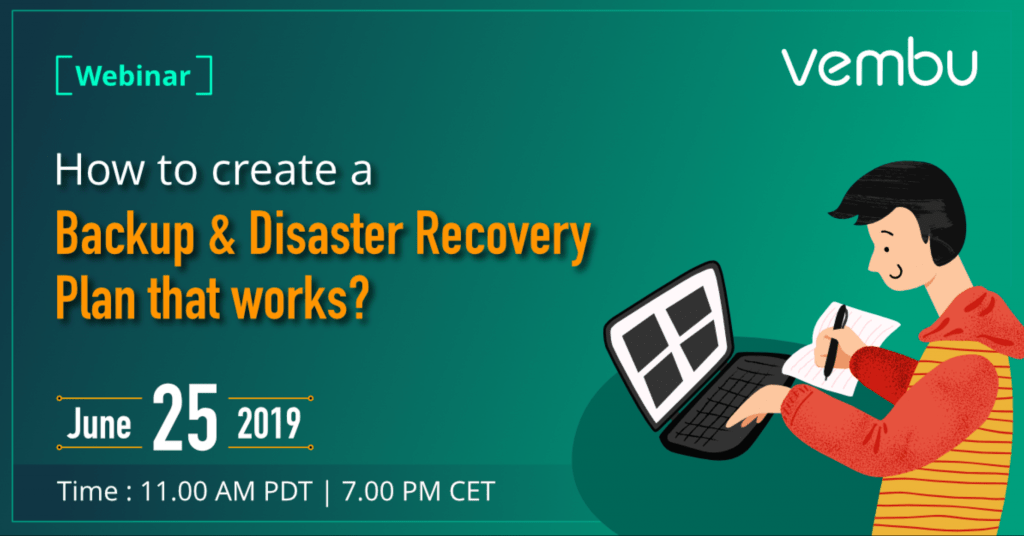
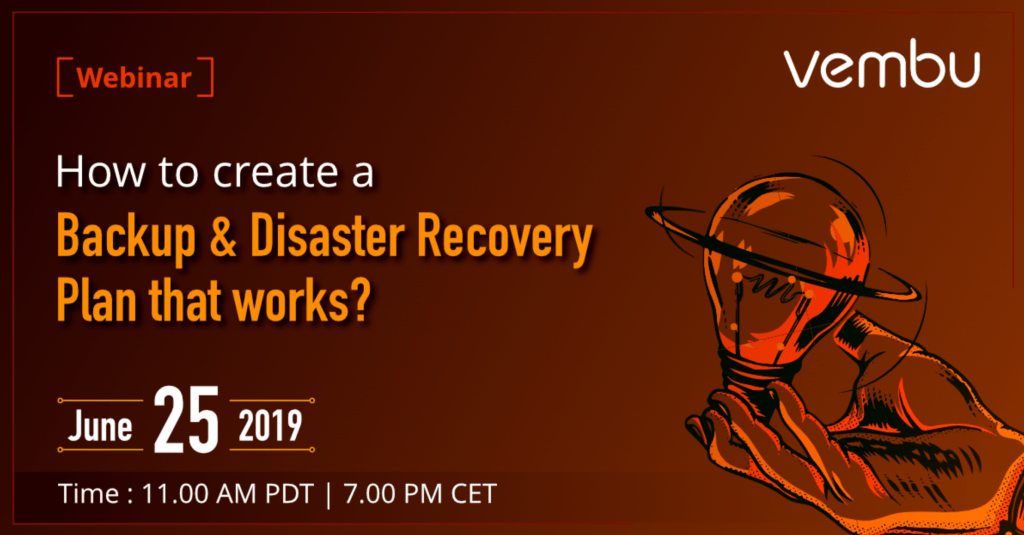
This post will share a webinar on creating a successful Backup and Disaster Recovery strategy for the Cloud. Make sure to register for the webinar!
Register now to discover the secrets to building a successful Disaster Recovery plan. Gain valuable insights into Disaster Recovery and learn about its potential benefits for your business. Don’t miss out on this opportunity to safeguard your organization’s critical data and systems.
Topics
- Choosing the best backup strategy for DR
- Creating a checklist of backup objectives
- Defining an aligned DR strategy
- Implementing the industry best practices for backup and DR
Registration Details
- Date: June 25, Tuesday
- Time : 11.00 AM PDT | 7.00 PM CET
- Registration: How to Create Backup & DR Plans
We are on WhatsApp. To get the latest step-by-step guides and news updates, Join our Channel. Click here –HTMD WhatsApp
Author
Anoop C Nair is Microsoft MVP! He is a Device Management Admin with more than 20 years of experience (calculation done in 2021) in IT. He is a Blogger, Speaker, and Local User Group HTMD Community leader. His main focus is on Device Management technologies like SCCM 2012, Current Branch, and Intune. He writes about ConfigMgr, Windows 11, Windows 10, Azure AD, Microsoft Intune, Windows 365, AVD, etc.


Discussion