





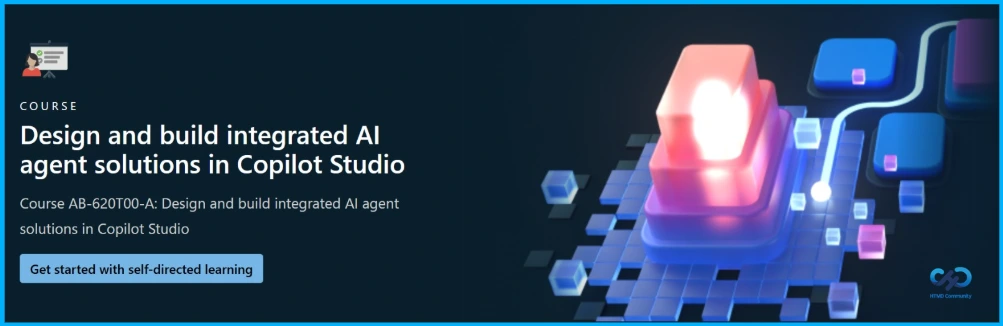
Course AB-620T00-A Design and Build Integrated AI Agent Solutions in Copilot Studio
Key Takeaways
- Design and build production-ready AI agents using Microsoft Copilot Studio for enterprise-scale solutions
- Integrate agents with enterprise systems, data, and services using connectors, APIs, and advanced tools
- Develop and orchestrate multi-agent workflows to automate complex business processes
- Apply best practices for security, governance, monitoring, and responsible AI to ensure reliable deployment
Hey, let’s discuss about Course AB-620T00-A Design and Build Integrated AI Agent Solutions in Copilot Studio. In this course, you learn how to design, build, and manage production-ready AI agent solutions using Microsoft Copilot Studio, with a focus on creating agents that integrate across systems and operate reliably at enterprise scale. You go beyond building standalone agents and learn how to deliver end-to-end solutions that automate real business processes, connect to enterprise data, and take meaningful action across platforms.
Table of Contents
Course AB-620T00-A Design and Build Integrated AI Agent Solutions in Copilot Studio
Throughout the course, you apply best practices for integration, governance, security, and responsible AI, ensuring your agents are ready for real-world deployment. By the end of the course, you will be able to design and implement AI agent solutions that operate effectively across systems and support enterprise needs.
| Capabilities |
|---|
| Design Copilot Studio agents that integrate with enterprise systems and data using connectors, APIs, Azure AI Search, and Model Context Protocol (MCP). |
| Build and orchestrate advanced workflows and multi-agent solutions. |
| Automate complex scenarios, including human-in-the-loop and computer-use workflows. |
| Apply identity, security, governance, and responsible AI considerations during solution design and implementation. |
| Test, monitor, and manage agents as enterprise-grade solutions. |
- Learn New Skills And Unlock The Full Potential Of Microsoft Products With Step-by-Step Guidance
- What’s New in Microsoft Entra Agent ID for Managing and Governing AI Agents at Scale
- How to Identify AI Agents in Entra Tokens using Facet Claims
- How Agent 365 and Windows 365 for Agents Enable Secure Governed Control and Execution for Enterprise AI
Audience Profile
This course is designed for advanced builders and professional developers who want to design, extend, and integrate Copilot Studio agents. The goal is to automate real business processes by connecting agents to enterprise data, systems, and services while applying sound design, security, governance, and responsible AI practices. Learners are expected to have hands-on experience building agents in Copilot Studio, an intermediate understanding of generative AI concepts, proficiency working with REST APIs, and familiarity with the broader Microsoft cloud platform.
Course Syllabus
The course syllabus can be completed through instructor-led training or self-paced study and focuses on key learning areas in Microsoft Copilot Studio. It includes designing agent conversations and responses using topics, as well as designing and building multi-agent solutions to handle more complex scenarios and workflows within enterprise environments.

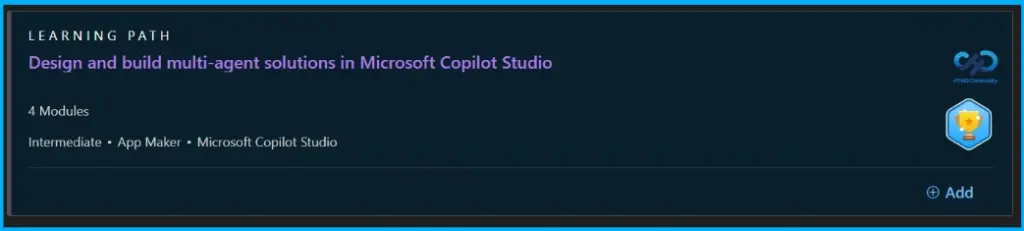
Design Agent Conversations and Responses using Topics in Microsoft Copilot Studio
Learning to design and configure conversational agent behavior in Copilot Studio includes designing conversations using topics, delivering rich responses using Adaptive Cards, taking action from conversations using tools, and generating AI-powered answers using generative answers and custom prompts.
You can easily start this session – https://learn.microsoft.com/en-us/training/paths/design-agent-conversations-responses-topics-copilot-studio/
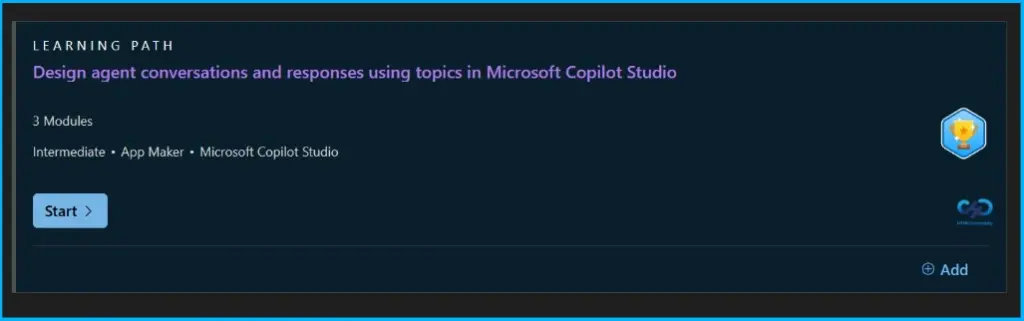
Design and Build Multi-Agent Solutions in Microsoft Copilot Studio
Learn to plan, design, and build multi-agent solutions in Microsoft Copilot Studio by evaluating when multi-agent architectures are needed, designing solutions using child agents and connected agents, and implementing both approaches to build organised and scalable agent systems.
You can easily start this session – https://learn.microsoft.com/en-us/training/modules/design-multi-agent-solutions-copilot-studio/1-introduction
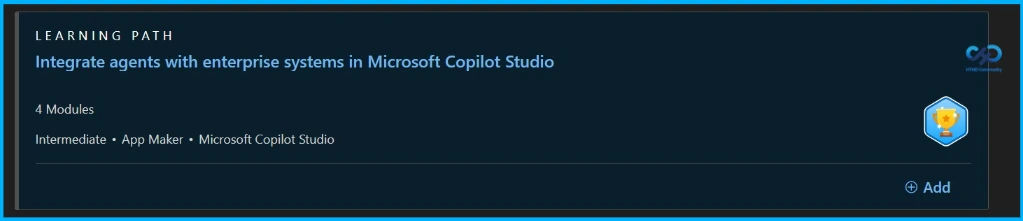
Integrate Agents with Enterprise Systems in Microsoft Copilot Studio
Learn to connect Copilot Studio agents with enterprise systems by understanding integration patterns, setting up connectors and REST API tools, using enterprise knowledge sources to ground agents, and linking agents to external systems through MCP.
You can easily start this session – https://learn.microsoft.com/en-us/training/paths/integrate-agents-enterprise-systems-copilot-studio/
Need Further Assistance or Have Technical Questions?
Join the LinkedIn Page and Telegram group to get the latest step-by-step guides and news updates. Join our Meetup Page to participate in User group meetings. Also, join the WhatsApp Community and the Whatsapp channel to get the latest news on Microsoft Technologies. We are there on Reddit as well.
Author
Anoop C Nair is a Workplace Technology solution architect with 25+ years of experience. Microsoft Certified Trainer. Microsoft MVP from 2015 onwards for consecutive 11+ years! He is a blogger, Speaker, and Founder of HTMD Community and HTMD Conference. His main focus is on Device Management technologies like Intune, Windows, and Cloud PC. He writes about technologies like Intune, SCCM, Windows, Cloud PC, Entra, and Microsoft Security.
Discussion